Scroll to top

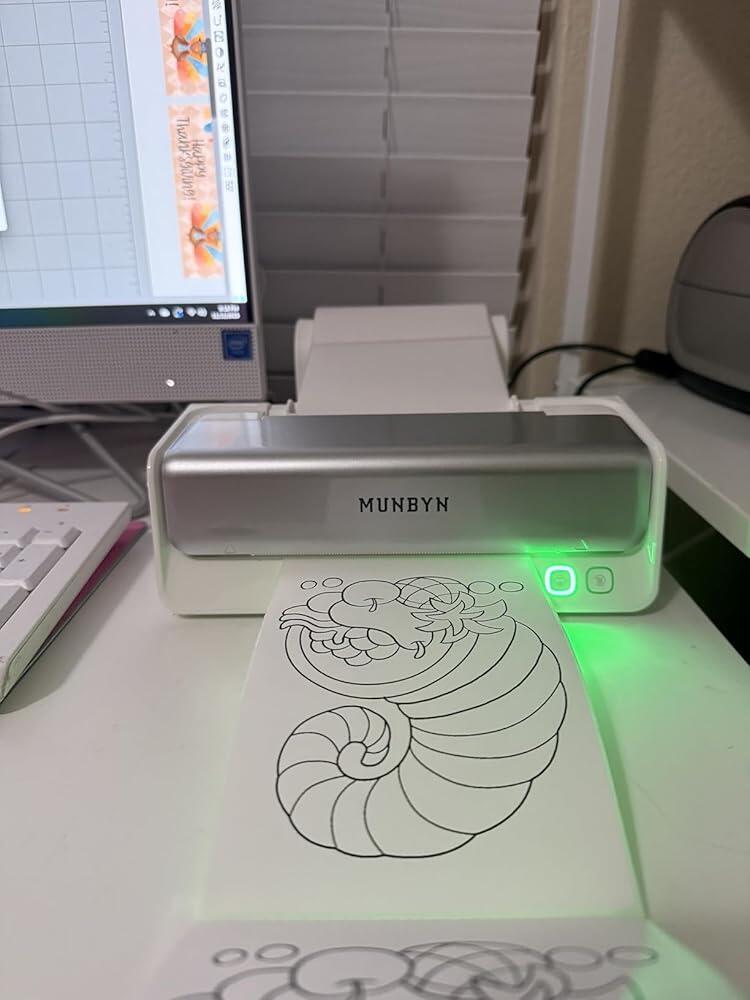
Print Anything, Anywhere

Your ideas, your space — print wherever inspiration strikes.

Ink-Free, Worry-Free

Zero ink. Time, money, and planet-saving.

Fast to Print, Easy to Keep Going

High speed:150 mm/s = one 4×6 label per second.

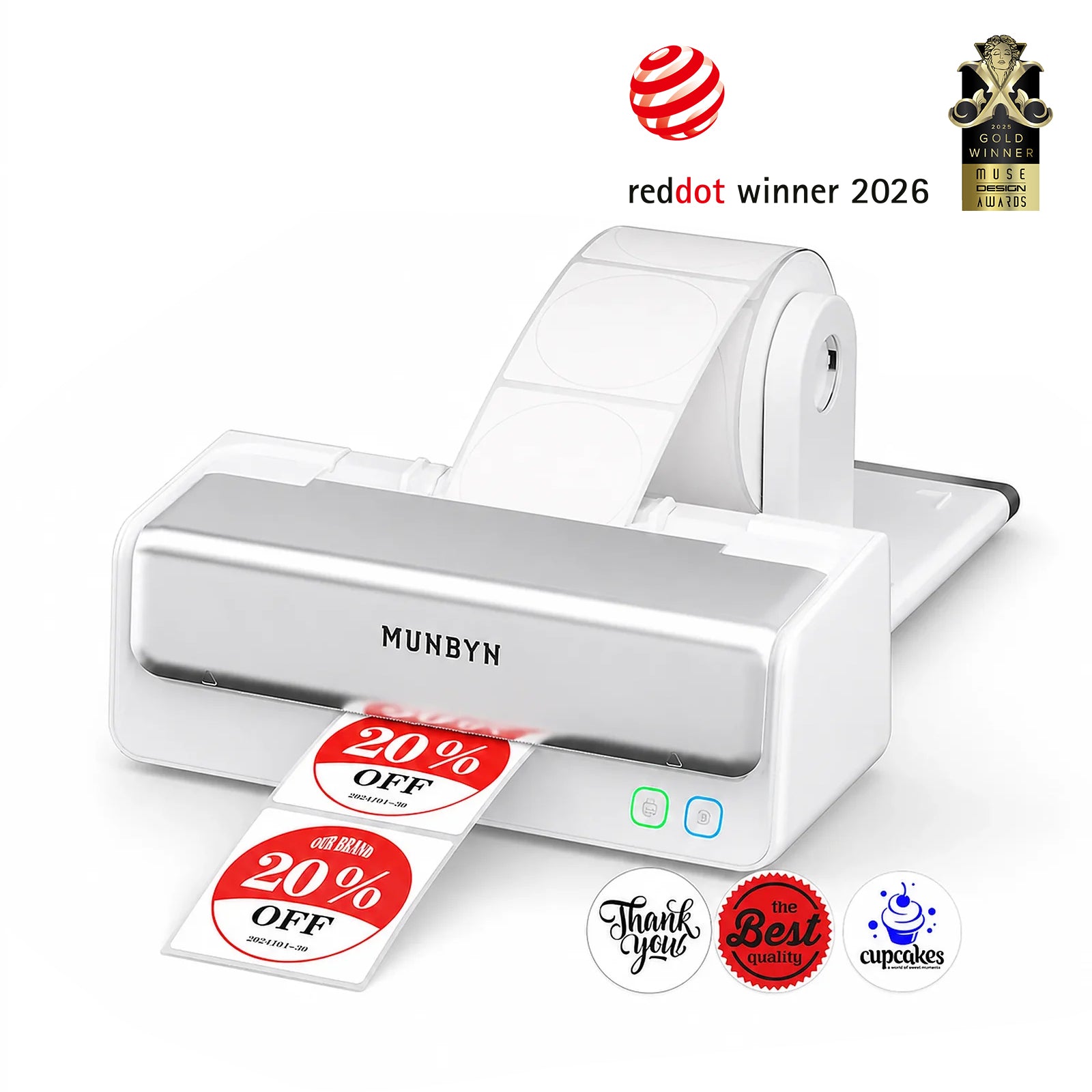
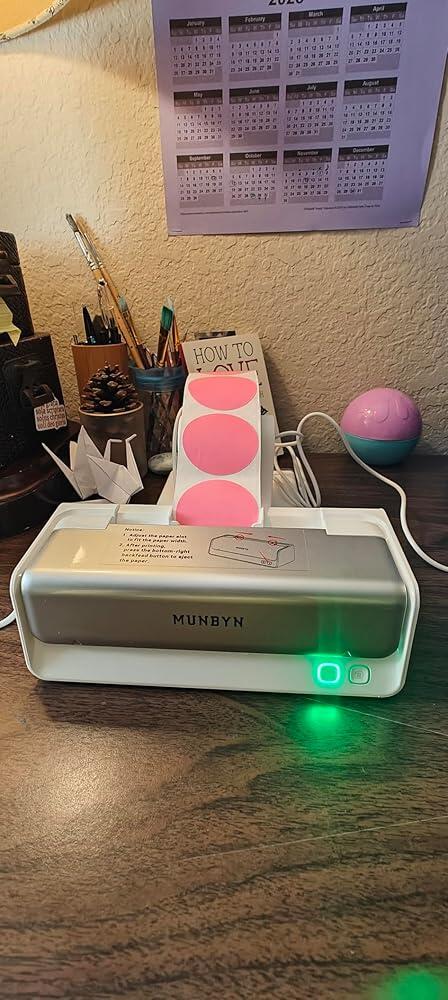
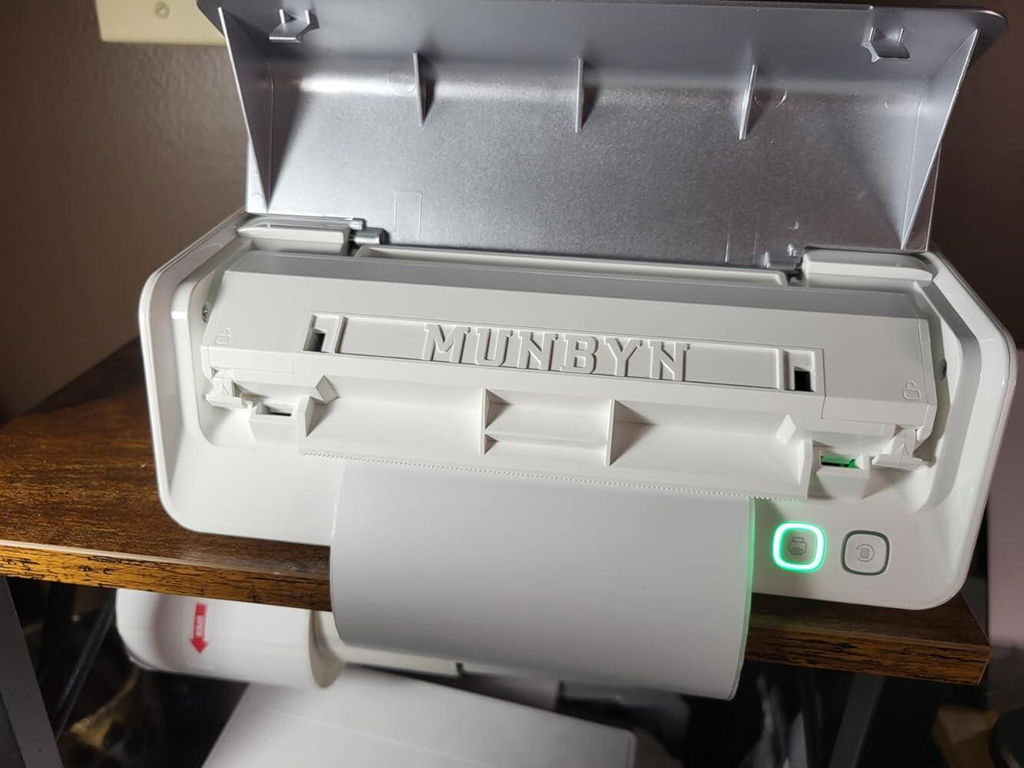
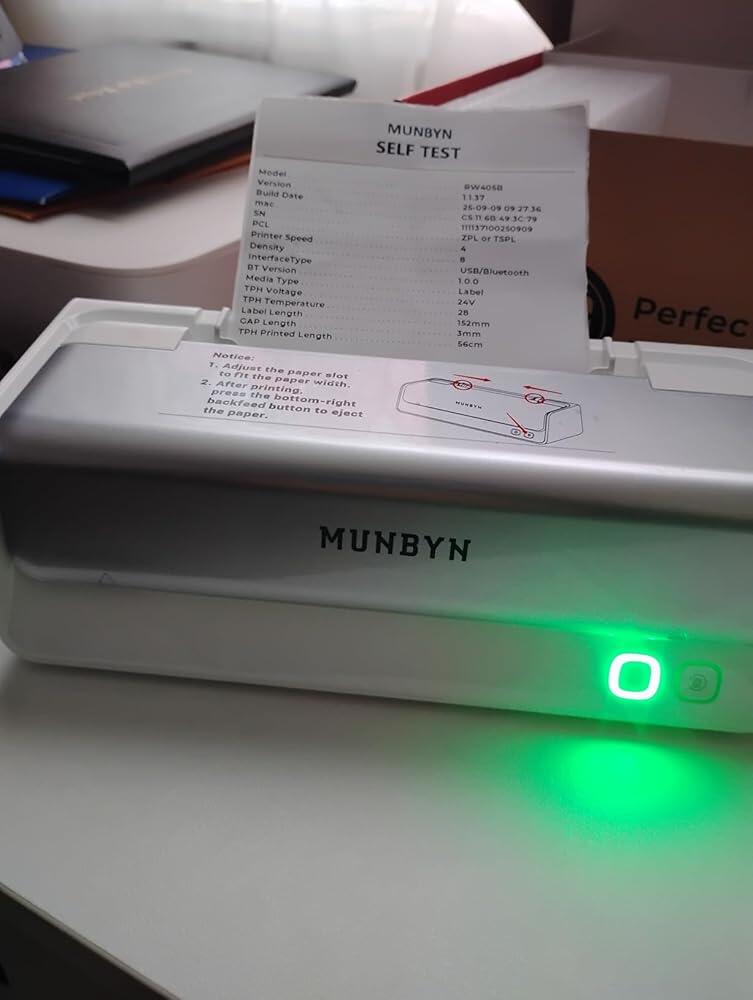
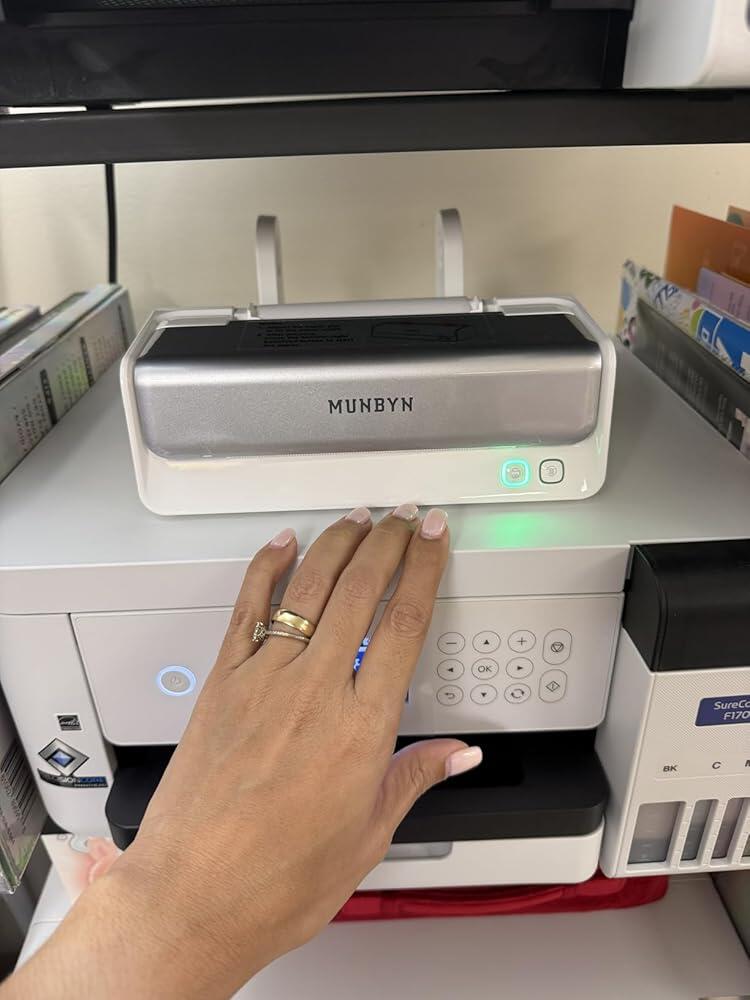
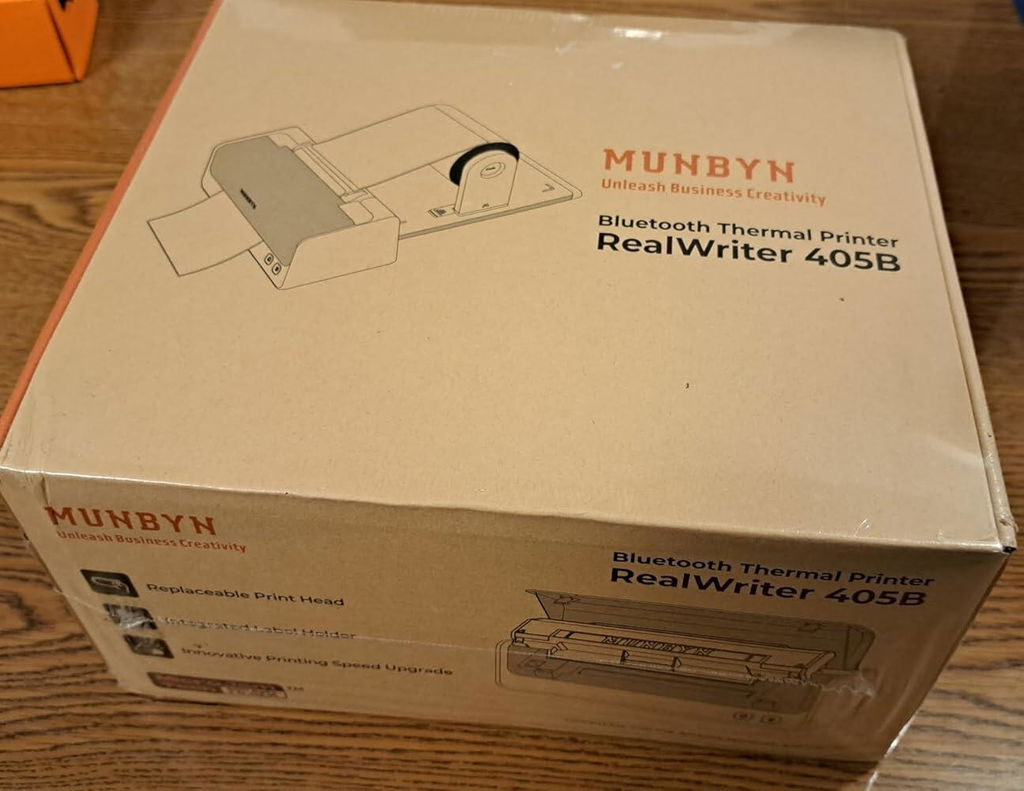
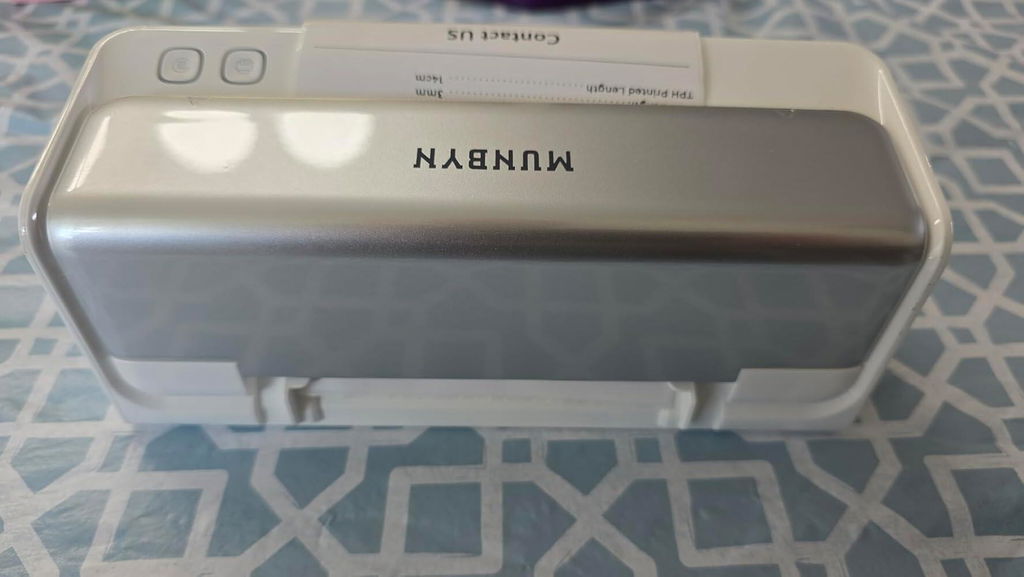
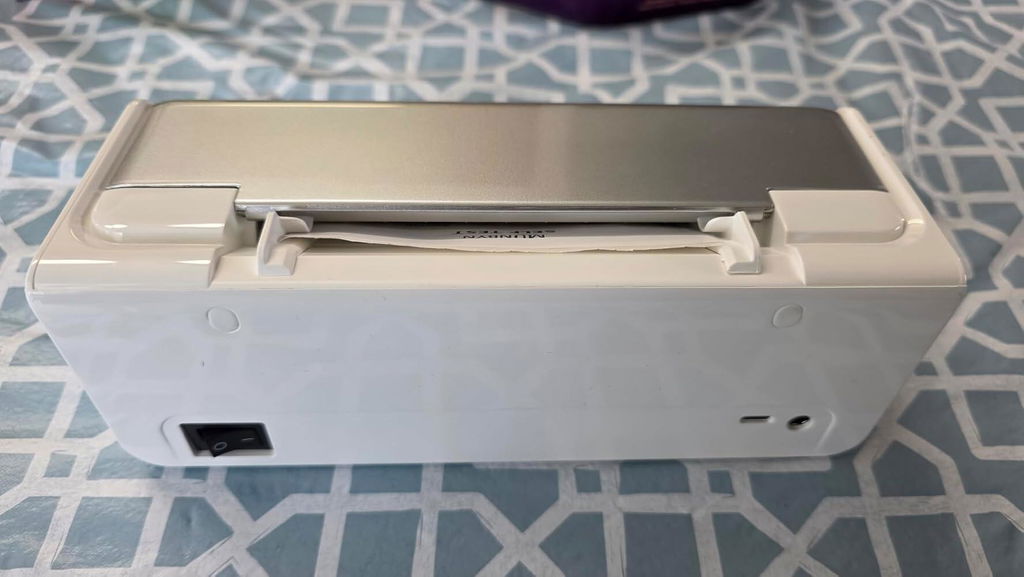
MUNBYN RW405B Dual-Colour Bluetooth Thermal Label Printer with Label Holder
$299.99 AUD

Product details

Basic Introduction

Moel Type

- 405B

Resolution

- 203 DPI

Printing Speed

- 150 mm/s

Weight

- 0.676 Kg

Product Dimensions

- 208x90x75mm(L*W*H)

Compatibility
Connectivity

Bluetooth: iOS, Android, Windows, Mac
USB: Windows, Mac OS

Compatible Label Sizes

- 40-108 mm

Special Feature

- Dual-Color
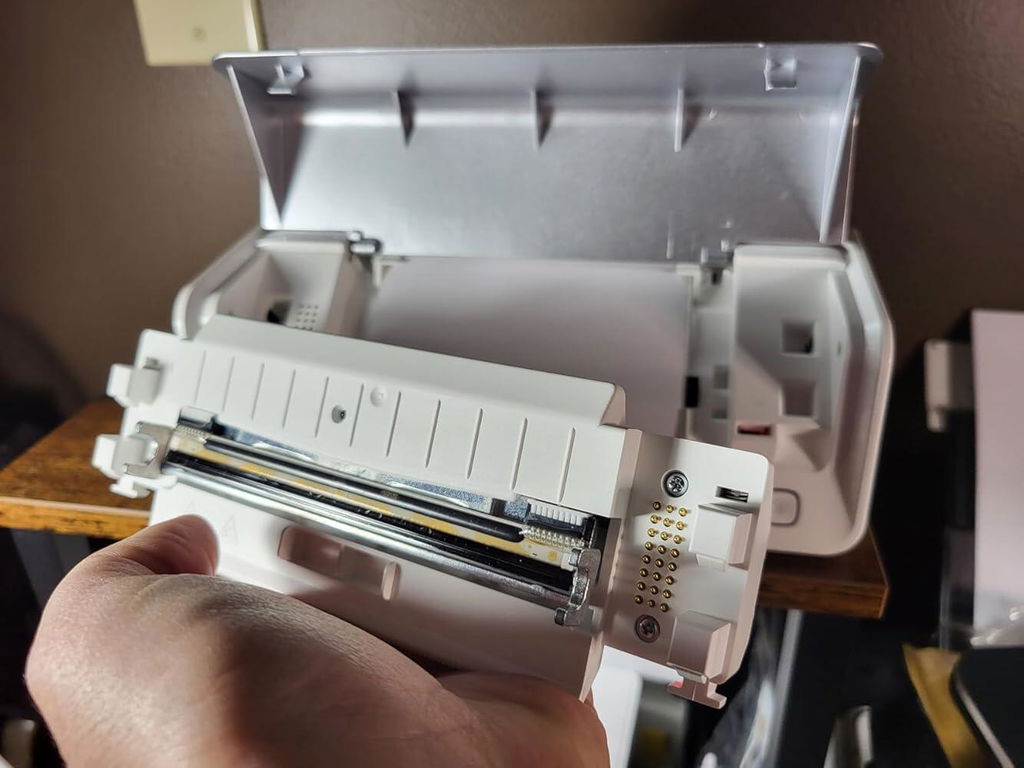
- Replaceable Print Head

Compatible Devices

- Laptops, PC, Smartphones, Tablets

Power Adapter

- 24V/2.5A

Others
Usage Scenarios

- Warehouses
- Retail
- Offices
- Business
- Home

Service Warranty

- 2-Year Warranty
- Technical Support

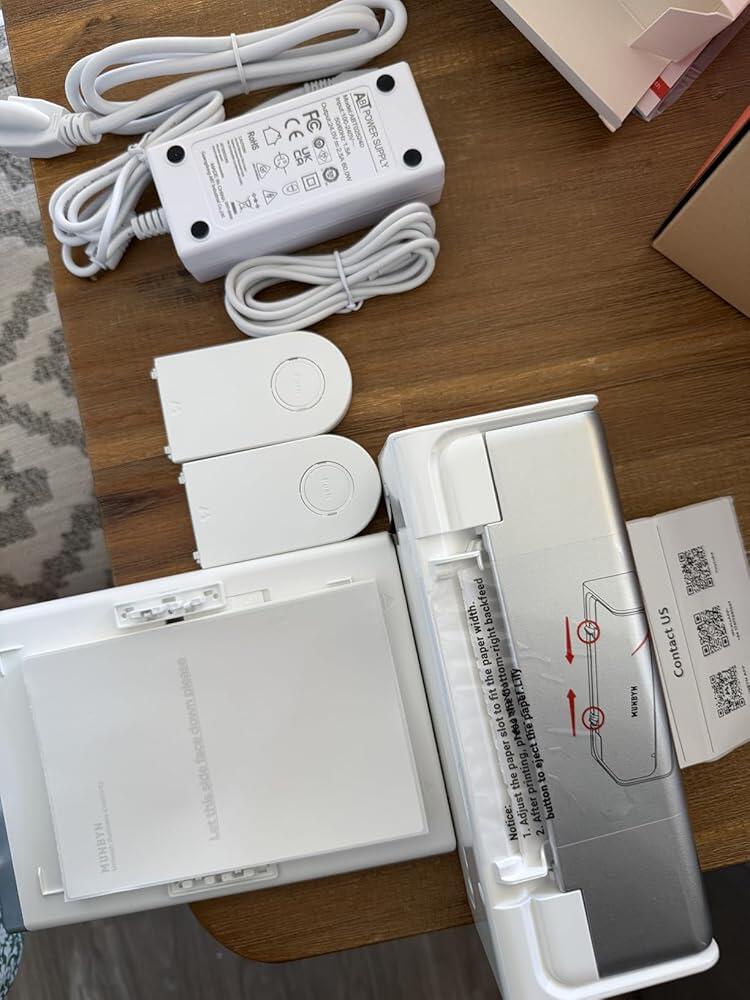
Included in the Box

  • Printer

  • Power Adapter

  • User Manual

  • Quick Tips

  • Labels

  • Electrostatic Film

  • Data cable

  • Adapter

Download our app

High-End Labels in Minutes
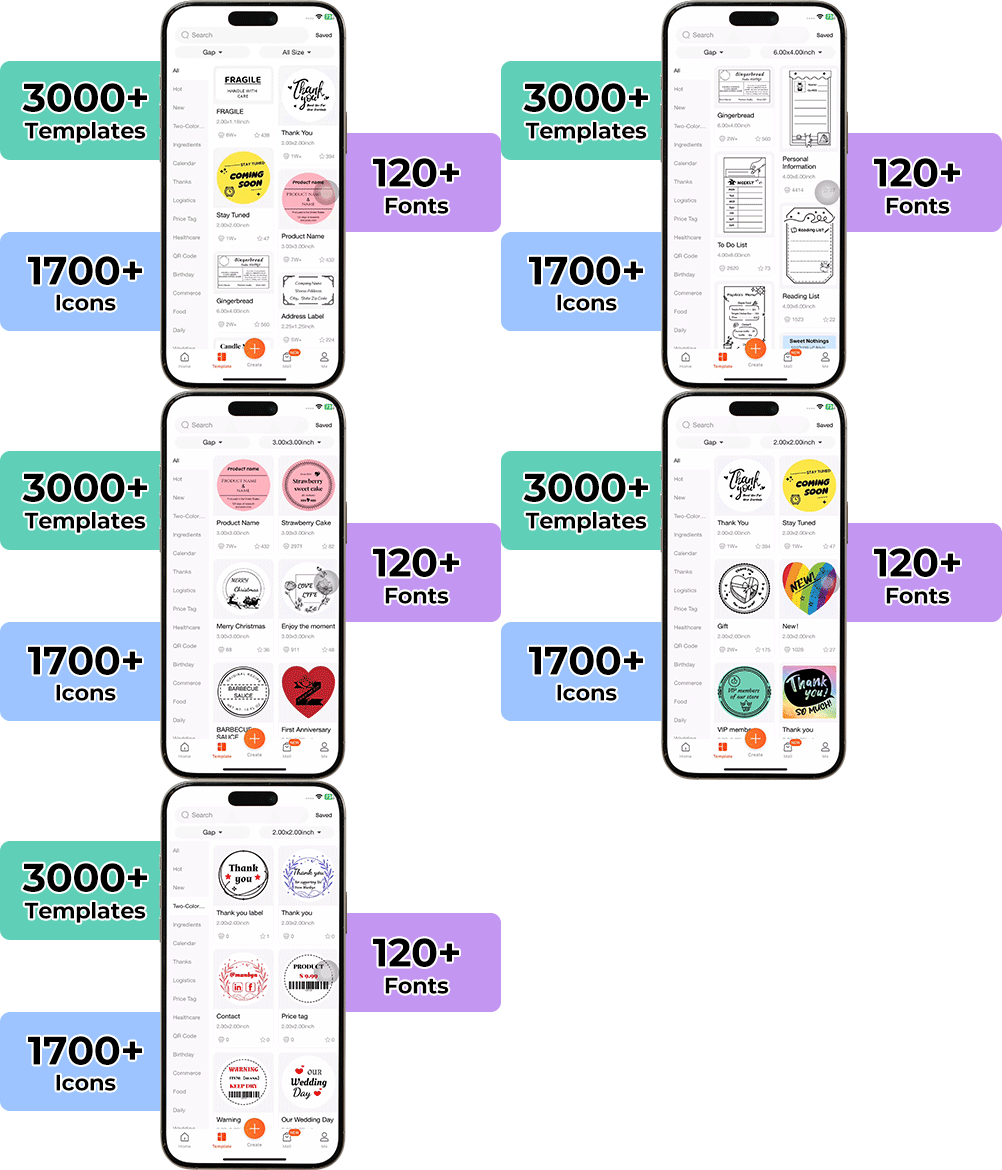
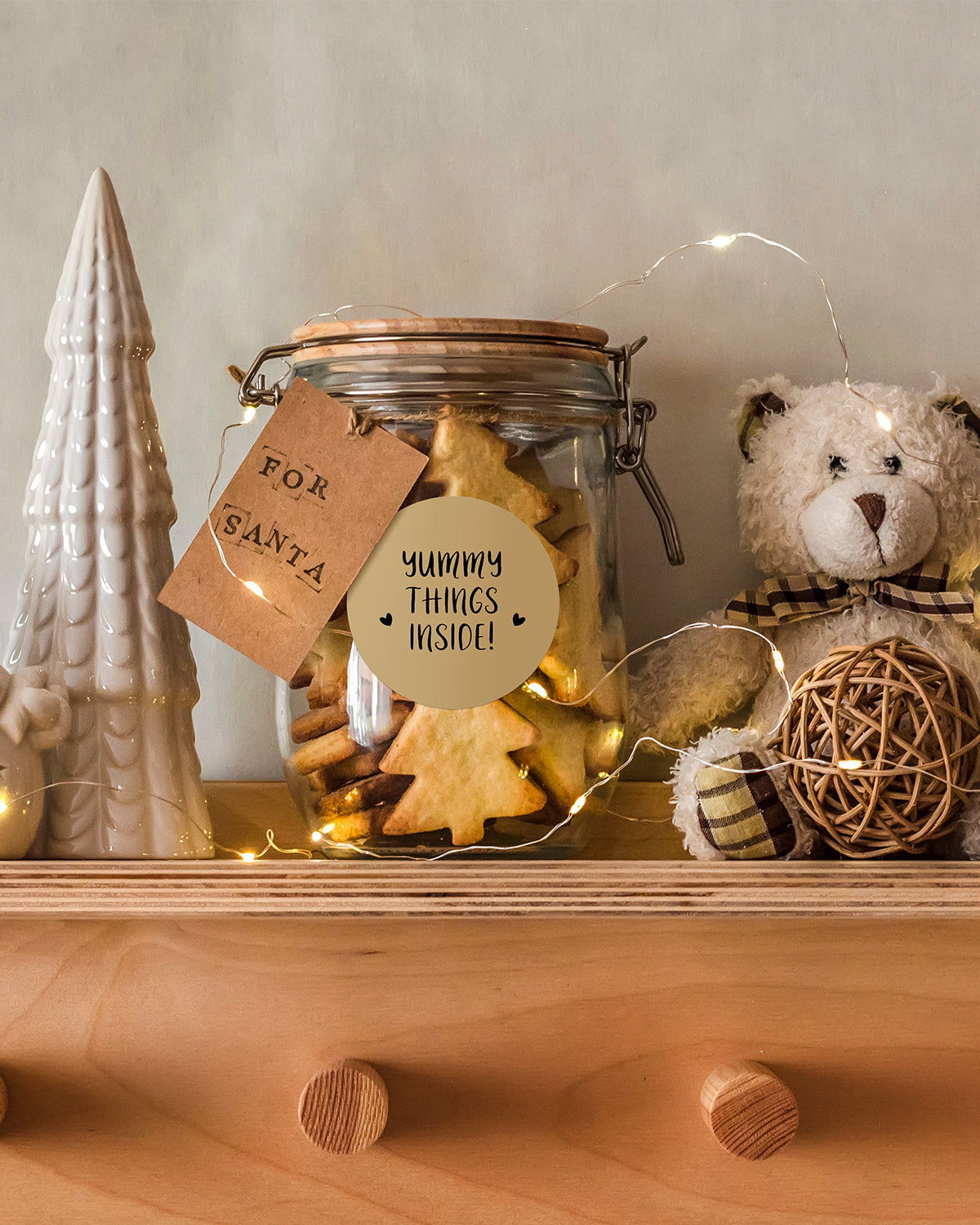
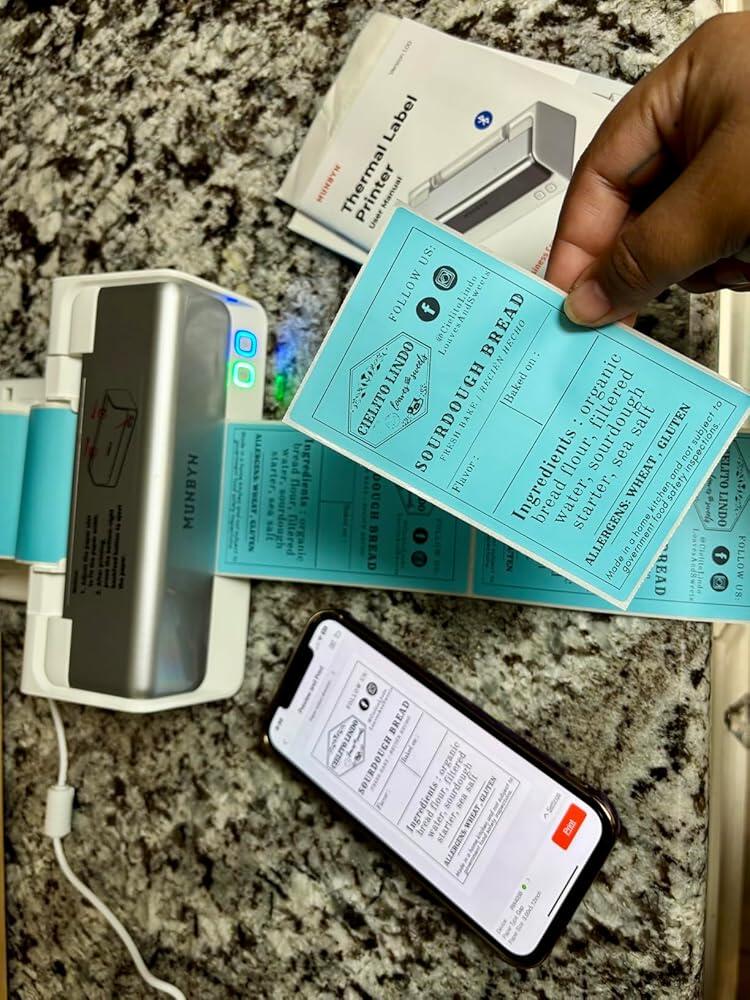
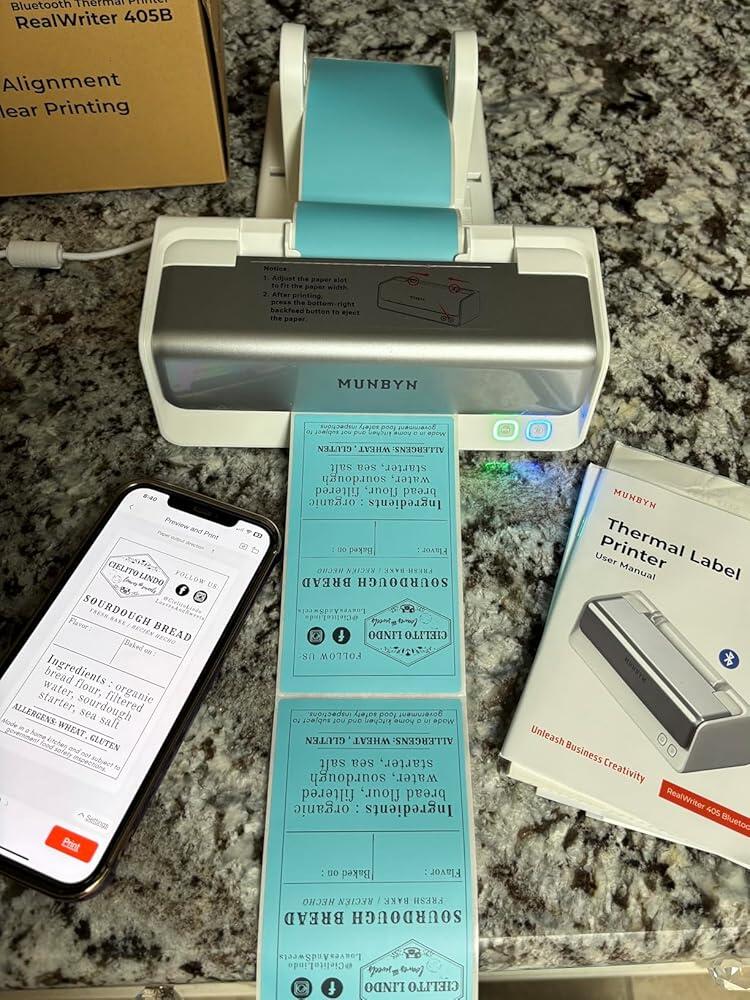
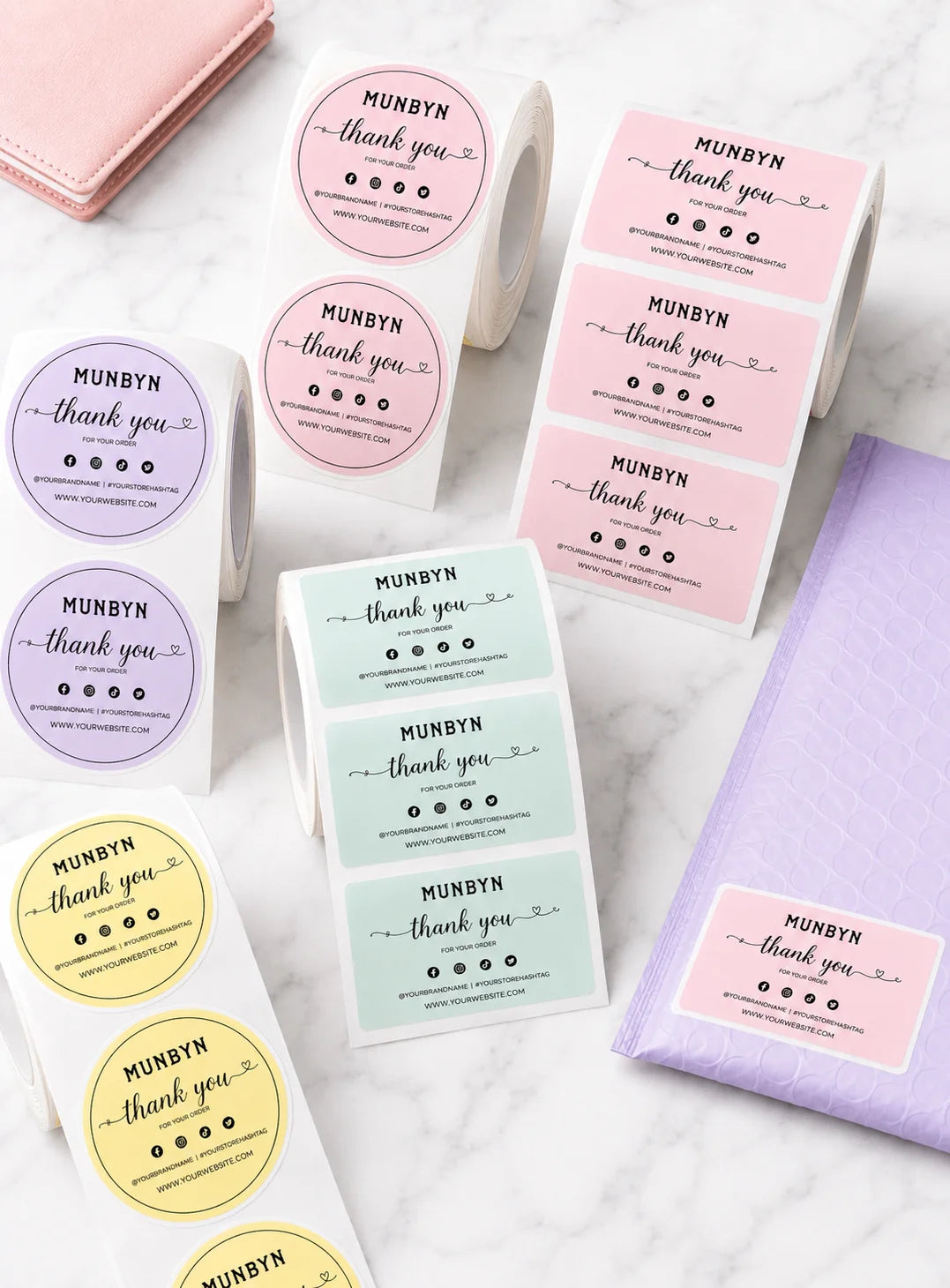
Designing custom packaging has never been this simple. Using the MUNBYN app and our versatile DIY Labels, you have a library of 3,000+ design assets and templates at your command.

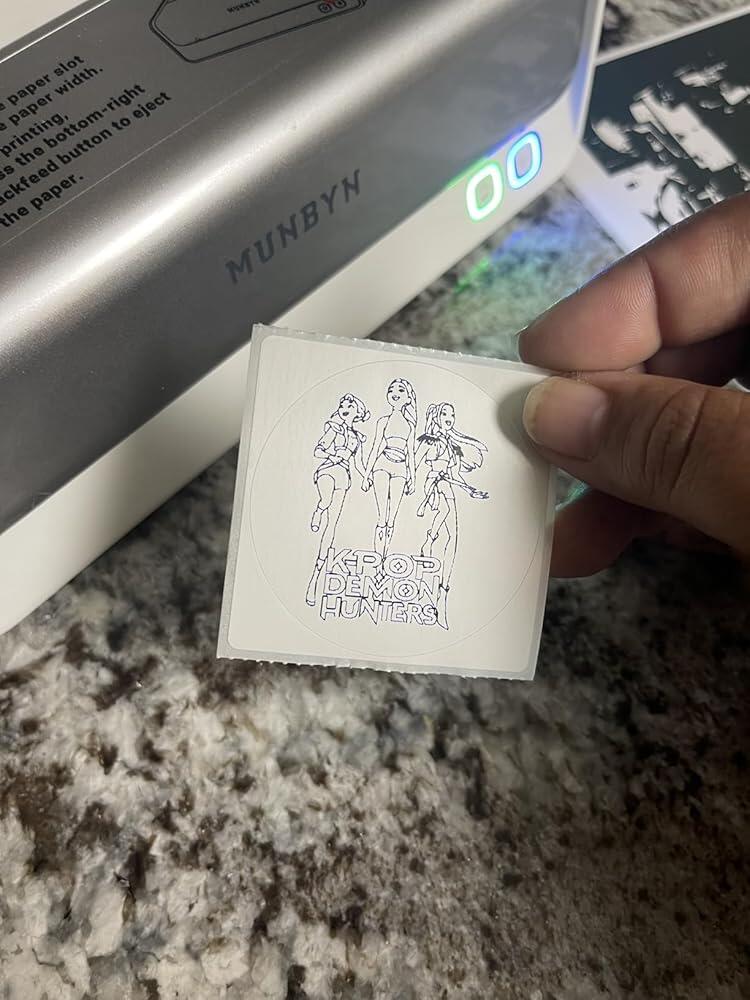
Craft bespoke logos and promotional stickers that perfectly capture your brand’s personality—all while keeping your budget in check.


Google Play

Google Play

Download Now

 
Online Editor

Online Editor

Create Now

 
User Manual

User Manual

Download Now

Setup Guides & Tutorials

Video

Watch Tutorials

Step-by-step tutorials and troubleshooting videos.

WATCH TUTORIALS
Guide

Read Full Guide

Find FAQs, setup instructions, and driver downloads.

Read Full Guide
×
How to Print Two-Color Labels

How to Print Two-Color Labels

Watch Video →
How do I connect the printer to the 'MUNBYN Print' App

How do I connect the printer to the 'MUNBYN Print' App

Watch Video →
How to connect RW405B device to Windows via Bluetooth

How to connect RW405B device to Windows via Bluetooth

Watch Video →
How to install the driver on macOS for RW405B with USB cable

How to install the driver on macOS for RW405B with USB cable

Watch Video →
How to install the driver on Windows for RW405B with USB cable

How to install the driver on Windows for RW405B with USB cable

Watch Video →
How to install the driver on macOS for RW405B with USB cable

How to install the driver on macOS for RW405B with USB cable

Watch Video →
Introduction of the Status of Power Indicator

Introduction of the Status of Power Indicator

Watch Video →
Feed Button Instruction for RW405B

Feed Button Instruction for RW405B

Watch Video →

Proudly Women-Operated

80% of our leadership team are women, bringing empathy and innovation into every design and decision. Because when women lead, technology becomes more human — and creation becomes more meaningful.

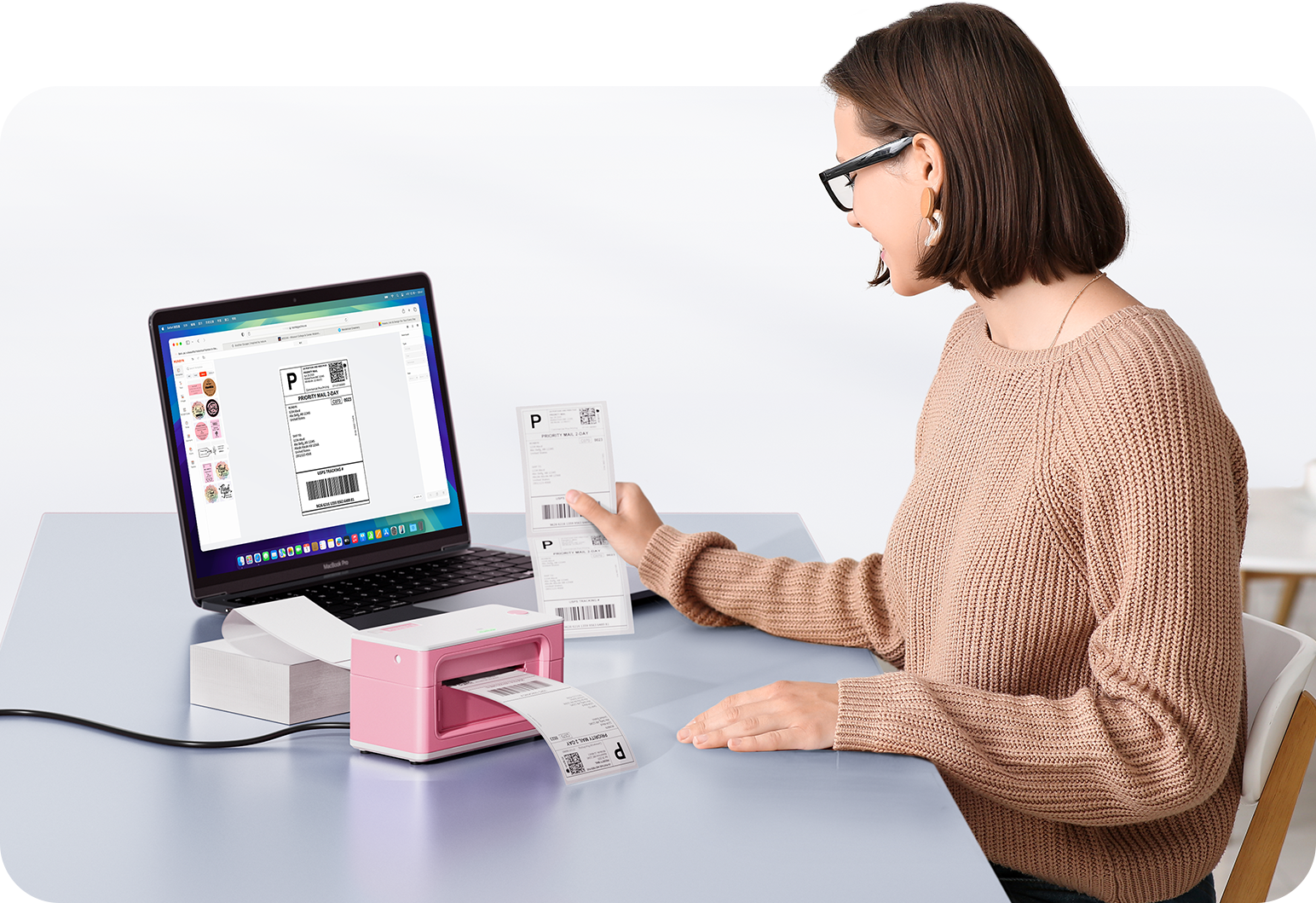
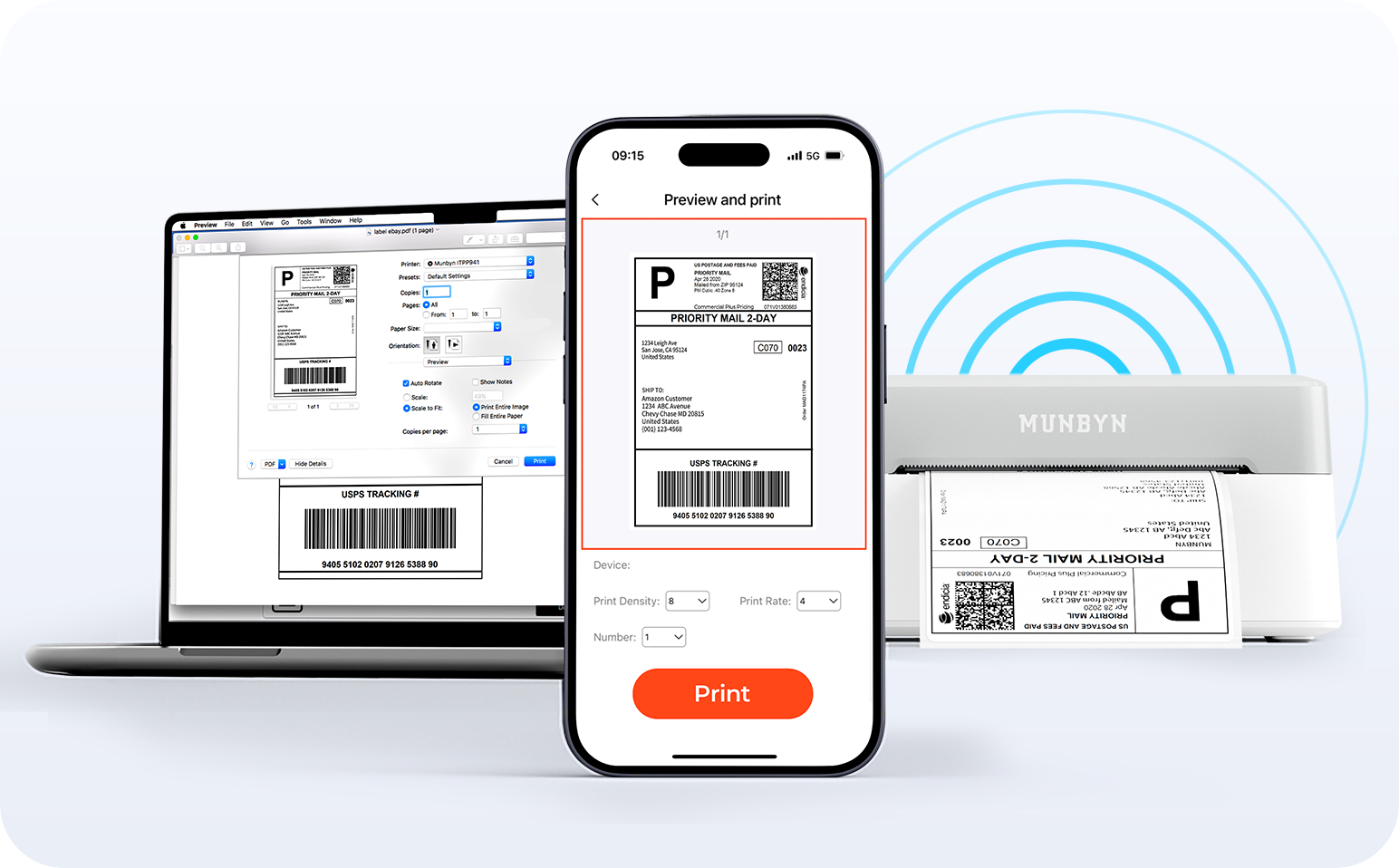
Wireless Freedom

Say goodbye to tangled cables and hello to effortless printing. Enjoy instant Bluetooth connectivity wherever you work, or plug in via USB when you need it.Seamlessly compatible with Windows, Mac, iPhone, iPad, and Android—your whole workspace connected, your printing made simple.

Load video:

Smart label detection

Label Freedom. Effortless printing starts here.

Supports ANY direct thermal label

4x6" 3x2" 3x1" 2x1" 4" 2"

Your MUNBYN printer automatically recognizes and adjusts to different label sizes—no manual setup needed.
From 4×6 shipping labels to 2×2 logo stickers and a wide range from 40mm to 110mm wide, switching between tasks takes only seconds.

Your all-in-one tool for major marketplaces and carriers, including but not limited to

Designed to print more than 980,000* labels in shipping labels

How People Use MUNBYN

Print life and label quantity estimates are based on laboratory calculations (150 KM printhead life × 4×6" label length). Actual performance may vary due to print frequency, label material, operating environment, and maintenance conditions.

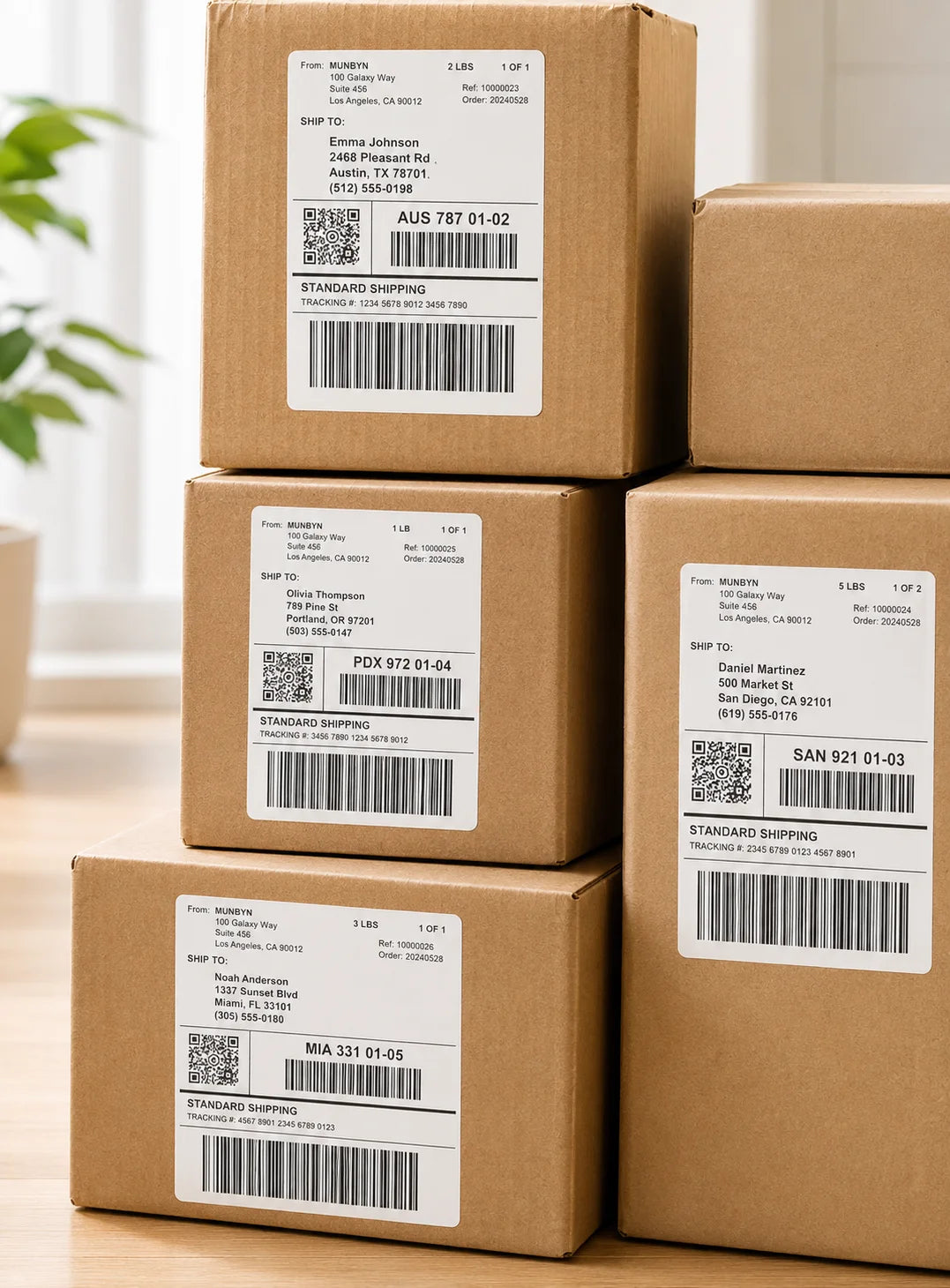
Shipping Labels

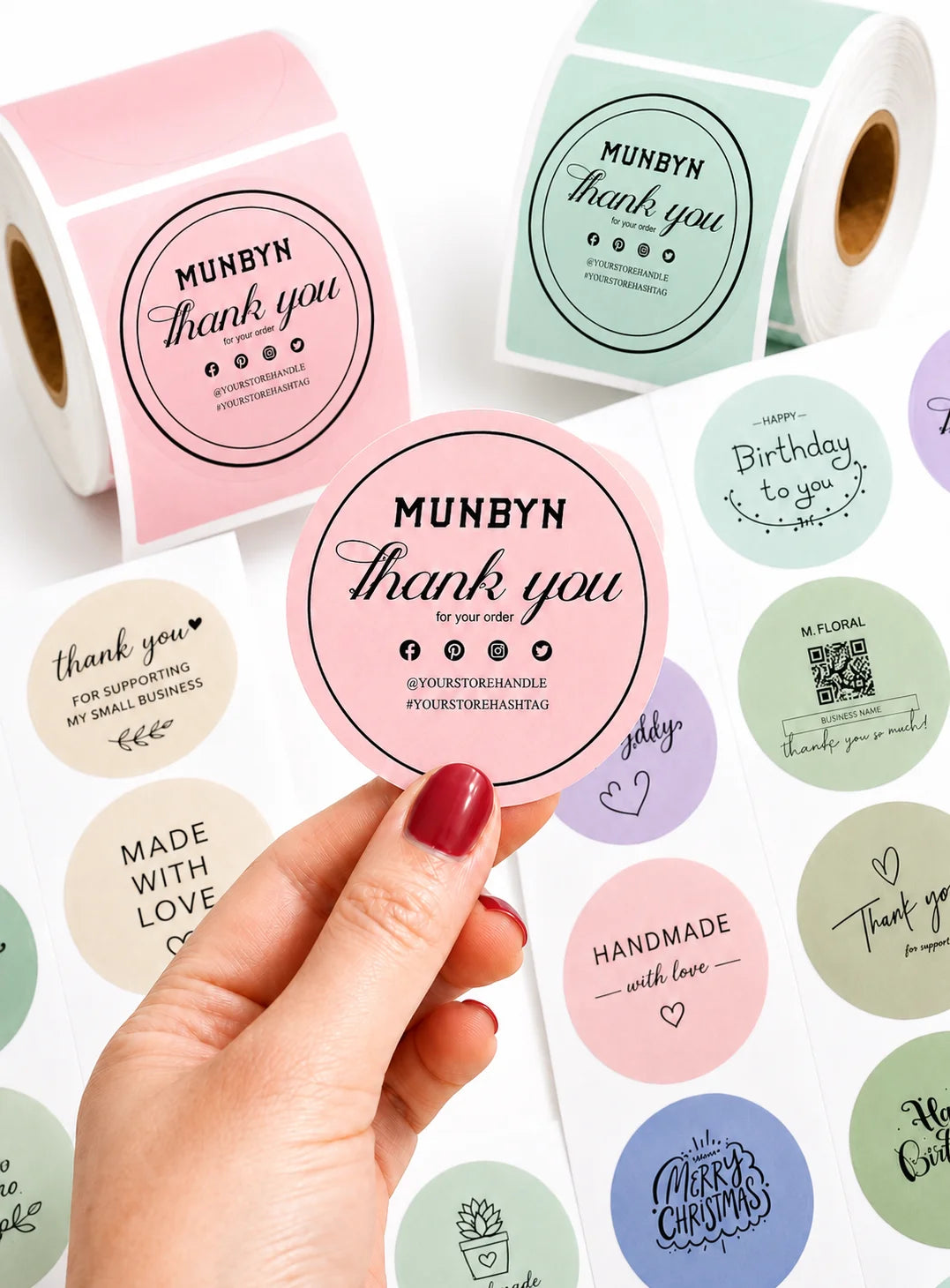
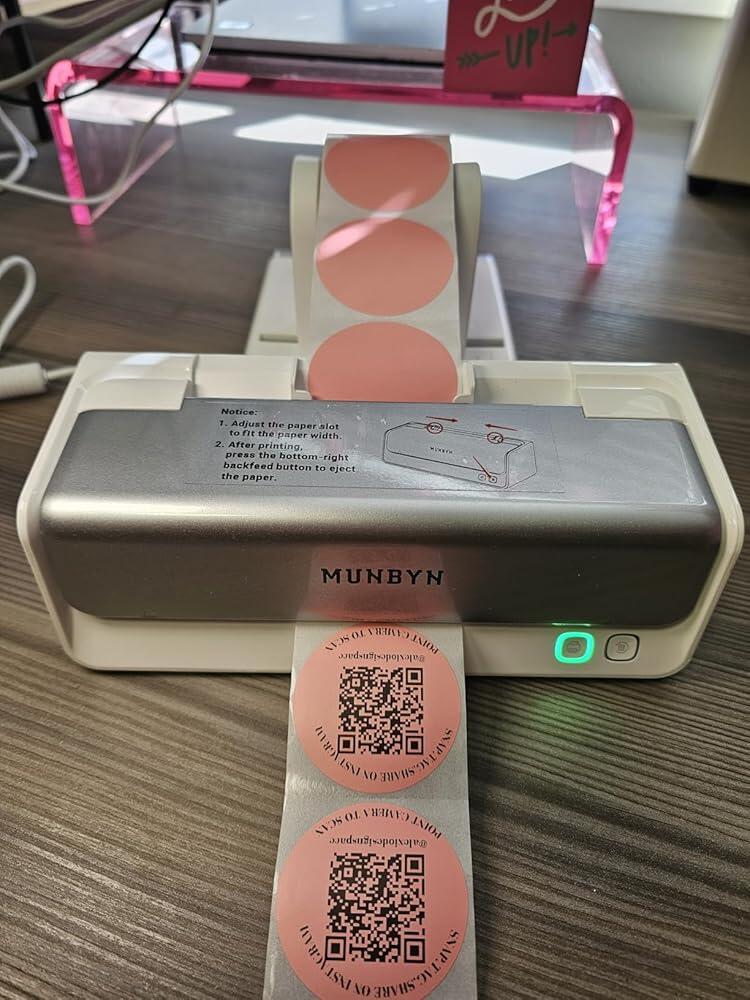
Custom Labels

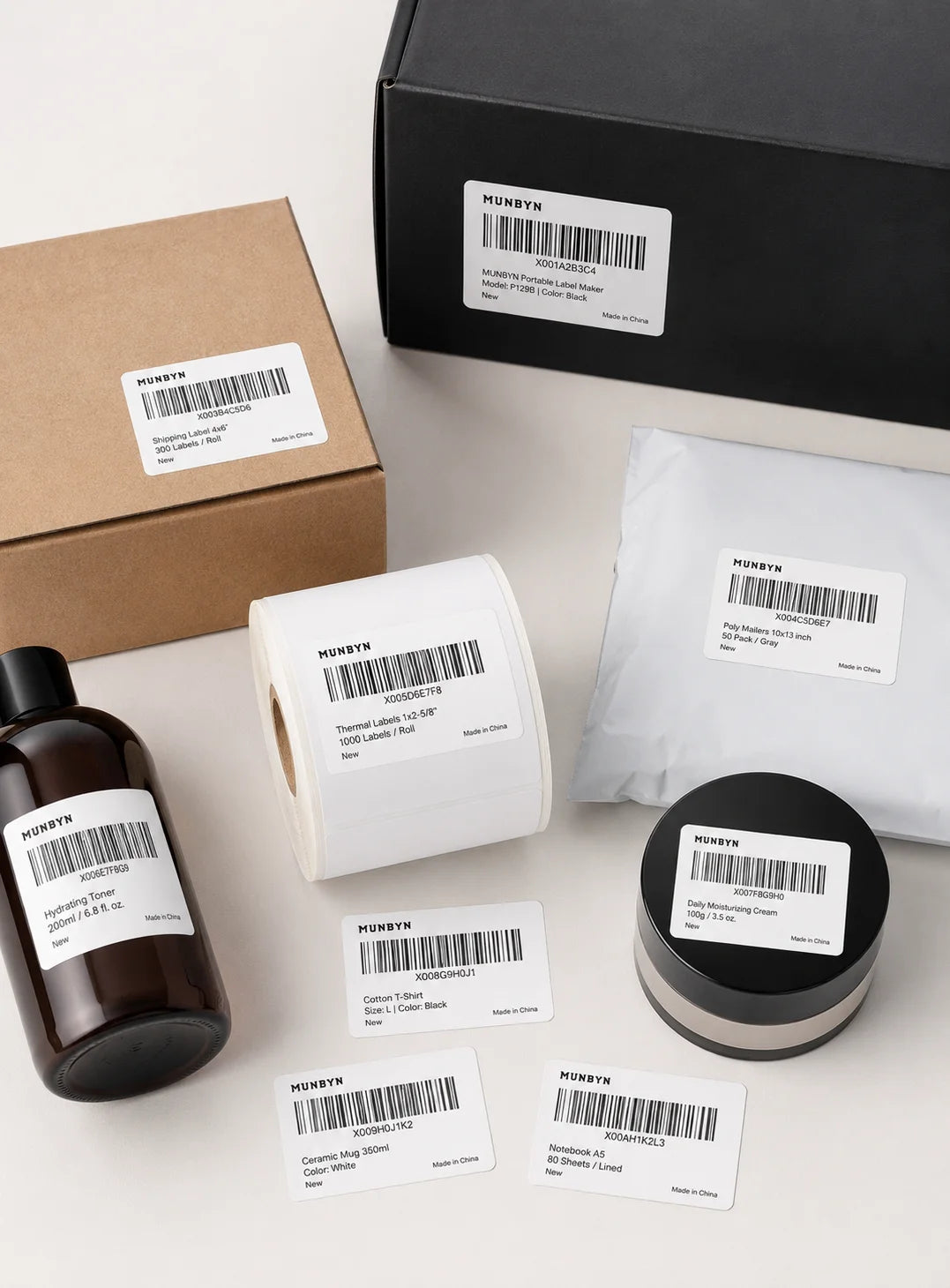
Barcode Labels

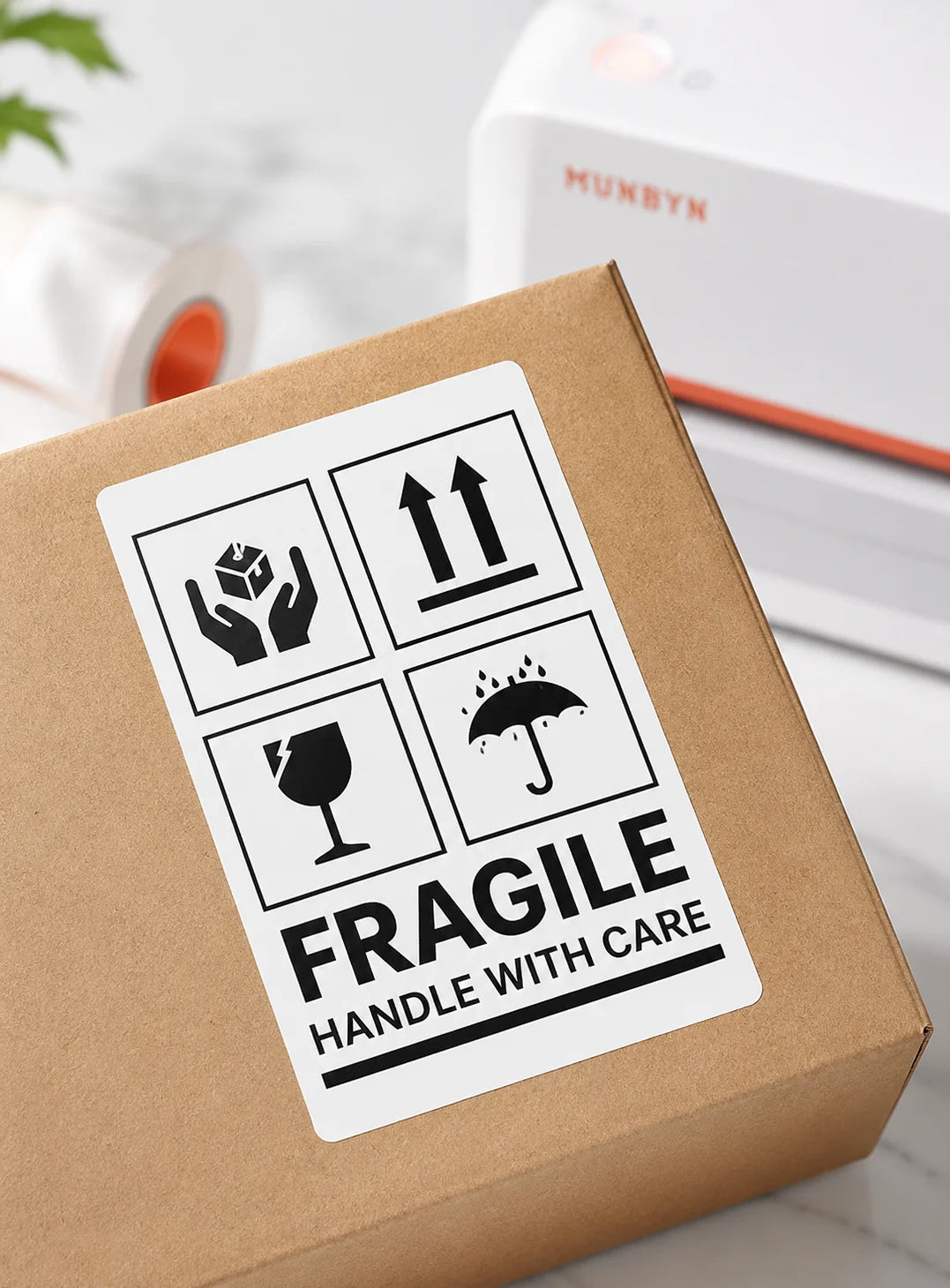
Fragile Labels

Branded Labels

Stickers for Daycare/School

FAQs

Please read our FAQs page to find out more.

How does dual-colour printing work on the MUNBYN RW405B?

The RW405B can produce black and red or black and blue output when used with the matching MUNBYN dual-colour direct thermal labels. Standard direct thermal labels produce monochrome output, and the printer does not use ink or toner.

Can the RW405B print Australia Post and Sendle shipping labels?

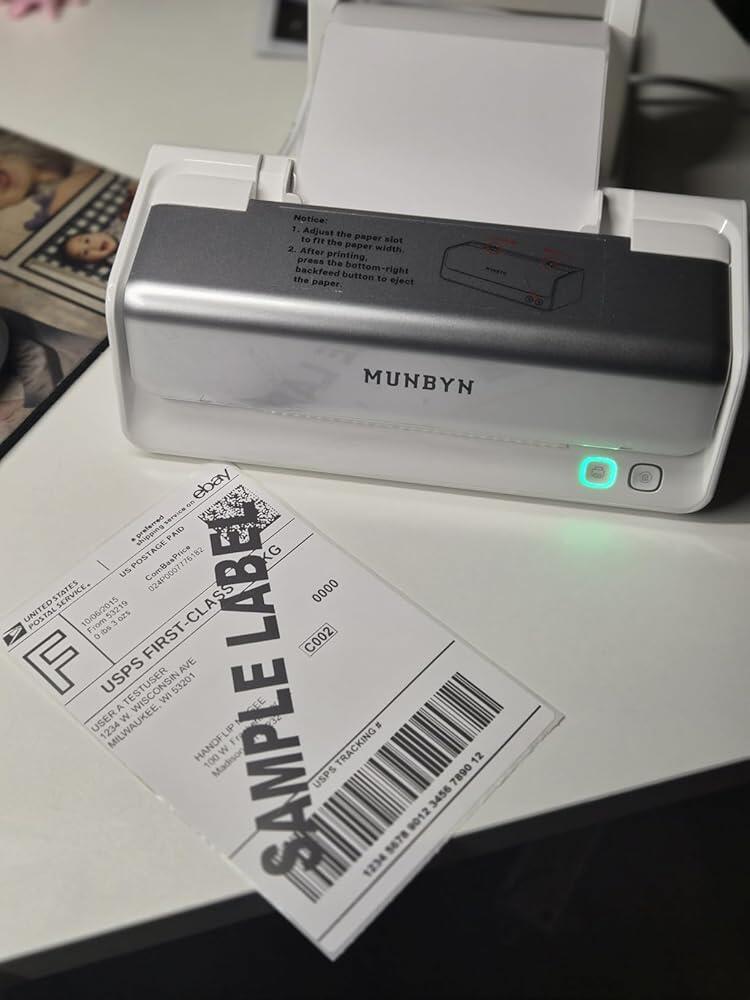
Yes. The RW405B can print standard shipping labels generated by Australia Post, Sendle and ecommerce platforms when the file is set to the correct dimensions. Use 102 x 152 mm (4 x 6 inch) media and 100% scale for common parcel labels.

How does the RW405B connect to phones and computers?

The RW405B supports Bluetooth with compatible iOS, Android, Windows and Mac devices and USB for Windows or Mac computer workflows. Use MUNBYN Print on mobile or MUNBYN Editor on a compatible computer or Chrome environment.

What label sizes are compatible with the MUNBYN RW405B?

The RW405B supports direct thermal labels from 40 to 108 mm wide. It can print parcel labels, return labels, barcodes, inventory tags and product stickers, while dual-colour output requires compatible black/red or black/blue thermal stock.
What print resolution and speed does the RW405B provide?

The RW405B prints at 203 DPI and up to 150 mm/s. This is suitable for standard shipping text and barcodes, while complex dual-colour artwork, label material and print density can affect throughput.
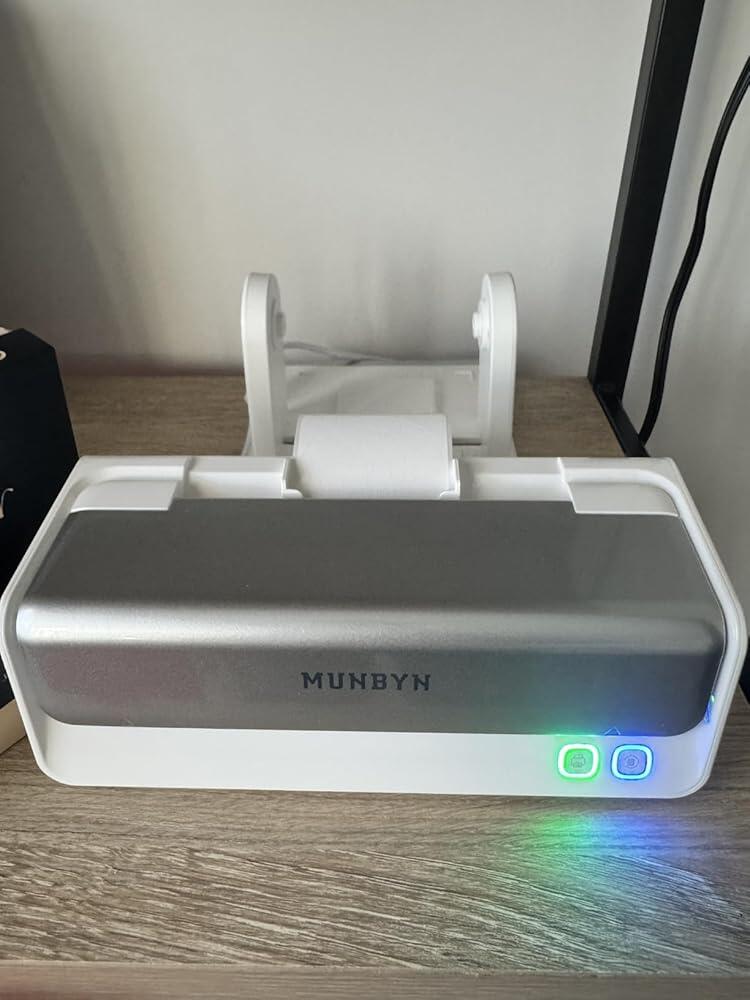
What is the built-in label holder on the RW405B used for?

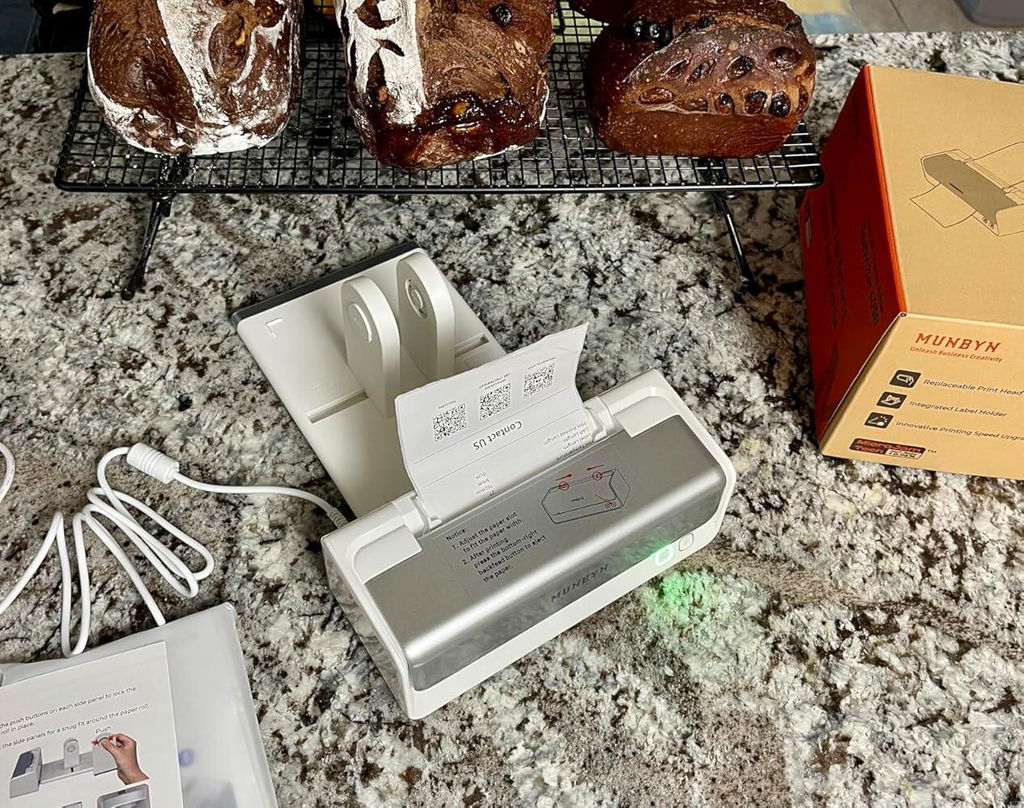
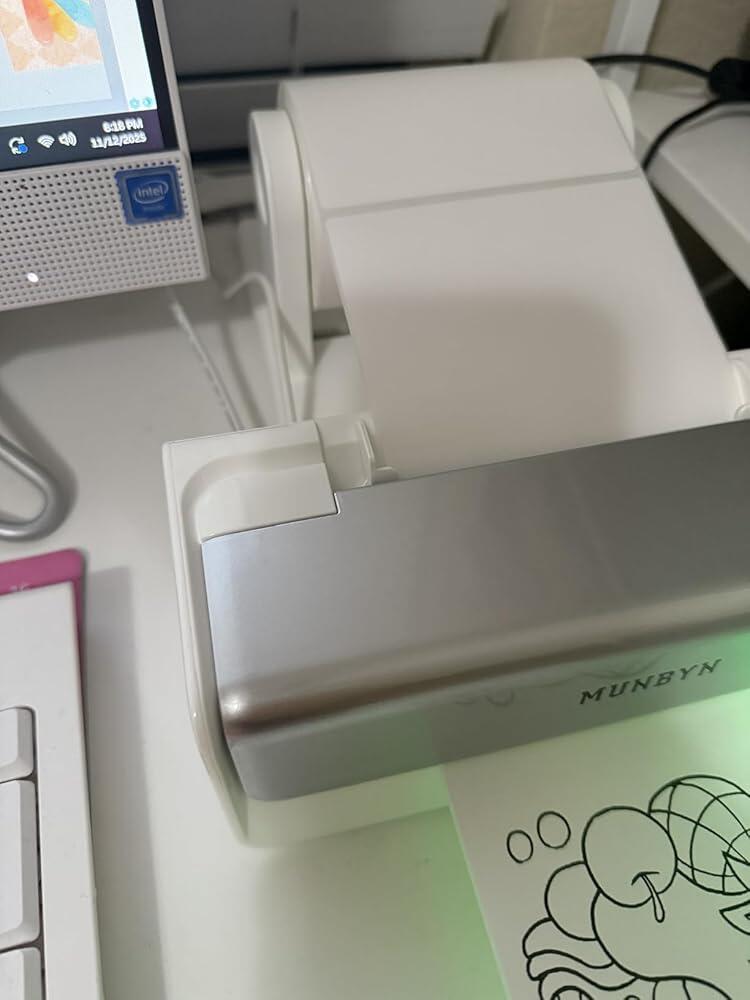
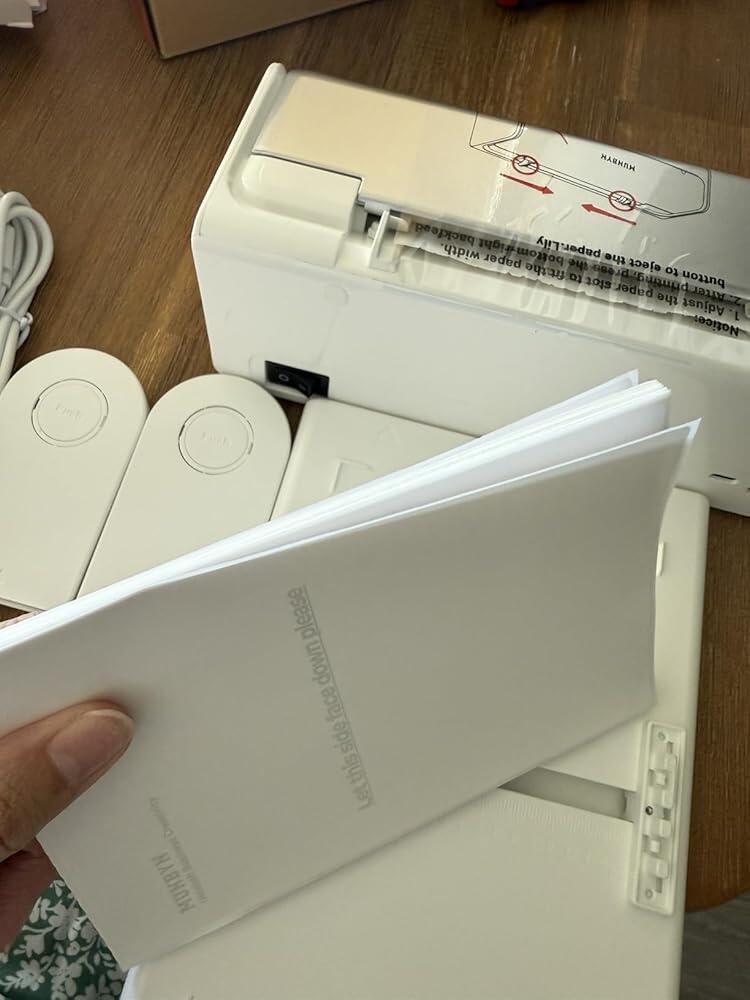
The integrated holder keeps roll or fan-fold media aligned behind the printer and supports a tidier dispatch setup. Position the labels so they feed straight into the guides without twisting or pulling.

Can the print head on the RW405B be replaced?

Yes. The RW405B is designed with a replaceable print head. Follow the user guide or MUNBYN support instructions for the correct replacement part and procedure rather than opening or servicing a powered printer.

What should I check if the RW405B prints blank or misaligned labels?

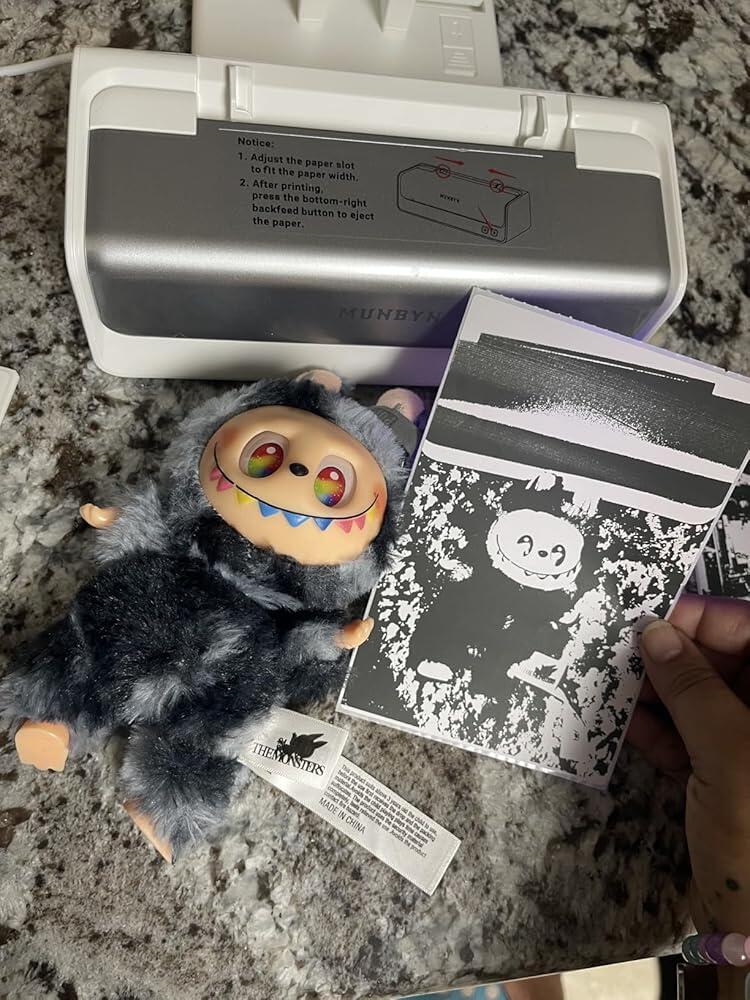
Confirm that the thermal side faces the print head, that dual-colour media matches the selected design and that the holder feeds labels straight. Run calibration, match the document to the physical label size and print one test label before a full Australia Post or Sendle batch.

Didn’t find your answer?

Don't hestitate to contact us

Free shipping and returns