 Australia
 Best Seller
 Label Printers
 All Thermal Labels
 Printer Accessories
Grab Yours Before It’s Gone!

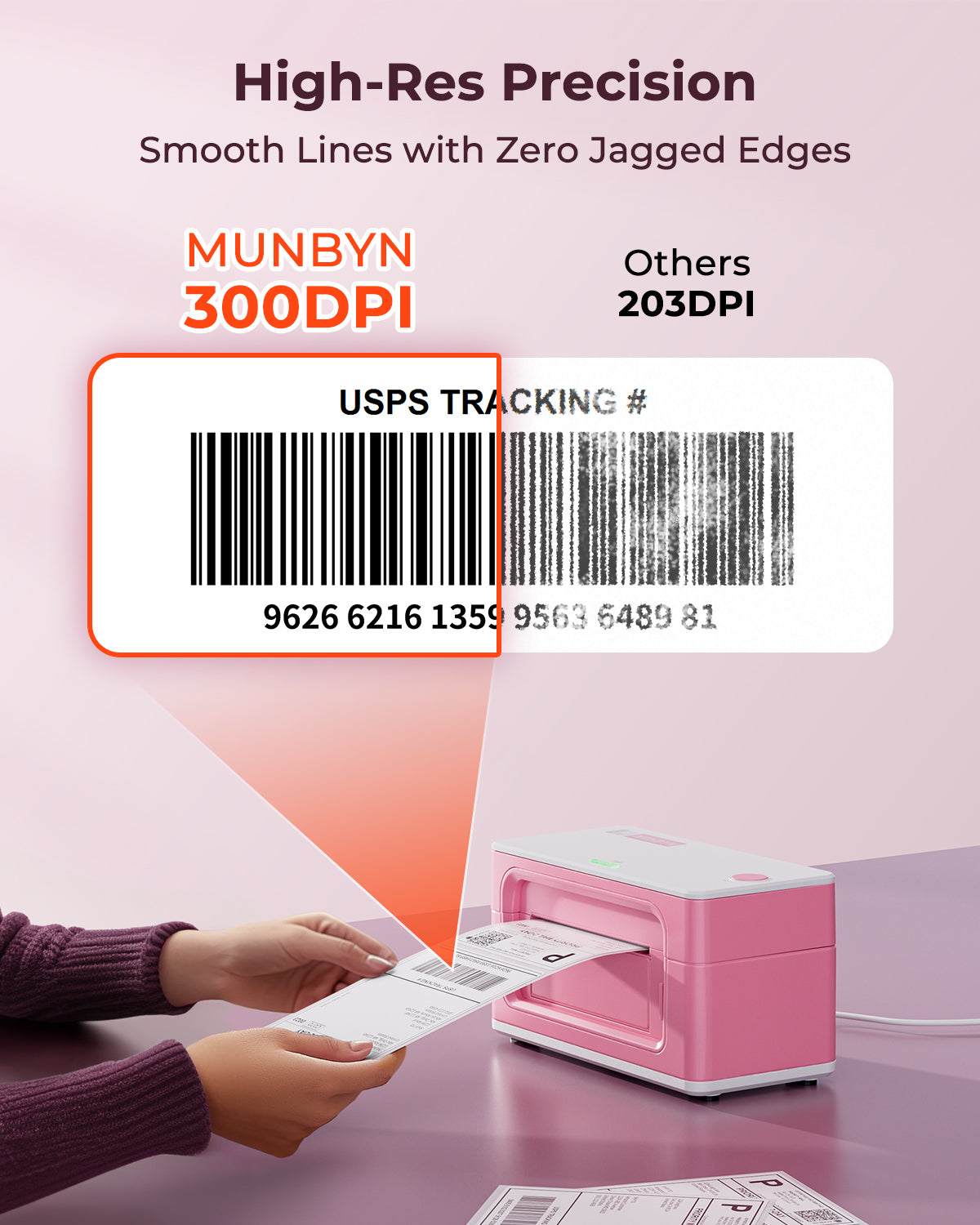
300 DPI Precision
Sharper small text, barcodes, logos and product details.


 Australia
You are currently viewing:
Australia
Items in your shopping cart will be removed when you change country
Your cart is currently empty.
Product highlights

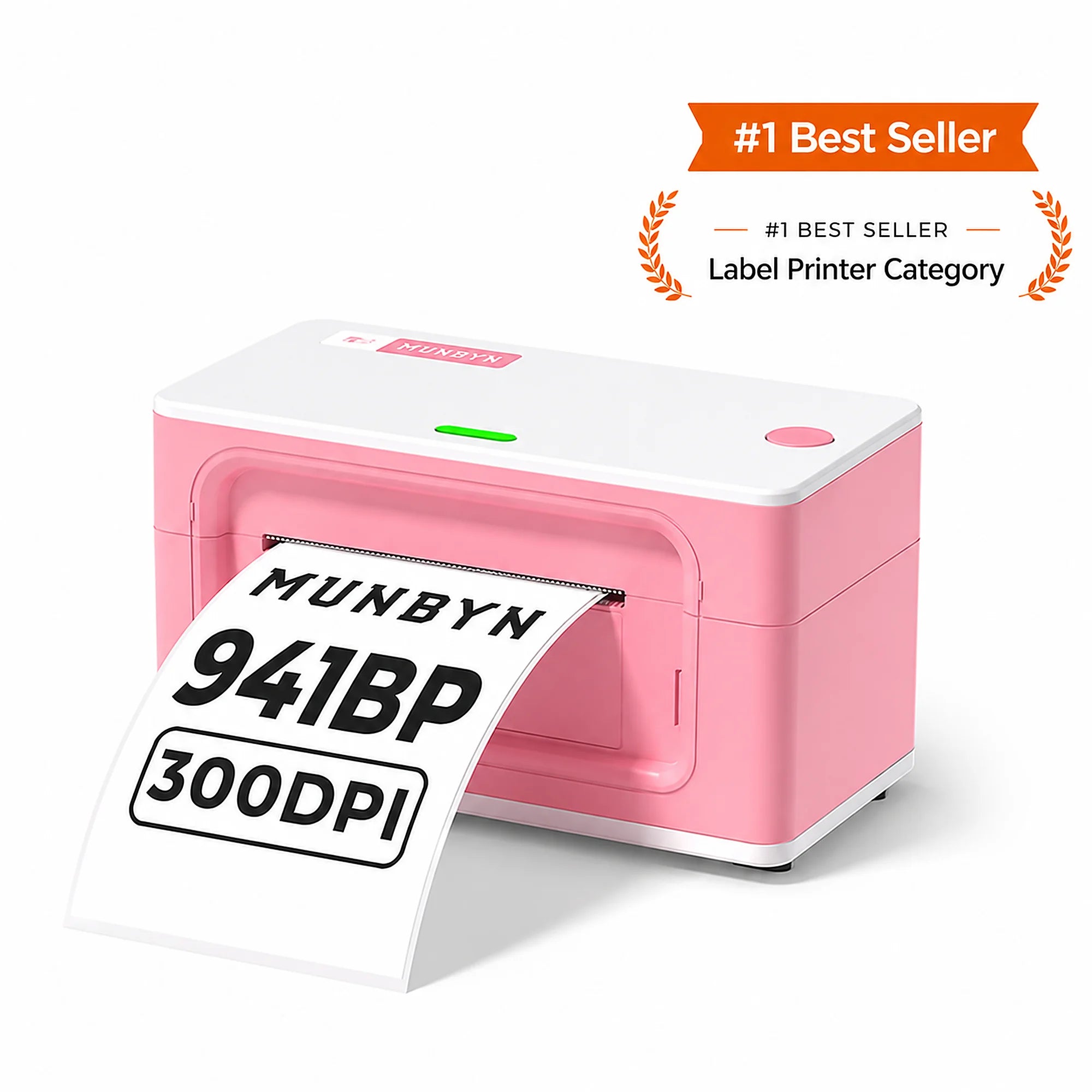
300 DPI High Definition
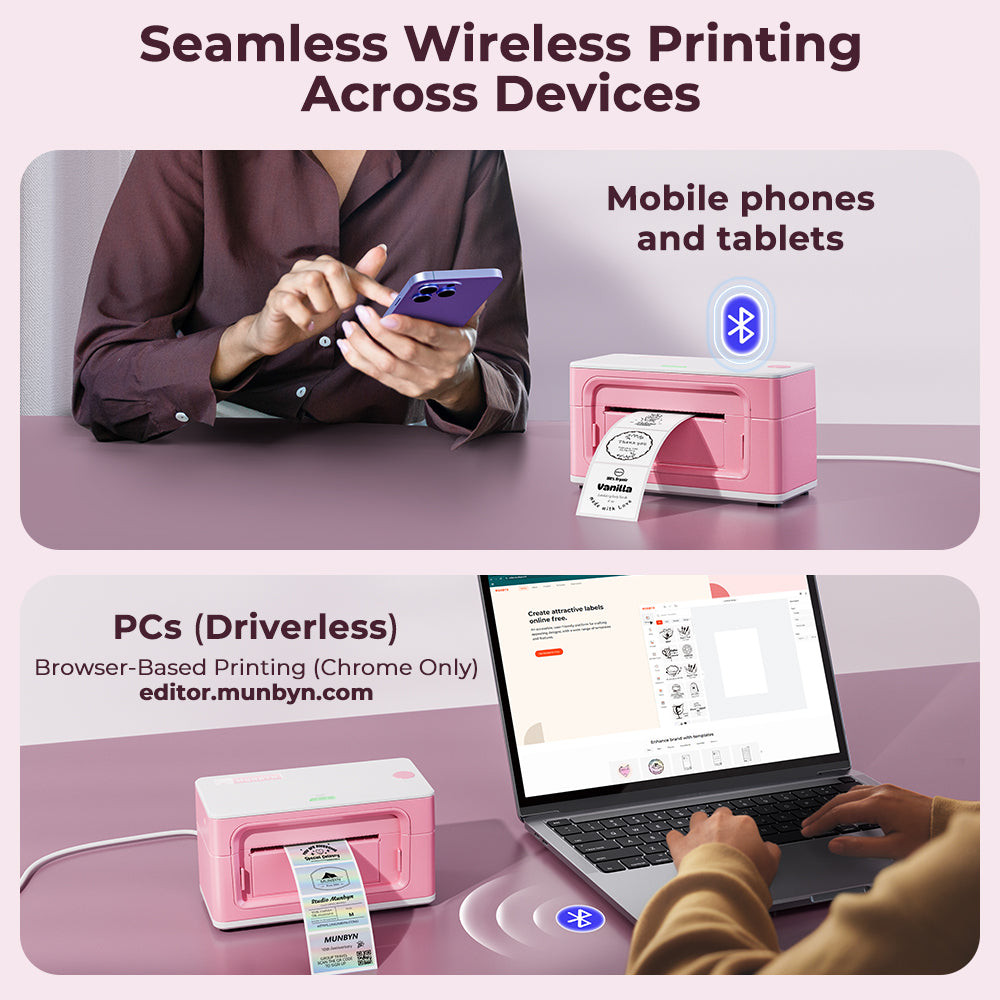
Bluetooth / USB

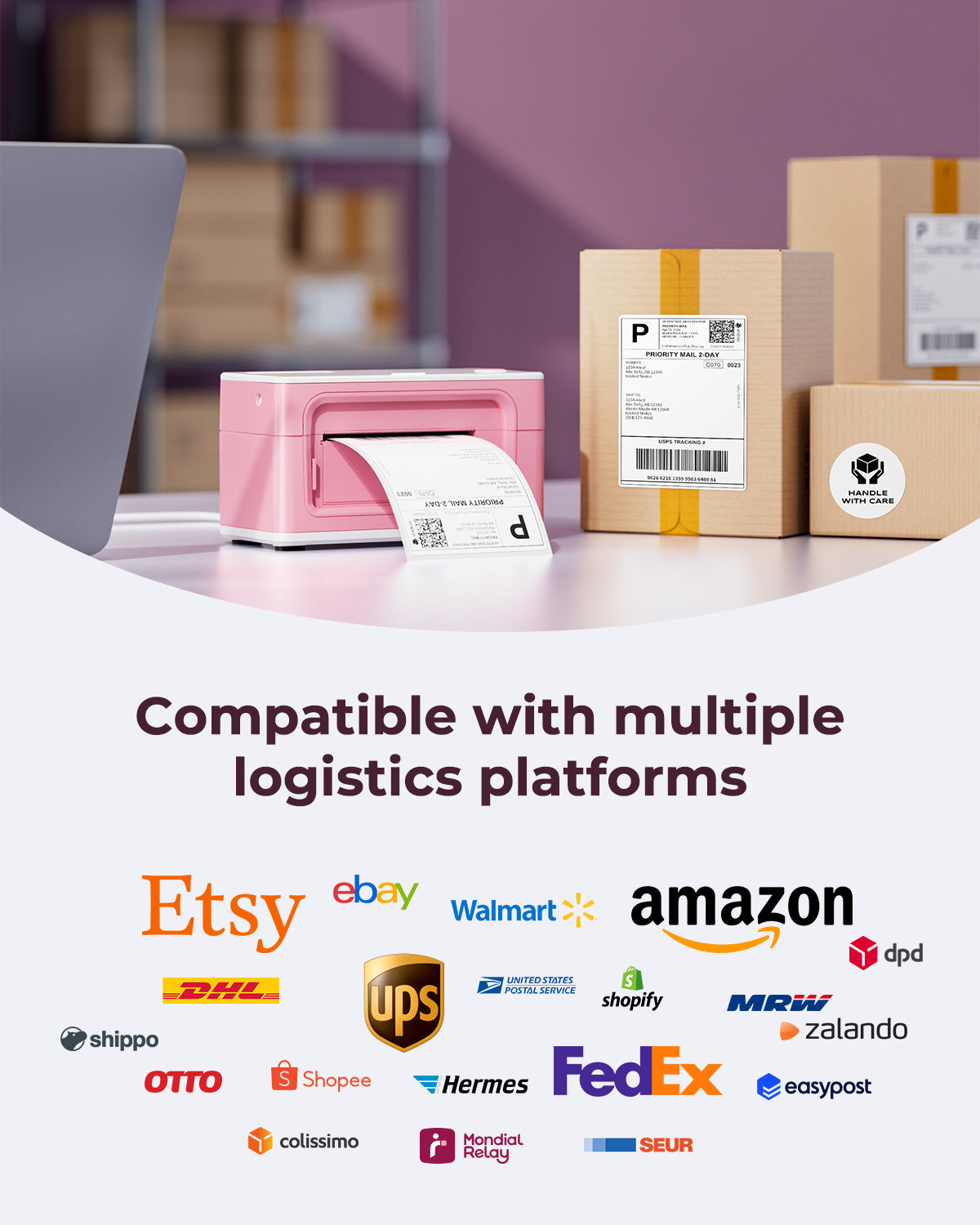
Supports major shipping platforms

Connect via Phone, Tablet or PC

🔥Buy a Printer, Get 1 Free Label Roll
Limited Time Only
Grab Yours Before It’s Gone!
Print wirelessly. Any device, any OS.

Buying for a business?
Get a custom quote for potential bulk savings on approved business orders.
Product highlights
300 DPI High Definition
Bluetooth / USB
Supports major shipping platforms
Connect via Phone, Tablet or PC
[Wireless Bluetooth & USB Connectivity]
Pair wirelessly via Bluetooth on your iPhone or Android device. MUNBYN RW941BP shipping label printer is perfect for printing on the go from your home office, garage, or warehouse floor. Windows, macOS, Linux, and Chromebook users connect easily via USB for a reliable, plug-and-play setup.
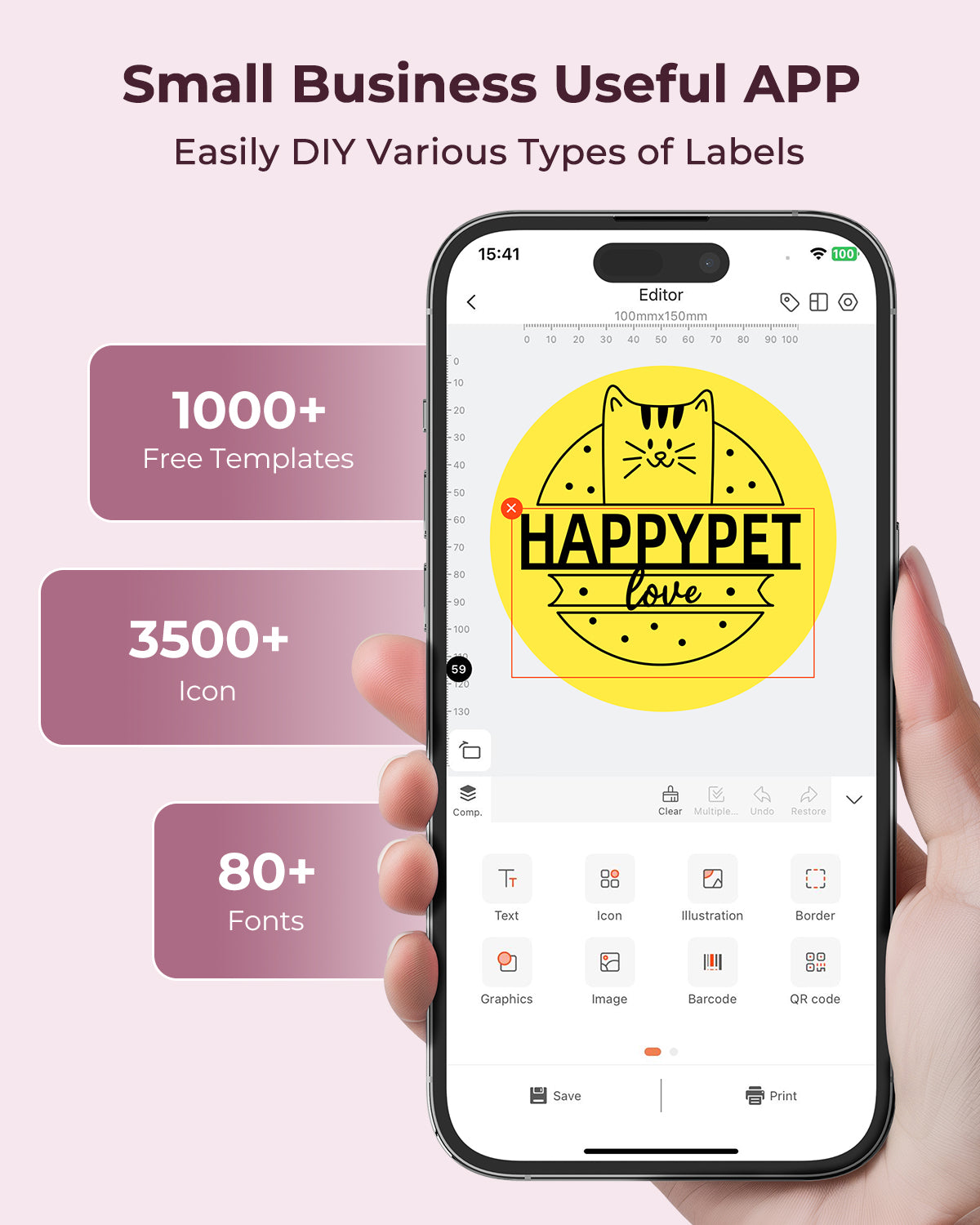
[Unlimited Label Design with MUNBYN Print App]
Download the free "MUNBYN Print" app from the App Store or Google Play to access 10,000+ templates, patterns, and icons. Customise shipping labels, address labels, product stickers, and packaging tags — then upload and share your designs with the MUNBYN community. Your brand, your way.
[Works with Every Platform Aussie Sellers Use]
MUNBYN RW941BP high-resolution label printer integrates seamlessly with Australia Post, Sendle, StarTrack, DHL, FedEx, ShipStation, ShippingEasy, and all major eCommerce platforms, including Shopify, Amazon, eBay, Etsy, and Poshmark. So your workflow never skips a beat.
[Smart Auto-Calibration]
The intelligent paper return feature automatically detects and calibrates your label size, so every label feeds and prints correctly from the first one to the last: no manual adjustments, no wasted labels.
[High-Speed, High-Resolution Printing]
Print at 150mm/s — that's up to 72 labels per minute — so you're never stuck waiting during peak dispatch periods. With 300DPI resolution, every barcode, address, and Australia Post-compliant label prints crisp and scan-ready, reducing the risk of failed scans at the post office or courier depot.
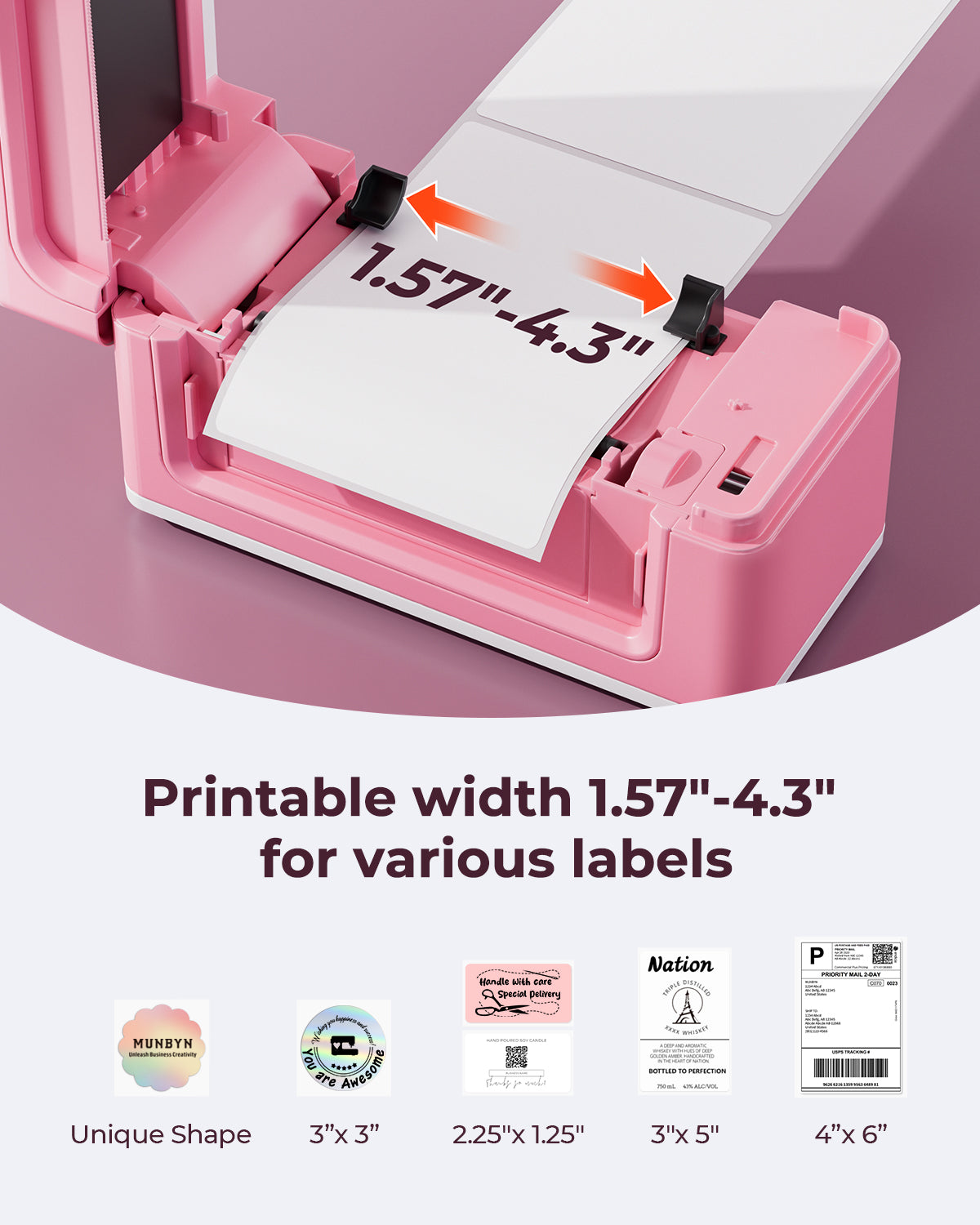
[Flexible Label Sizes for Every Shipment]
Print widths from 1.57" to 4.3" (40mm–110mm) give you the flexibility to print Australia Post shipping labels, parcel labels, product tags, return labels, and more — all from a single device.
AU Local Stock (NSW Warehouse)
2–5 Business Day Delivery · No Import Delays · Easy Local Returns
14-day Risk-free Trial
2-Year Warranty & Lifetime Support
30-day Price-Match
Need help choosing the right product or placing an order?
Our MUNBYN support team is here to help. If you have any questions about products, compatibility, orders, or after-sales service, feel free to contact us at any time. We respond to all inquiries within 24 business hours (Monday–Friday).
Shipping Information
See our shipping policy for delivery areas, free delivery eligibility and estimated delivery times.
Help Center
Find everything you need in one place:
FAQ’s
Have a quick question?
Visit our FAQ page, which covers the most common topics, including:
If you can’t find the answer you’re looking for, our support team is always ready to help.
Still need assistance?
Contact Us at
Order: order@munbyn.com
Tech: support@munbyn.com
+1 628 229 3612
Mon - Fri: 7AM - 5PM (UTC-8)
#1 MUNBYN BESTSELLER 👍
Flagship 300 DPI Label Printer
5,000+ SOLD MONTHLY
300 DPI Precision
Sharper small text, barcodes, logos and product details.
Fulfillment-Ready Performance
150 mm/s printing to keep daily shipping workflows moving.
Built for Business
High-detail output
Bluetooth + USB
THE DIFFERENCE IS IN THE DETAIL
Give shipping labels, product packaging and brand graphics the definition they deserve.


Choose the resolution that matches what your labels need to communicate and how you want your brand to be remembered.
A practical fit for straightforward shipping workflows.
For labels that do more than move a parcel.

Sharper labels give customers a clearer first impression.
Fine logos stay defined on every package.
Clear details make products feel established.
Fast output keeps daily orders moving.
“The small text stays readable, even on compact product labels.”
“Our packaging finally looks consistent across every order.”
“The labels look sharper without changing our workflow.”
“It gives our product packaging a much more finished look.”
ONE PRINTER. MORE THAN SHIPPING.
Choose a ready-to-work setup for shipping, product labels or branded packaging.
 MOST POPULAR

Four clear steps from template to finished package.
Open a shipping, product or inventory template.
Pair by Bluetooth or use USB for a fixed setup.
Insert thermal labels and print crisp 300 DPI output.
Apply the label and move the order to its next step.

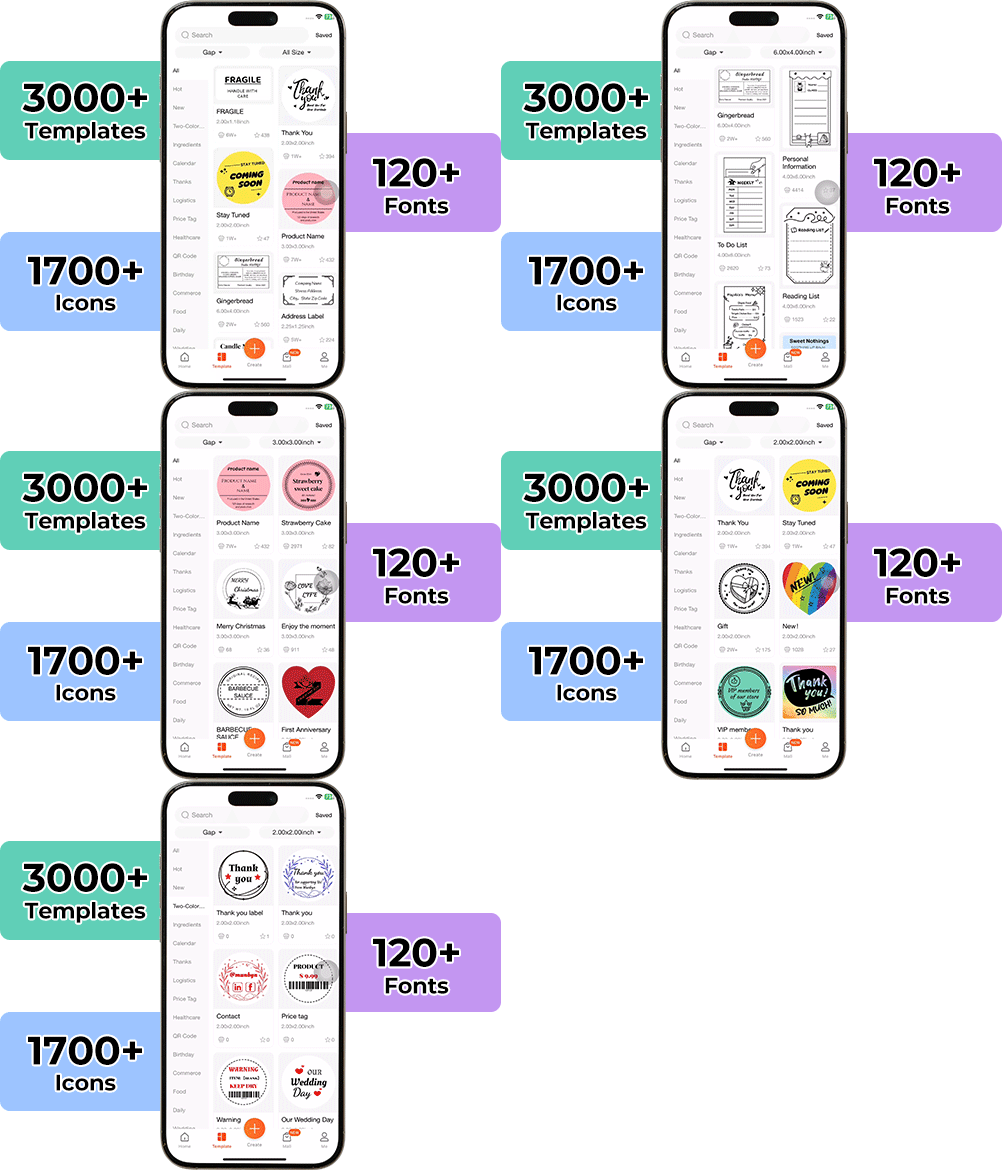
High-End Labels in Minutes
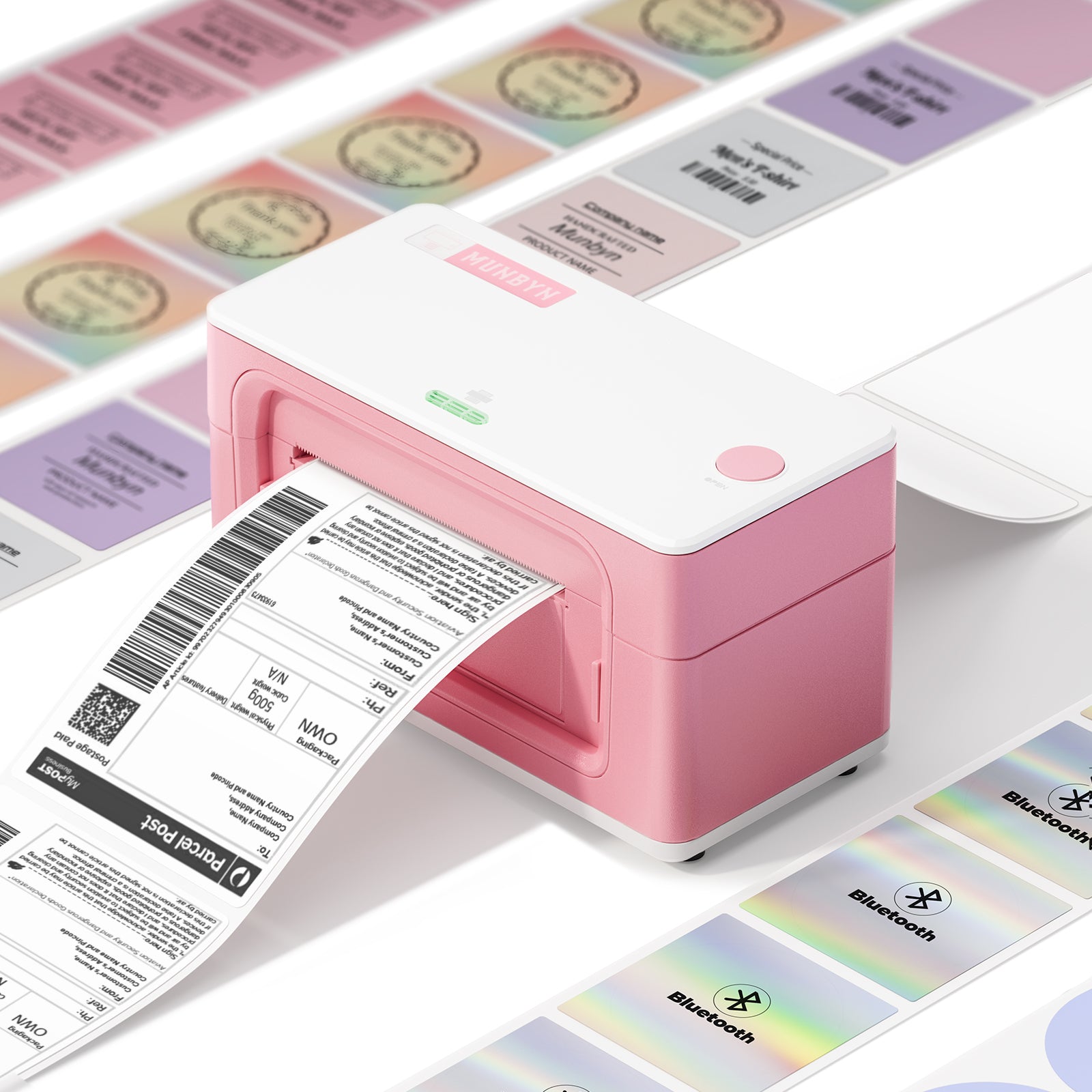
Designing custom packaging has never been this simple. Using the MUNBYN app and our versatile DIY Labels, you have a library of 3,000+ design assets and templates at your command.
Craft bespoke logos and promotional stickers that perfectly capture your brand’s personality—all while keeping your budget in check.
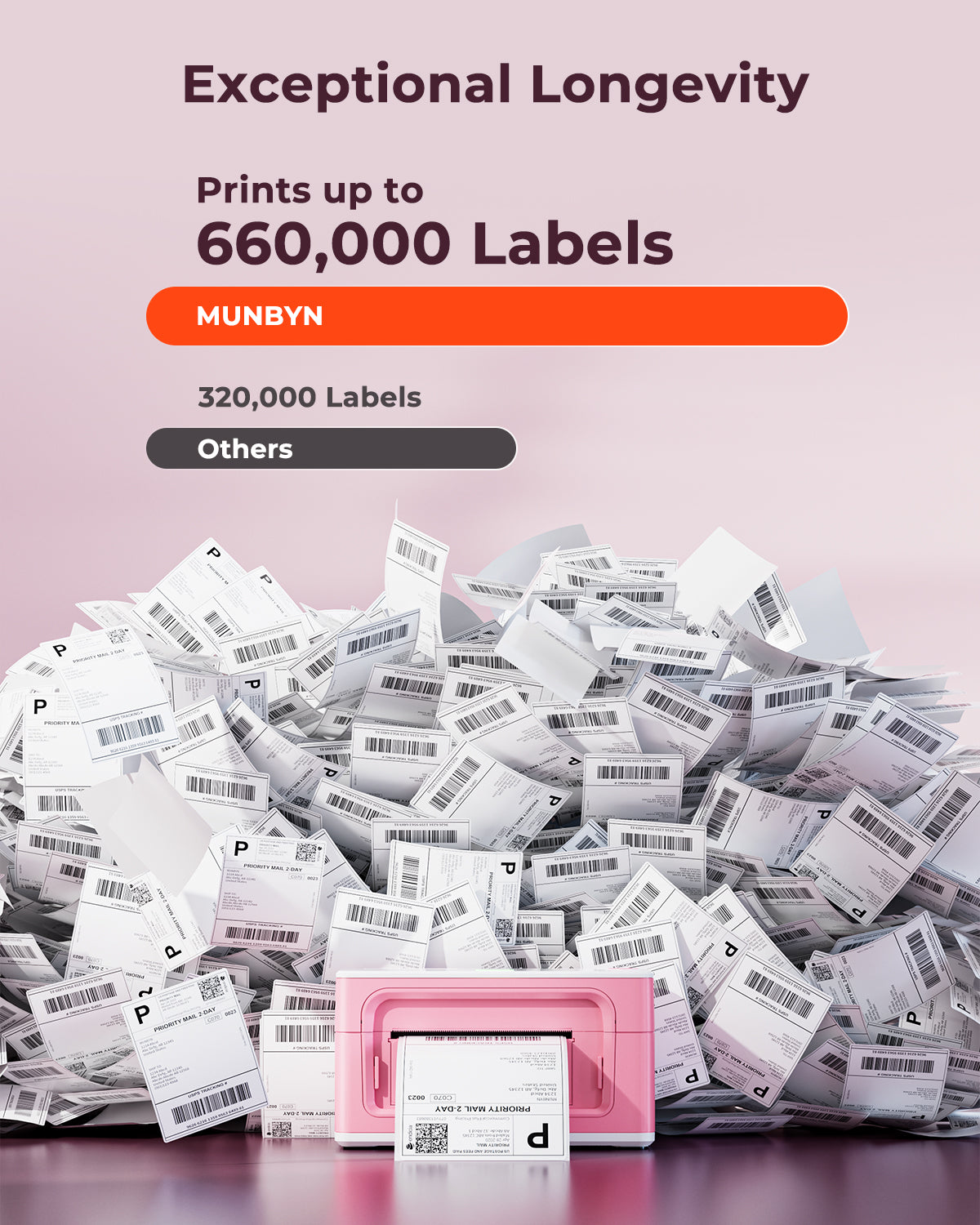
Designed to print more than 980,000* labels in shipping labels
Print life and label quantity estimates are based on laboratory calculations (150 KM printhead life × 4×6" label length). Actual performance may vary due to print frequency, label material, operating environment, and maintenance conditions.
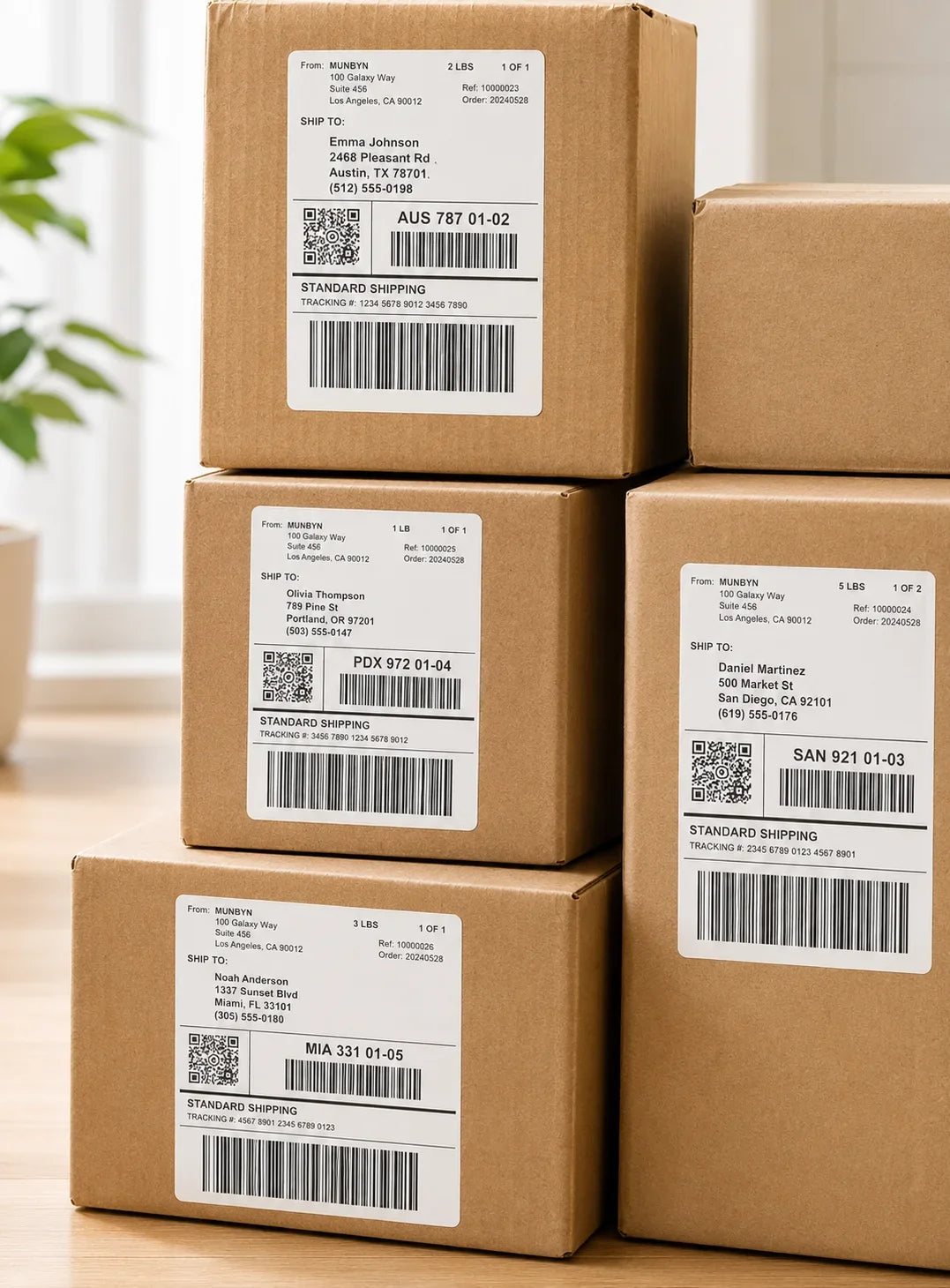
Shipping Label
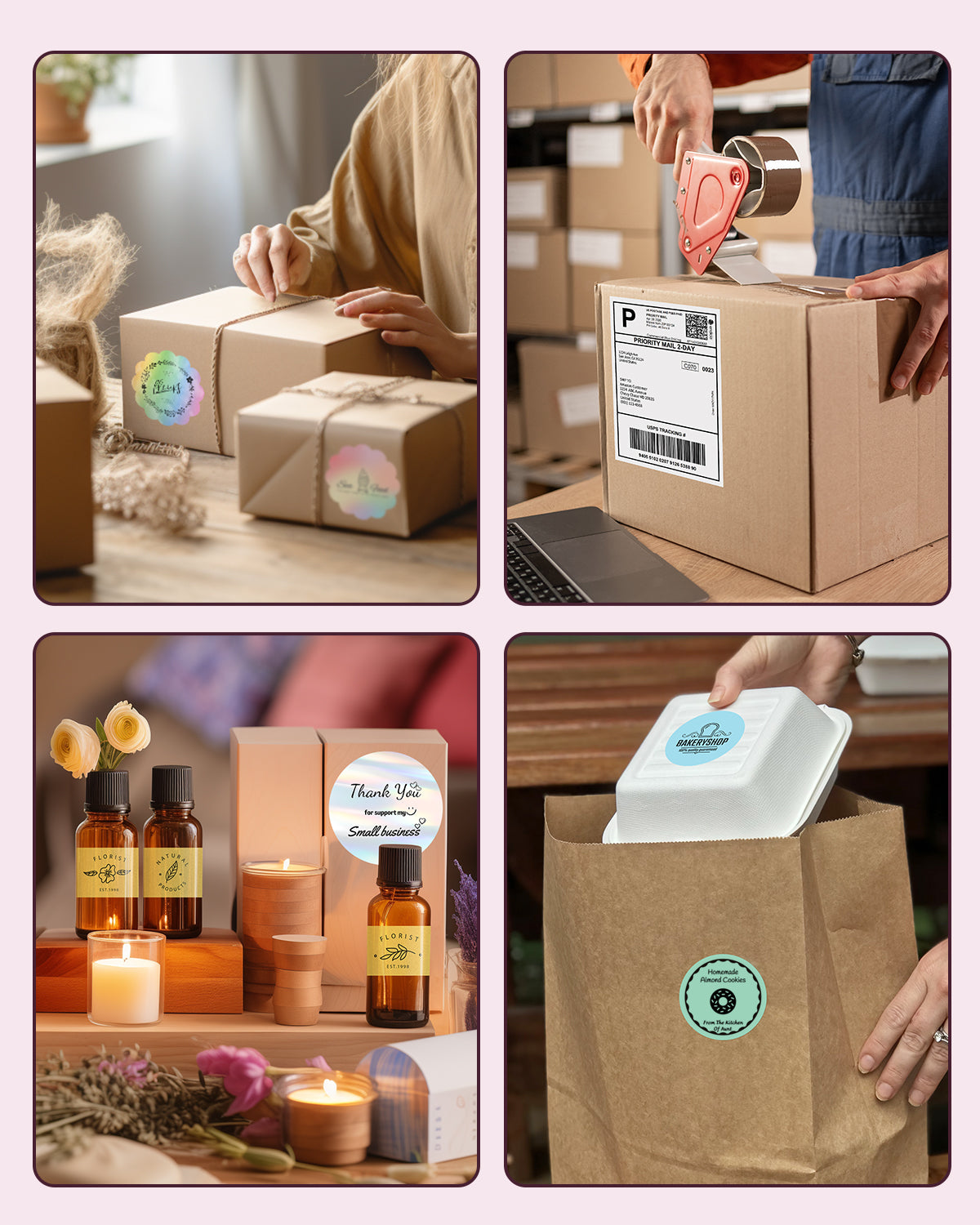
Designed for small to high-volume fulfillment, MUNBYN printers produce crisp 4x6 shipping labels that scan instantly and stick securely.
Perfect for:
Reduce printing time, avoid reprints, and keep every shipment moving efficiently.
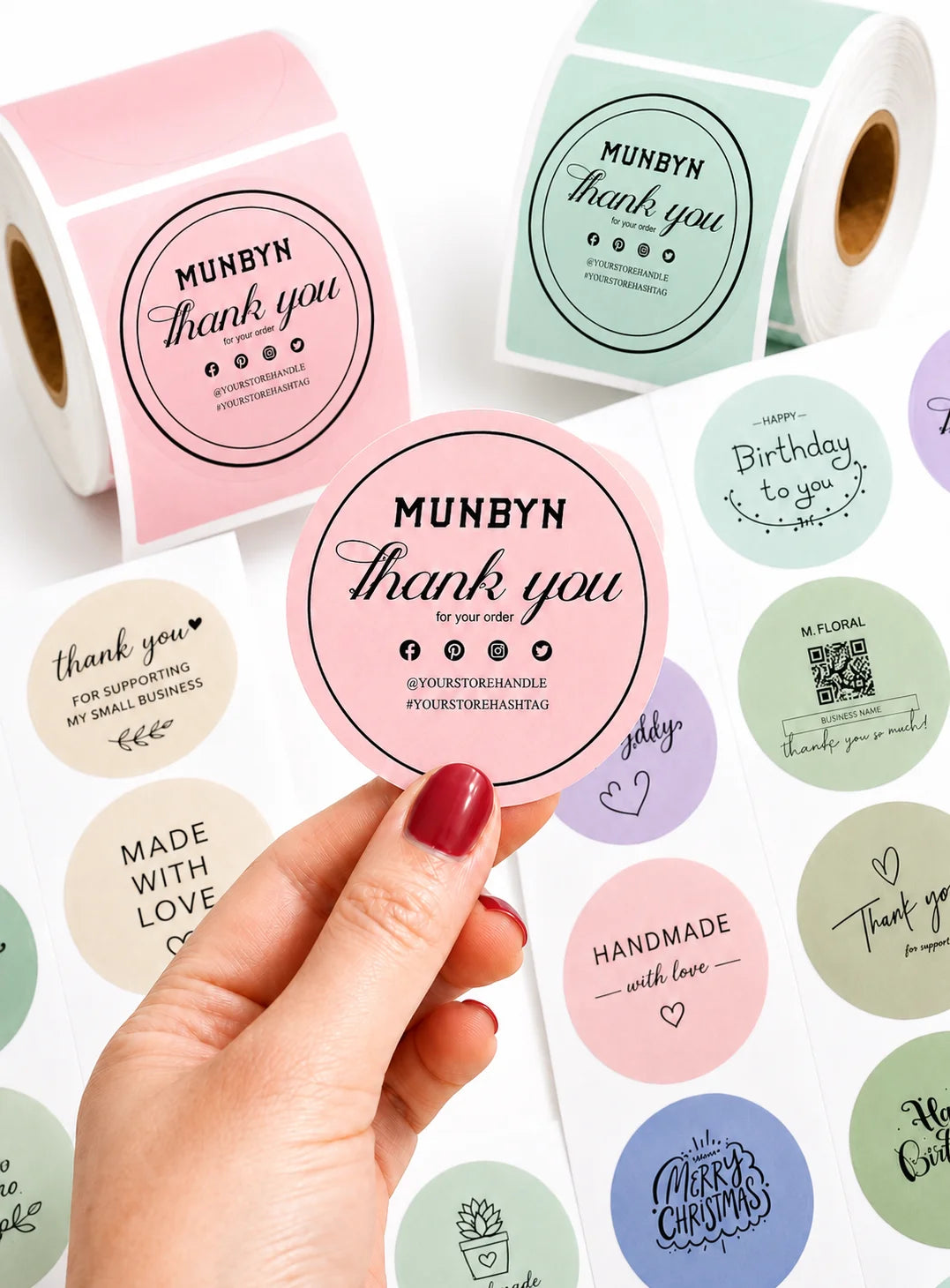
Custom Labels
Create labels tailored to your exact needs — from unique dimensions to personalized layouts.
Use for:
Flexible, professional, and fully customizable to your workflow.
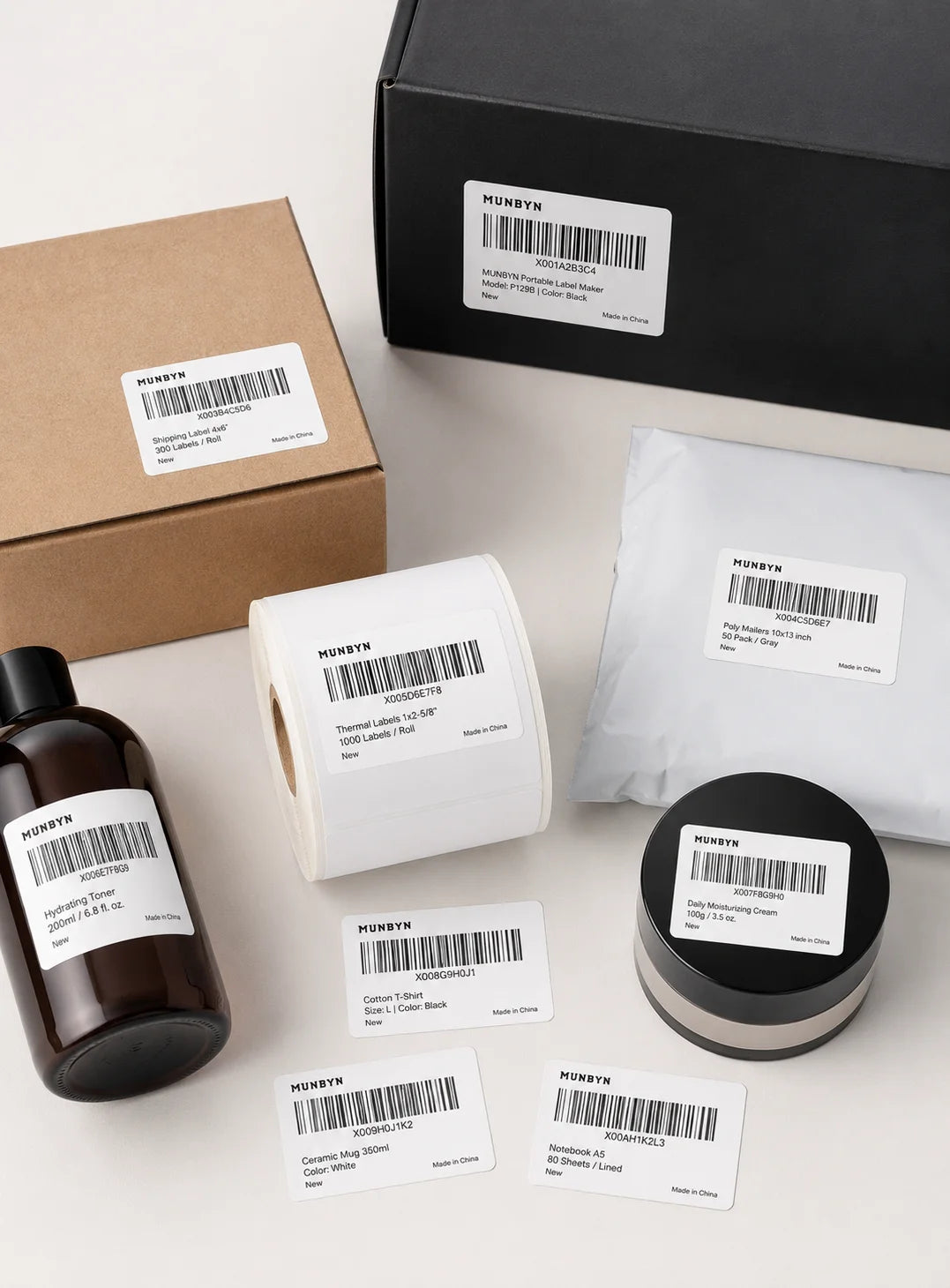
Barcode Labels
Print high-precision barcode labels that ensure fast scanning and accurate inventory tracking.
Commonly used for:
Improve operational efficiency and reduce costly manual errors.
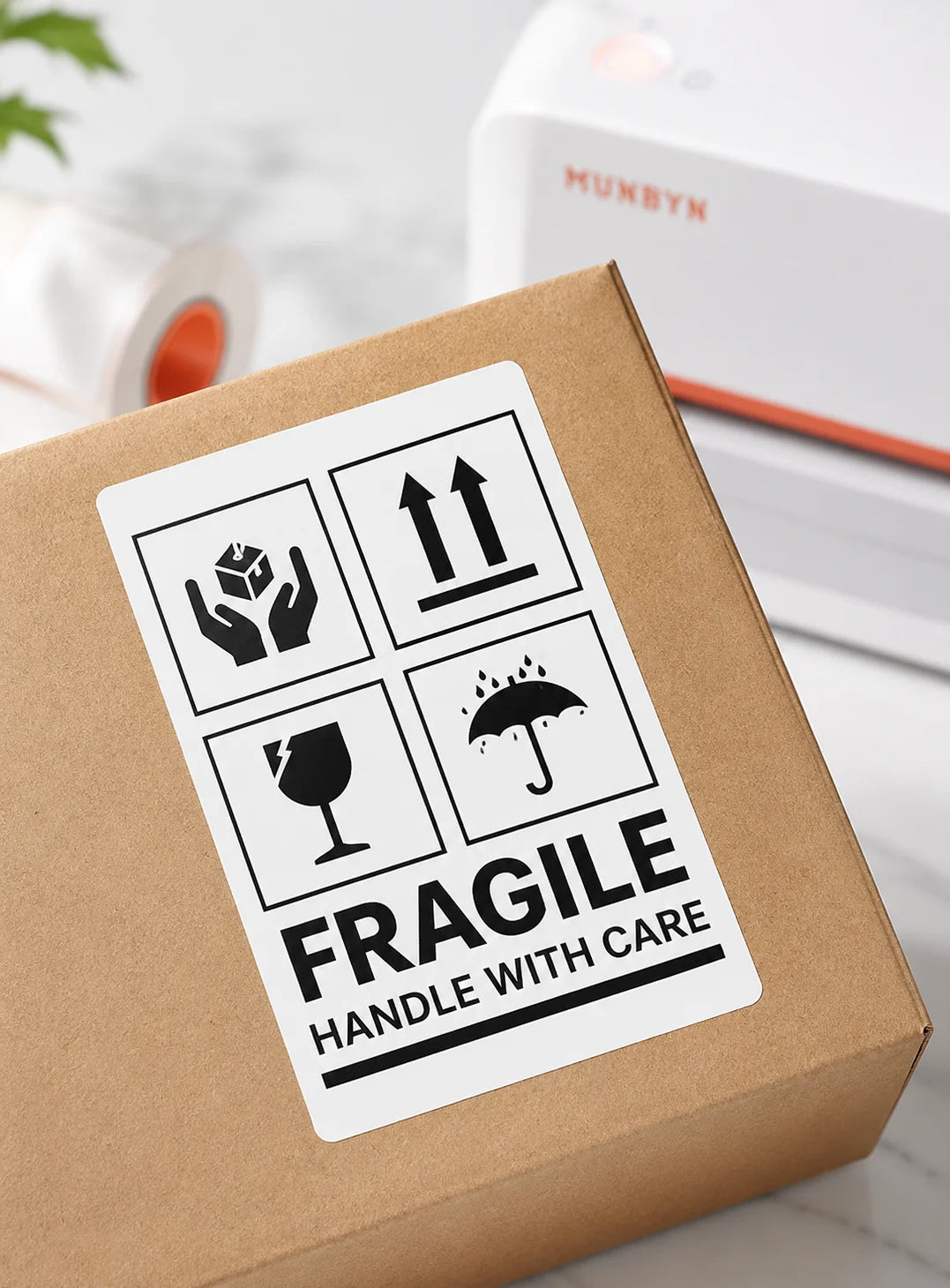
Fragile Labels
Clearly mark fragile items with bold, high-contrast labels that grab attention during handling and delivery.
Ideal for:
Minimize damage, reduce returns, and ship with confidence.
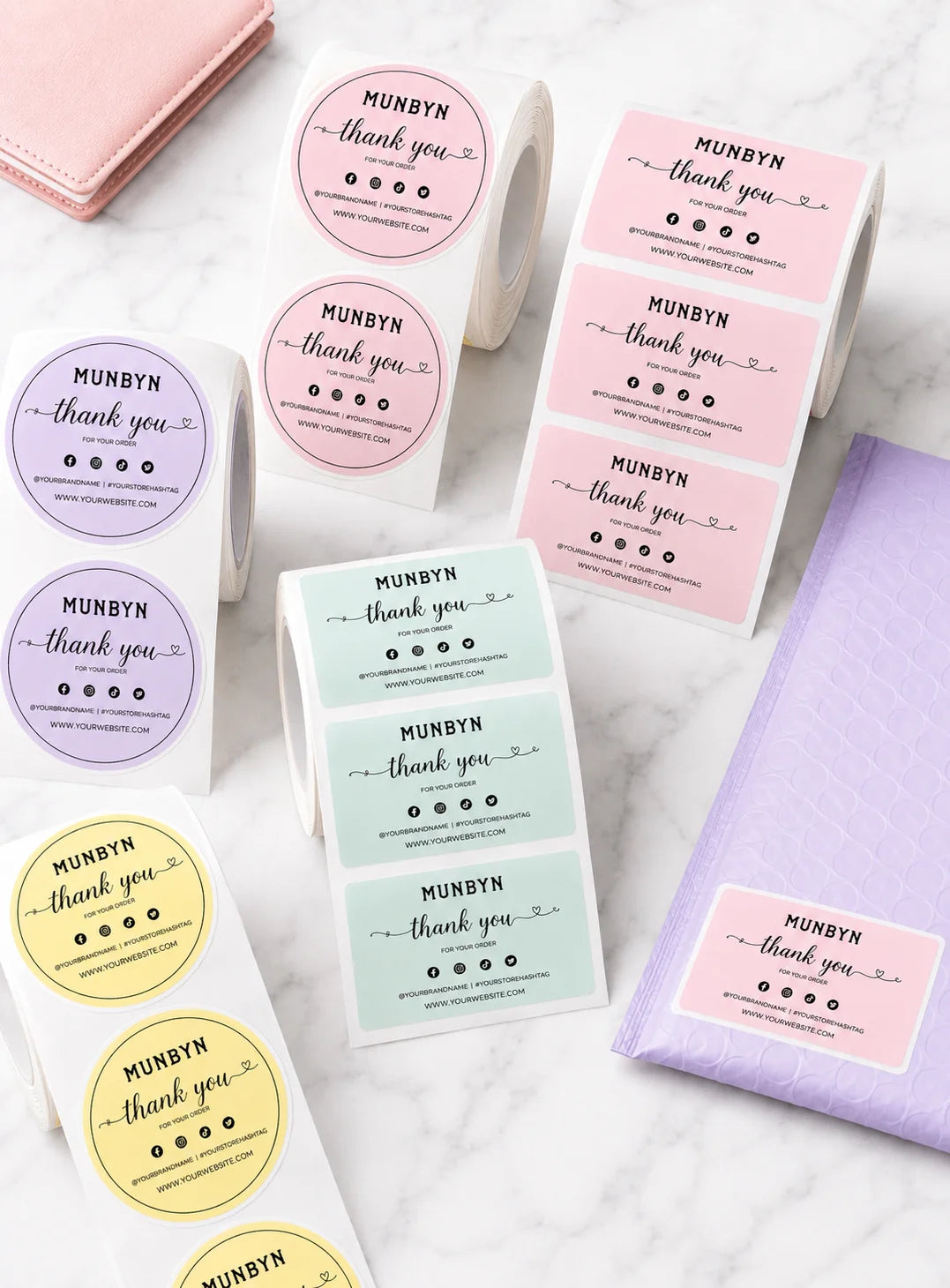
Branded Labels
Add logos, brand colors, thank-you messages, or marketing inserts to elevate your packaging.
Great for:
Build recognition, increase repeat purchases, and stand out in every unboxing moment.
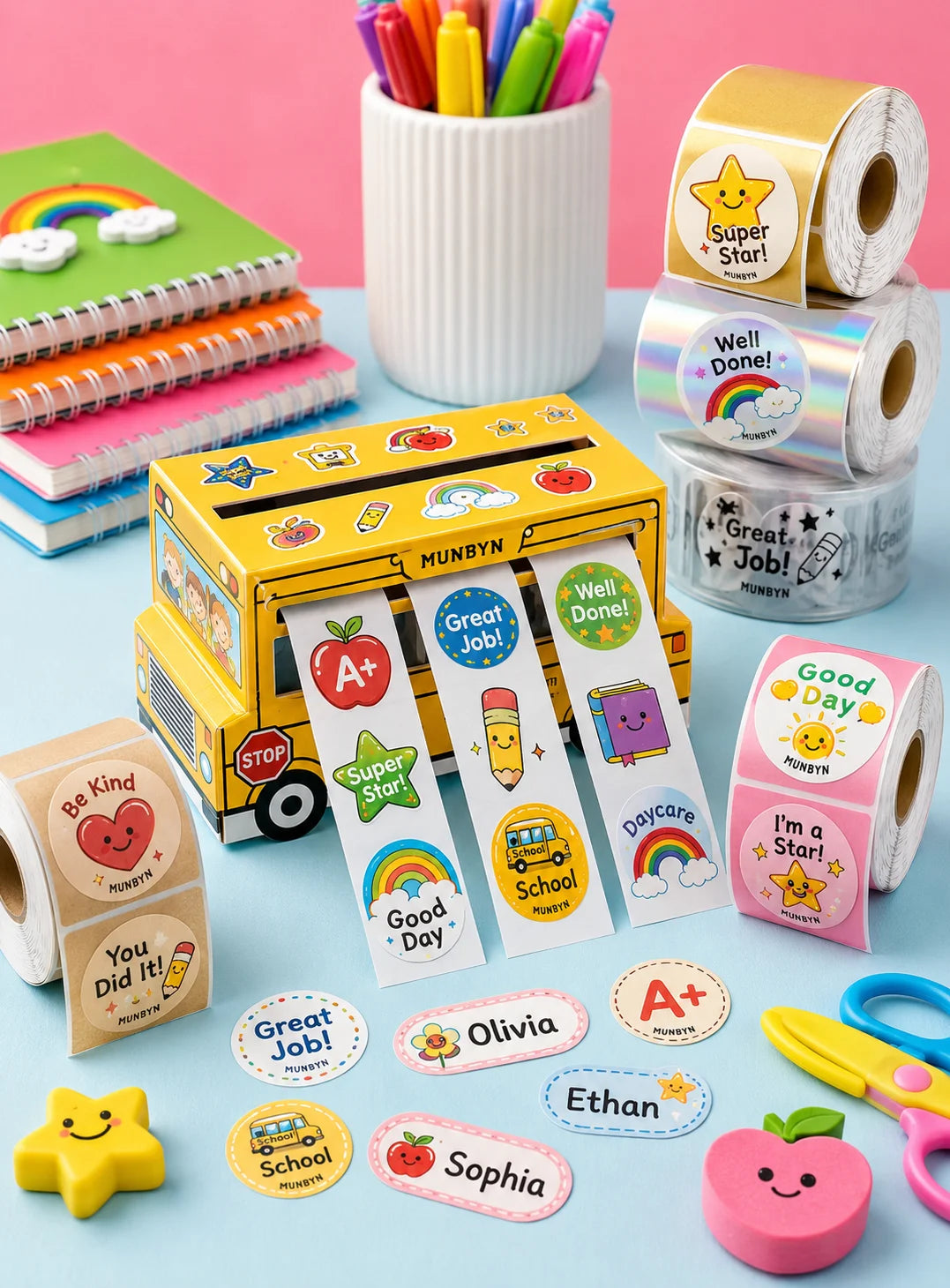
Stickers for Daycare/School
Print name labels and stickers that help keep school and daycare items sorted and easy to identify.
Perfect for:
Water-resistant, long-lasting, and made for everyday life.
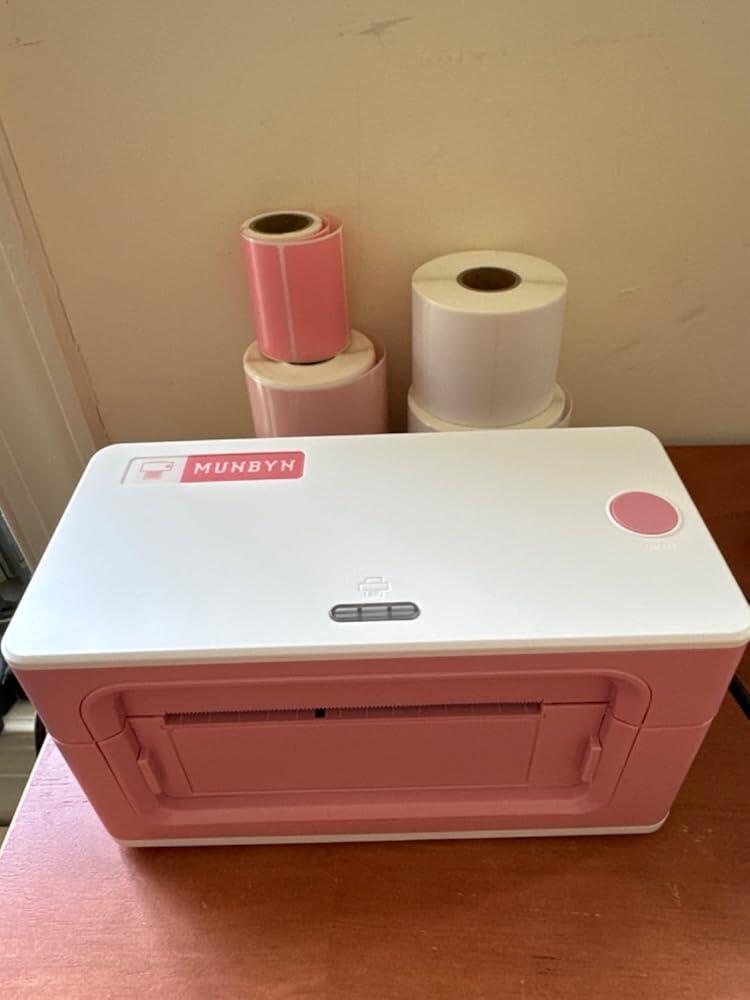
This 300 DPI thermal label printer offers 'clear and easy to use' operation with Bluetooth connectivity. Customers praised its 'fast printing' speed and high print quality for shipping labels and stickers. Setup is generally straightforward, though some noted initial challenges with label sizing and alignment. A few mentioned label centering issues and lack of WiFi despite advertising.
Early days yet but so far it's alright. Set up wasn't terrible although I'm gonna be horrible and say the instructional video was of little use although I got the general gist of it. NOT the presenter's fault as English is obviously not his first language. Surely they could find someone better suited for the English-speaking half of the world?
Struggling to get the label size right but I think that is going to be the same for all these thermal printers. Currently scaling the label detail down by 15% to get it to fit on the label.
Once it DOES work though, the labels print in the blink of an eye and it's so much more convenient than having to stuff A4 pages folded in half into a stick-on pouch (which is what I've been doing for years)
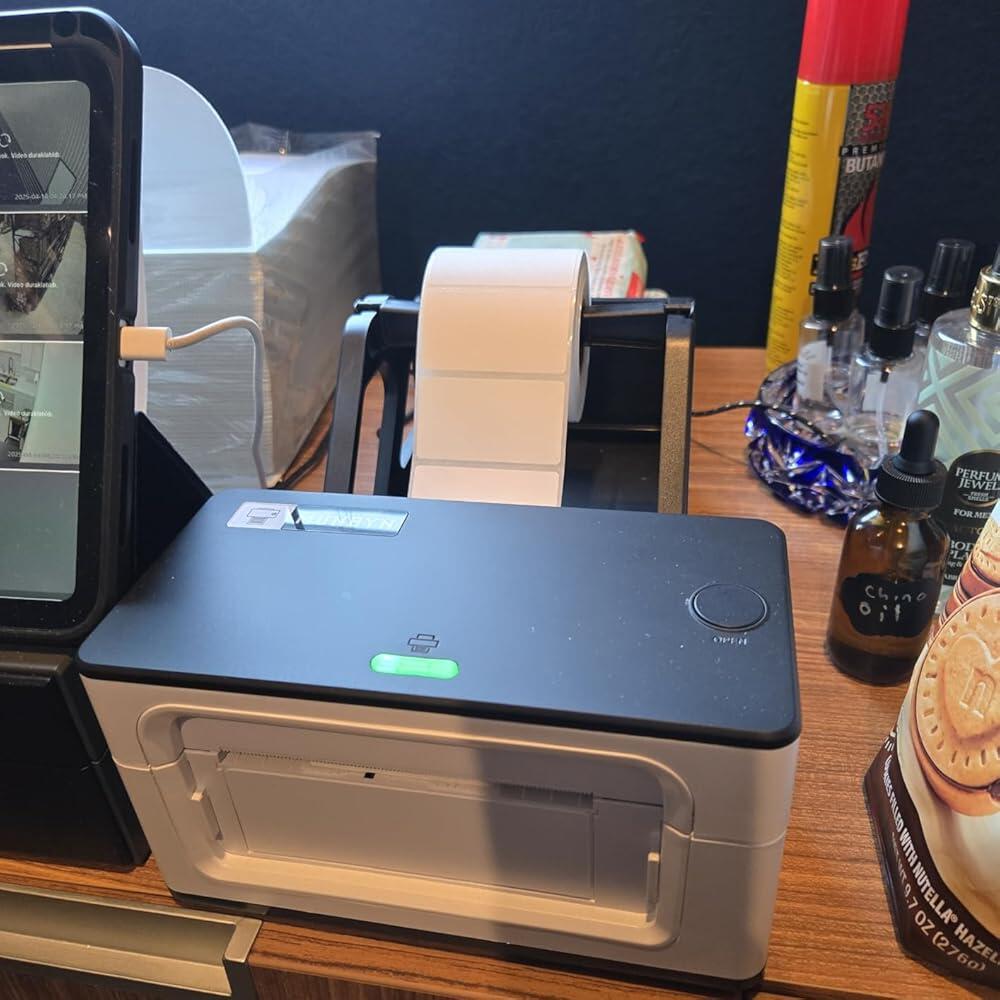
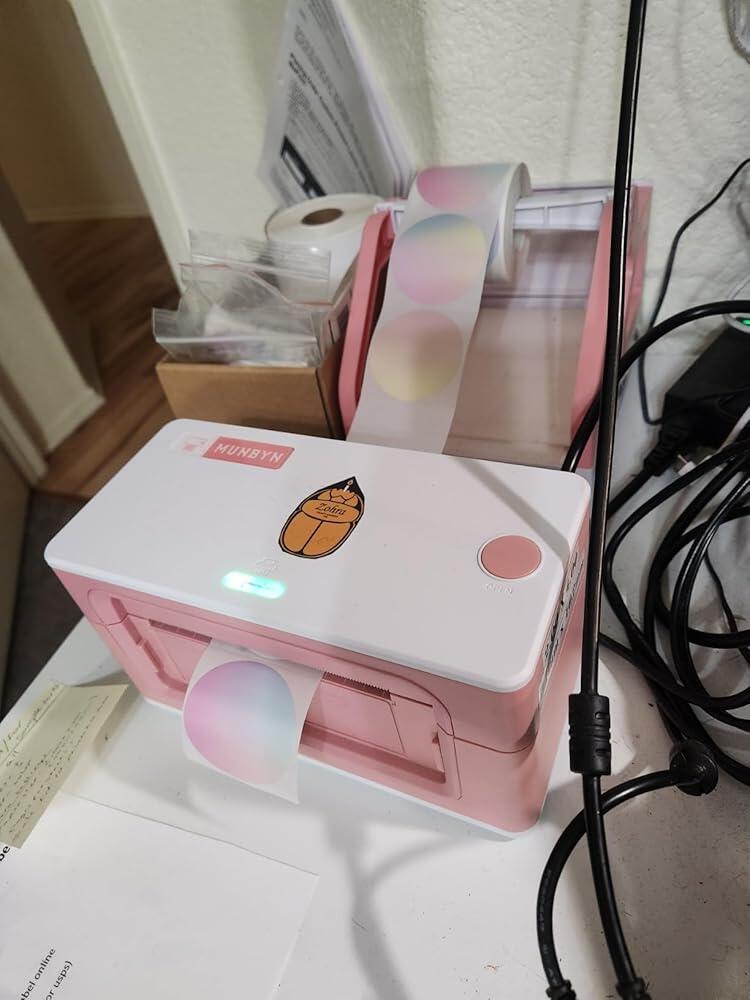
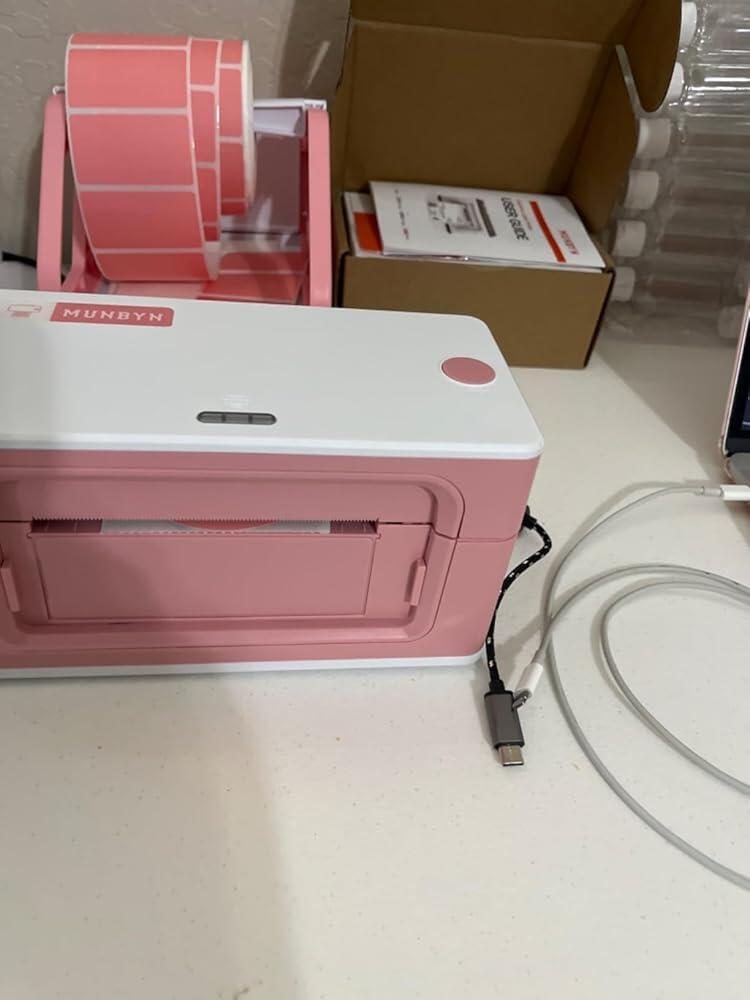
Loading the labels into the printer is a cinch and the accessory reel is definitely worth getting as well.
All in all, a good purchase but be prepared for a bit of fiddling about getting your label sizing right. Or maybe it's just me..
Works absolutely perfect. Exactly what I needed to print my labels. Glad I got it
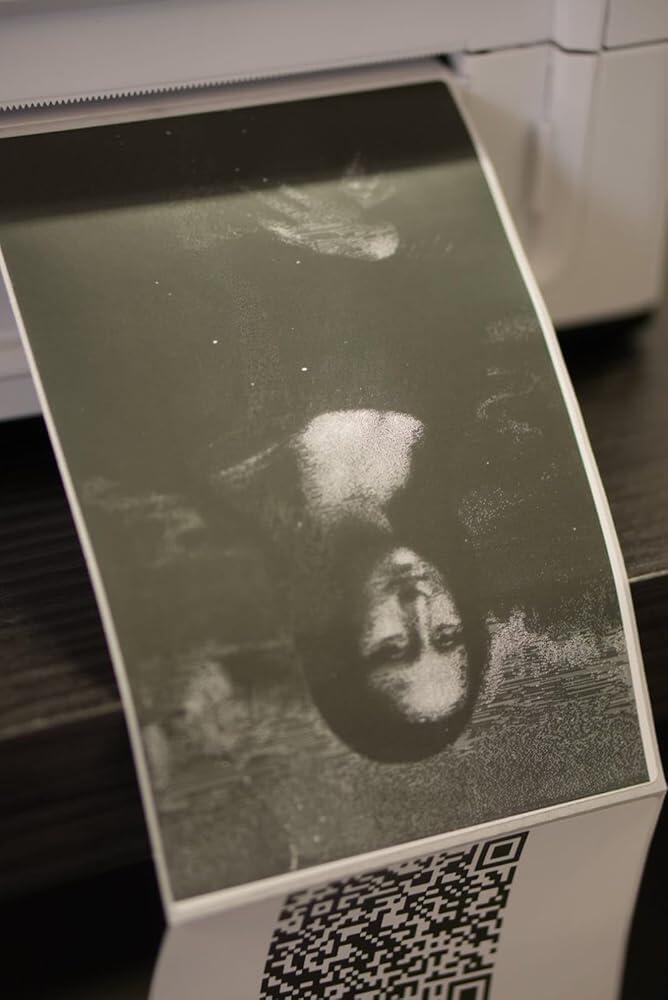
This printer has been a great addition to my business. The print quality is really good for the price, and it connects easily through Bluetooth to both my phone and laptop. It works perfectly for shipping labels, product tags, and small business needs.The MUNBYN Print app is actually very useful, you can create QR codes, barcodes, and even use the “Dithering Mode” which helps print complex images or detailed logos. It handles fine lines really well, but I wouldn’t recommend it for printing full pictures.When paired with the right thermal paper, the labels look clean and professional. After about a year of daily use, it can start to lose a bit of pressure (especially with circular labels), but honestly, it still works well. Plus, their customer support is excellent, fast and very helpful if you ever need troubleshooting or setup help.Pros:Solid print quality for the priceEasy Bluetooth setup and strong compatibility (works with phones, tablets, and computers)Great app with QR/barcode tools and image printing optionsPerfect for Shopify, Etsy, and Amazon sellersCompact design and responsive customer supportCons:Slight drop in pressure after long-term heavy useNot ideal for printing full-color picturesOverall, this printer is a bang for your buck, reliable, versatile, and perfect for small business shipping and product labeling. Highly recommend!
I originally bought the 130 model and was super disappointed with the print quality so I returned it and bought this model and love it so much. Save yourself the time and just go with this model.
Perfect
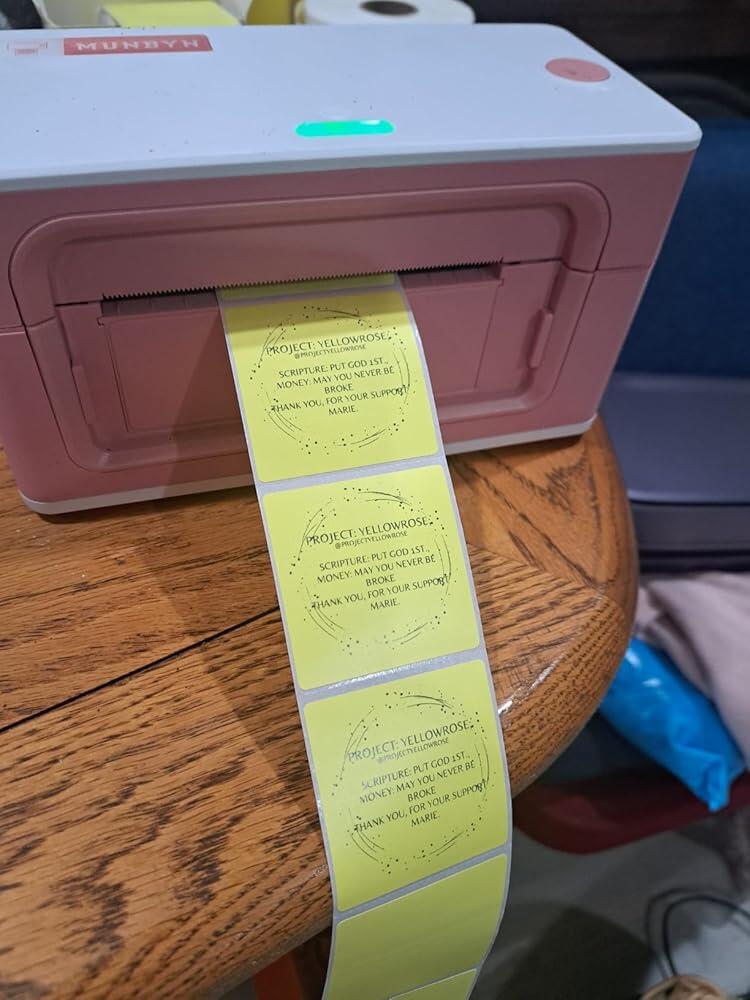
I purchased this machine so I can enhance my products and have them appear more professional, since they will be in stores.I experienced some difficulty with it at 1st. I contacted Customer Service Support, and they HELP me right through the issue and Resolved it for Me. End Result Great LABELS. Thank You., Marie
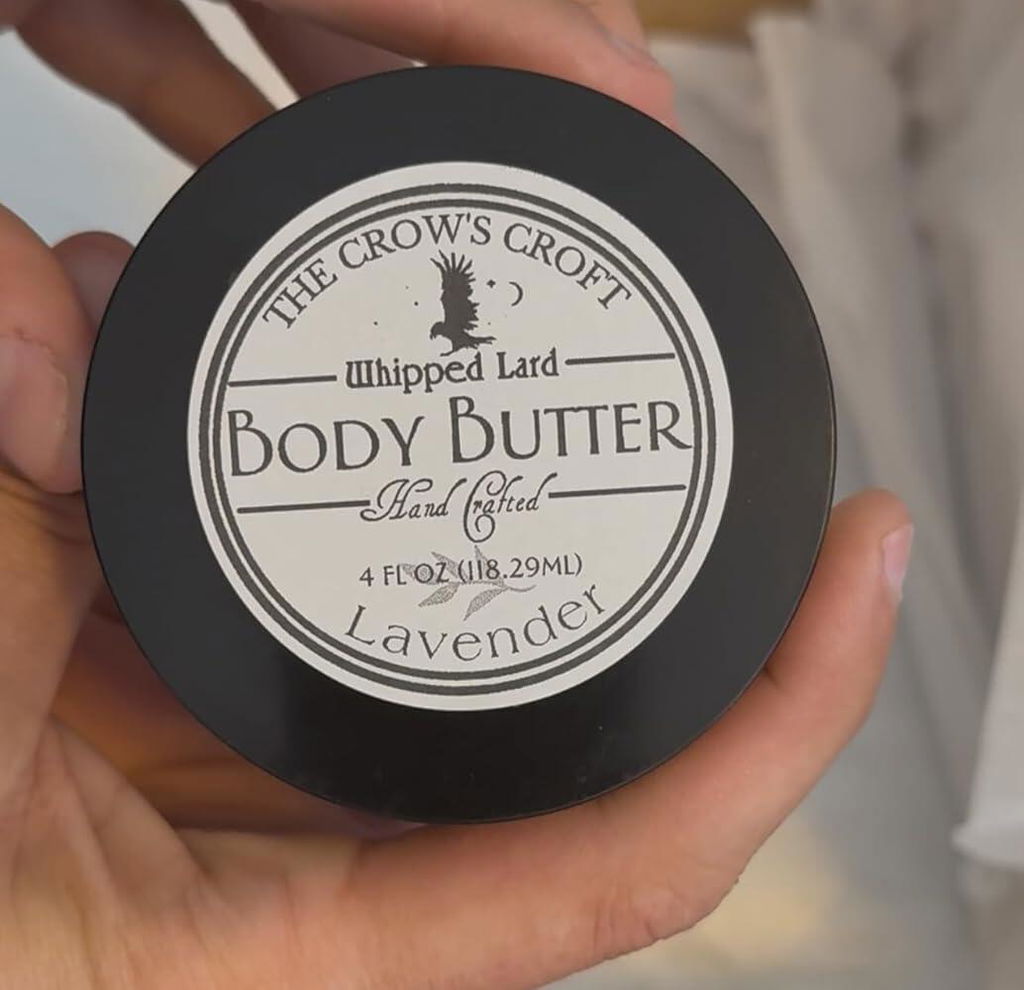
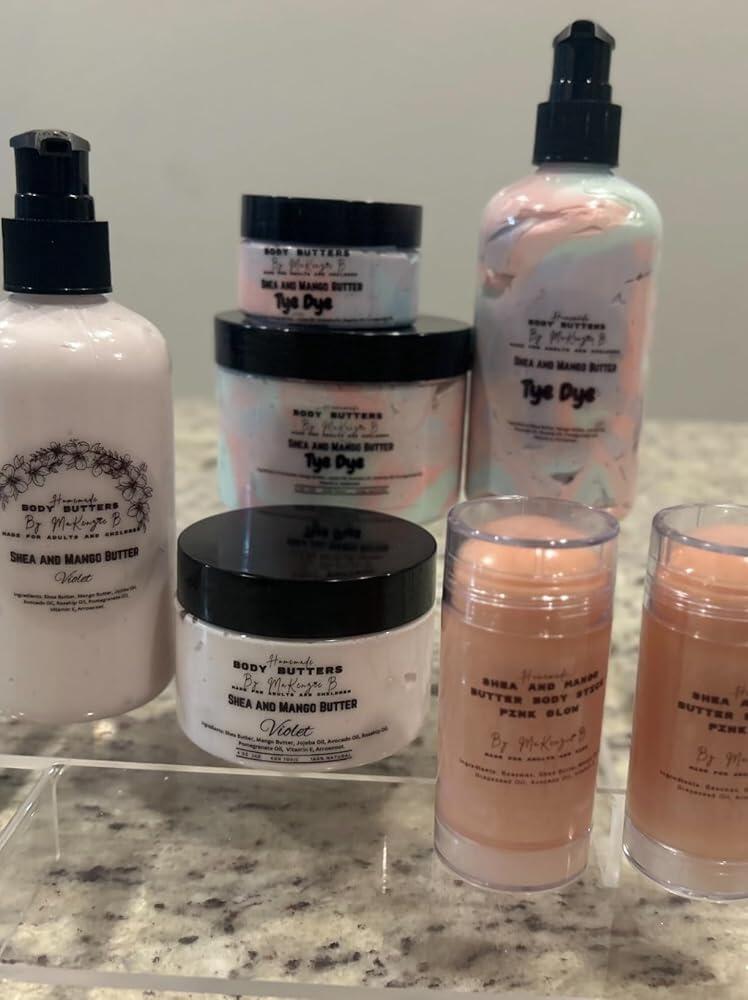
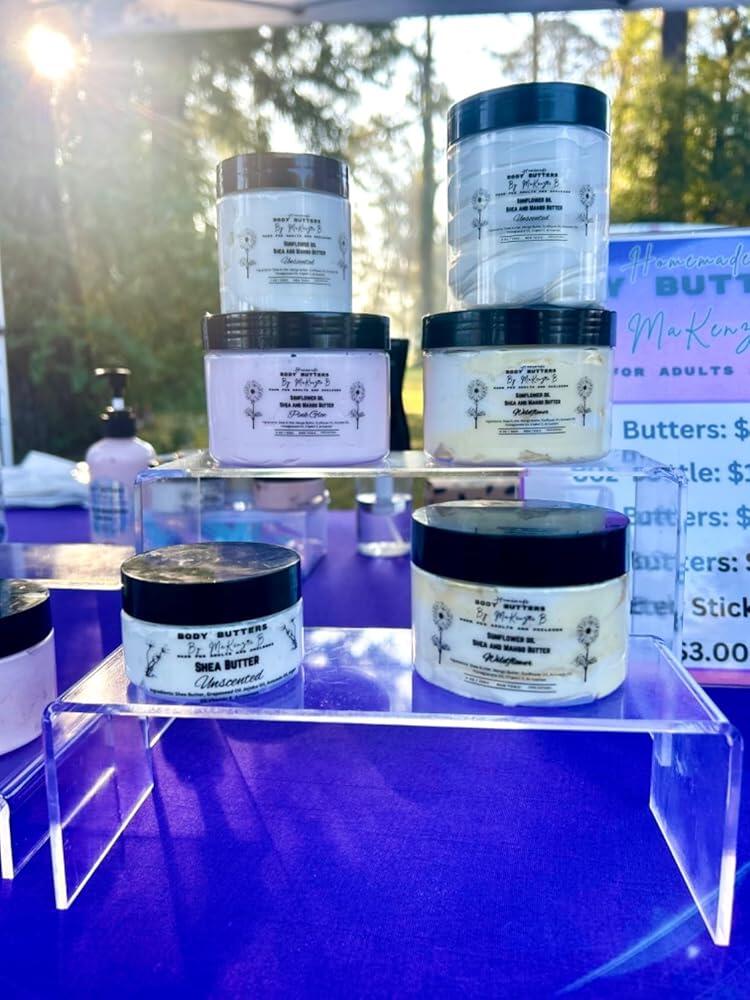
I am a small business owner and co-owner of another small business. I rely heavily on my Munbyn printer and their labels, which have greatly improved my efficiency. This printer has helped me streamline my operations, saving both time and money. The size is prefect to tuck away when it’s not in use.Although the holographic round labels are on the pricier side, their quality is unmatched, and I’m more than willing to invest in great quality. I also use the 3x5 shipping labels for my cake labels and the 4x6 labels for shipping products. The clear labels work perfectly with our shea butter products—they don’t smear, even when exposed to butters and oils.Overall, I highly recommend the Munbyn printer and their label products. They’ve been a game-changer for my businesses!
💗💗💗 printer
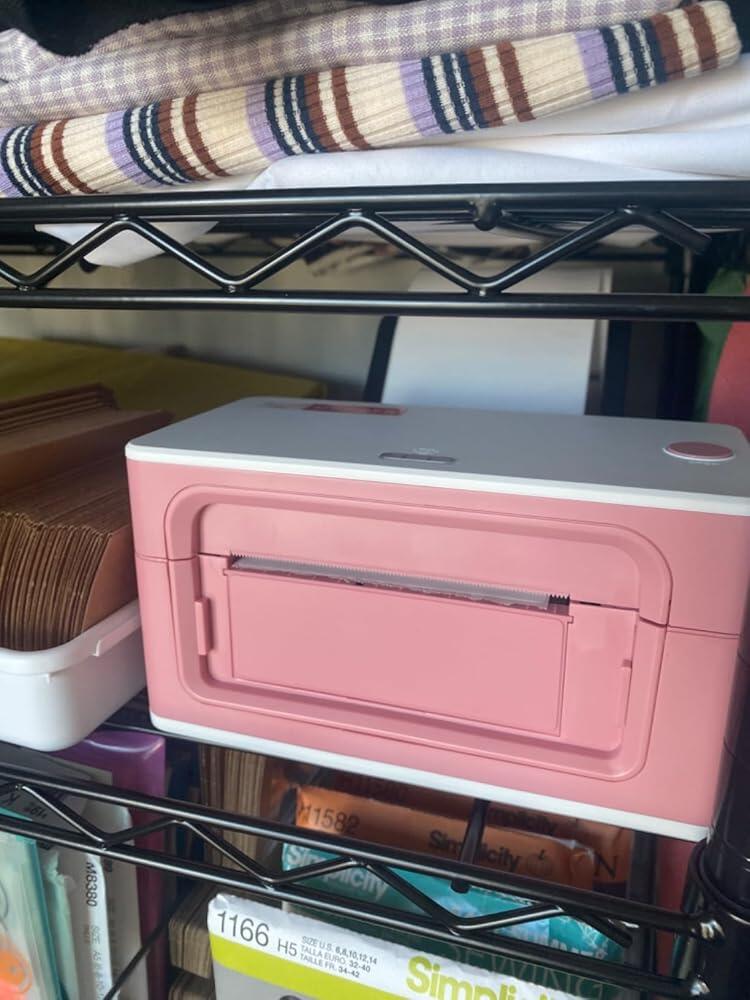
This printer has been so helpful for my candle labels! I absolutely love it! I just ordered a new accessory to it and I love that I can work with different size stickers. Also, thank you to the team because every time I need help, you are quick to respond. 🤗
It has to connect the cables to your computer but for it to be Bluetooth is so much faster!! Saves time and it worths the same than connecting it. I downloaded their app and connected quickly!
U absolutely love my label maker. It does take a little getting used to in terms of sizing and adjusting to make sure the labels come out correct but once you get the hang of it it’s great. It’s prints well. I love that it doesn’t need ink. It was fairly easy to set up but I’m a millennial I can probably figure anything techy out. It’s a good price for the performance.
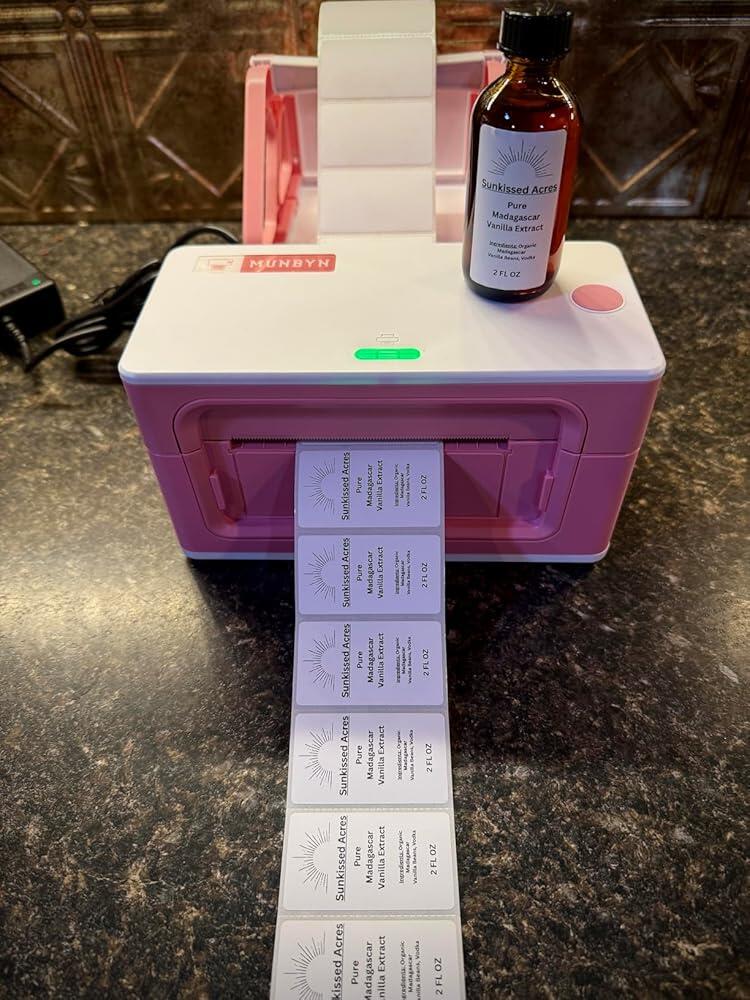
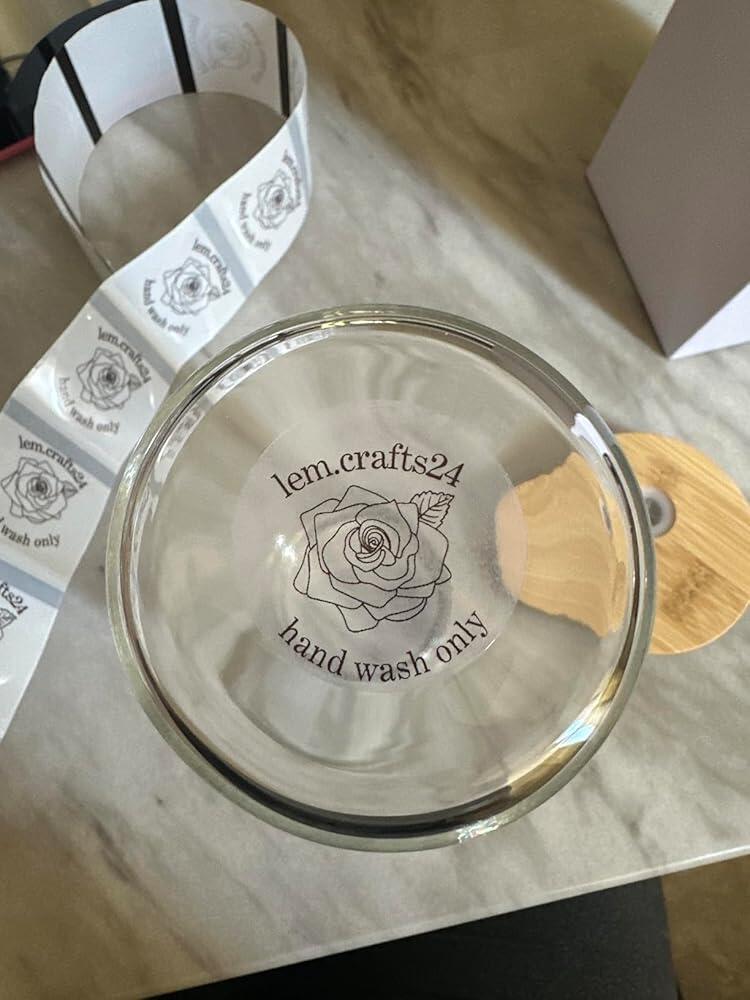
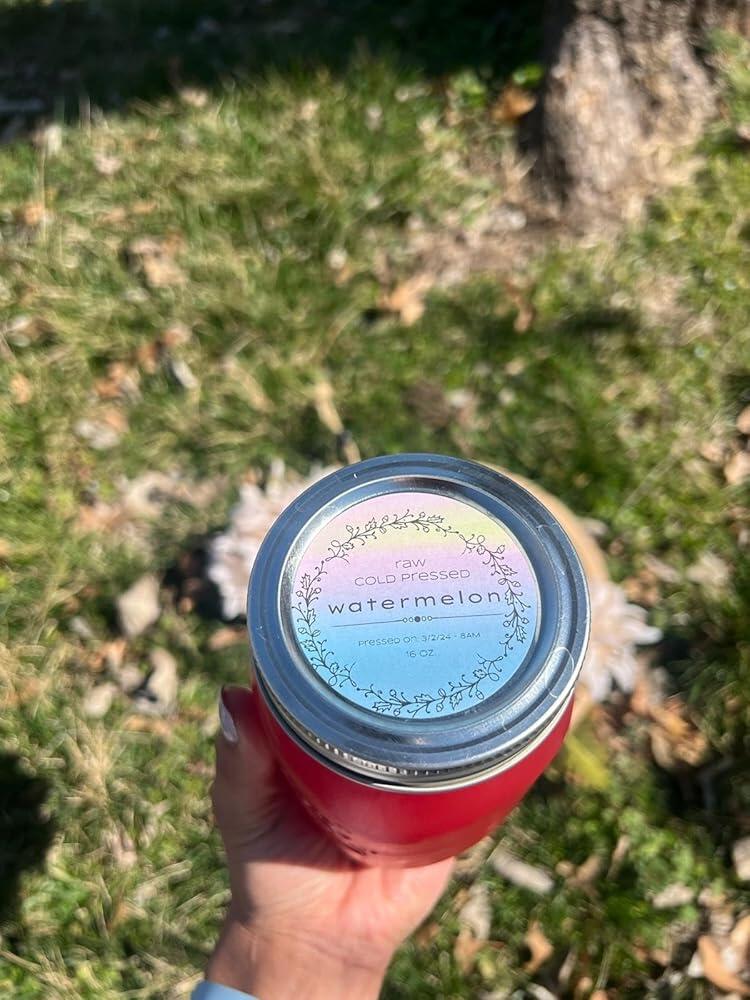
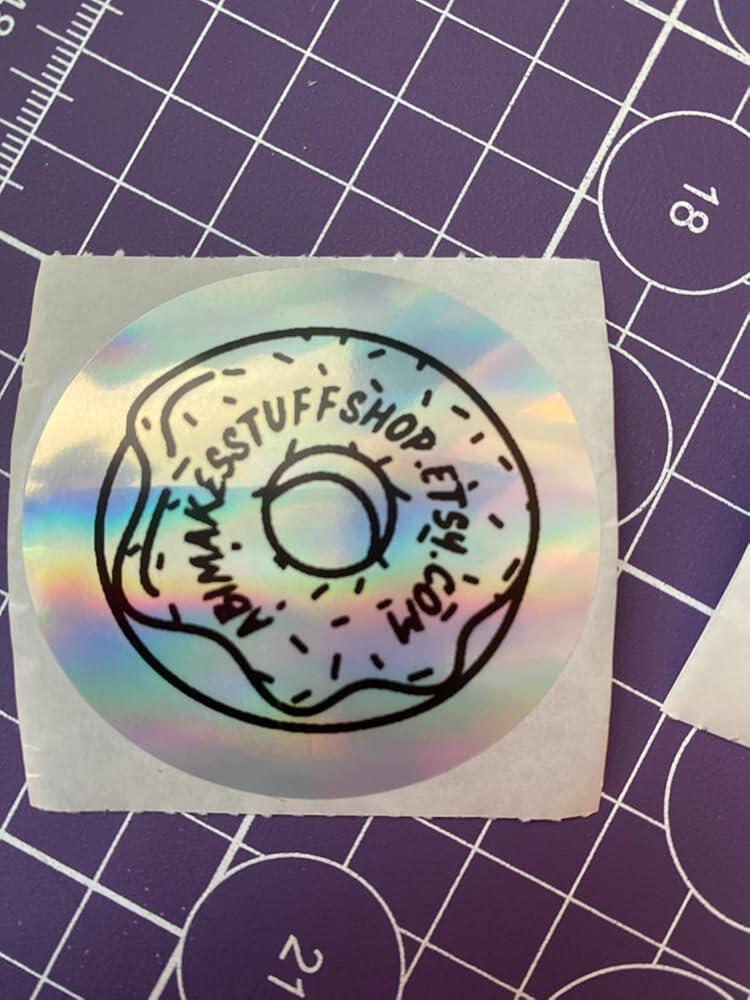
I love this thermal printer, it's the first time I've ever utilized one . It's simple and straight to the point. The app is user friendly and includes several different templates to choose from. Ordered for my juicing business. It does take a little practice to get the layout to line up with the stickers so they are centered, as you can see in the picture I'm still practicing. I made this logo using their template.
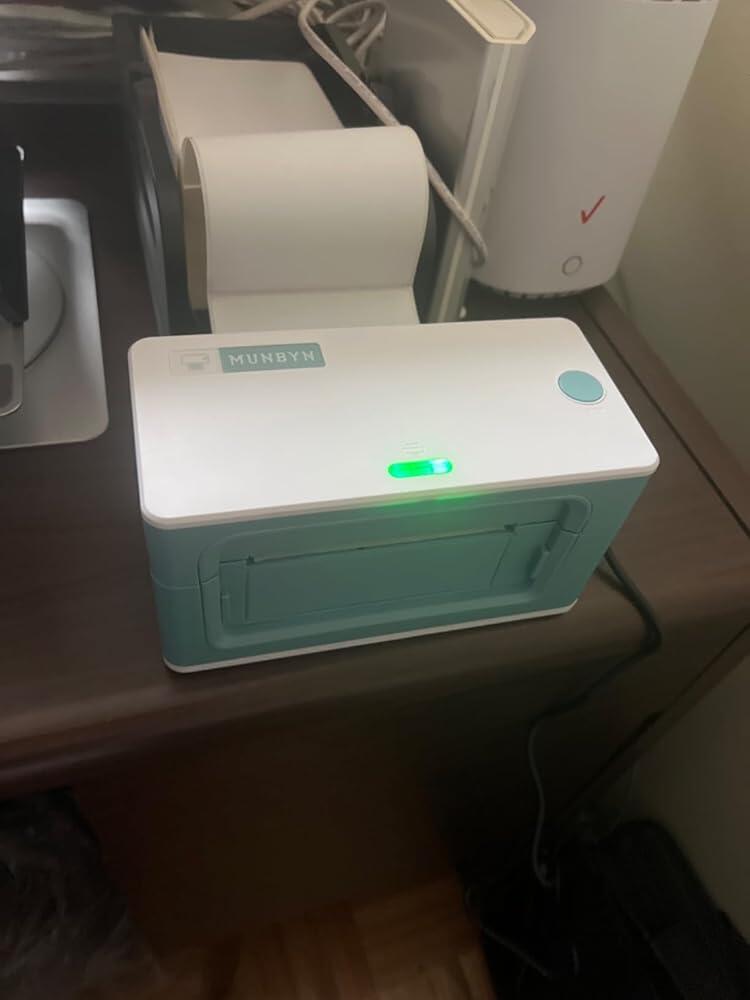
After getting tired of printing on a conventional printer I decided to buy this, and so glad I did!!I sell on Poshmark and eBay with 3-4 daily sales and this printer is goods gift!It’s small, colorful and compact but don’t let the size fool you!The set up was a breeze within a few minutes, and the wireless connection is the best feature for me!!Only downside that I have to warn everyone: it doesn’t connect to Poshmark and Mercado platforms directly so you have to save your label as pdf and retrieve it with the printer app.Even with that extra step it still beats printing on regular paper, tape etcCustomer service is AMAZING!! I contacted them by email and received my answer right away, as well as a follow up a few days checking on resolution of my issue.Don’t wait, buy this little giant and simplify your business and your life!!
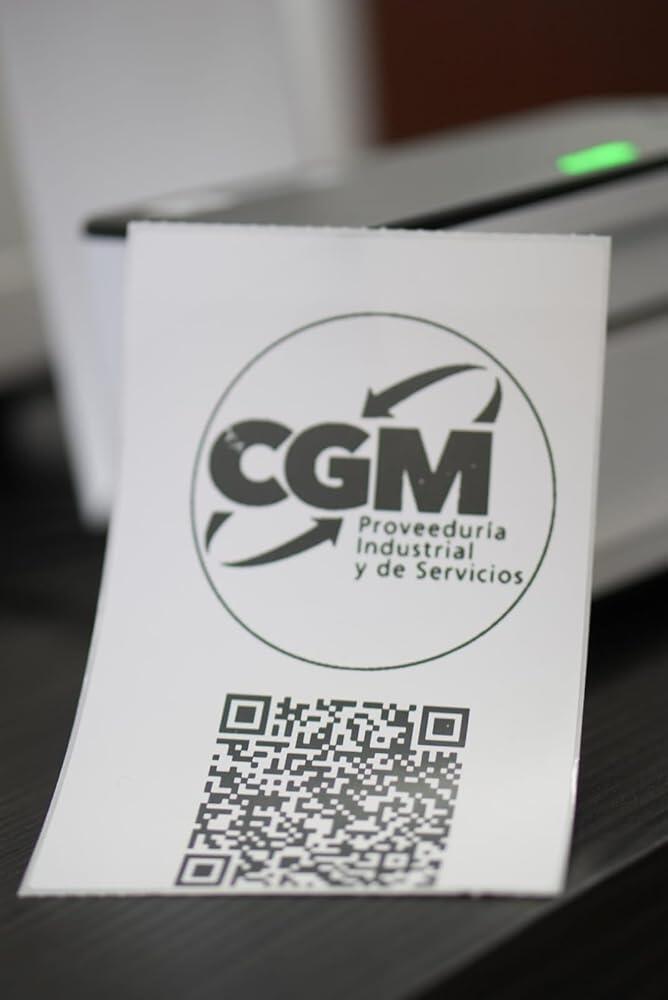
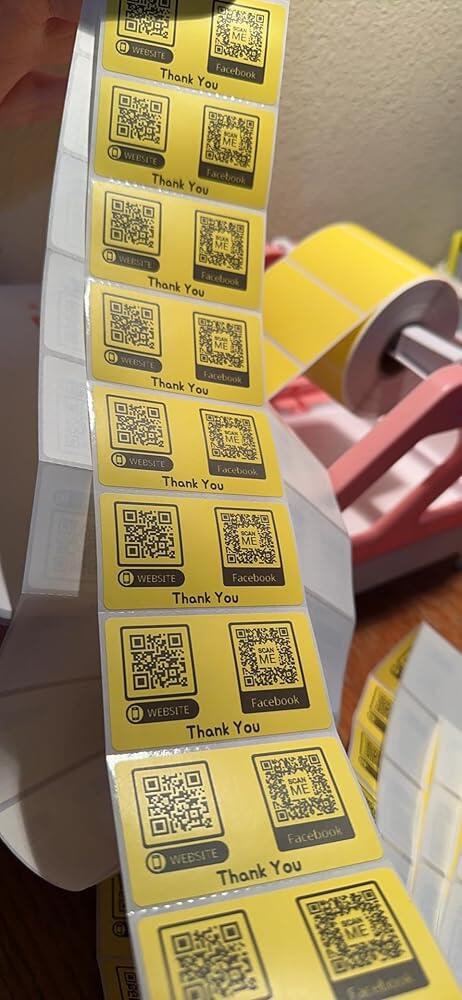
I just love this thermal printer for printing out my QR codes for my car freshie business. It’s super fast at printing and the customer support team is awesome and very fast at responding to emails. Thank You again for a great printer.
Prints amazing and is super fast! thank you!
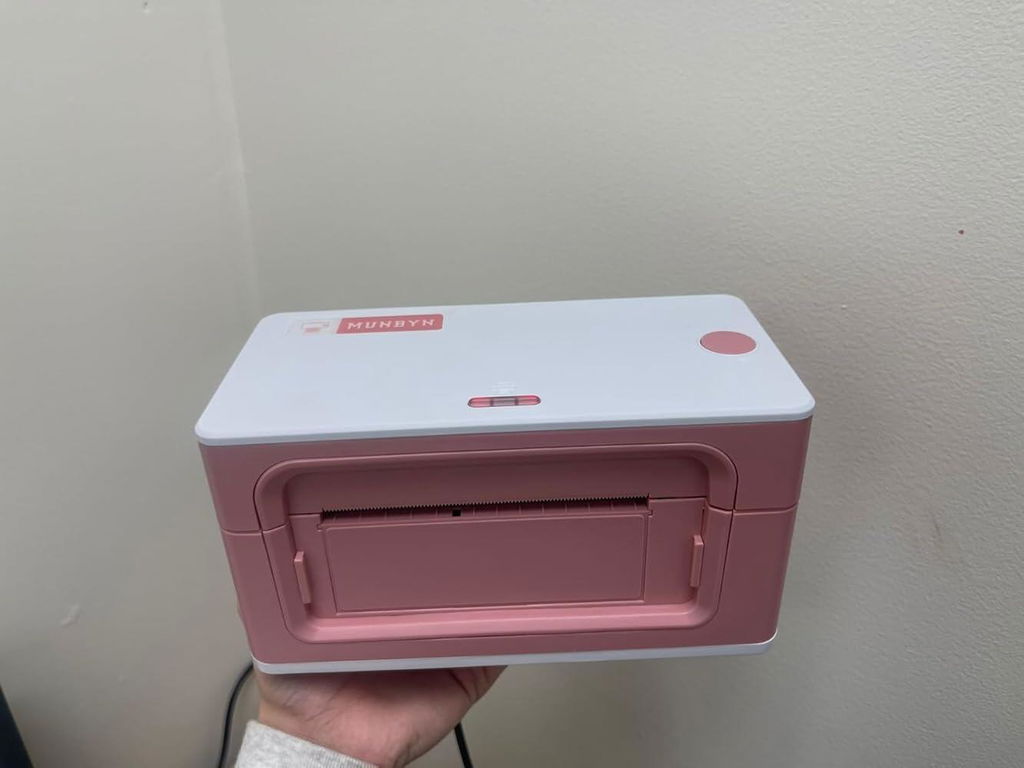
I absolutely adore my charming little label printer. The ability to print effortlessly from my phone or iPad is a game-changer, especially if you're working with limited space. I've utilized it for printing shipping labels as well as creating adorable branded stickers. Customer support has been amazing and they’re always ready to assist. Highly recommend!
Please read our FAQs page to find out more.
Free shipping and returns