Scroll to top

Built for real work

Why choose MC005?

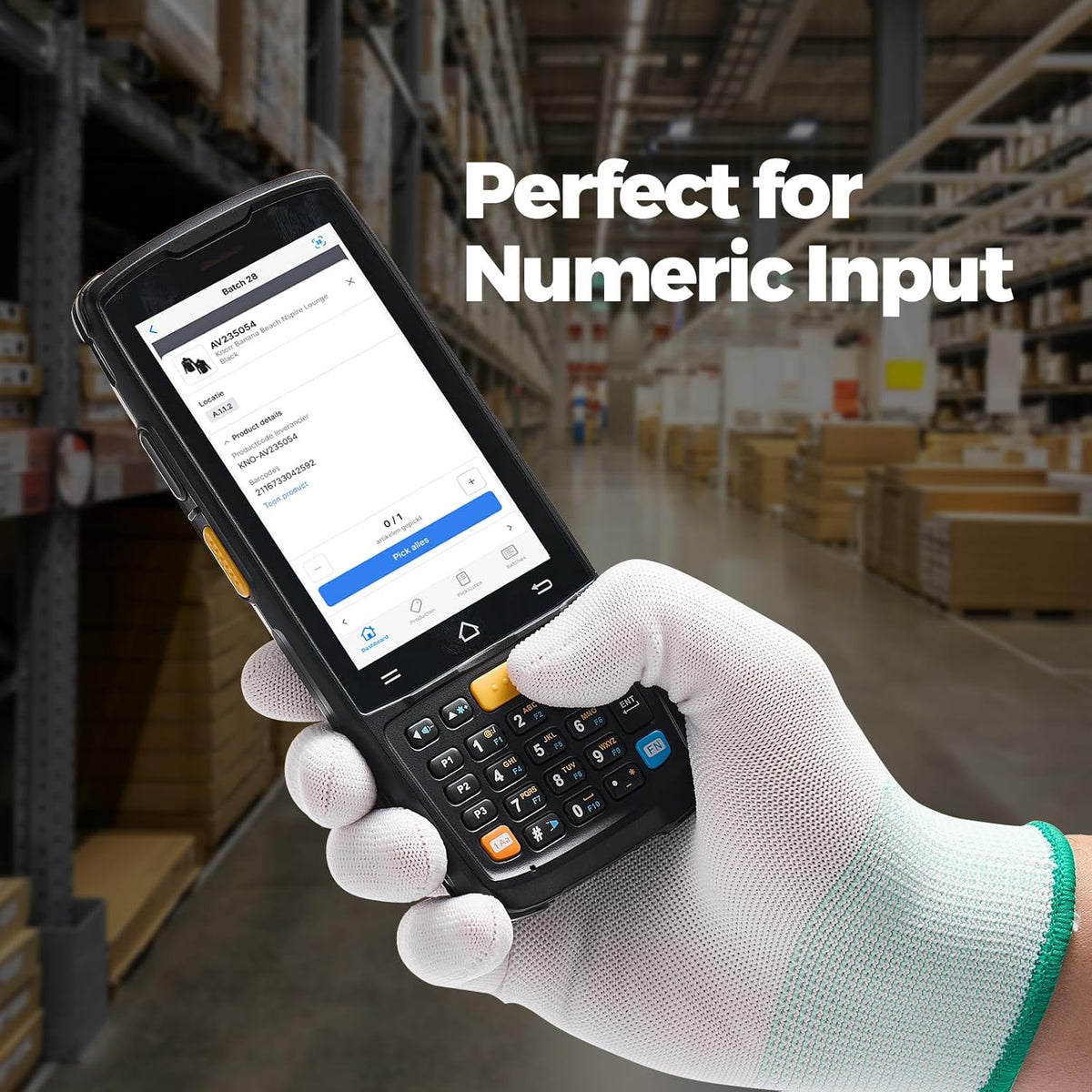
Combine barcode capture and a physical keypad for frequent data entry.

Scanning

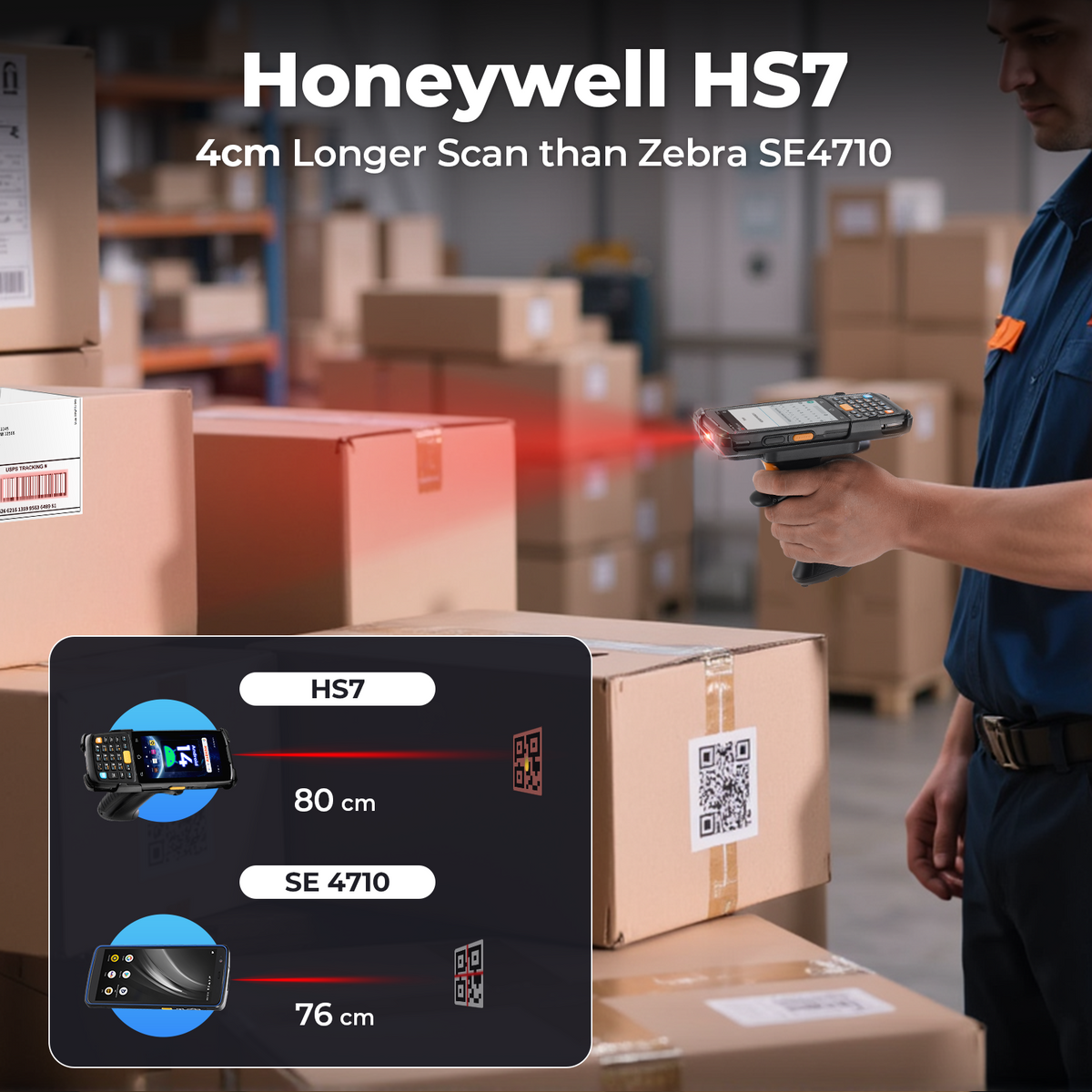
Honeywell HS7

Capture 1D and 2D barcodes for daily inventory tasks.

Battery

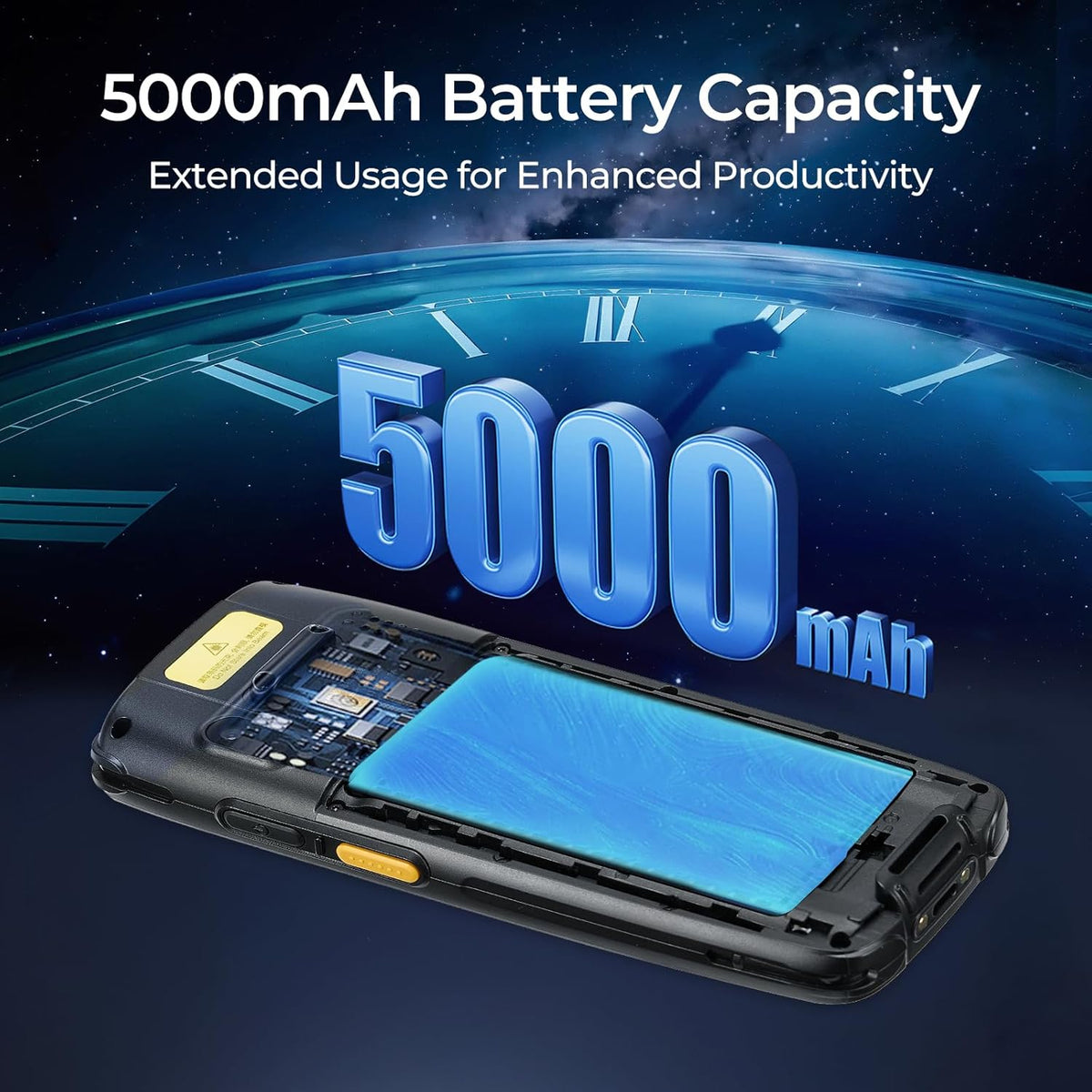
5,000 mAh

Removable main battery for flexible power management.

System

Android 14

Run compatible Android business apps on the handheld.

Protection

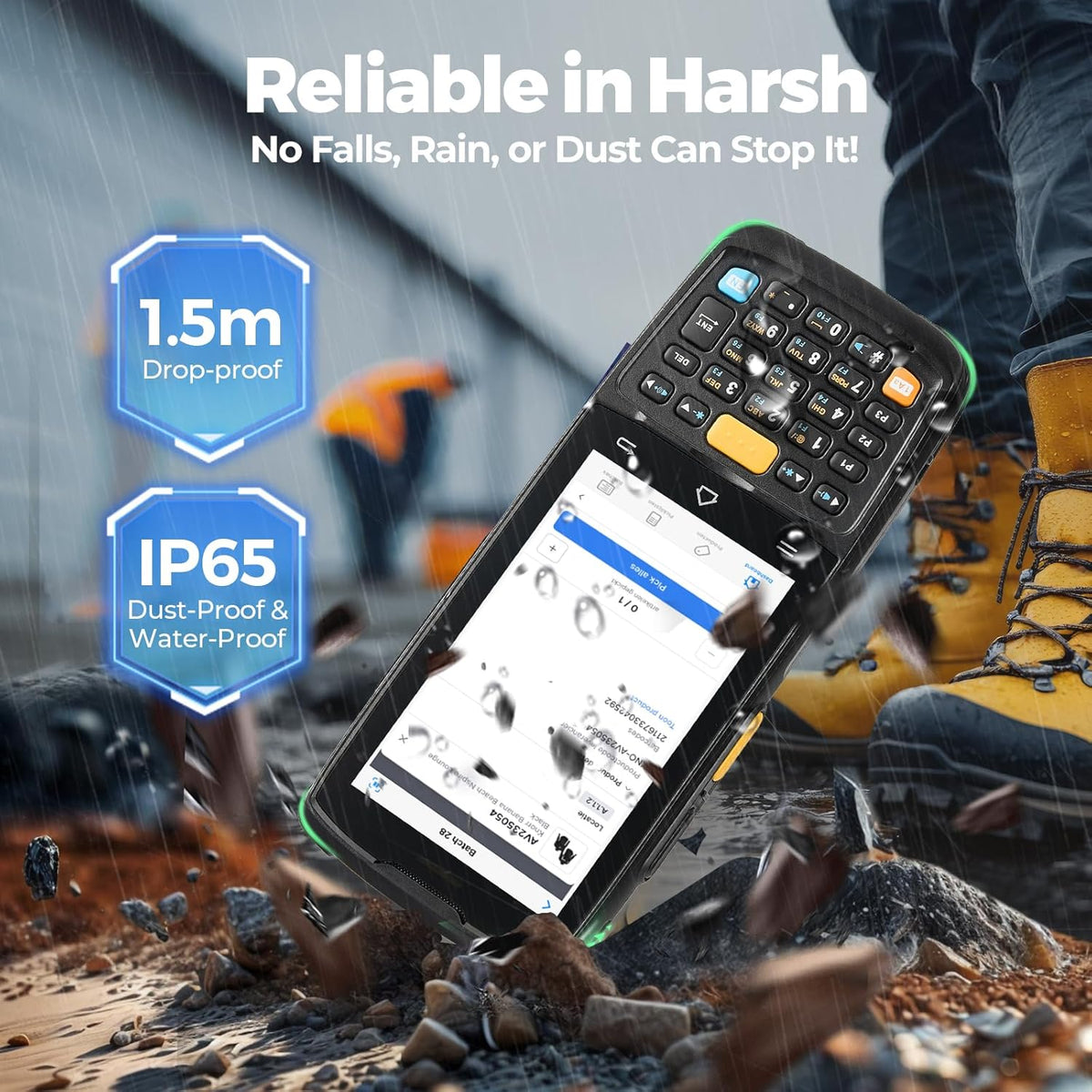
IP65

Dust and water-jet resistance for demanding workplaces.

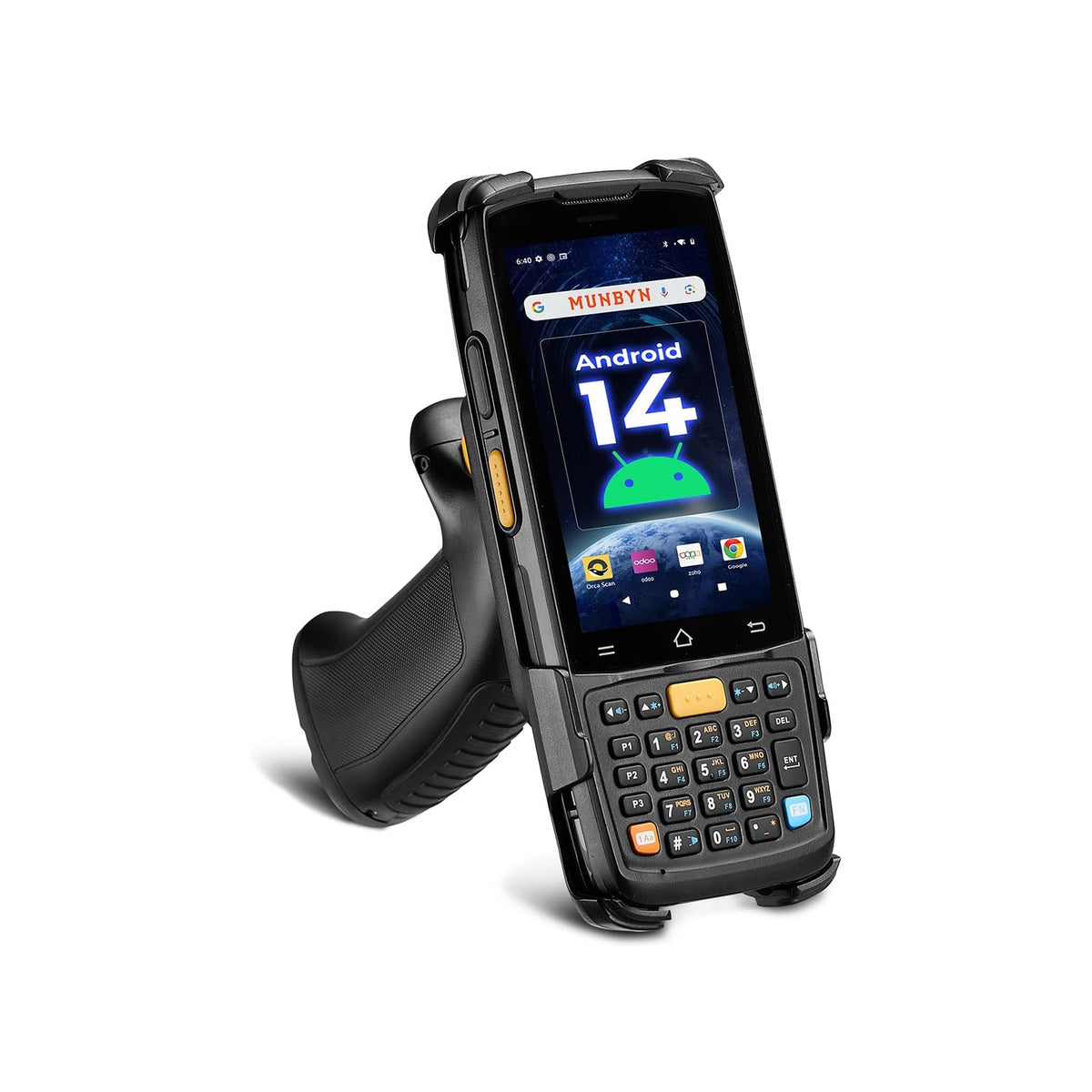
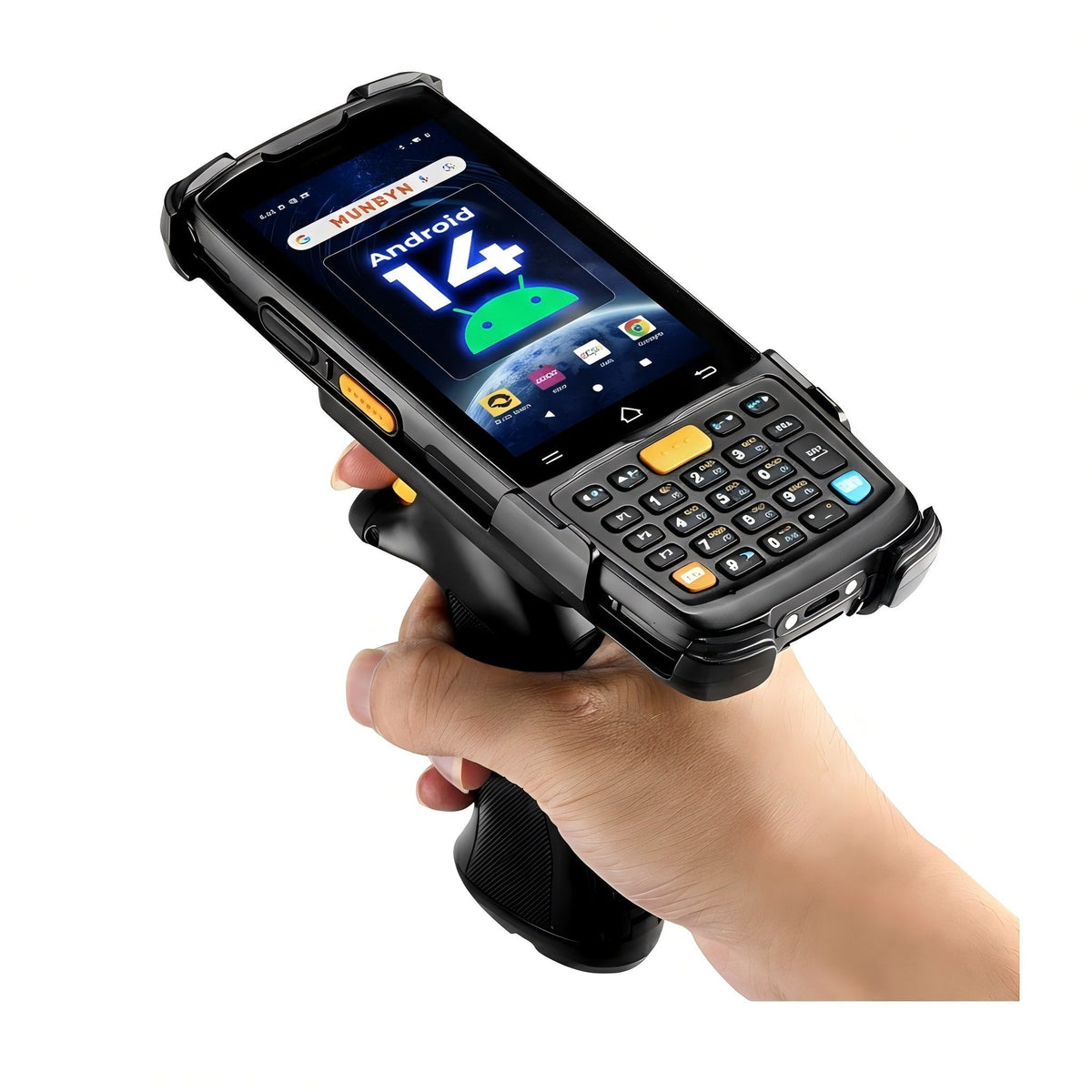
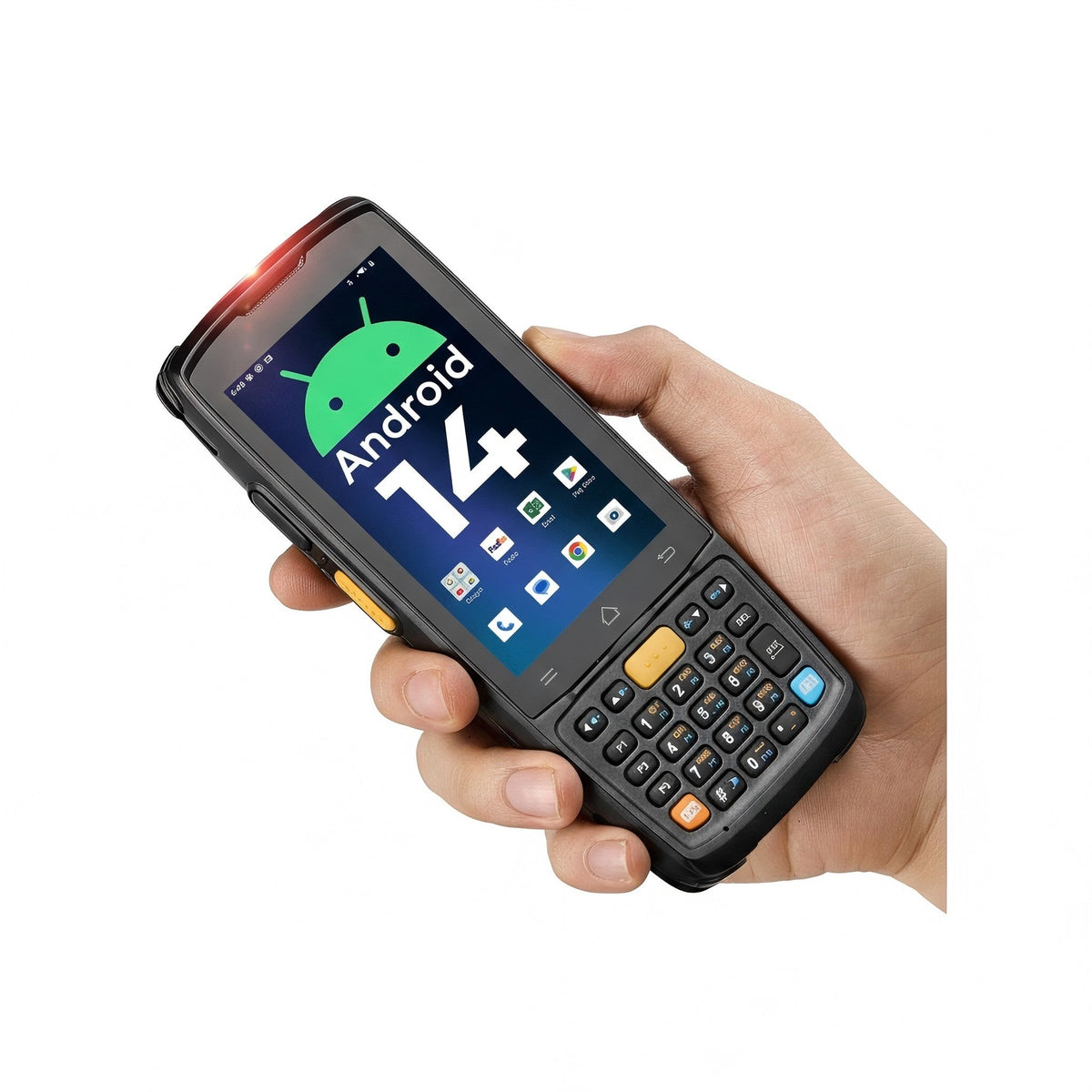
MUNBYN MC005 Android barcode scanner with black and silver design, handheld device for quick barcode reading.
MUNBYN MC005P Android 14 Portable Barcode Scanner
$645.99 AUD

Product details

Review the key specifications before choosing the right product.

Product overview
SKU
MC005-BKAUIE
Model
MC005
Product Dimensions
162mm*68mm*19mm
Weight
278g (device with battery)
Display Screen
4-inch 800 x 480 Screen brightness: 400nit
Operating System
Android 14
CPU
8-core 2.2GHz high-performance processor(Mediatek MT8781V/CA)
RAM + ROM
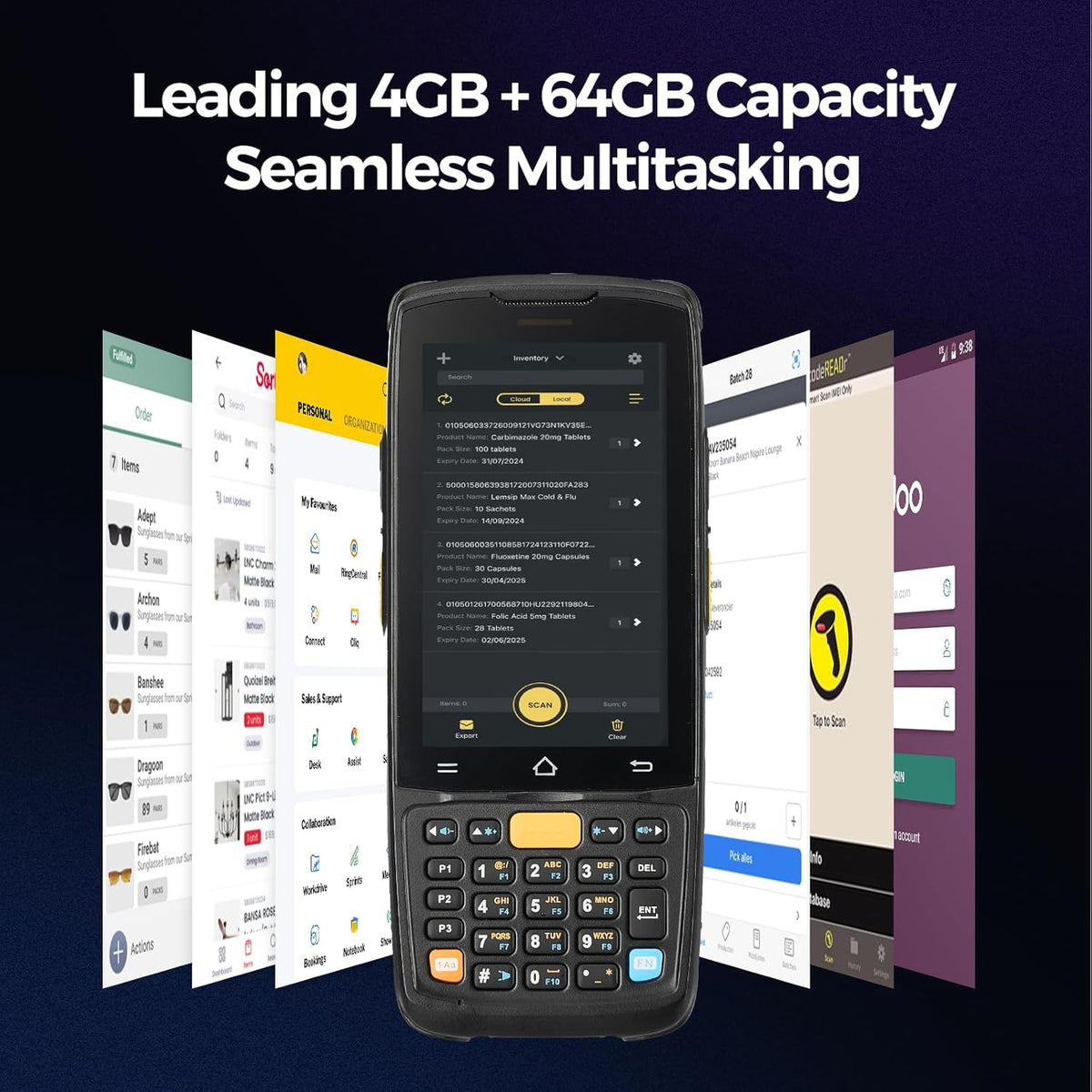
4 GB + 64 GB
Expand Memory
Micro SD card (up to 512GB)
Battery Capacity

Lithium battery 4.4V power supply, 5000mAh, removable

Continuous scan: over 8 hours (depending on user environment)

Charging time: About 3 hours (charge device by standard adaptor and USB cable)

Camera
Rear 8MP camera, supports autofocus
Touch Panel
Industrial-grade capacitive touch screen, supports wet hand operation/glove mode/multi-touch
Key
1 power key, 3 scan keys, 1 PTT key, 23 keys on the front
Sensor
Gravity sensor (G-Sensor)/Proximity sensor/Light sensor
More specifications
Expand Port
1 slot for nano SIM card, 1 slot for TF card
Interface
Type-C interface, supports OTG
Charging Method
Type-C charging: supports 18W(9V2A) fast charging
WLAN

Wi-Fi 802.11 a/b/g/n/ac/r (dual-band Wi-Fi: 2.4G+5G), fast roaming support

WWAN (America)

2G:B2/B3/B5

3G:WCDMA:B1/B2/B4/B5

4G:B1/B2/B3/B4/B5/B7/B12/B17/B28A/B28B/B41/B66/B71

Bluetooth
Bluetooth 5.0, BLE support
GNSS
GPS/AGPS/Beidou/Galileo/GLONASS/QZSS
NFC

Frequency 13.56MHz

Protocol ISO14443A/14443B/15693

Range Within 6cm

2D Imager Scanner

Honeywell: HS7

1D Symbologies

UPC/EAN, Code128, Code39, Code93, Code11, Interleaved 2 of 5, IATA Code 2 of 5, Codabar, RSS, etc.

2D Symbologies

PDF417, MicroPDF417, QR, Aztec, Maxicode, Data Matrix, Hanxin, etc.

Drop Specifications
1.5 meters of concrete floor fell multiple times
Operating Temperature
-20℃~60℃
Storage Temperature
-40℃~ 70℃
Environment Humidity
0% RH – 95% RH non condensing
Speaker
Support
Vibrator
Support
Microphone
Support
Indication
High-power speaker/LED prompt/vibration prompt
Service Warranty
2-year warranty and technical support
Box contents
  1. Handheld Terminal Device
  2. Adapter
  3. USB Cable
  4. Screen Protector
  5. User Manual
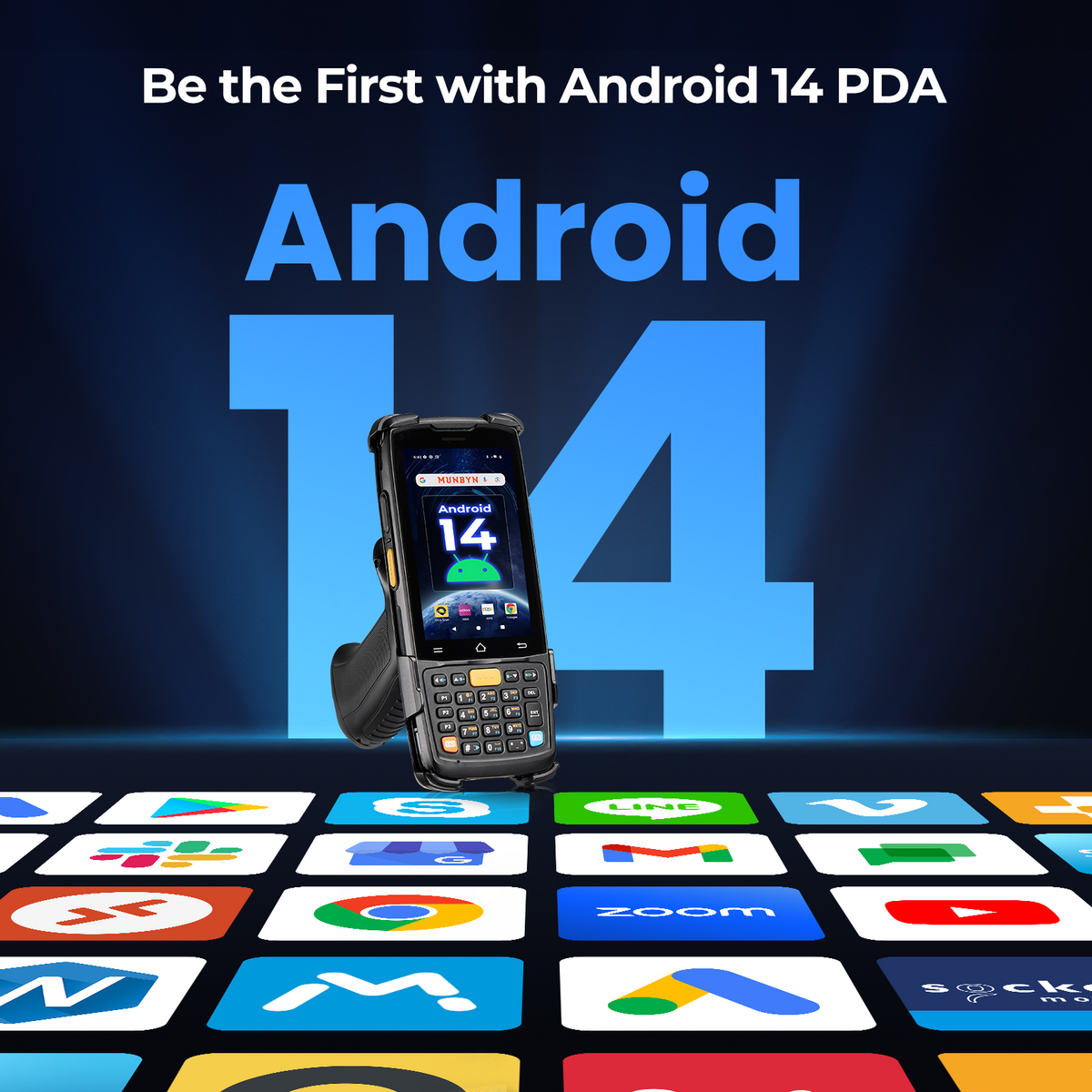
MUNBYN MC005 Android 14 keypad scanner surrounded by business app logos in a compatibility graphic.

PROOF 01 /ANDROID FOR EVERYDAY WORK

Keep Your Inventory Apps in Hand

Bring scanning and stock updates together on Android 14. The MC005 series runs compatible inventory and business apps, so staff can look up items and continue their work on one handheld. Check your app's requirements, scan input settings, and licensing before rolling it out across your team.

MC005 Honeywell HS7 scanning graphic with 1D, QR, PDF417 and other barcode examples.

PROOF 02 /HONEYWELL HS7 SCANNING

Capture Codes Across Your Daily Tasks

Read common 1D and 2D barcodes with the Honeywell HS7 engine during receiving, picking, and stock checks. Supported formats include QR codes and PDF417, with on-screen barcode reading for compatible codes. Scanning results vary with the code's size, condition, and lighting.

MC005 memory graphic showing a processor illustration and 4GB RAM with 64GB storage.

PROOF 03 /4GB RAM + 64GB STORAGE

Room for Apps and Work Records

Keep your business apps, item information, and daily work records on one device. With 4GB of RAM and 64GB of storage, the MC005 gives teams space for their usual tools and files. Available storage and app performance depend on installed software and your workload.

MC005 keypad scanner pictured above a dusty work surface with an IP65 protection callout.

PROOF 04 /READY FOR BUSY WORKSPACES

Built for Dusty, Busy Workspaces

Move between shelves, loading areas, and packing stations with a handheld designed for everyday industrial work. The MC005's IP65 rating provides protection against dust and splashes, helping it handle routine warehouse conditions. Follow the device's care guidance and keep it out of standing water.

A card held beside an MC005 screen illustrates NFC identification in a compatible application.

PROOF 05 /NFC FOR COMPATIBLE WORKFLOWS

Add a Tap to Your Workflow

Tap compatible NFC tags or cards to support identification and data capture in a configured business app. The MC005 brings NFC alongside barcode scanning, giving teams another way to collect information on one handheld. Card support and available actions depend on the tag, app, and system setup.

MC005 rear battery compartment showing the SIM and TF card slots and model label.

PROOF 06 /CELLULAR WHEN YOU NEED IT

Stay Connected Beyond Your Wi-Fi

Use mobile data for compatible work apps when workplace Wi-Fi is out of reach. The SIM slot offers another connection option for mobile tasks. Before deploying in Australia, confirm that the supplied hardware supports your chosen carrier’s bands, coverage and data-plan requirements.

MC005 scanner with wireless signal graphics and a Bluetooth 5.0 and Wi-Fi caption.

PROOF 07 /WI-FI + BLUETOOTH 5.0

Connect Your Apps and Work Accessories

Connect to your workplace Wi-Fi to use networked business apps, and pair compatible accessories over Bluetooth 5.0. Keep inventory tools and supported peripherals within reach as you move through daily tasks. Data synchronisation depends on your app and network; accessory support depends on compatible software and Bluetooth profiles.

Close-up illustration of the MC005 rear camera with an 8MP camera callout.

PROOF 08 /REAR 8MP AUTOFOCUS CAMERA

Add Photos to Your Item Records

Photograph damaged packaging, product details, or equipment condition with the rear 8MP autofocus camera. Capture visual context on the same handheld you use for scanning, then attach images in a compatible work app. Image uploads and record linking depend on your software.

MC005 physical keypad compared with a touchscreen device whose on-screen keyboard covers part of a form.

PROOF 09 /PHYSICAL KEYS FOR DATA ENTRY

Enter Quantities Without Losing Your Place

Keep the form in view while using the physical keypad to enter quantities, bin numbers, and item codes. Dedicated keys give gloved staff another way to work alongside the touchscreen. Configure your app's input settings to reduce reliance on a pop-up keyboard.

Download the Digital User Guide


User Manual 

Download Now >>

Our Partners

Free shipping and returns