Scroll to top

Print Anything, Anywhere

Your ideas, your space — print wherever inspiration strikes.

Ink-Free, Worry-Free

Zero ink. Time, money, and planet-saving.

Fast to Print, Easy to Keep Going

High speed:150 mm/s = one 4×6 label per second.

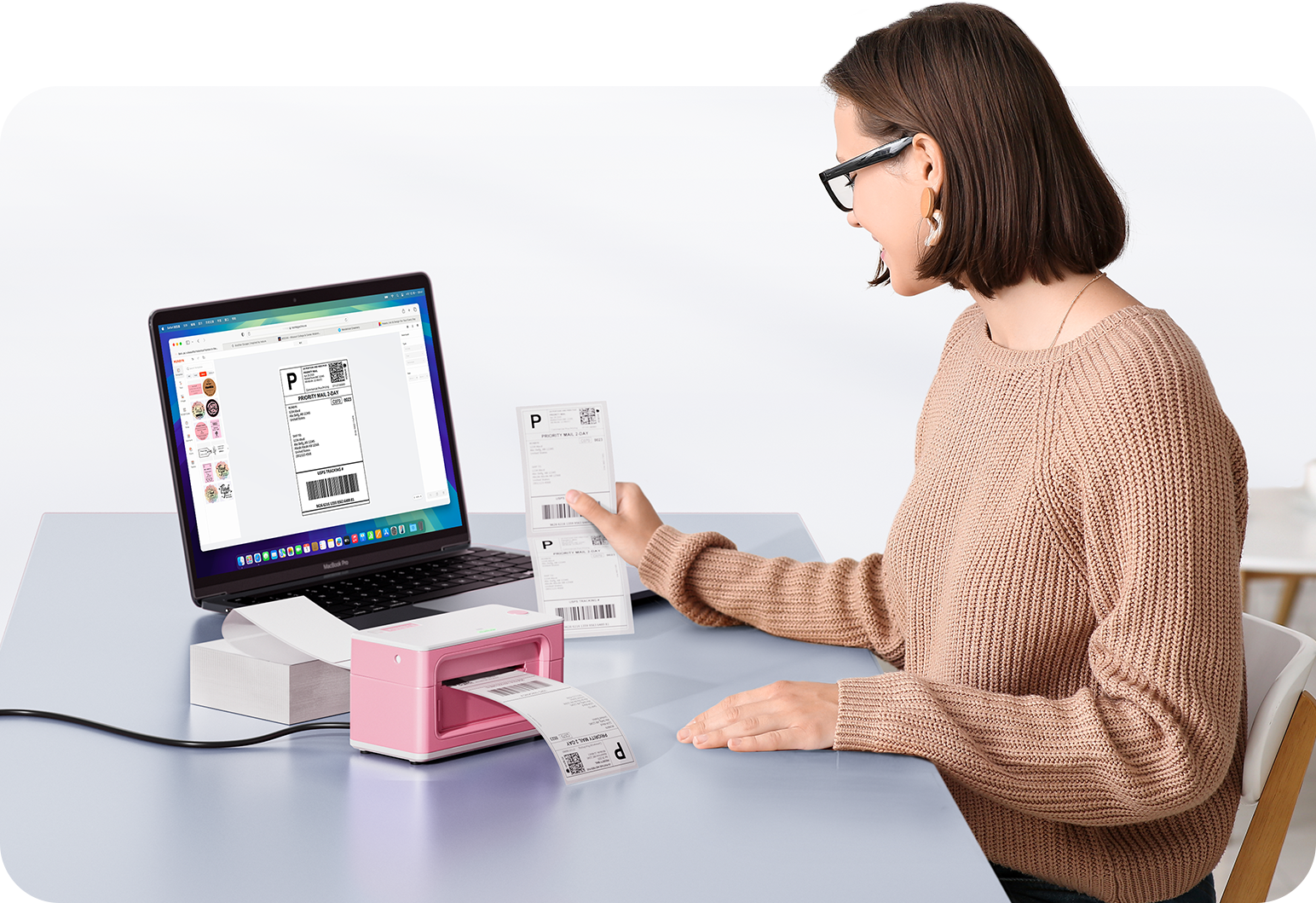
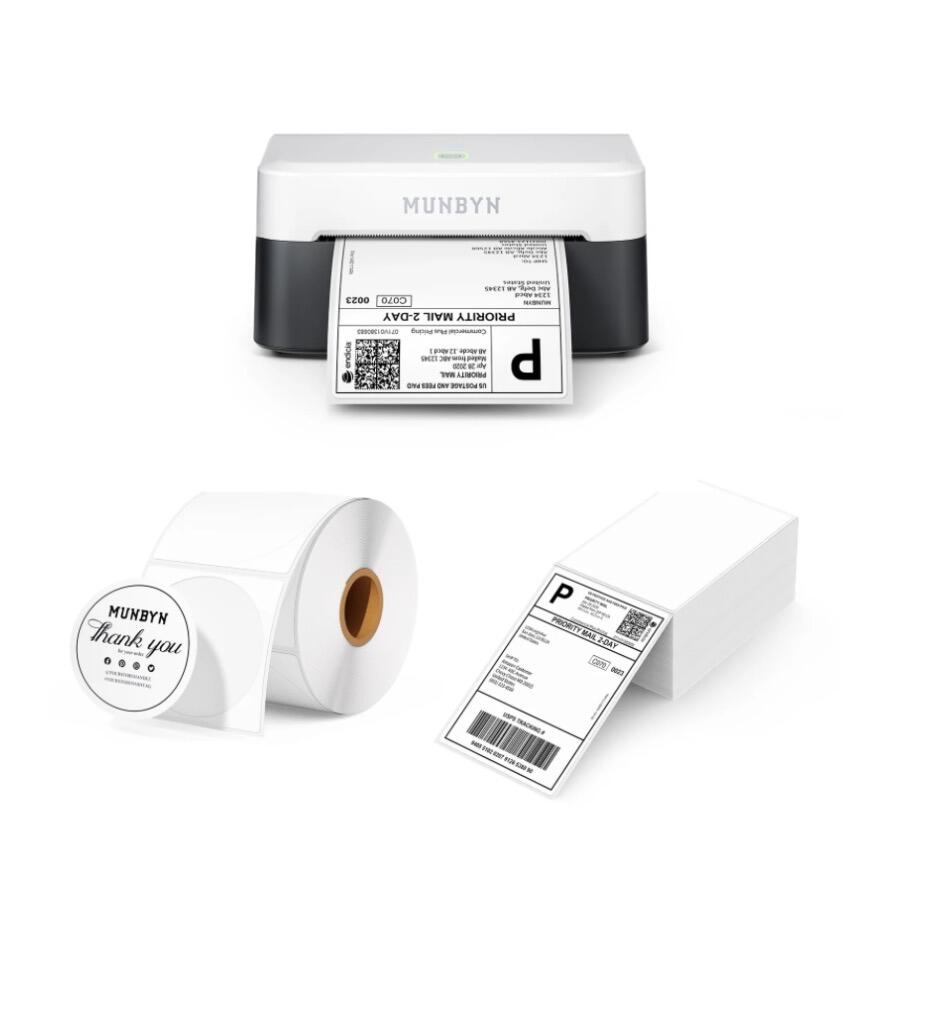
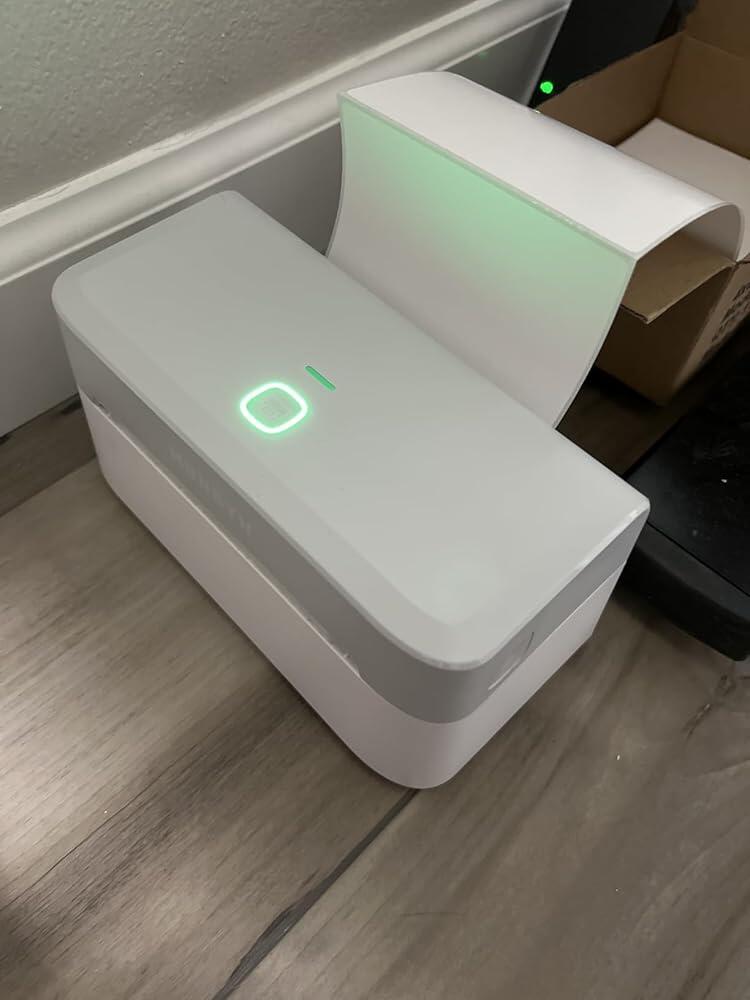
Thermal label printer with printed shipping label, label roll, and blank shipping labels
MUNBYN RW403B Bluetooth Thermal Label Printer Kit for Shipping and Product Labels
$189.99 AUD

Product details

Download our app

High-End Labels in Minutes
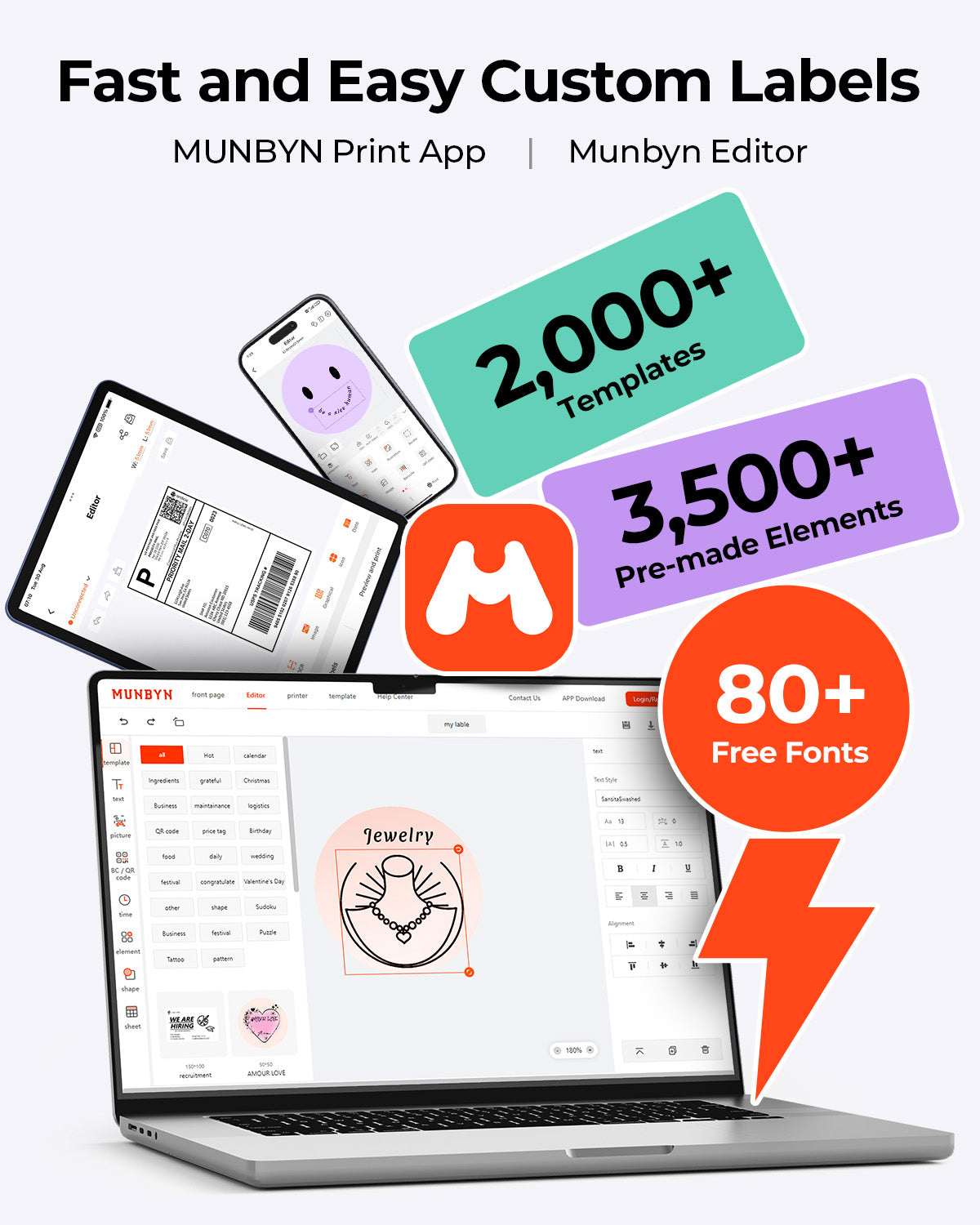
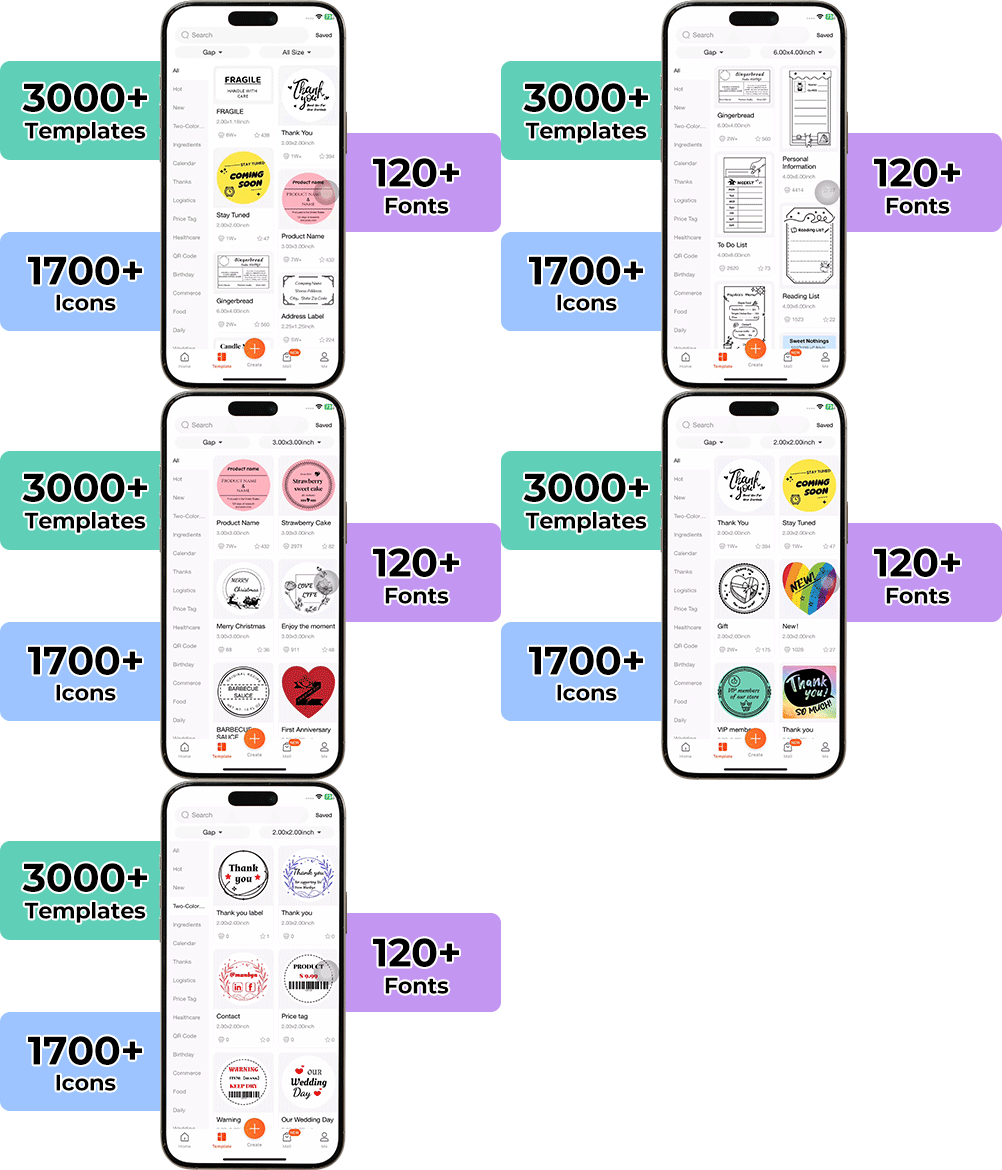
Designing custom packaging has never been this simple. Using the MUNBYN app and our versatile DIY Labels, you have a library of 3,000+ design assets and templates at your command.

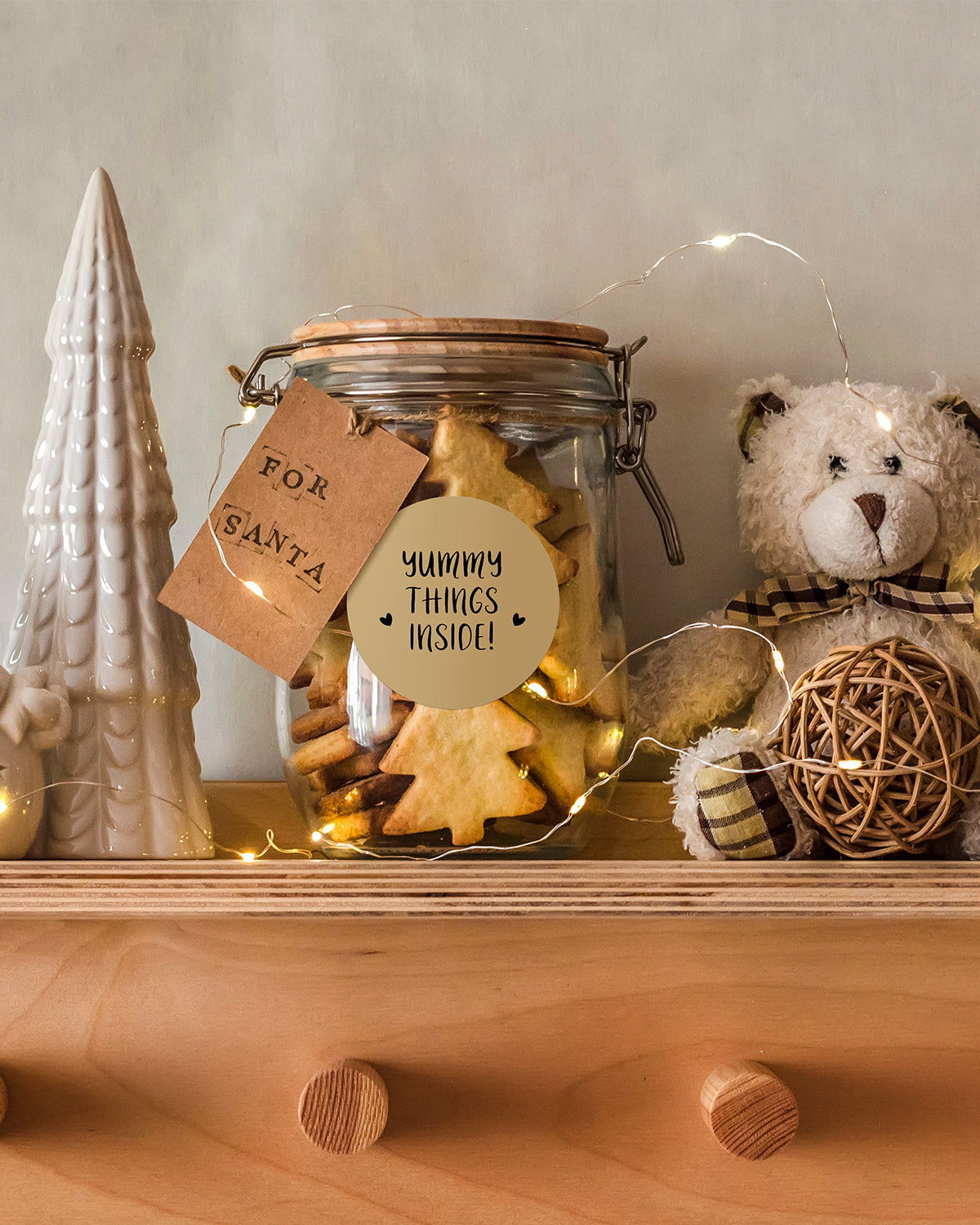
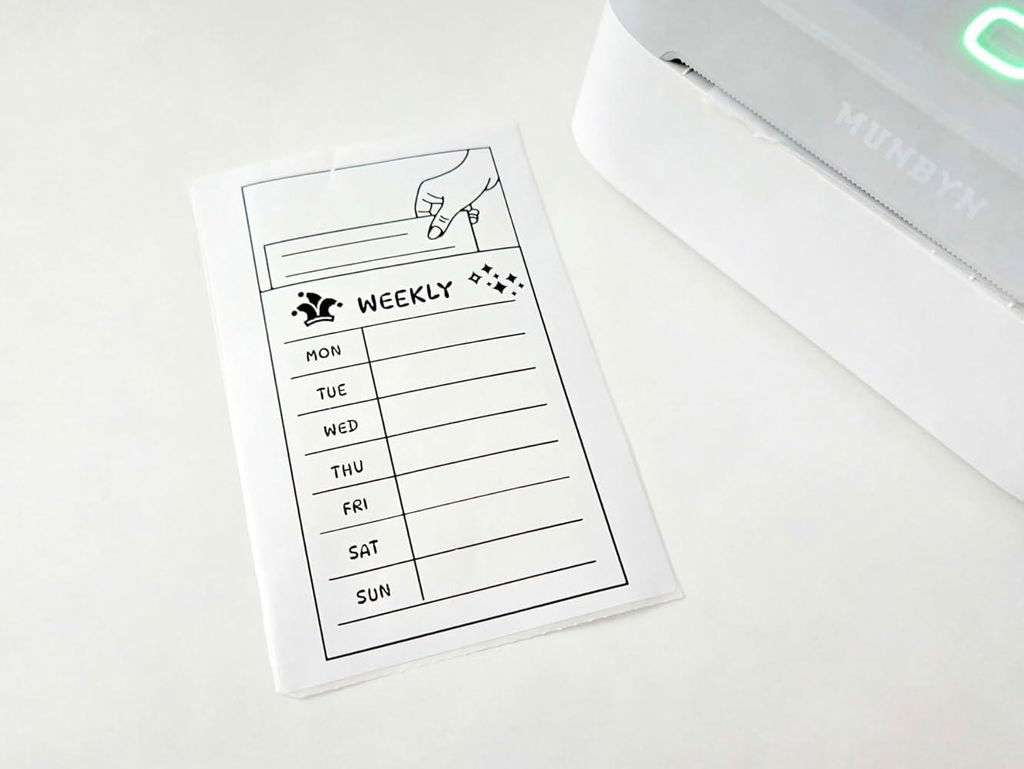
Craft bespoke logos and promotional stickers that perfectly capture your brand’s personality—all while keeping your budget in check.


Google Play

Google Play

Download Now

 
Online Editor

Online Editor

Create Now

 
User Manual

User Manual

Download Now

Proudly Women-Operated

80% of our leadership team are women, bringing empathy and innovation into every design and decision. Because when women lead, technology becomes more human — and creation becomes more meaningful.

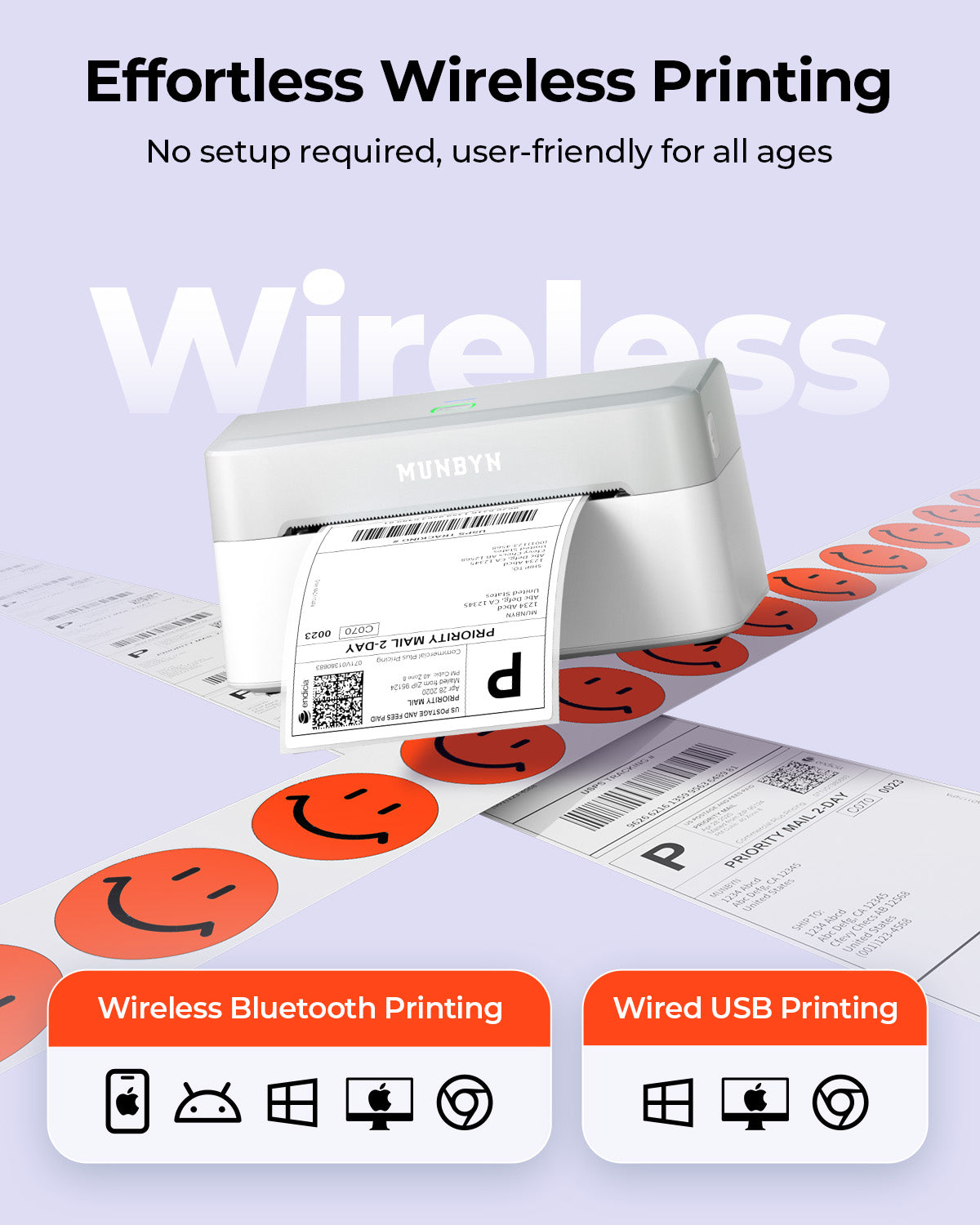
Wireless Freedom

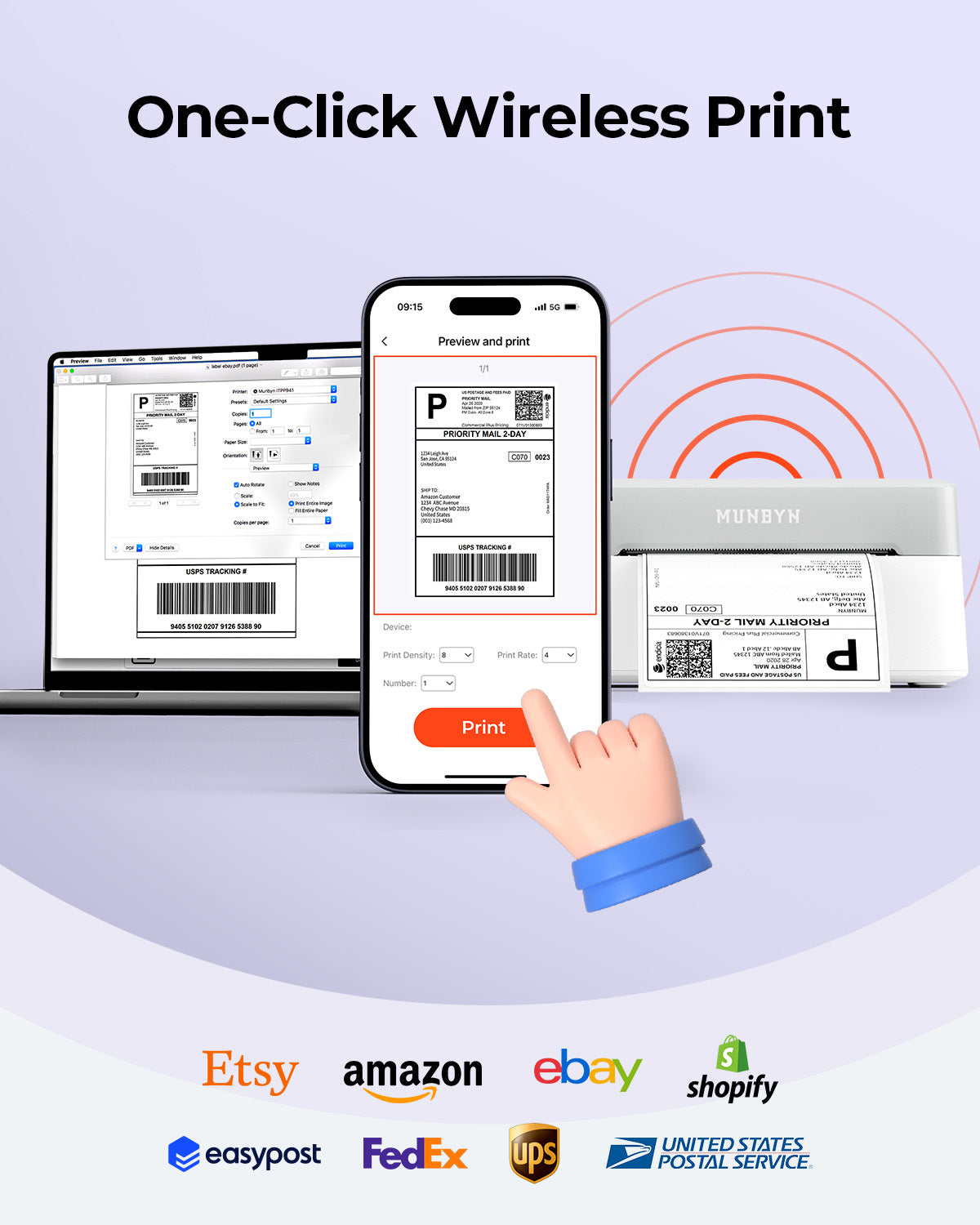
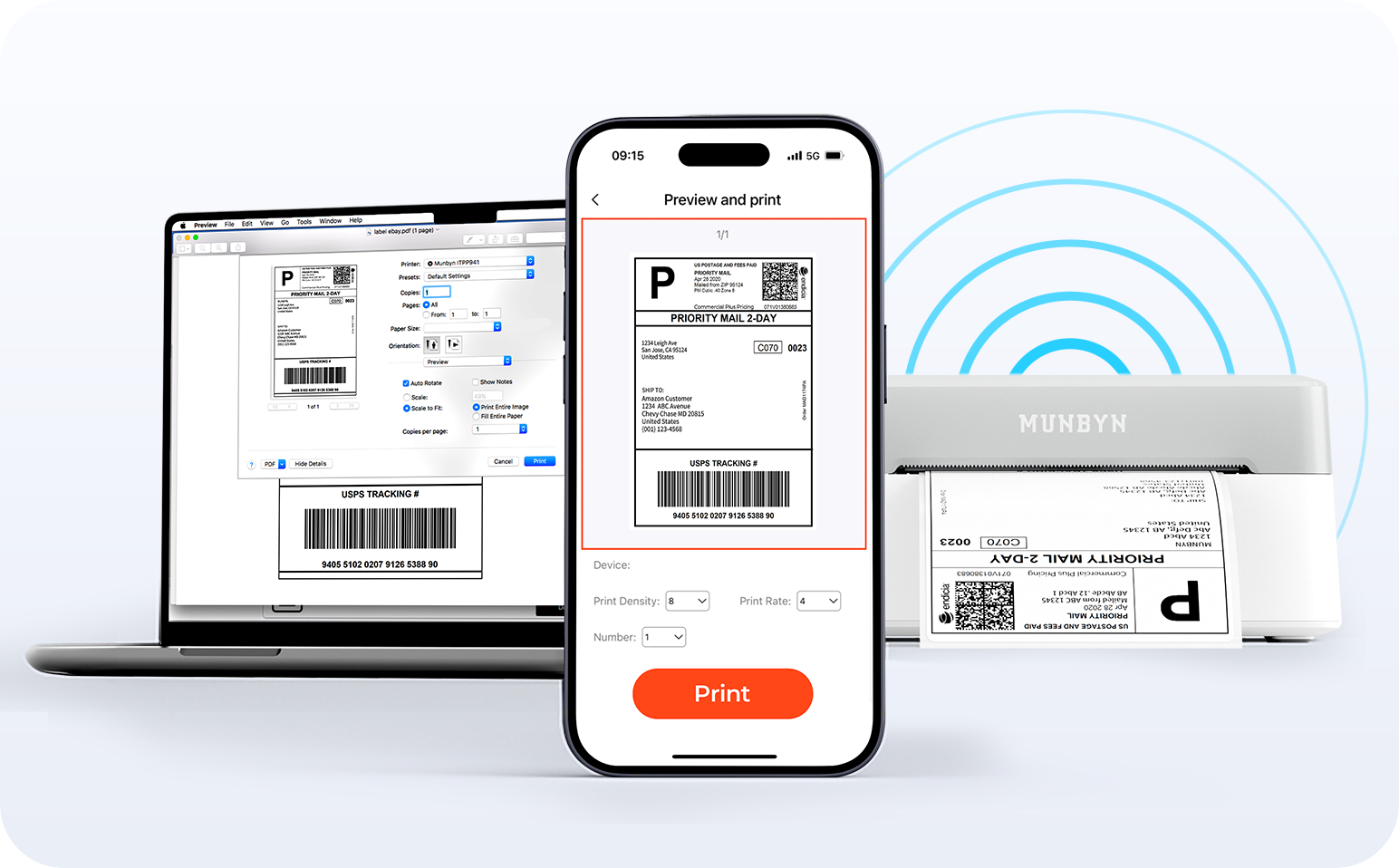
Say goodbye to tangled cables and hello to effortless printing. Enjoy instant Bluetooth connectivity wherever you work, or plug in via USB when you need it.Seamlessly compatible with Windows, Mac, iPhone, iPad, and Android—your whole workspace connected, your printing made simple.

Load video:

Smart label detection

Label Freedom. Effortless printing starts here.

Supports ANY direct thermal label

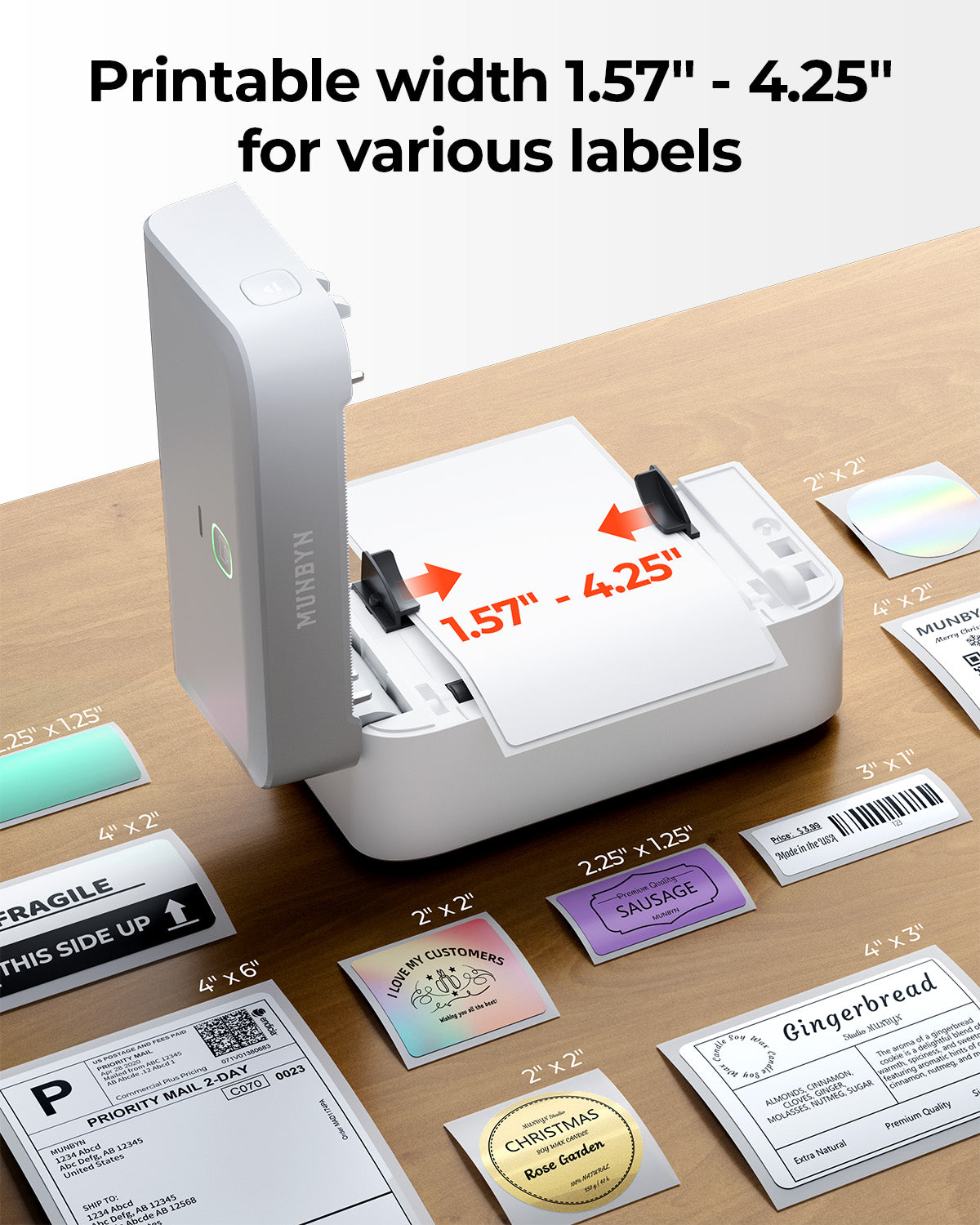
4x6" 3x2" 3x1" 2x1" 4" 2"

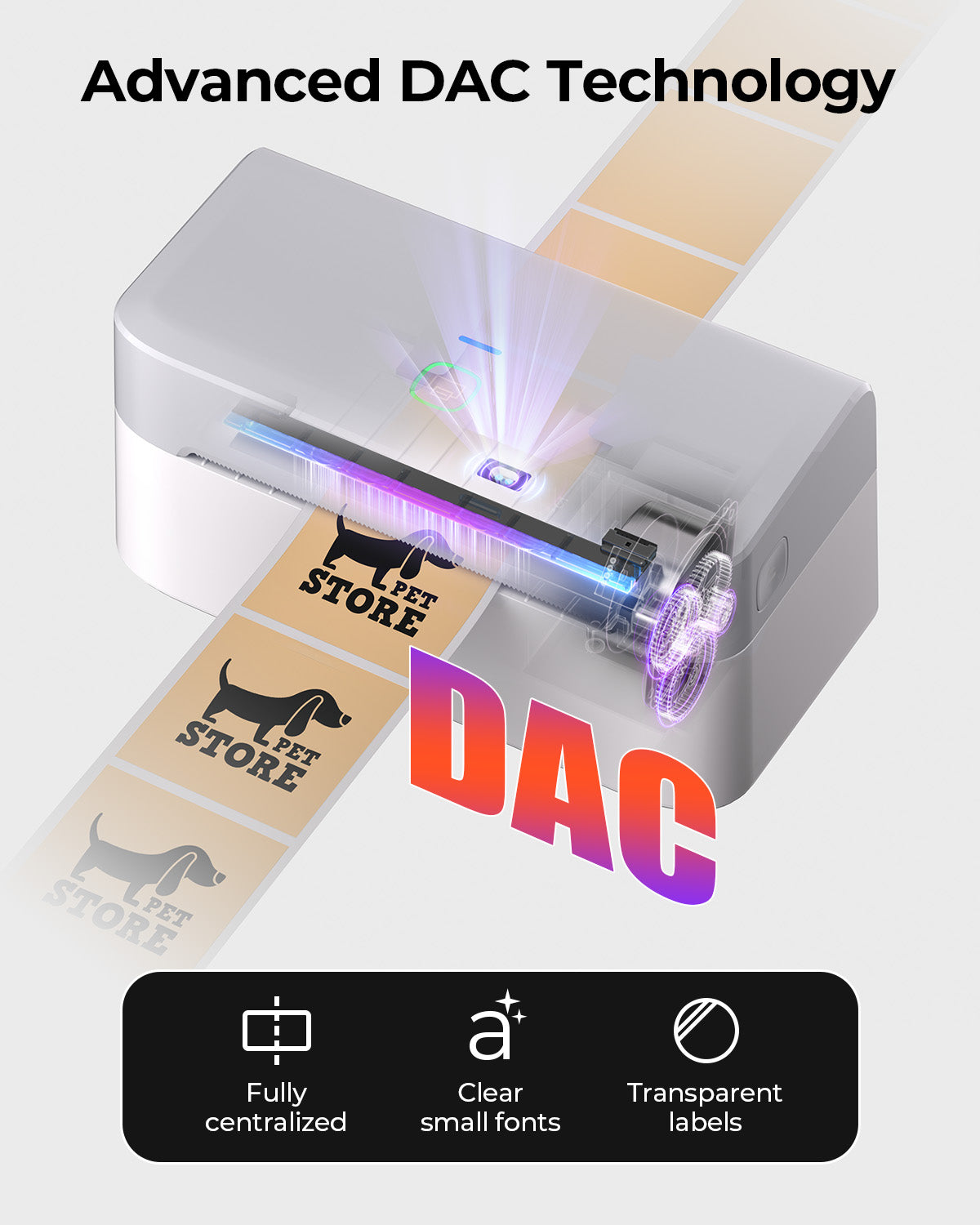
Your MUNBYN printer automatically recognizes and adjusts to different label sizes—no manual setup needed.
From 4×6 shipping labels to 2×2 logo stickers and a wide range from 40mm to 110mm wide, switching between tasks takes only seconds.

Your all-in-one tool for major marketplaces and carriers, including but not limited to

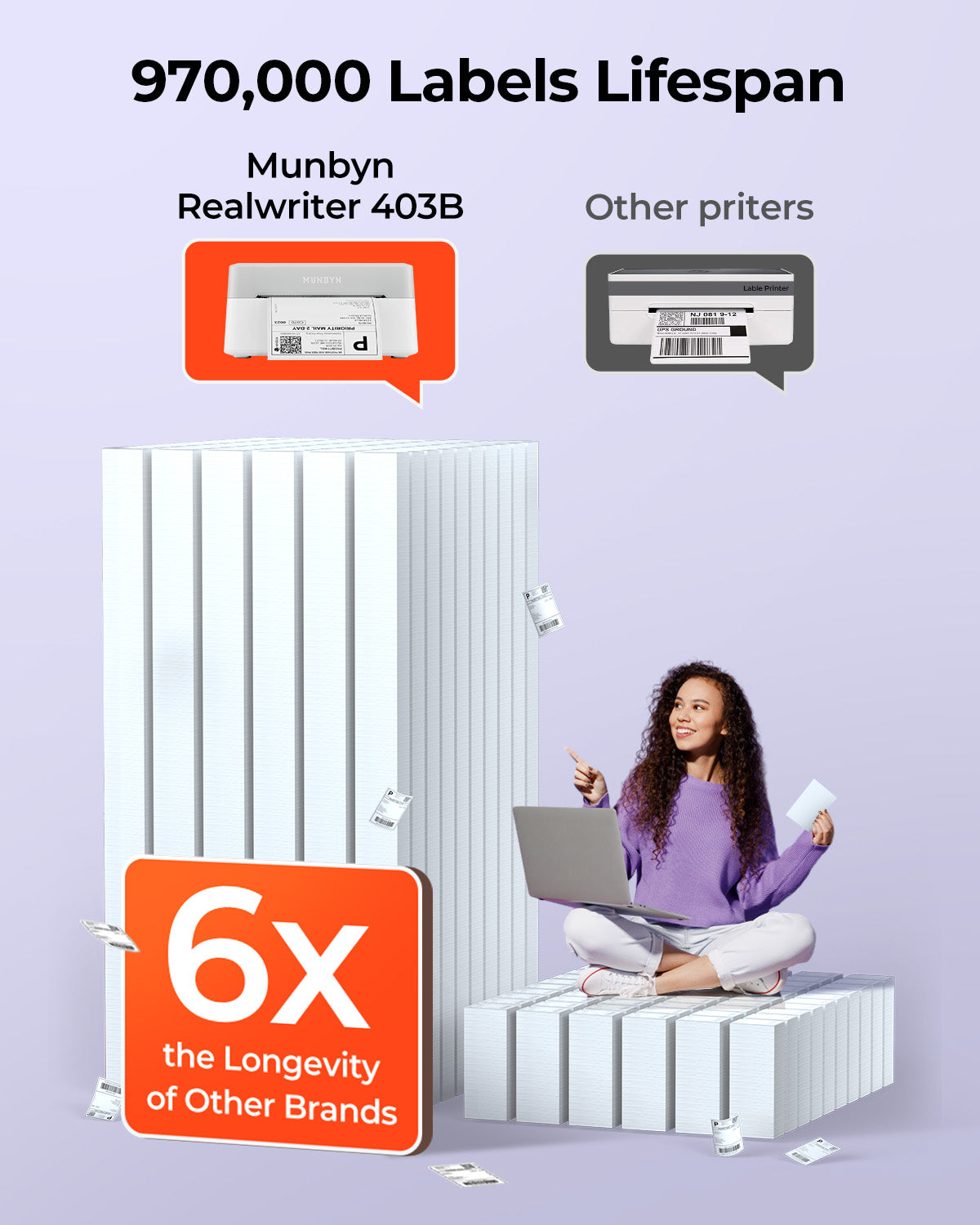
Designed to print more than 980,000* labels in shipping labels

How People Use MUNBYN

Print life and label quantity estimates are based on laboratory calculations (150 KM printhead life × 4×6" label length). Actual performance may vary due to print frequency, label material, operating environment, and maintenance conditions.

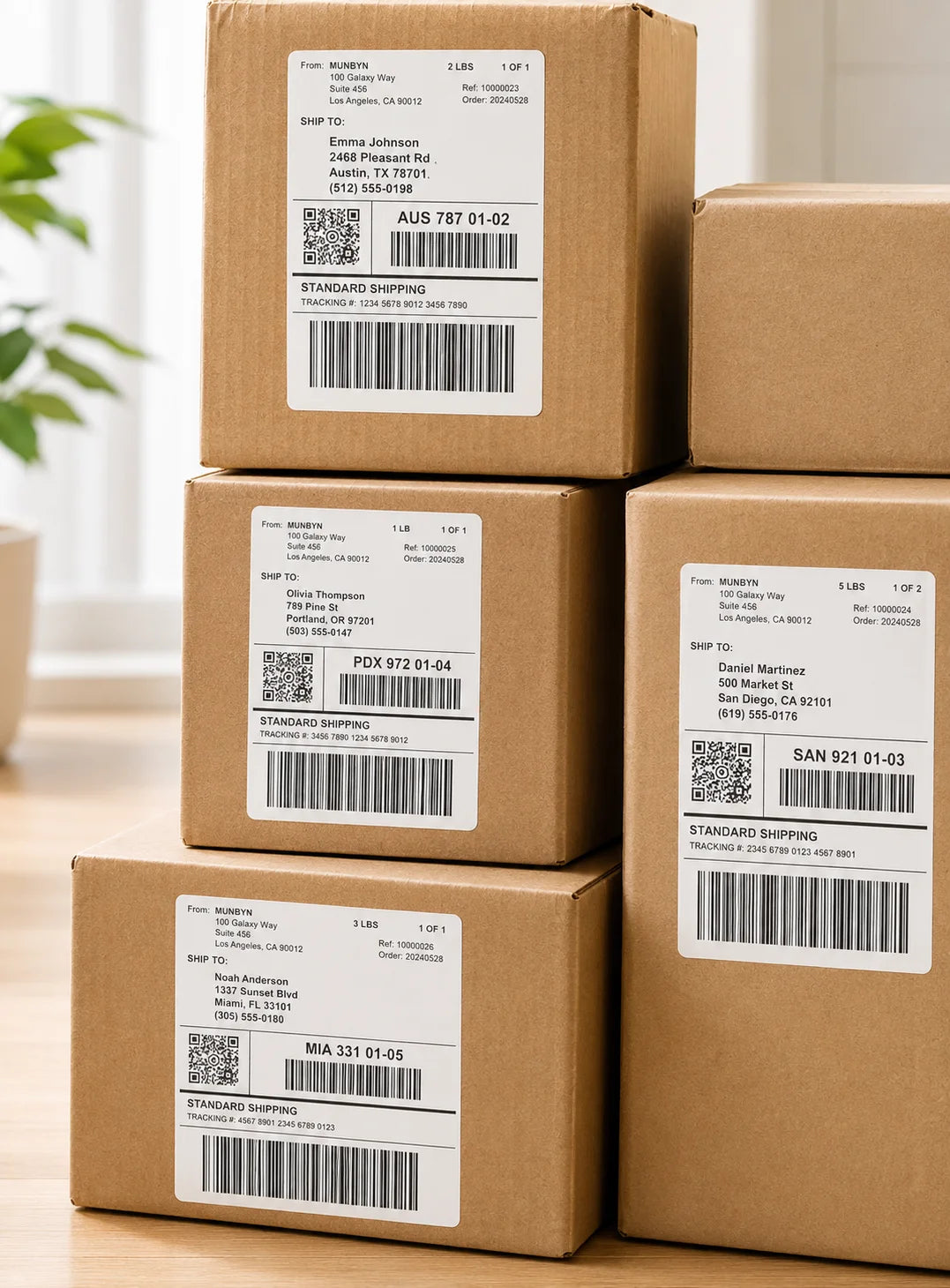
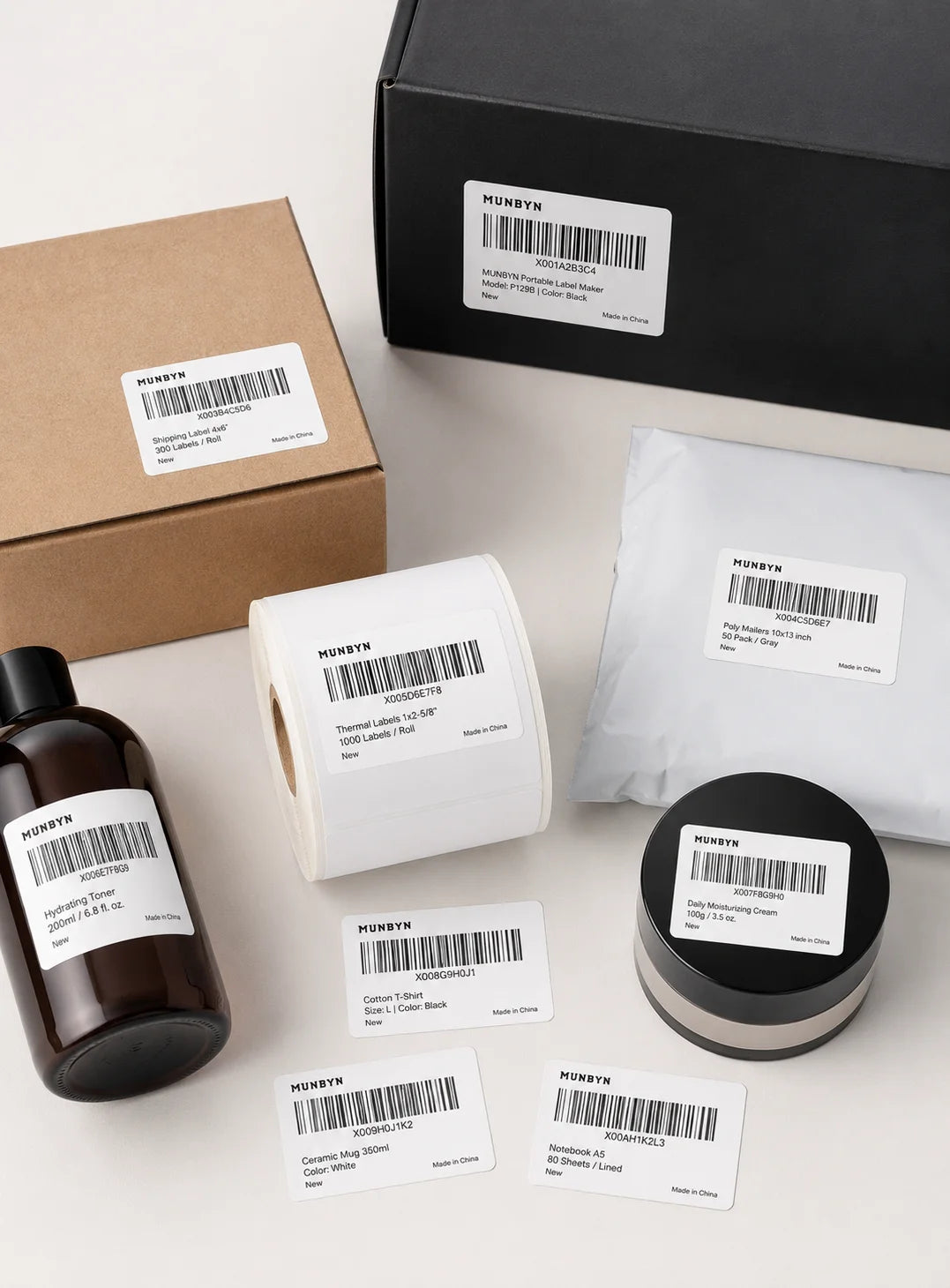
Shipping Labels

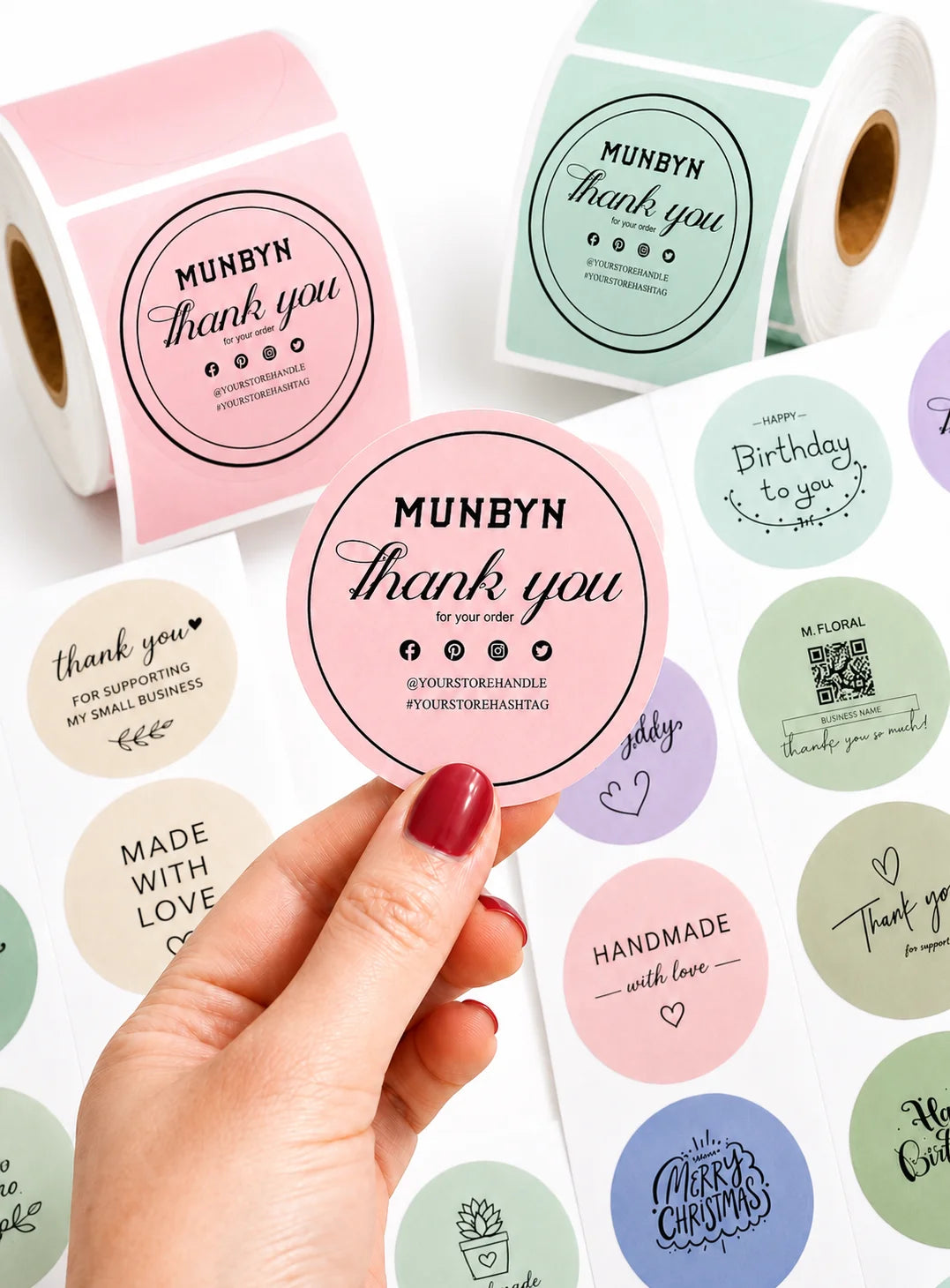
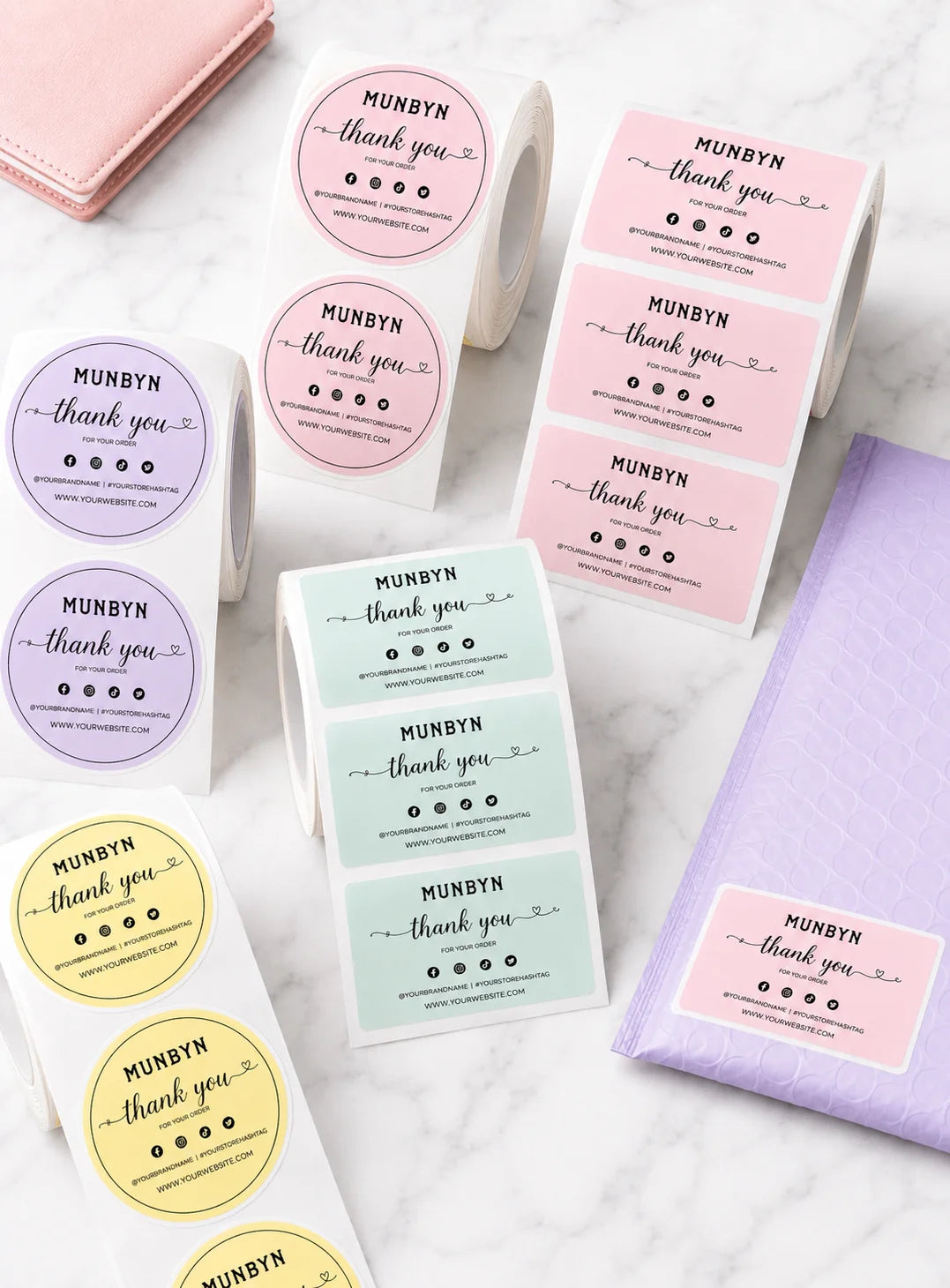
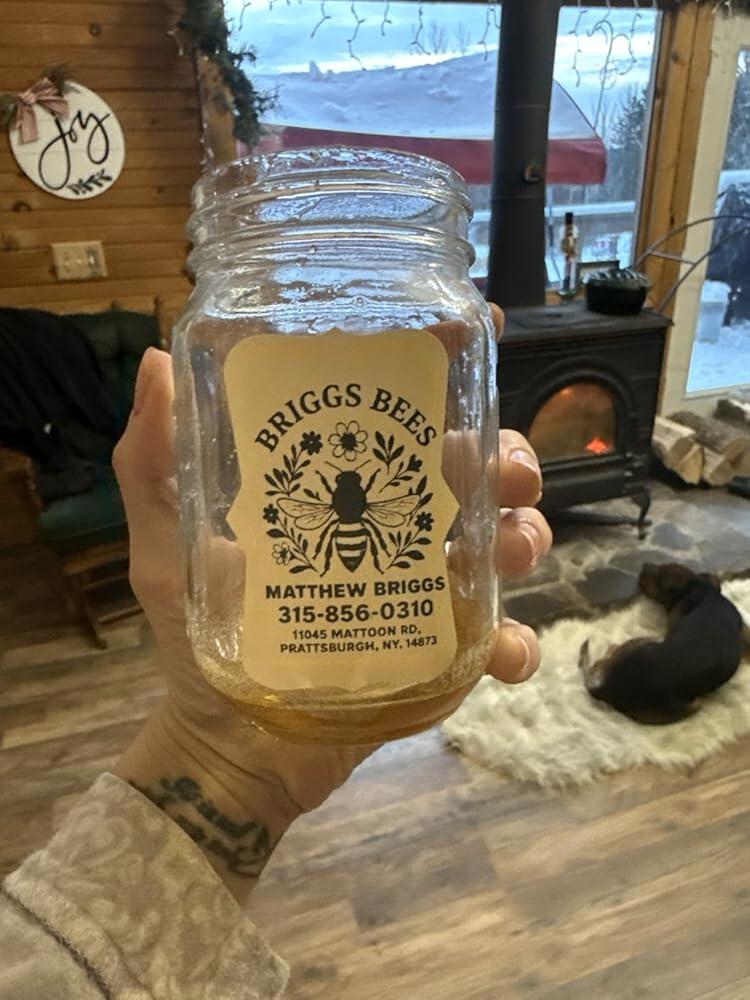
Custom Labels

Barcode Labels

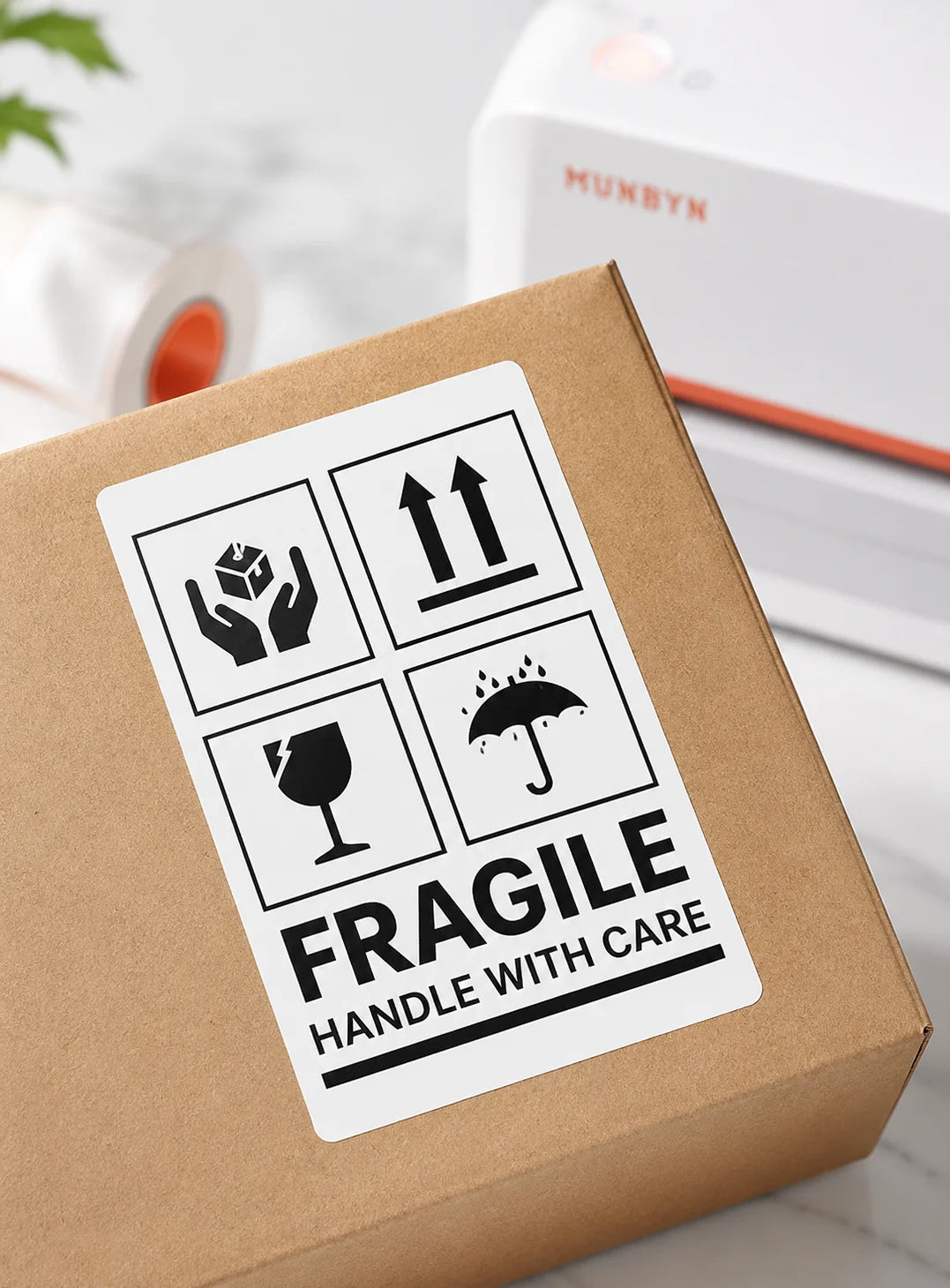
Fragile Labels

Branded Labels

Stickers for Daycare/School

Customers praised this Bluetooth thermal label printer for being "fast, clear, and reliable" with easy setup. Most found it perfect for shipping labels and small businesses, highlighting the "excellent customer support." However, some noted print clarity issues with certain label types, app connectivity challenges on Mac, and occasional calibration needs.

  • Fast, clear, and reliable. Excellent value for money with great customer support.
  • Easiest machine to use to make thermal stickers. Absolutely love this printer!
  • Love this thermal printer. Saves time and money on ink. Highly recommend.
Quality (positive)Business (positive)Bluetooth (positive)Printer (positive)Support (positive)
  • 5 stars: 107 (85%)
  • 4 stars: 18 (14%)
  • 3 stars: 0 (0%)
  • 2 stars: 0 (0%)
  • 1 star: 1 (1%)
A
Ajith John Varghese
Excellent Product – Great Value & Support!

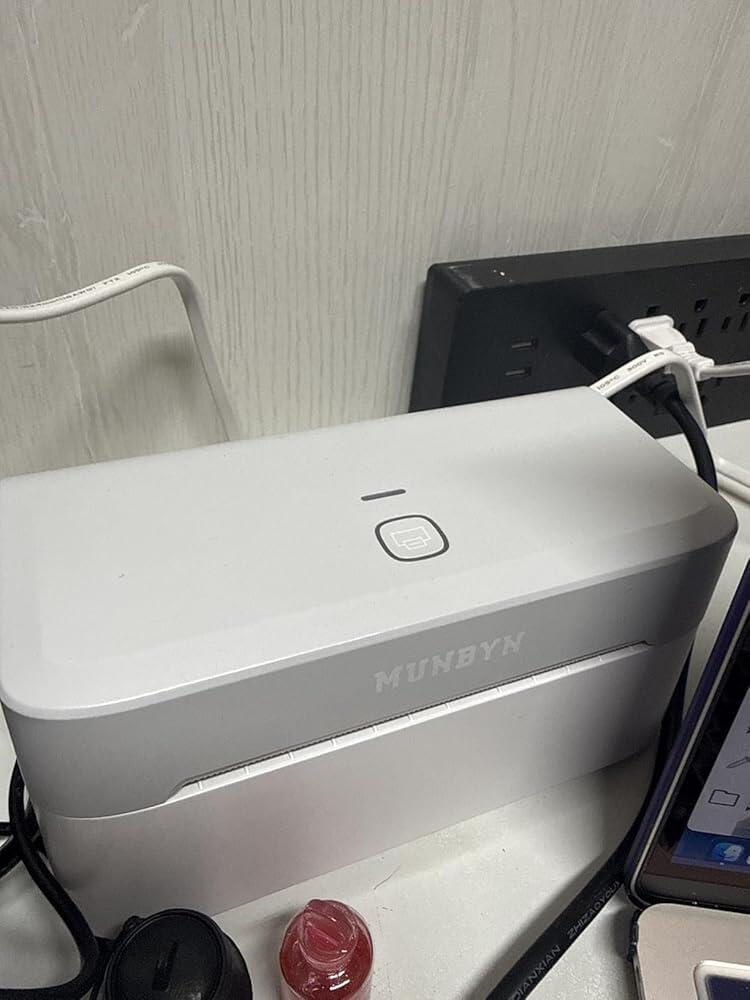
I’m very happy with the MUNBYN RW403B Bluetooth Thermal Label Printer Kit. It’s a great-quality product, easy to set up and use, and works very well for shipping and product labels.

The printing is fast, clear, and reliable, and the Bluetooth connection makes it very convenient to use. For the price, I think it offers excellent value for money.

I’m also very impressed with MUNBYN’s customer support. They are helpful, responsive, and provide great assistance when needed.

Overall, a great product, great value, and excellent customer support. Definitely worth buying and highly recommended!

L
Leah Williamson
Just what I needed

I use it from having labels and they were great. You said to play with it a little bit to get it how you want it

K
Kindle Customer
Small Businesses Bestie ??

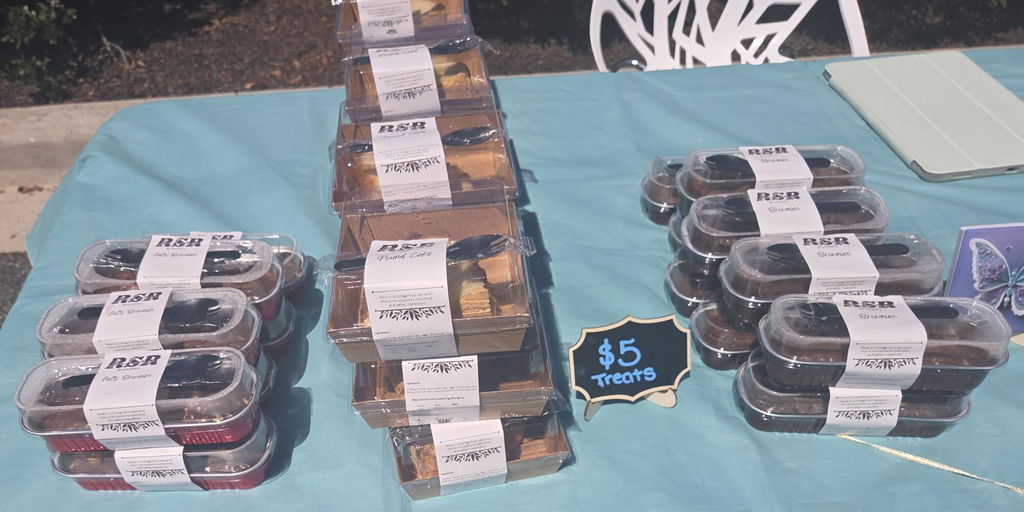
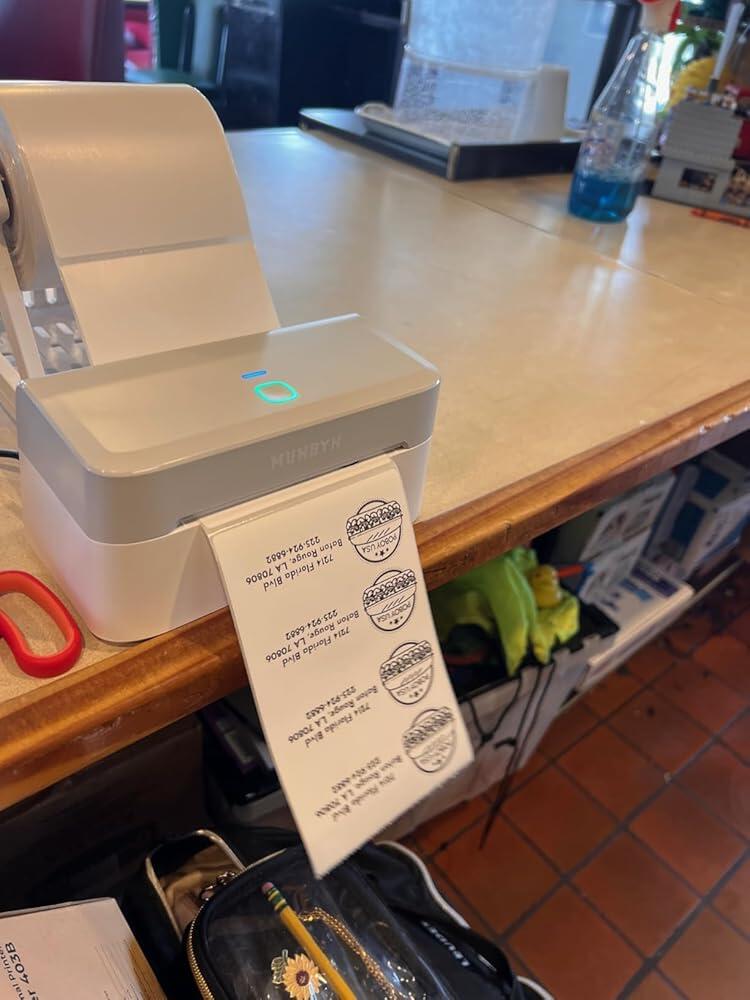
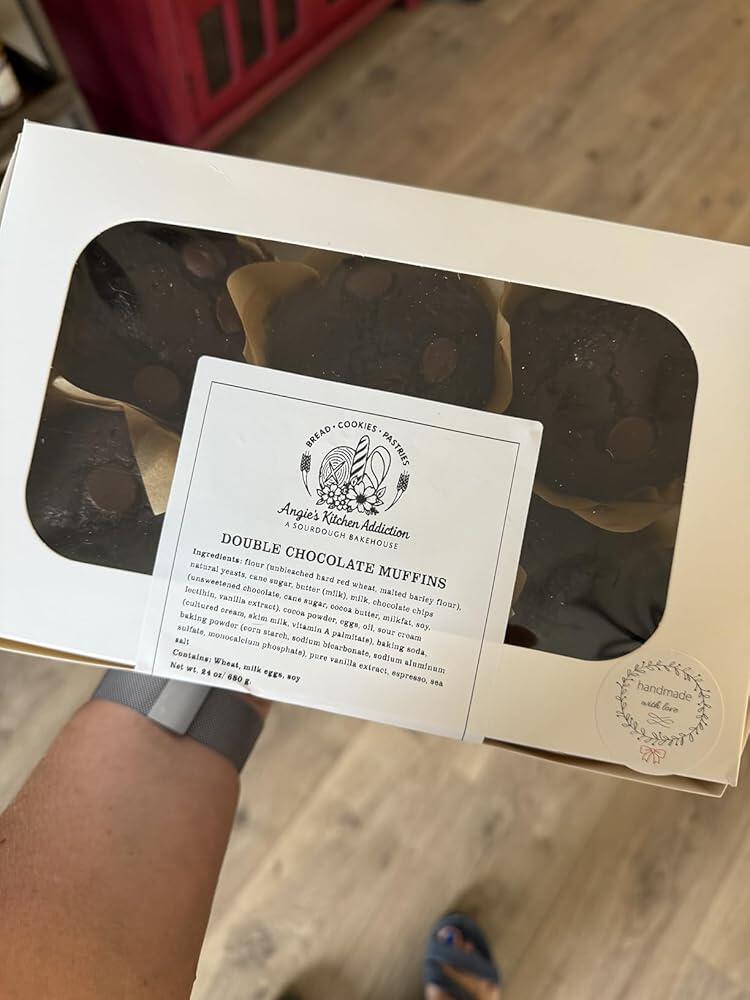
I recently started using the Munbyn thermal printer for my home bakery, and I am in love. It prints clean, crisp, and beautiful labels that make my baked goods look so professional. The setup was super simple, and it��s easy to use��even when I��m rushing to finish orders.One thing to note is that since it��s a thermal printer, it only prints in black...so any color you want has to come from the label paper itself. Not a bad thing at all, just something to plan for if you like colorful designs. Also, because it uses heat, the labels can start to gray a bit if you��re selling outdoors in the summer heat.Other than that, the labels don��t smudge, the printer runs quietly, and I love how much it leveled up my packaging. My treats now look as good as they taste. Definitely worth the cost and extremely easy to use.

N
Nancy
Amazing thermal printer

This printer packed with care also works fabulous with mac os so easy to use the app highly recommended for small business

A
Angela Young
Amazing for small businesses!

Amazing for small businesses! This has saved me so much time and energy. I don��t know why I waited so long to buy this, simple to set up, user friendly. Love that I can print labels with my phone quickly and easily. Can��t say enough good things about this thermal printer!!

Y
YaJun
Great Thermal Printer Upgrade

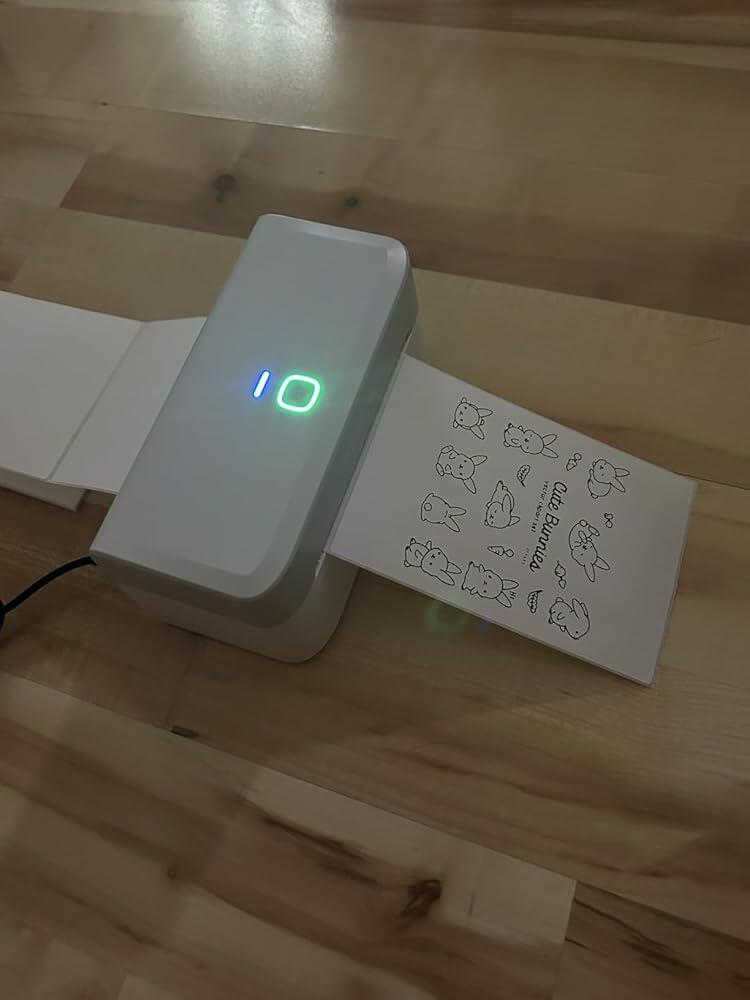
I currently really love this printer! Setup was super quick and such an upgrade from the old model. The Bluetooth feature makes everything so much easier. There are less wires, less hassle, and it connected right away on my laptop. It works perfectly for printing shipping labels and custom stickers. This is a great addition to my workspace.

A
Amy
Super efficient remote printer

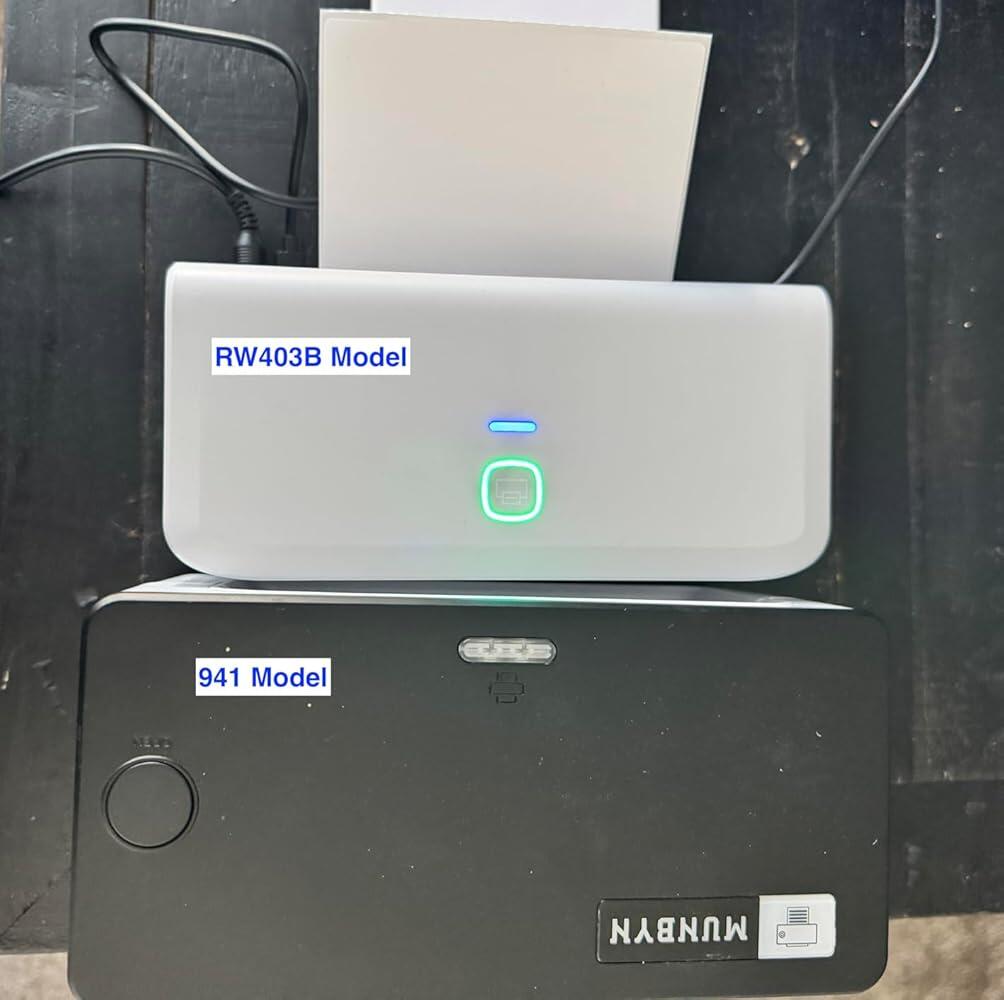
Replaced my Munbyn 941 thermal label printer after the calibration stopped working. Been using the RW403B for almost a month and I really like it. Overall, a much more efficient printer (less wasted label paper) and love the remote printing (fewer cables!).Pros* It only uses 1 label per print -- no more wasted blank labels cycling through before or after printing* Bluetooth connection. Doesn't use up a USB port space. One less cable on my desk.* Can print labels from my phone when I'm not at my desk* Small size. Takes up less space than the 941 model (see comparison photo)* Better price. Cheaper than my older model.Cons* Was a bit challenging to set up. The link to the driver on the manual went to a YouTube video. They since corrected the link, but it took my a long time to find this driver on my own!* Had trouble connecting to Bluetooth on my Mac. It kept showing it was connected but when I went to print, it would suddenly disconnect. I re-installed the printer and restarted my Mac a couple times. It mysteriously works now as a remote printer, even though it doesn't show up as "Connected" on my Bluetooth dropdown menu on my Mac. Weird.* Printed label is slightly lighter shade of black vs my 941 model. Still totally legible, just not as high contrast / rich black.It was easy to set up the Munbyn Print app and it works well. But I won't be needing this for my label printing - just using this to print PDF address labels for my business.

R
Rivermist
Munbyn makes great products

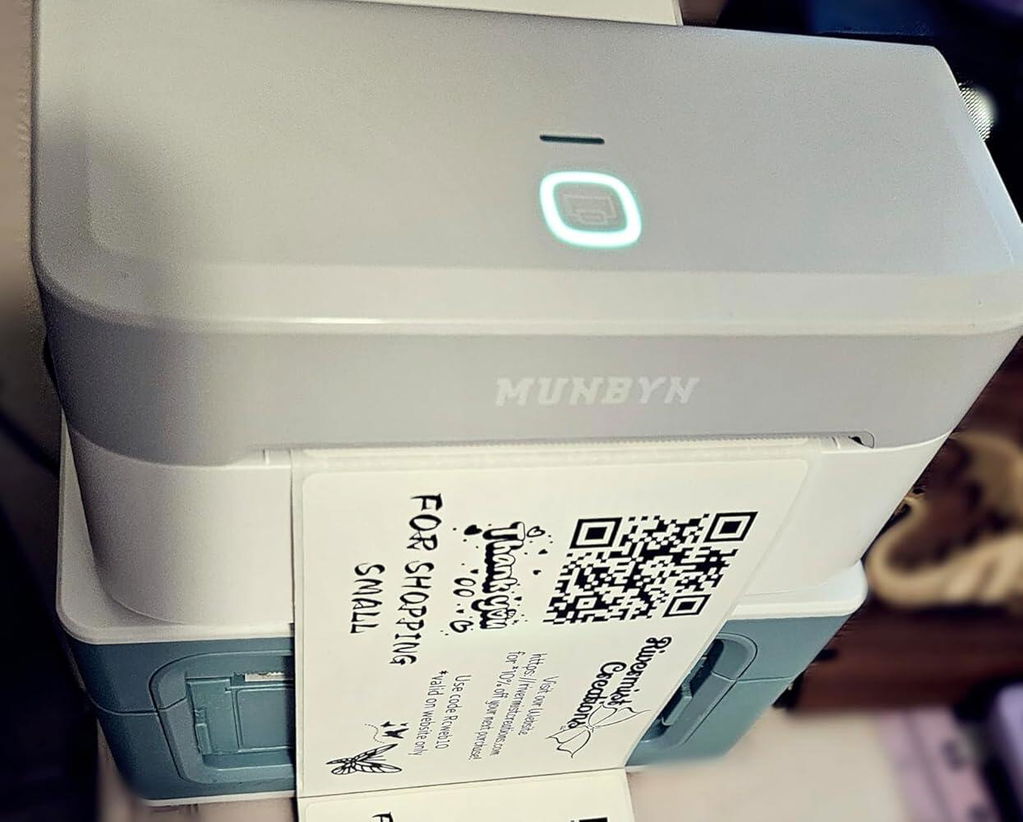
I have used Munbyn thermal printers for years so when I needed a new printer my first stop was for a new Munbyn. After receiving the RW403B I prepared to install it on my computer and test it out. After a little trouble, due to the type c cable, I was able to get it installed and working. The print is clear and the QR code works well. The online label design site is also user friendly. Comparing the value and cost to the higher priced thermal printers out there, you get a great product for less money.

y
ys
Good printer!

If you want Bluetooth with your laptop, this is not it. It only works with phones. I use the cord (came with the product) to connect the laptop and the printer so it��s working fine for 4x6 shipping labels, but if you want to create different shape labels the app is only available for the phone. Set up was easy.Update: Mumbyn informed me that the printer��s Bluetooth feature is compatible with a laptop. I didn��t test it, as I was satisfied with my existing setup without Bluetooth. The printer has been working reliably for six months without any issues. It��s an excellent printer!

T
Trang
Yay for wireless printing!

This is my second thermal printer, and it works great for my little business! I love the wireless capability to print from my phone. Do note that I had to install the printer via wired connection instead of the Bluetooth route. The driver install software automatically pops up when the printer is initially plugged in versus going to the manufacturer website and downloading a driver from there to install via bluetooth

E
Elina
Super fast and great quality prints!!

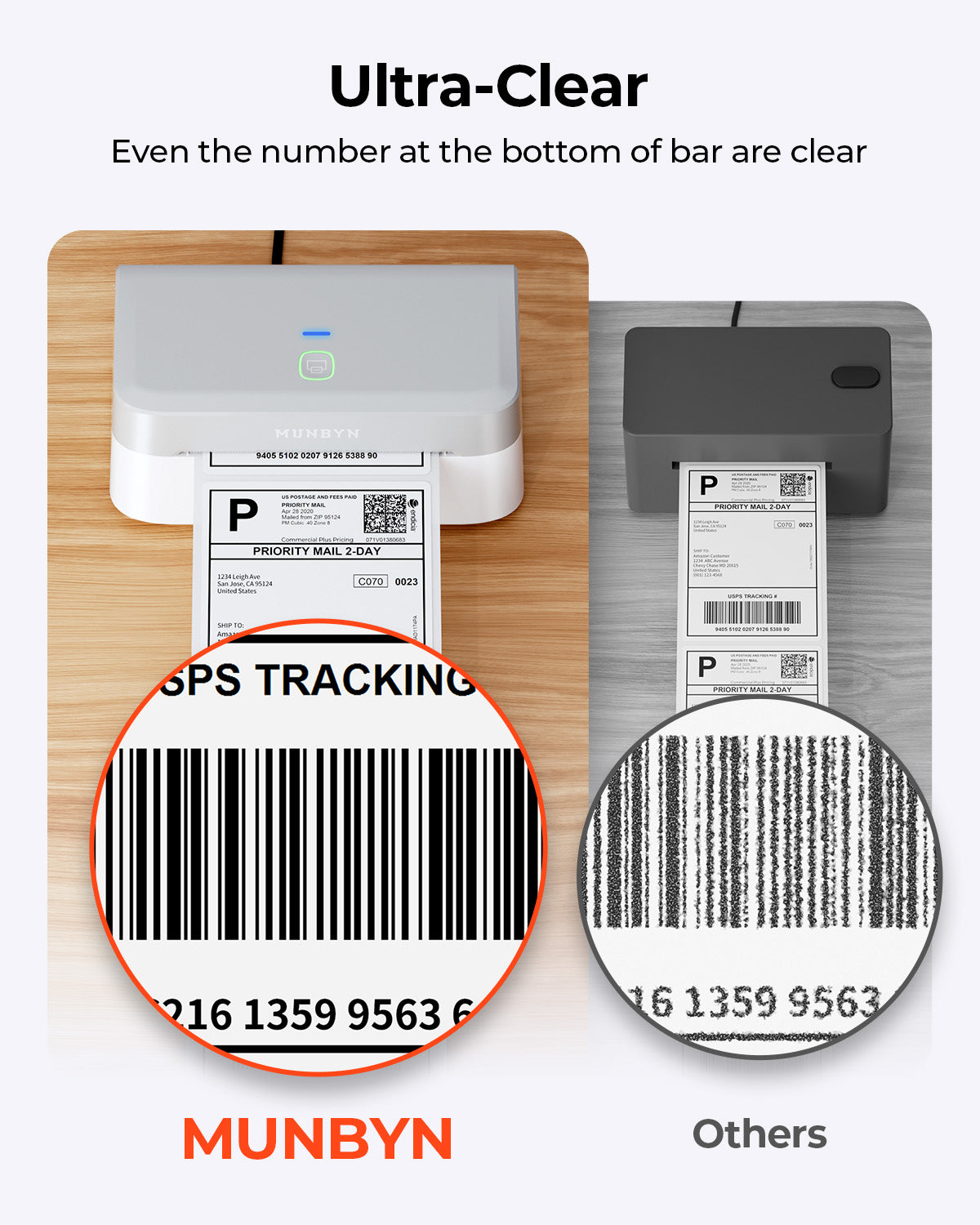
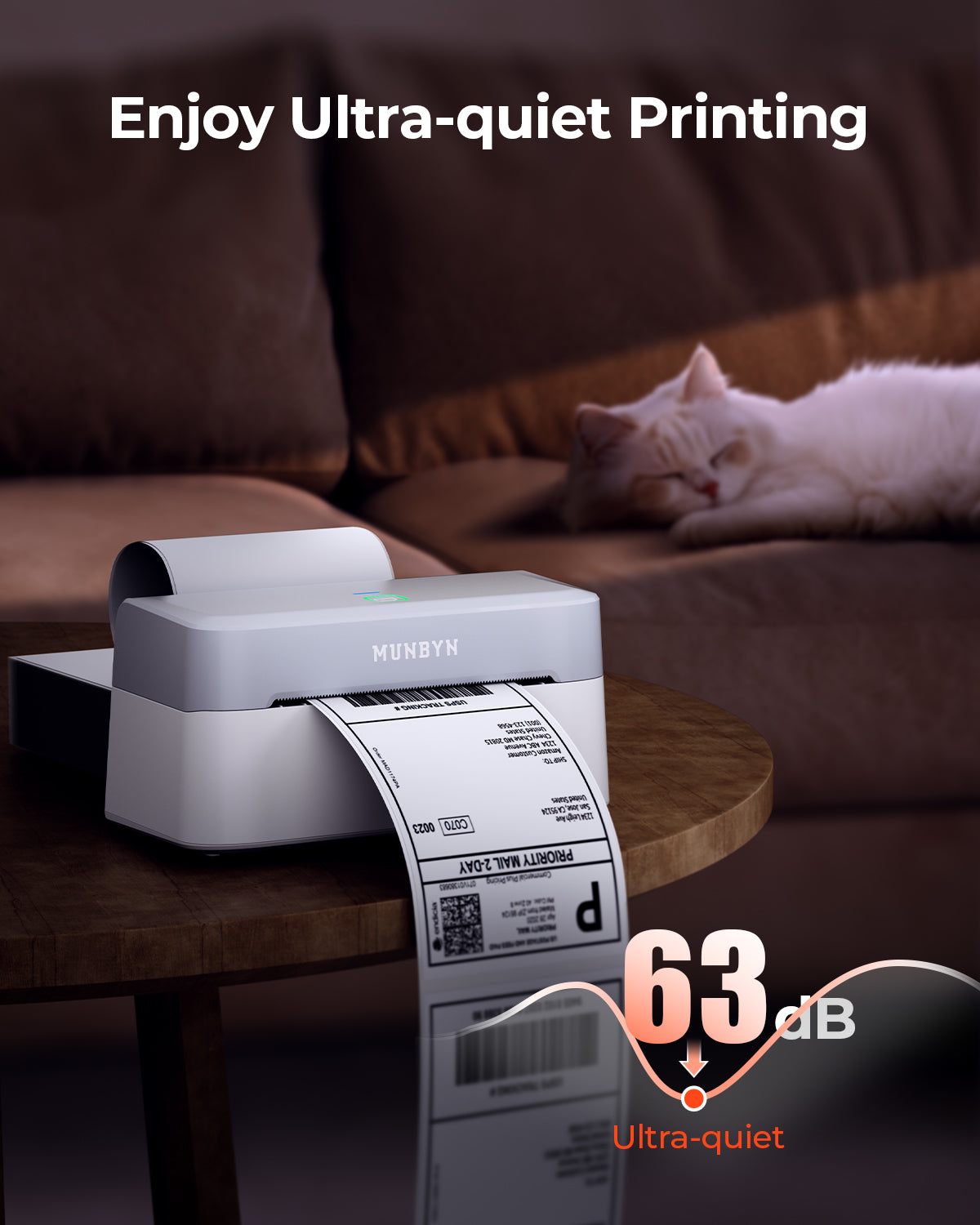
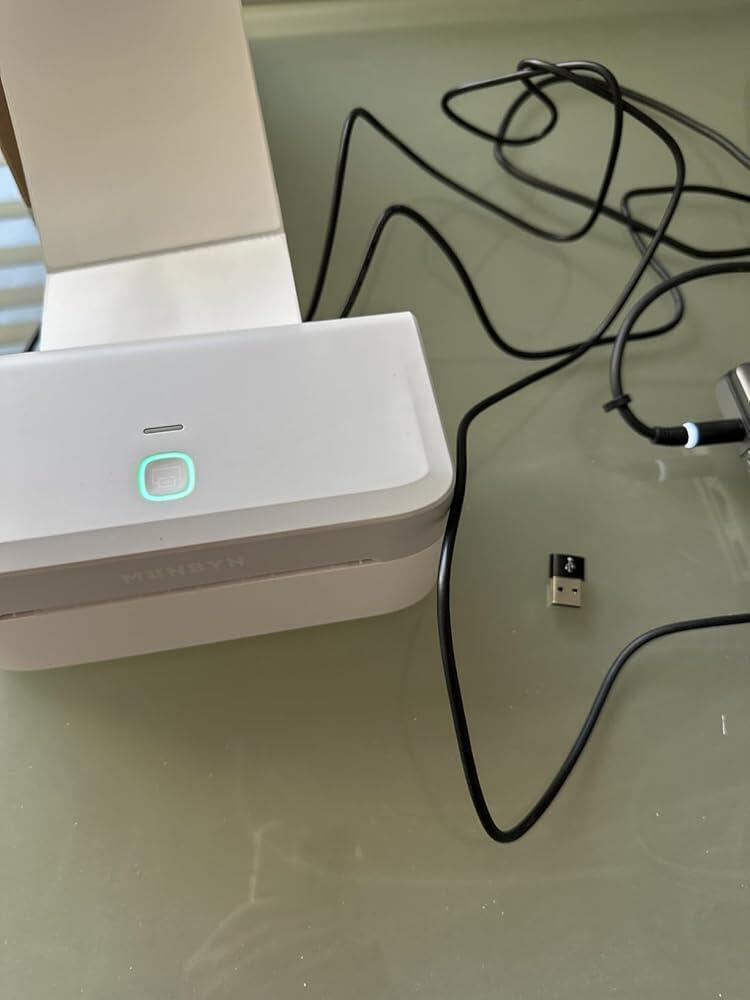
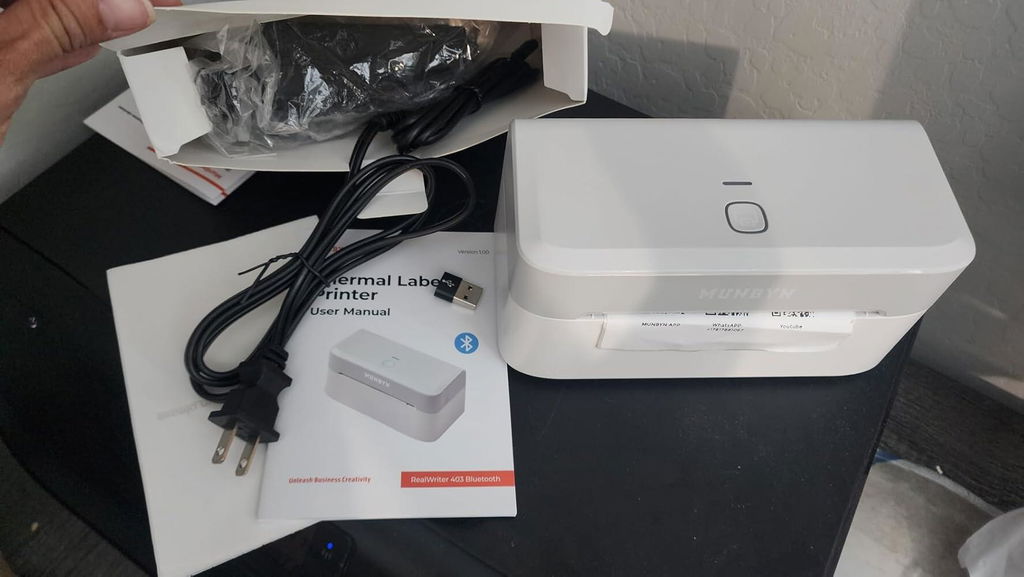
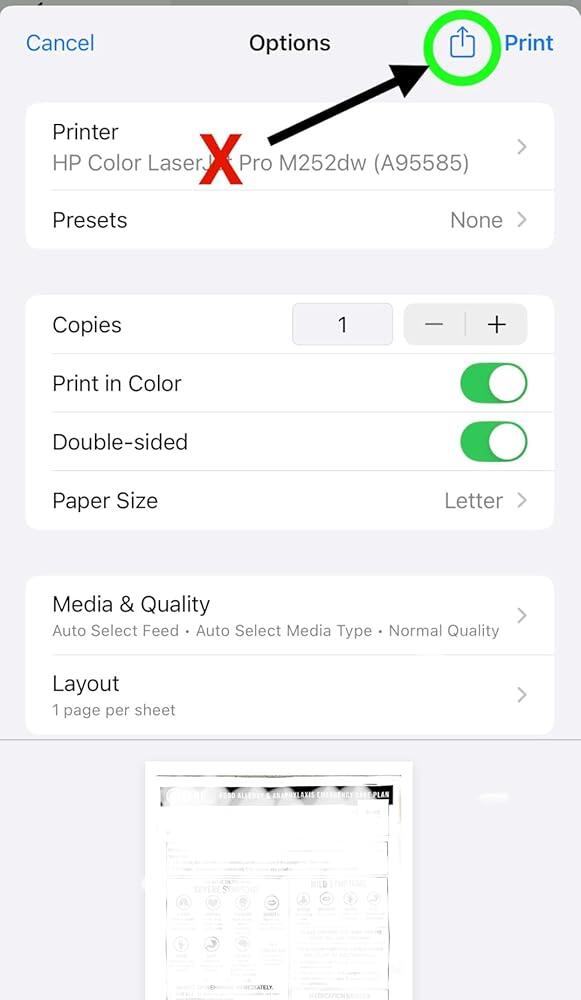
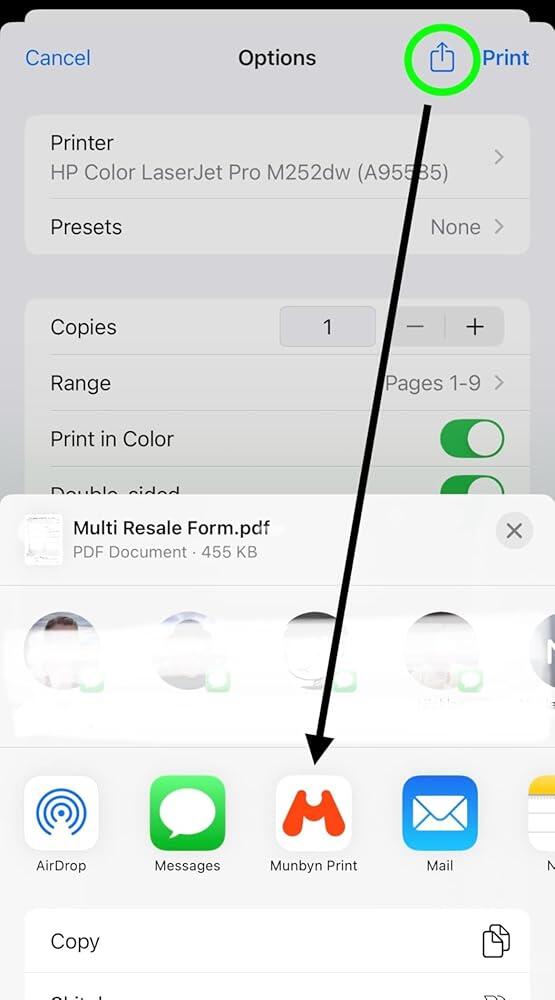
Bluetooth connection is fast, and prints super crisp and clear! No more blurry QR codes! Label feeding and printing is smooth and quiet.You do need to print from the Munbyn app as it won��t come up as an actual ��printer��. But that��s easy to do once you get the hang of it. On iPhones make sure to save the Munbyn app as a ��favorite�� to send to. From other apps use the send to function (see photos).I do wish the printer would automatically recognize the label size and change the page size in the app.Printer itself is well built and I love the neutral color and design! Take the time to use the help guides and videos online to make the most out of your printer!

S
Stefani
No adjustments needed, crisp printing out of the box

Purchased this newer Munbyn model RW403B to replace a Munbyn printer I previously had (P128B). Labels printed more clearly immediately without any adjustments to the settings and also seems quicker and quieter. The printer itself is nice and compact, feels solid, and looks sharp. Uses the same app as the previous printer so nothing new to learn, easy to print from the phone and go! (I��ve only used iPhone to print.)

c
clickcait
Super Easy and Helpful Tool to Use!

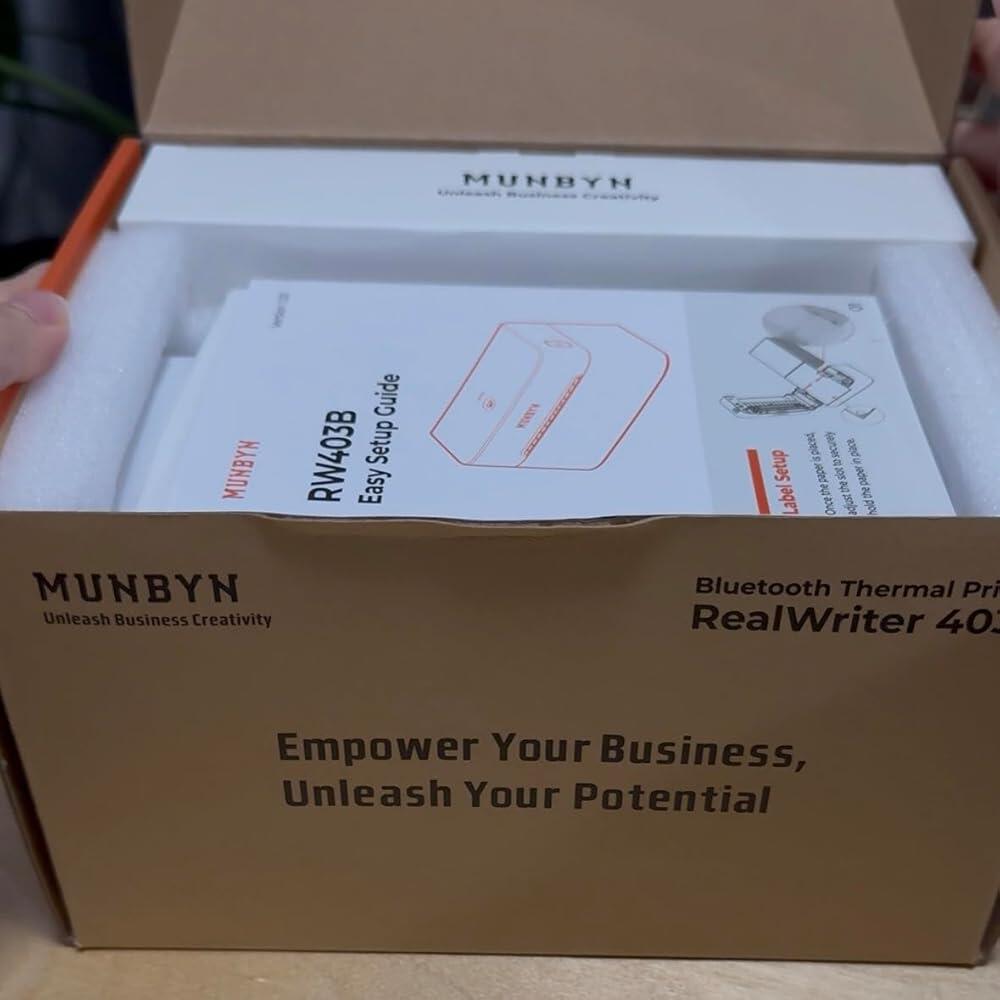
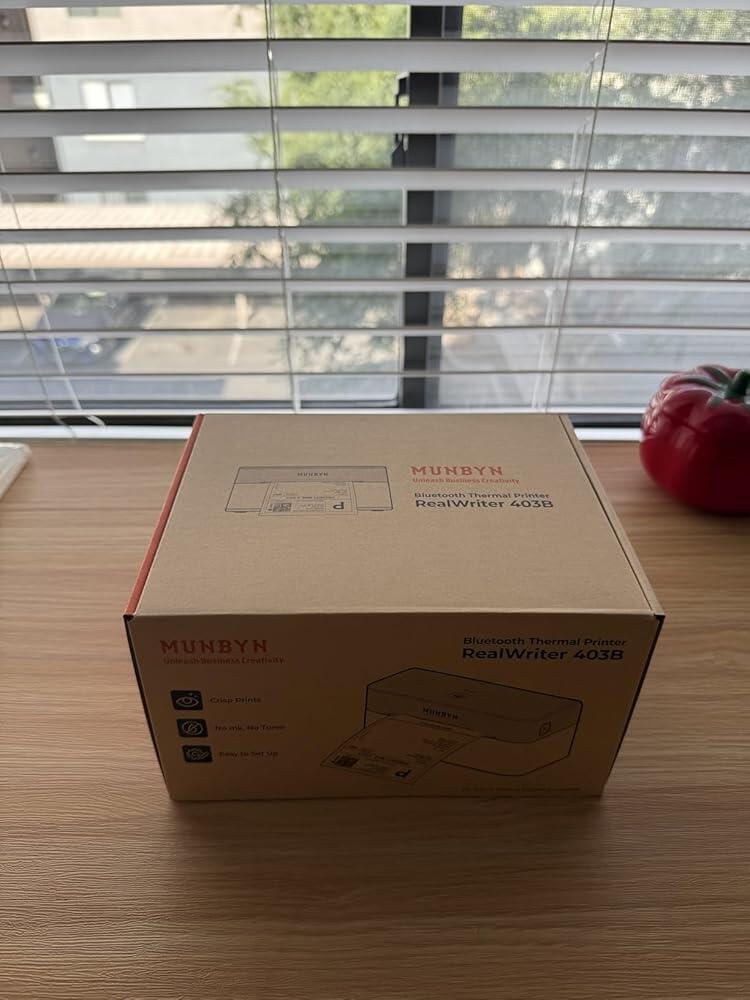
MUNBYN thermal printers are awesome! This one was super easy to set up with bluetooth. I love that I can be in any part of my office and have access to the printer as long as it is connected/plugged in and have less wires to handle to do so.Packaging was nice and it came securely in a nice cardboard box.I found that setting up different kinds of paper was very easy and interchangeable. I used both the rectangular and circle labels of the MUNBYN brand so I'm not sure how it will hold up with non-branded papers. There is a special website that is associated to MUNBYN so that you can set up your prints the right way. It helps you design your labels quickly and also lets you use some nice fonts as well.Overall, I think that the printer makes labels quickly, takes up less space, and will improve my overall functional ability while packing orders. I have bought from MUNBYN before in 2021 (which was not a printer with bluetooth functions) and so the upgrade was obvious. I would buy from MUNBYN again.PROS: easy/fast set up, nice website for setting up prints, great overall design and sleekness of a printer.CONS: the fact that I can't thing of more things that need labels just so that I can use it again.

A
Amazon Customer
Great compact printer

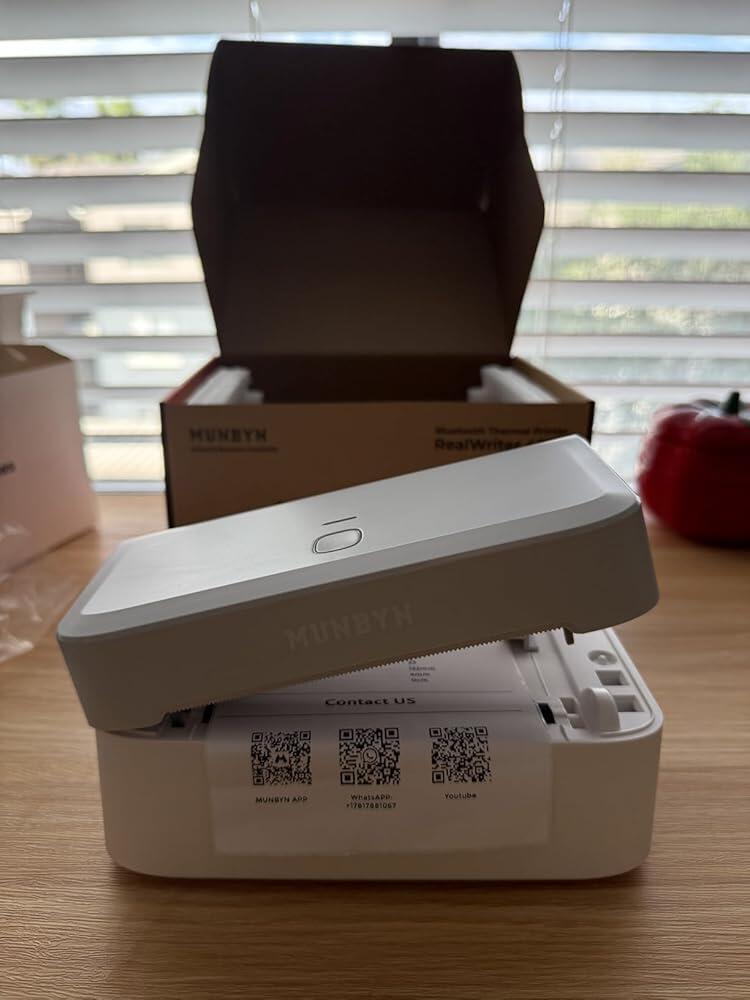
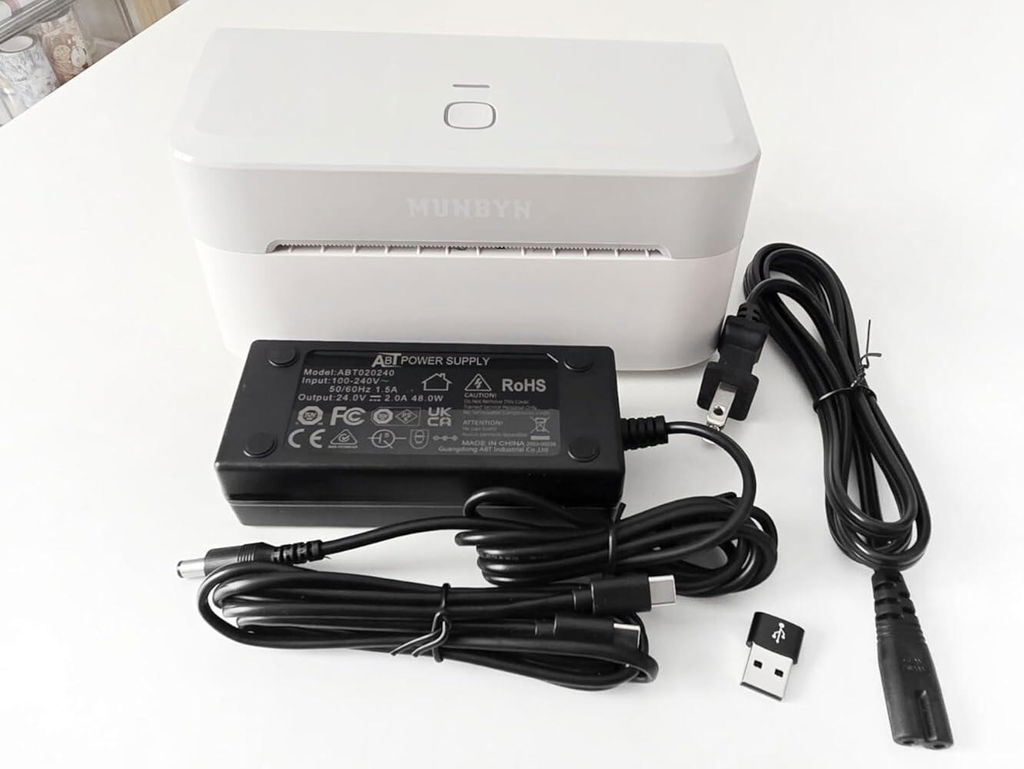
Printer: I'm satisfied that this printer opens sideways unlike their other popular printer and I love that's lightweight. The other thing I like is the fact that it has a very few cables and glad it came with an adapter and also a type c cable. As for the printing quality its good, wish it would print just a bit darker.App/Editor: For the app it was easy to use and printed the correct size. As for their online sticker editor I just wish it was an app as well and not keep on asking every other minute to sign up if I want to print my own label or image so I can't do drag/drop and print.Overall, it's a great printer I was able to use it on my phone, tablet and laptop.

K
Kay Nguyen
Small, quick, and easy to use

Perfect sizing for my needs! Not too small and not too big to get the job done.Easy to install and quick to use. No need for ink or toners since it's a thermal printer.I loved the ease of once drivers installed it��s plug up and go. The editor is a nice touch too.Changing the size of the paper on the printer itself is a quick touch and push of the button.Was able to print the labels in no time!

J
Jenn
Easy to use!

Why did you pick this product vs others?:I have an older Munbyn thermal printer and I thought it was pretty simple to use. I tried my new one out today and I feel like it��s even simpler! I love the app and the support they gave in the app.?It��s compact and designed in a way where it��s not overly complicated. I love the simplicity in color as well.?I was able to print within minutes which included unboxing it. I only tried with the provided thermal printer sticker sheets provided, but I saw some options and I��m looking forward to exploring my new printer!

FAQs

Please read our FAQs page to find out more.

1. Why should I choose a MUNBYN thermal printer over an inkjet or laser printer?

MUNBYN uses advanced Thermal Printing Technology, which means zero ink, zero toner, and zero ribbons. You only need thermal labels. This not only saves you hundreds of dollars in supply costs annually but also eliminates the mess of leaking cartridges and the frustration of running out of ink mid-shipment.

2. Can I use any brand of thermal labels with this printer?

Yes! MUNBYN printers are compatible with any Direct Thermal Labels. Whether you prefer fan-fold or roll labels, as long as the width is between 1.57" to 4.3" (40mm-110mm), our thermal printer will automatically sense and calibrate to it.

3. Which shipping platforms and marketplaces are compatible?

MUNBYN is a favorite for small business owners. MUNBYN label printers are fully compatible with major platforms, including:

  • Marketplaces: Amazon, eBay, Etsy, Shopify, Zalando, and Shopee.
  • Couriers: UPS, FedEx, ShipStation, Pirate Ship, USPS, and DHL.

4. What labels can I use with this printer?

Our thermal printers support a wide range of direct thermal labels, including 4×6" shipping labels, 3×2", 2×1", barcode labels, round labels, and custom sticker sizes (40–110mm width depending on the model). The printer auto-detects label size—no manual calibration required.

5. Is this label printer easy to set up?

Yes. The sticker printer is designed for quick setup with step-by-step installation guides and driver downloads available. Most users can complete installation in just a few minutes.

6. How do I calibrate the printer for different label sizes?

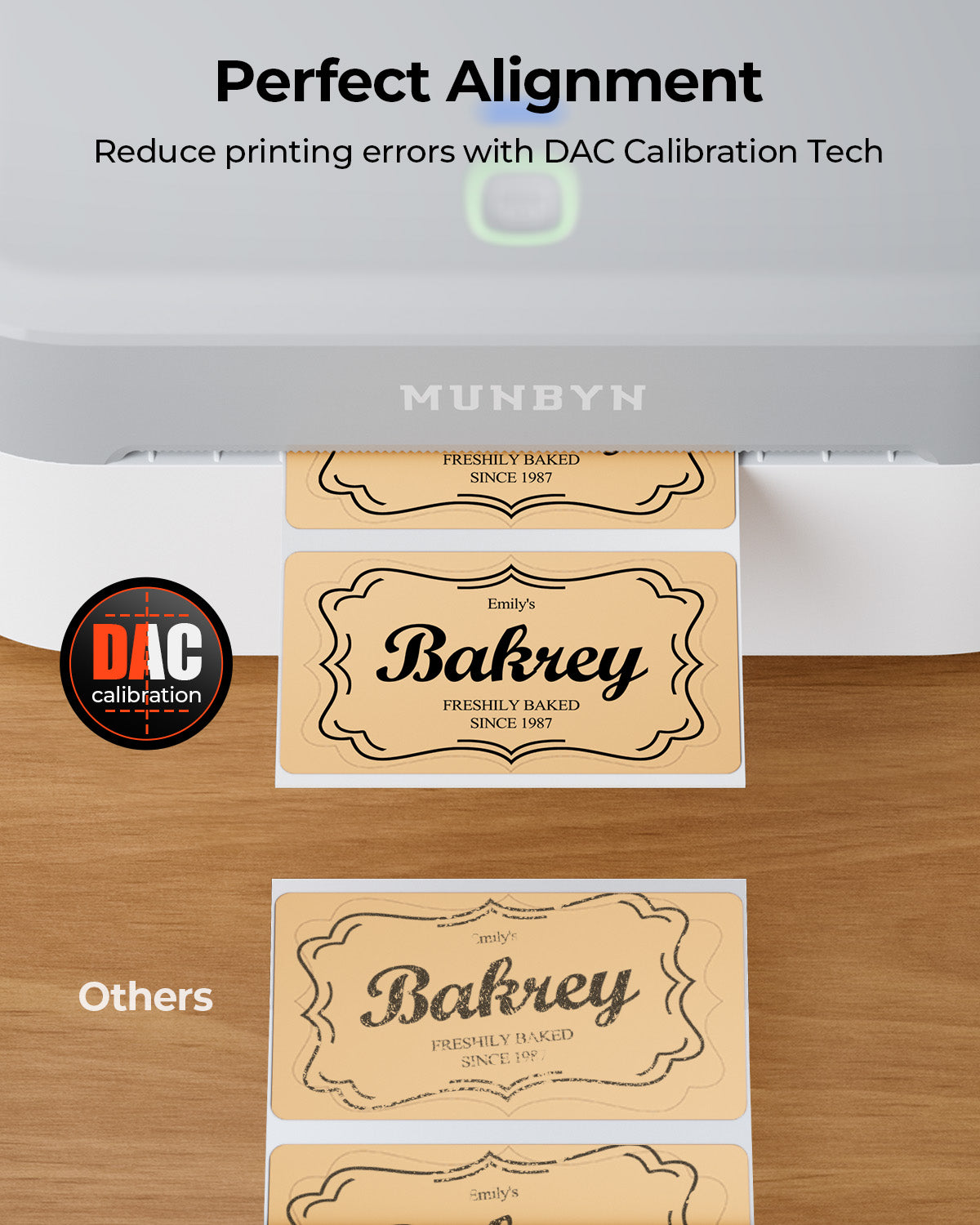
Our intelligent Automatic Label Identification does the work for you. Insert your labels, press and hold the top button until you hear a single beep, and the printer will automatically adjust the label size and spacing for perfect alignment.

7. What should I do if my labels are printing blurry or with white streaks?

High-quality printing starts with a clean print head. If quality drops:

  1. Power off the printer and let it cool.
  2. Wipe the thermal print head with an alcohol swab or microfiber cloth.
  3. Adjust the Print Density and Speed settings in your driver preferences.

If the issue persists, contact customer support for further assistance.

8. Does this label printer come with a warranty?

Yes, every MUNBYN printer is backed by a 2-year warranty. We stand by our hardware and will provide a replacement or repair if you encounter any manufacturing defects.

9. Can I use the label printer for both business and home organization?

Yes. You can use this printer for both business labeling (shipping, barcodes, inventory, retail tags) and home organization (storage labels, pantry tags, files, craft projects). Its versatile direct thermal printing and support for multiple label sizes make it suitable for a wide range of personal and professional uses.

10. Are there customization options for labels?

Yes, we offer flexible label customization, including stickers, logo labels, and creative templates for branding. Shop Custom Label Here.

Didn’t find your answer?

Don't hestitate to contact us

Free shipping and returns