Australia
 Best Seller
 Label Printers
 All Thermal Labels
 Printer Accessories
Don't Miss Our Biggest Sale of the Week!

PROOF 01 /EASY TO GET STARTED


 Australia
You are currently viewing:
Australia
Items in your shopping cart will be removed when you change country
Your cart is currently empty.


Product highlights

203 DPI Clear Printing
Bluetooth / USB
one 4×6 label per second

Essential for Small Business

⚡Flash Sale
Limited-Time Deals
Don't Miss Our Biggest Sale of the Week!
Print wirelessly. Any device, any OS.

Product highlights
203 DPI Clear Printing
Bluetooth / USB
one 4×6 label per second
Essential for Small Business
[No ink. No jams. No limits.]
Running an online store and dispatching through Australia Post every day? The MUNBYN RW402B Bluetooth thermal printer is engineered to keep up — reliably, wirelessly, and without a single ink cartridge.
[180mm/s High-Speed Printing]
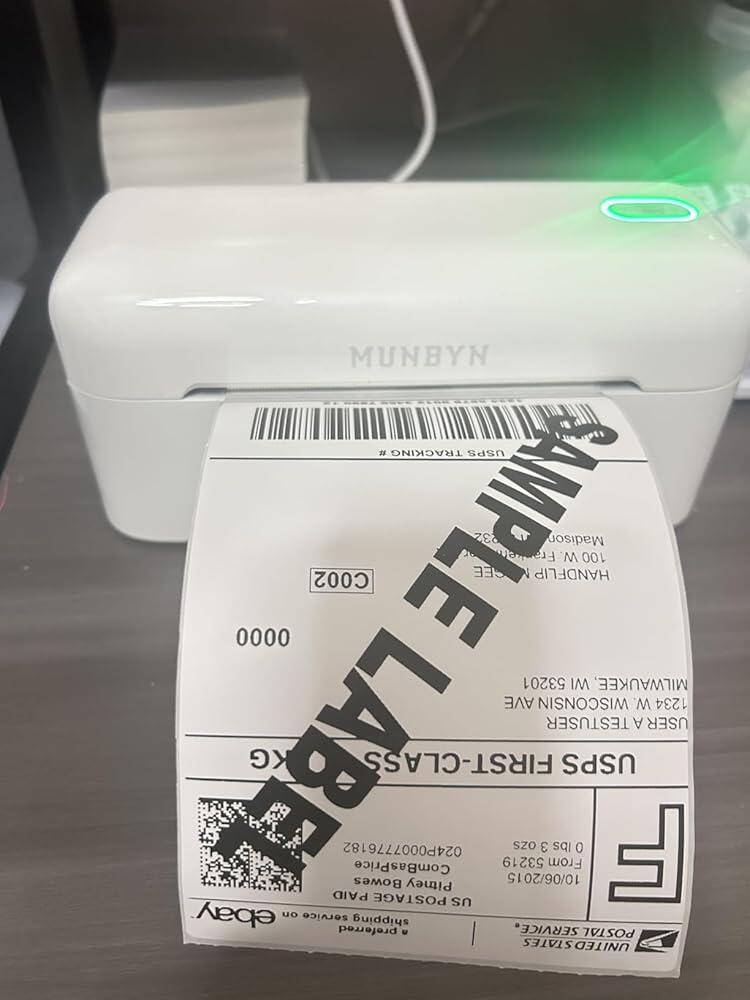
At 150 mm/s printing speed and 203DPI resolution, every Australia Post shipping label, barcode, and address prints crisp and scan-ready — even during your busiest dispatch days.
[MicroJam Technology + Auto Size Detection]
A jam rate of under 0.01% means no mid-dispatch interruptions. Auto Size Detection automatically calibrates label widths from 40mm to 110mm — no manual adjustments, no wasted labels.
[Six Times Longer Than Ordinary Printers]
Built for long-term reliability, the RW402B Bluetooth thermal printer earns a permanent spot on your desk. Backed by a 2-year warranty and 24 months of expert technical support — double most competitors.
[Works with Every Platform] Seamlessly compatible with Australia Post, Shopify, Amazon, eBay, Etsy, FedEx, UPS, Sendle, and ShipStation. Print shipping labels, return labels, product tags, and barcodes across all label widths from 40 to 108mm.
AU Local Stock (NSW Warehouse)
2–5 Business Day Delivery · No Import Delays · Easy Local Returns
14-day Risk-free Trial
2-Year Warranty & Lifetime Support
30-day Price-Match
Need help choosing the right product or placing an order?
Our MUNBYN support team is here to help. If you have any questions about products, compatibility, orders, or after-sales service, feel free to contact us at any time. We respond to all inquiries within 24 business hours (Monday–Friday).
Shipping Information
We offer free shipping straight to your door throughout the contiguous US*. It usually takes 2-5 business days* for your package to be delivered, so you can sit back and relax, worry-free.
*Please see our shipping policy for more details.
Help Center
Find everything you need in one place:
FAQ’s
Have a quick question?
Visit our FAQ page, which covers the most common topics, including:
If you can’t find the answer you’re looking for, our support team is always ready to help.
Still need assistance?
Contact Us at
Order: order@munbyn.com
Tech: support@munbyn.com
+1 628 229 3612
Mon - Fri: 7AM - 5PM (UTC-8)
Print Anything, Anywhere
Your ideas, your space — print wherever inspiration strikes.
Ink-Free, Worry-Free
Zero ink. Time, money, and planet-saving.
Fast to Print, Easy to Keep Going
High speed:150 mm/s = one 4×6 label per second.

PROOF 01 /EASY TO GET STARTED

PROOF 02 /SWITCH TASKS WITH YOUR LABELS

PROOF 03 /CREATE A LOOK OF YOUR OWN

PROOF 04 /READY FOR YOUR NEXT BATCH

PROOF 05 /READY FOR AUSTRALIAN PARCELS

PROOF 06 /PHONE OR COMPUTER

PROOF 07 /NO INK TO REPLACE
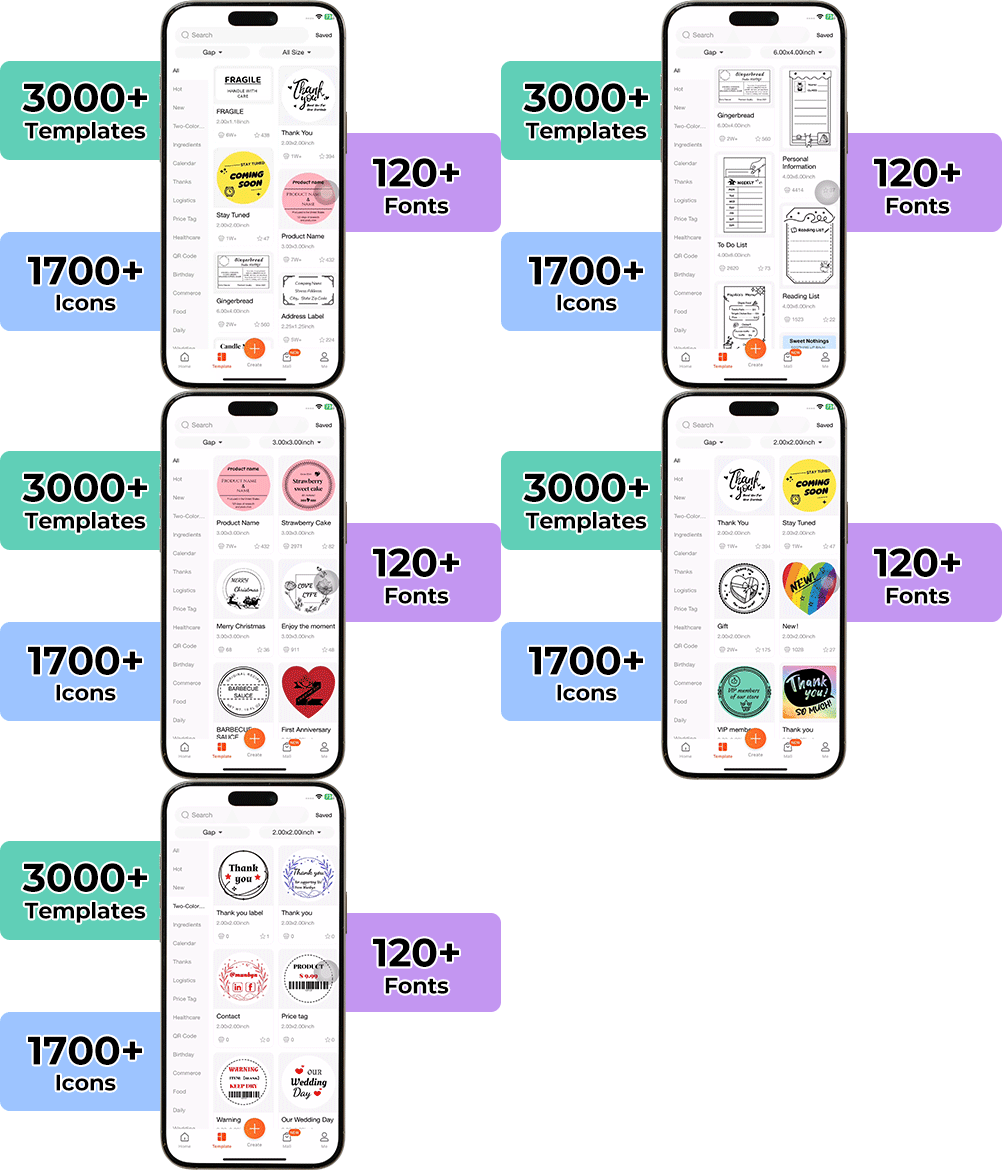
High-End Labels in Minutes
Designing custom packaging has never been this simple. Using the MUNBYN app and our versatile DIY Labels, you have a library of 3,000+ design assets and templates at your command.
Craft bespoke logos and promotional stickers that perfectly capture your brand’s personality—all while keeping your budget in check.






Designed to print more than 980,000* labels in shipping labels
Print life and label quantity estimates are based on laboratory calculations (150 KM printhead life × 4×6" label length). Actual performance may vary due to print frequency, label material, operating environment, and maintenance conditions.
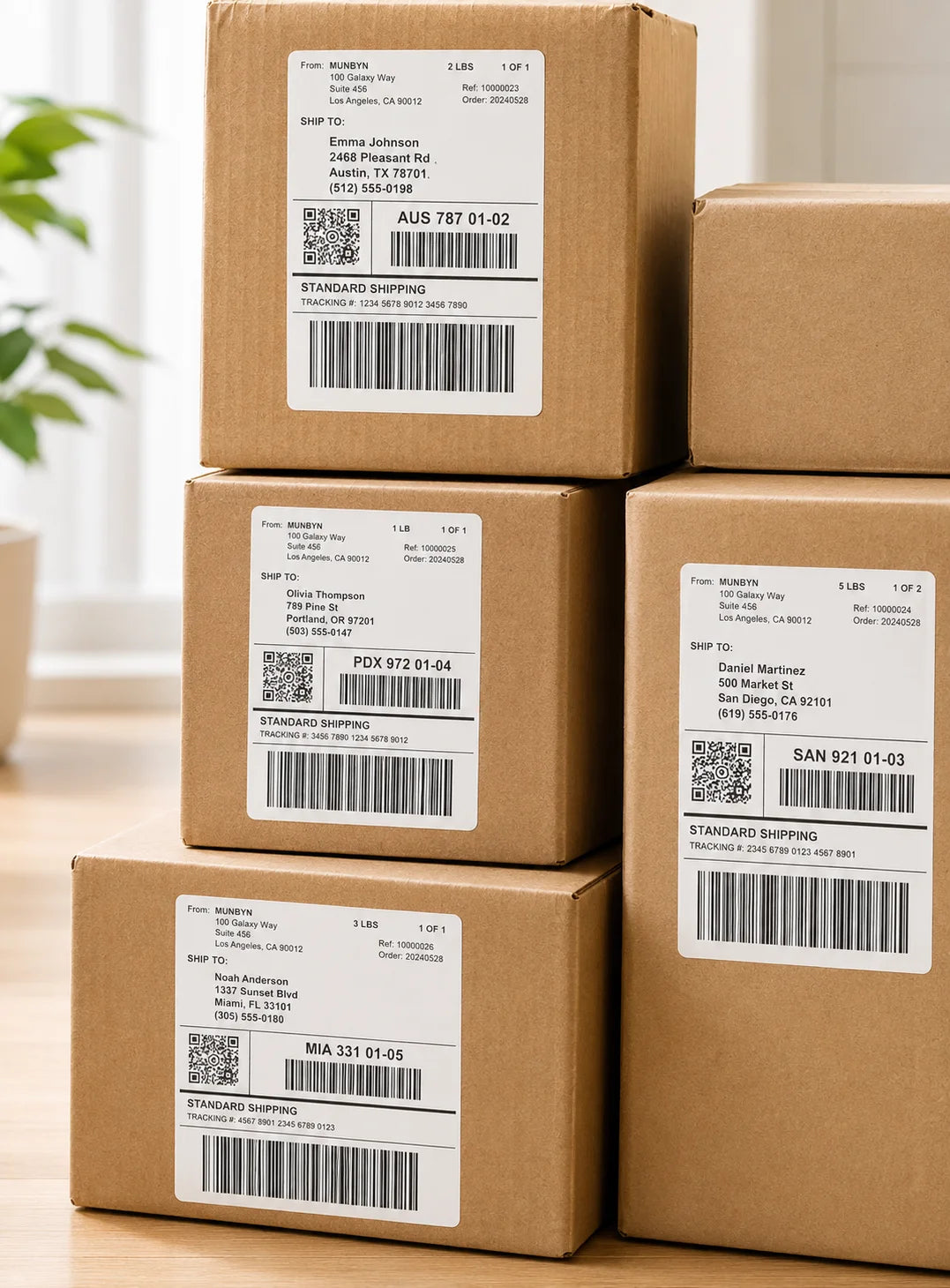
Shipping Labels
Designed for small to high-volume fulfillment, MUNBYN printers produce crisp 4x6 shipping labels that scan instantly and stick securely.
Perfect for:
Reduce printing time, avoid reprints, and keep every shipment moving efficiently.
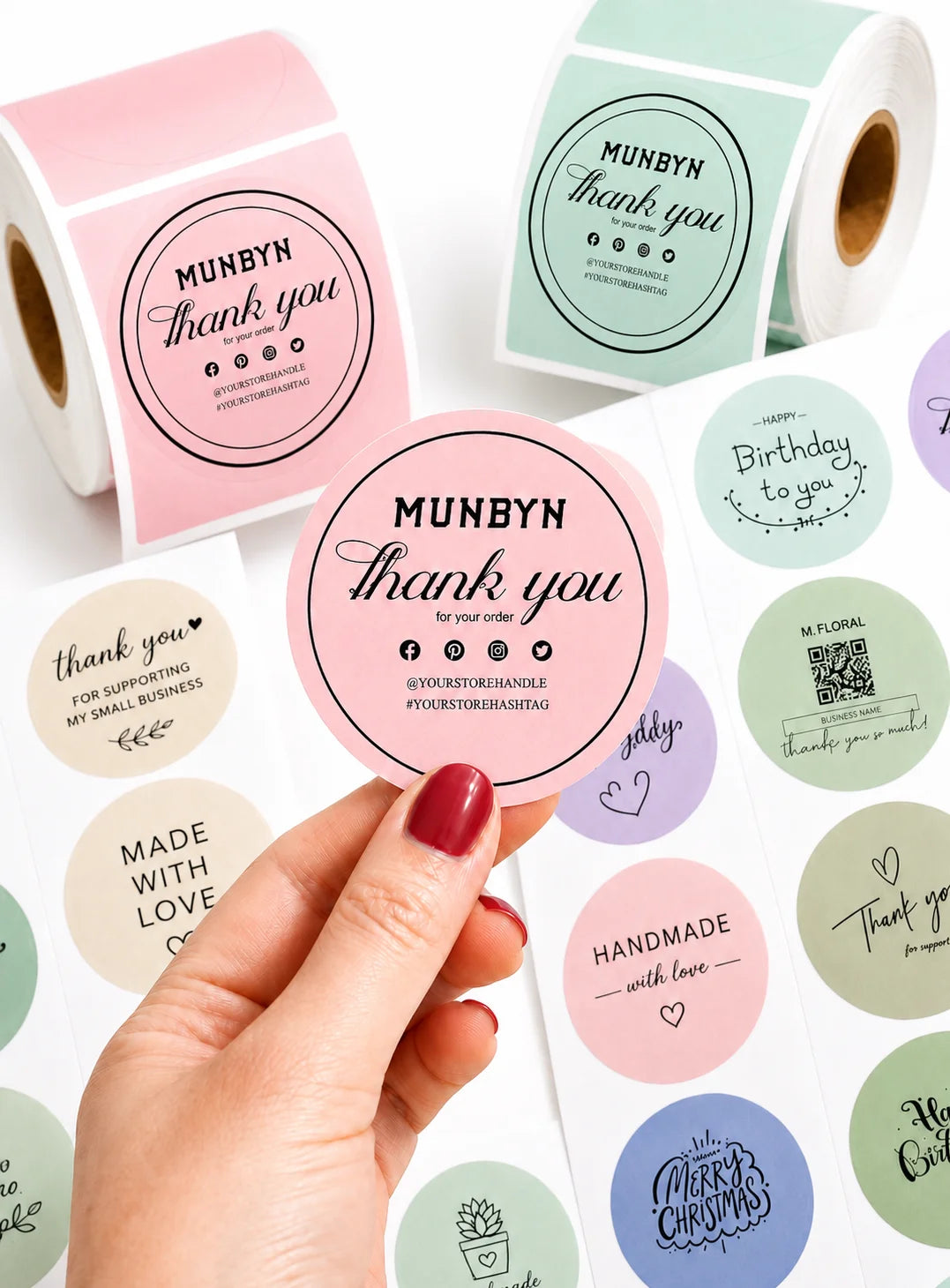
Custom Labels
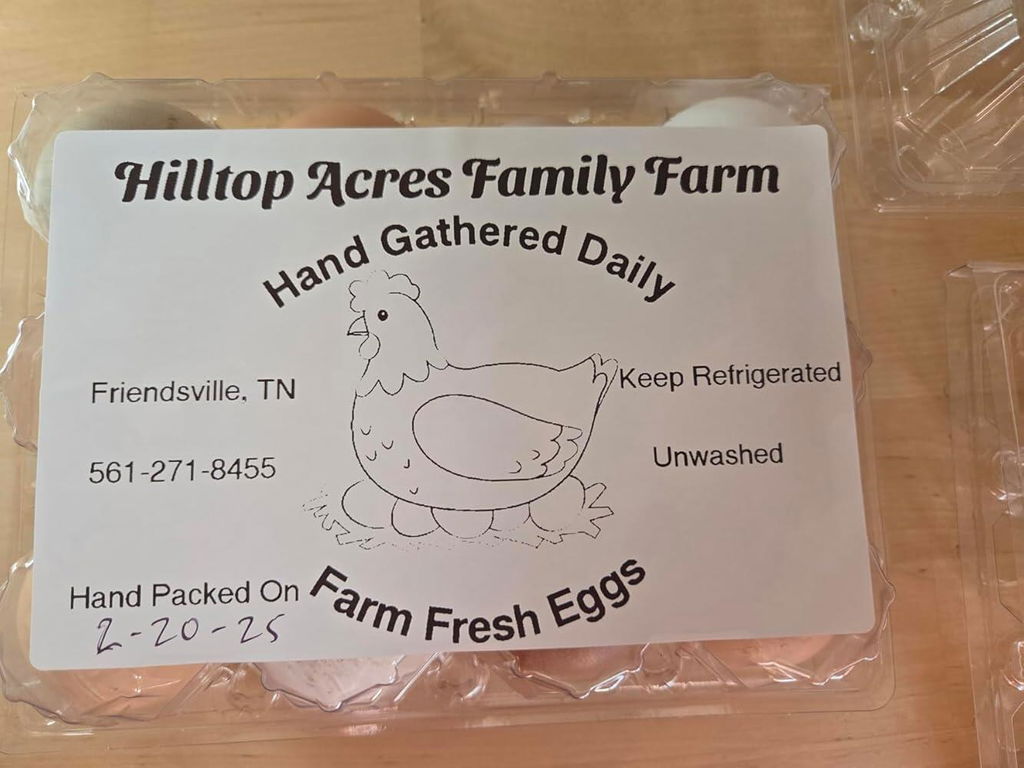
Create labels tailored to your exact needs — from unique dimensions to personalized layouts.
Use for:
Flexible, professional, and fully customizable to your workflow.
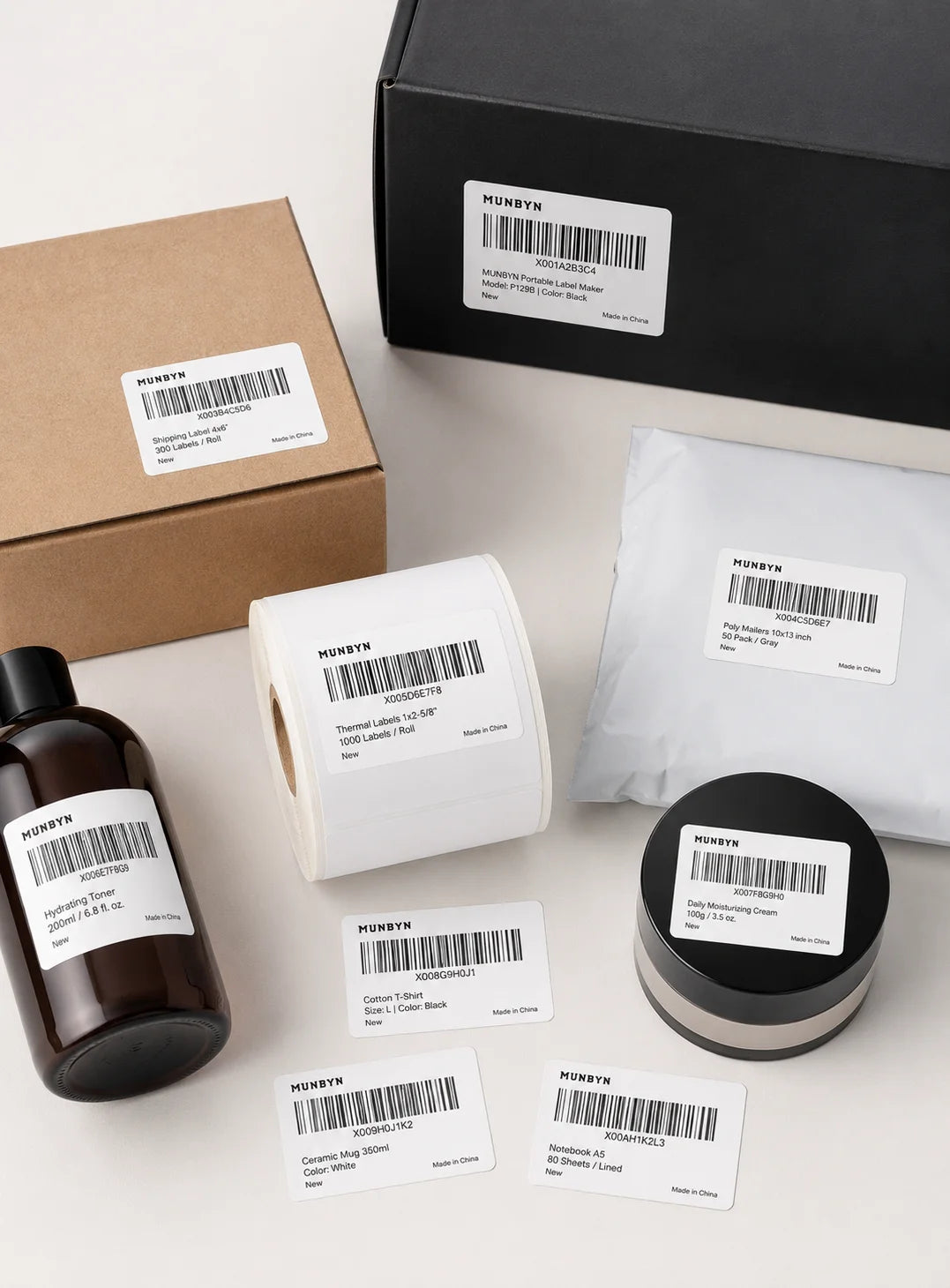
Barcode Labels
Print high-precision barcode labels that ensure fast scanning and accurate inventory tracking.
Commonly used for:
Improve operational efficiency and reduce costly manual errors.
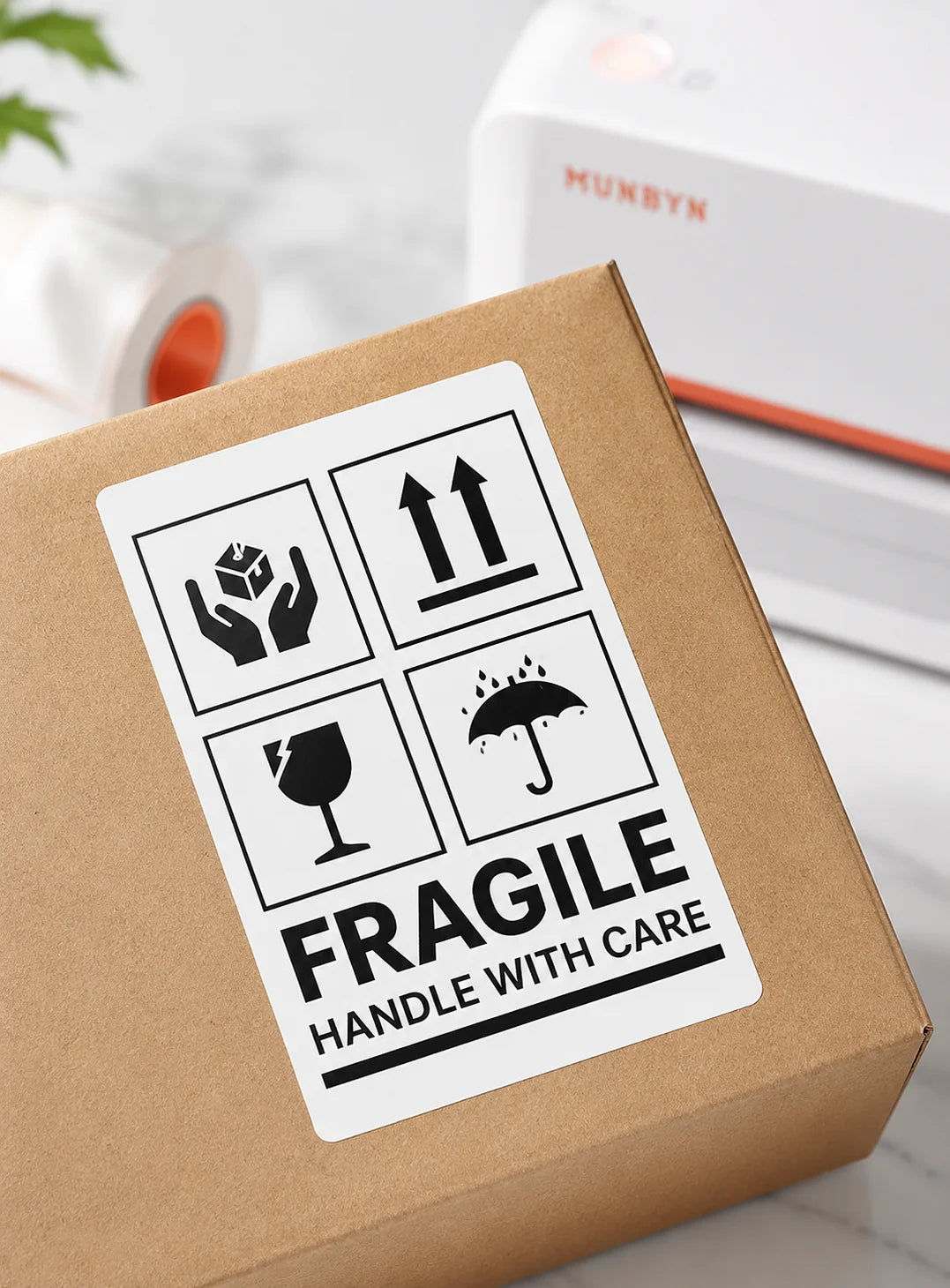
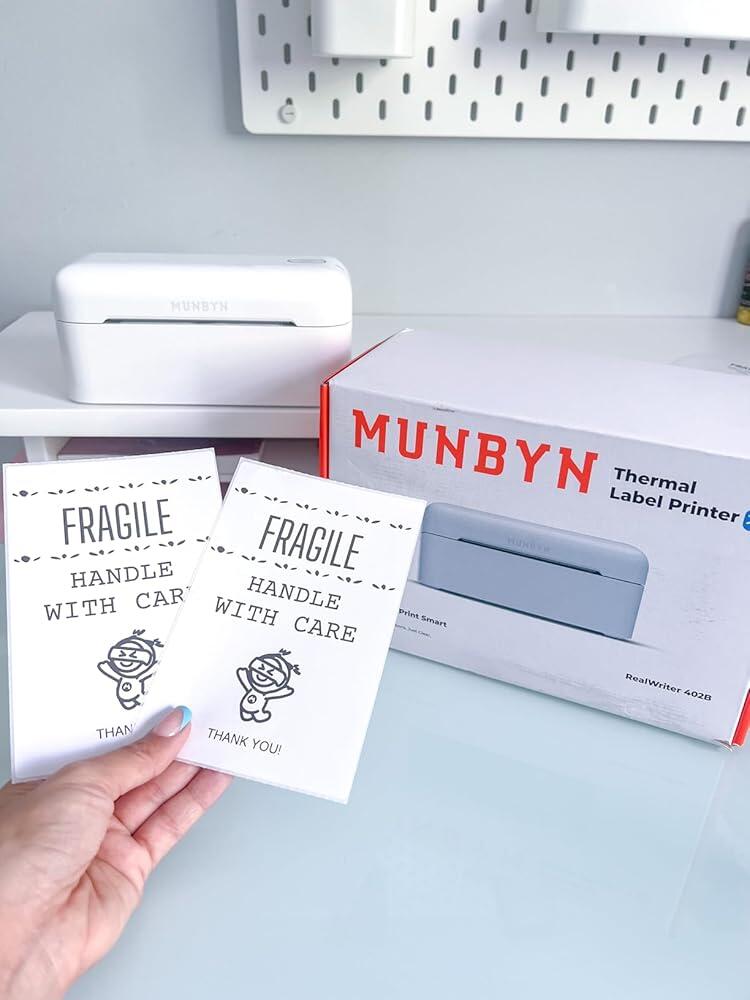
Fragile Labels
Clearly mark fragile items with bold, high-contrast labels that grab attention during handling and delivery.
Ideal for:
Minimize damage, reduce returns, and ship with confidence.
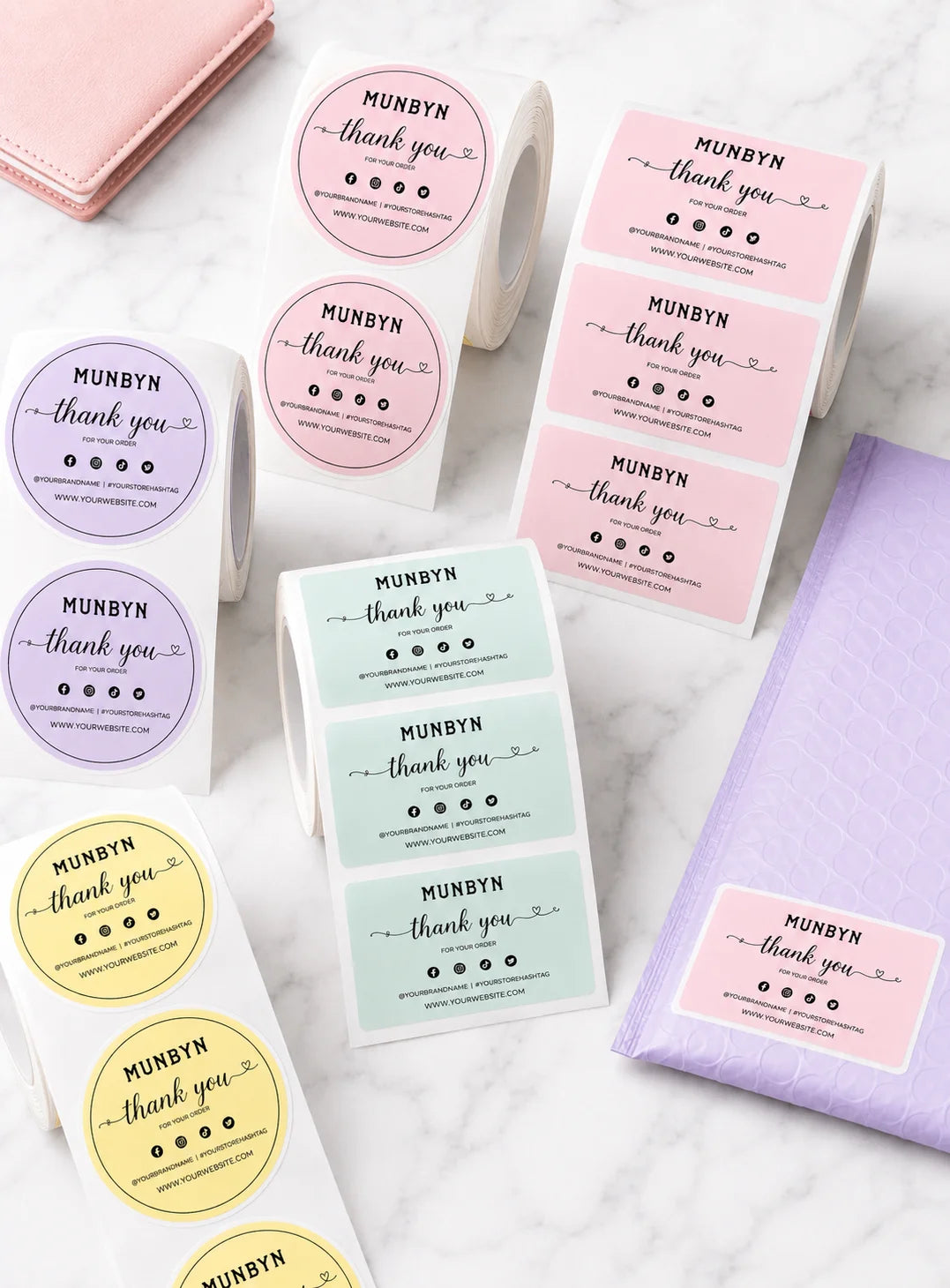
Branded Labels
Add logos, brand colors, thank-you messages, or marketing inserts to elevate your packaging.
Great for:
Build recognition, increase repeat purchases, and stand out in every unboxing moment.
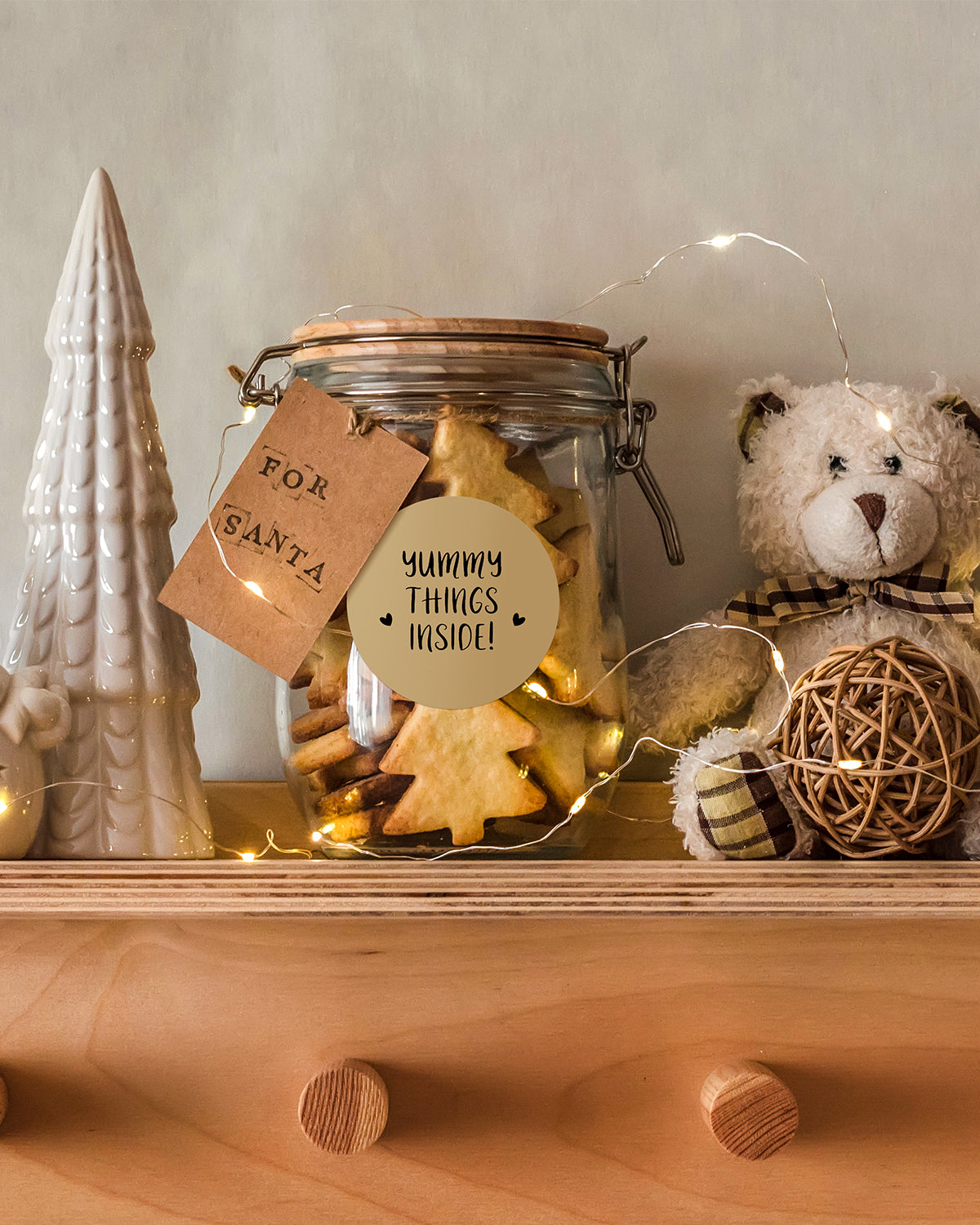
Stickers for Daycare/School
Print name labels and stickers that help keep school and daycare items sorted and easy to identify.
Perfect for:
Water-resistant, long-lasting, and made for everyday life.
Customers praised this Bluetooth thermal label printer for "easy setup," "fast printing," and "excellent print quality." Many small business owners loved it for shipping labels and product stickers. The app is "user-friendly" with multiple templates. Some noted initial paper setup was tricky, and a few experienced centering issues or needed better desktop software. Overall, highly recommended.
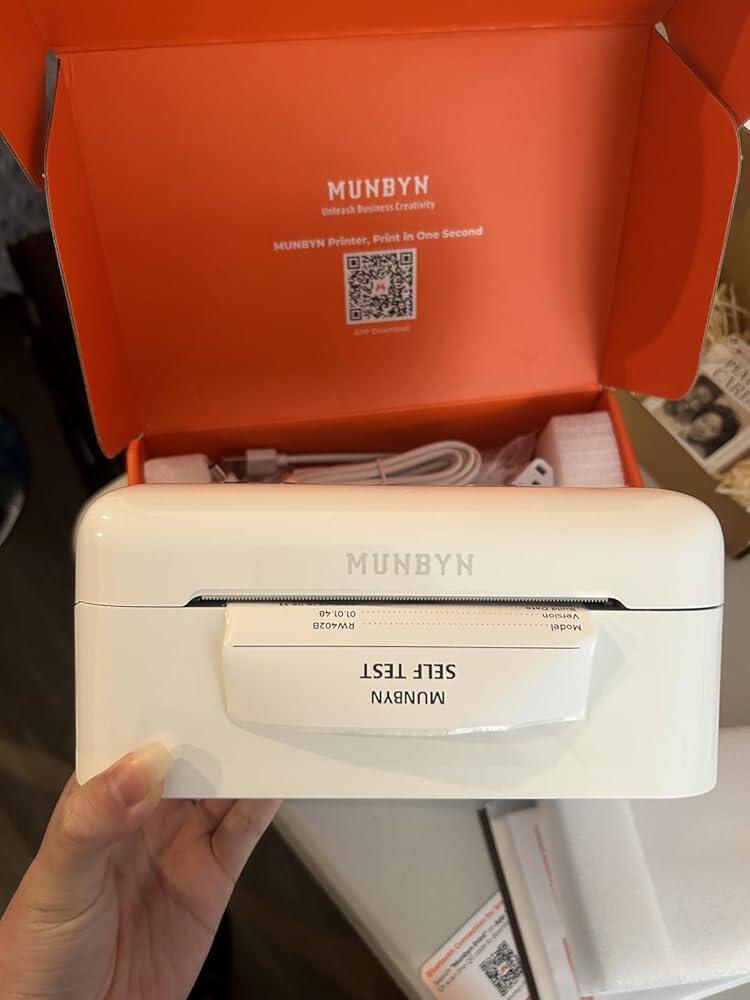
I rattled my brain looking for a thermal printer that worked with I-phones and the print came out clear. As soon as it came in I put it to work. I printed off 200 stickers with zero problems. The print came out dark and in place. It was easy to set-up plug in, turn on, download app, and print. No issues withConnections to my phone. Great quality print
Petite imprimante parfaite pour faire des ��tiquettes !
L'imprimante n'est pas tr��s grande et il est facile d'utilisation.Il peut se connecter avec une prise usbc a notre smartphone ou avec une prise USB pour autres appareil ou portable ou ordi et se connecte ��galement avec le Bluetooth.Dans l'application il y a plein d'outil pour personnaliser son ��tiquette comme des codes barres, des QR codes, des mots, des images ou tout autres.Une rapidit�� d'impression.Je trouve que c'est un tr��s produit dont je suis satisfaite et je recommande.Je n'ai pas tenue compte du prix pour l'��valuation de ce produit.
Die Druckqualit?t ist wirklich gut und detailreich und die Einrichtung lief schnell und intuitiv.Toll ist, dass der Drucker eine automatische Papiererkennung hat und man somit auch kleinere Labels rausschneiden kann und das restliche Papier f��r einen weiteren Druck verwenden kann.In der App gibt es zahlreiche Designs, die man verwenden kann.Sch?n w?re, wenn noch mehr Labels mitgeliefert werden w��rden. Der Drucker kommt nur mit 10 blanken Labels, was etwas wenig ist.
Wir haben bereits zwei andere Drucker von MUNBYN, die ich aber leider jeweils nur mit einem mobilen Endger?t verbunden bekommen habe. Diesen Drucker bekomme ich auch mit dem Mac und dem MacBook verbunden.Er erkennt automatisch welches Etikett man eingelegt hat, was toll ist, wenn man einfach z.B. runde Etiketten bedrucken m?chte.Mega sind die Drucker allesamt einfach f��r Versandetiketten von DHL und Hermes. Das sind die beiden g?ngigen Versandunternehmen, die wir nutzen.Dieser Drucker ist mit einem Preis von 139,99 EUR etwas teurer als die anderen Beiden, aber er hat auch mehr Funktionen, l?sst sich noch einfach verbinden (vor allem auch mit den Macs), ist kleiner und optisch sch?ner. Ich bin sehr, sehr, sehr zufrieden mit dem Drucker MU-RW402B-WH-EU.
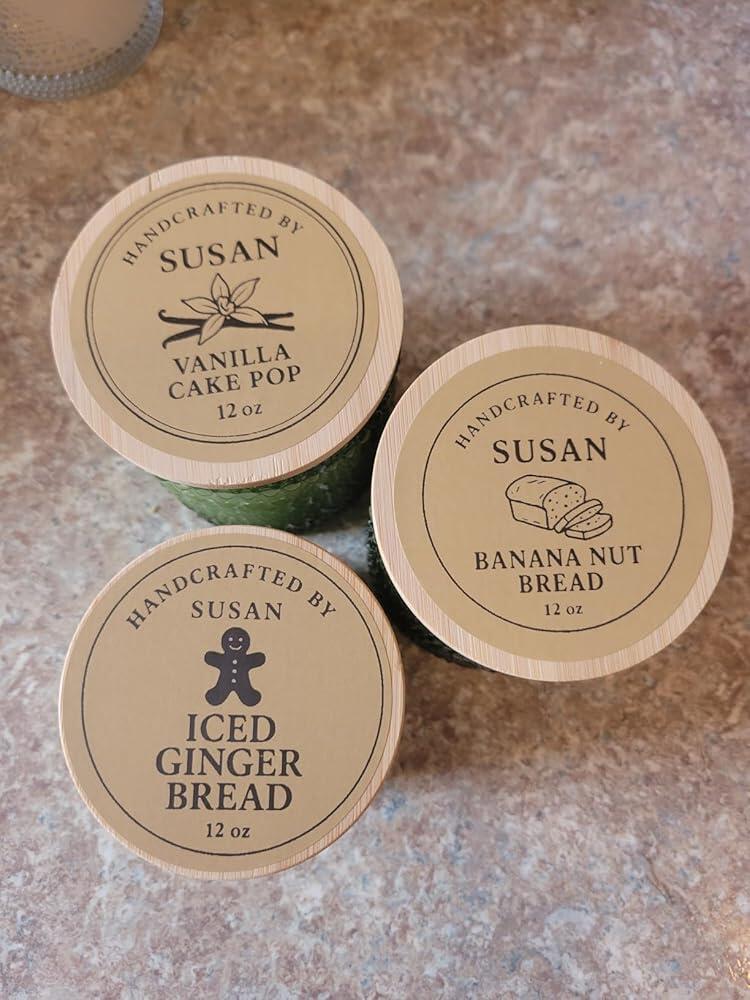
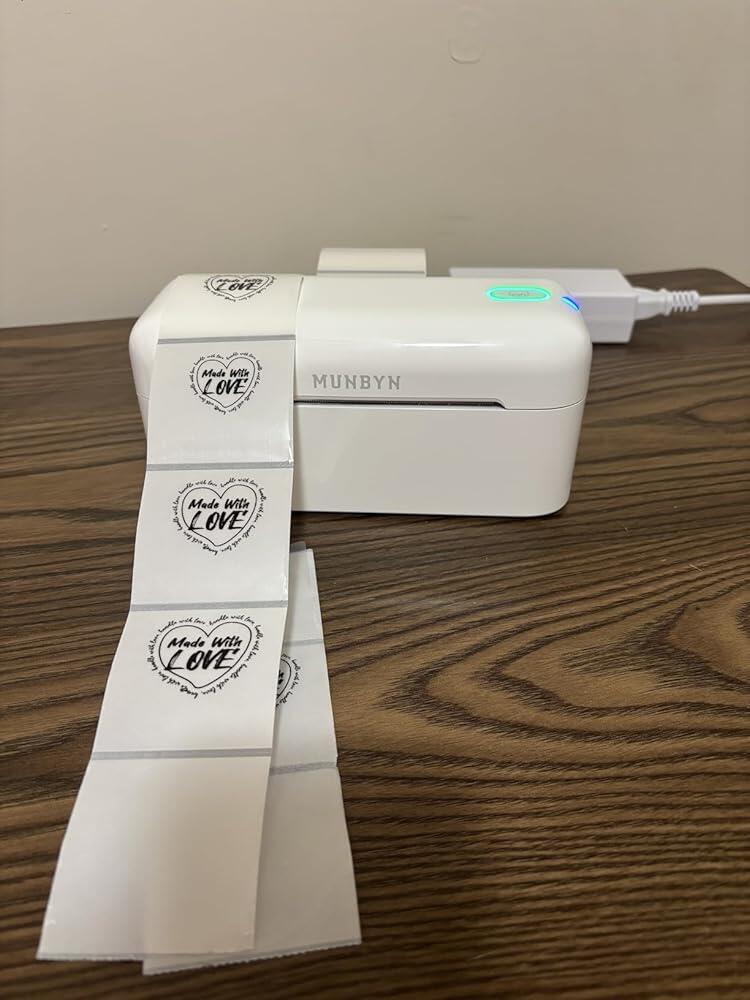
I love this little machine! So easy to use! I have struggled with label making for years with my candles. Smudging ink, wasting labels that won't line up properly... so frustrating!! This Munbyn label maker has been my best purchase in a while. I can create labels on chatgpt and print them out on the Munbyn. I willingly sacrifice labels with color for the ease of this printer. It takes no time at all to customize and print with Munbyn and Chatgpt. Prints fast too!! Love this product!!
If you are looking to purchase a thermal printer for your business, look NO FURTHER than MUNBYN. This printer is sleek, small and mighty!! It does the job continuously without effort. EASY setup makes it seamless. Be sure to purchase this one!! Also, be sure to purchase MUNBYN labels as well, trust me! I would recommend this printer to any type of business, small or large! Compatible with Android, iphone, Windows, Mac, Chromebook, Ebay, USPS, FedEx, and Shopify. To add another shipping site, GOShippo is what I use and it works perfectly! I cannot give this machine enough stars. It makes my life so much easier!
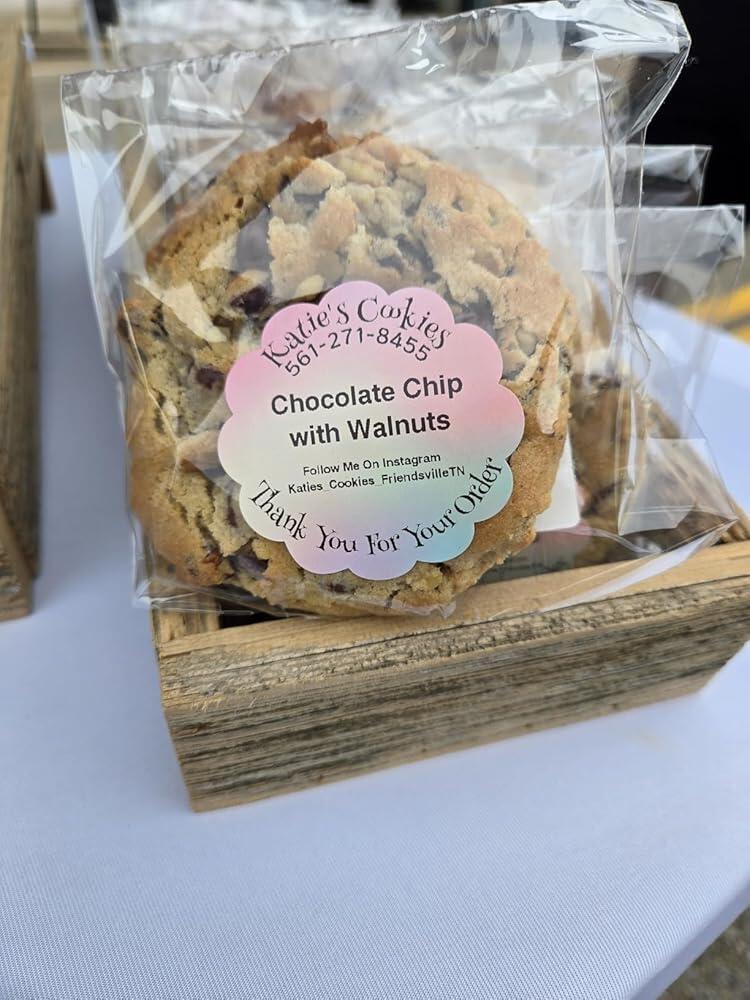
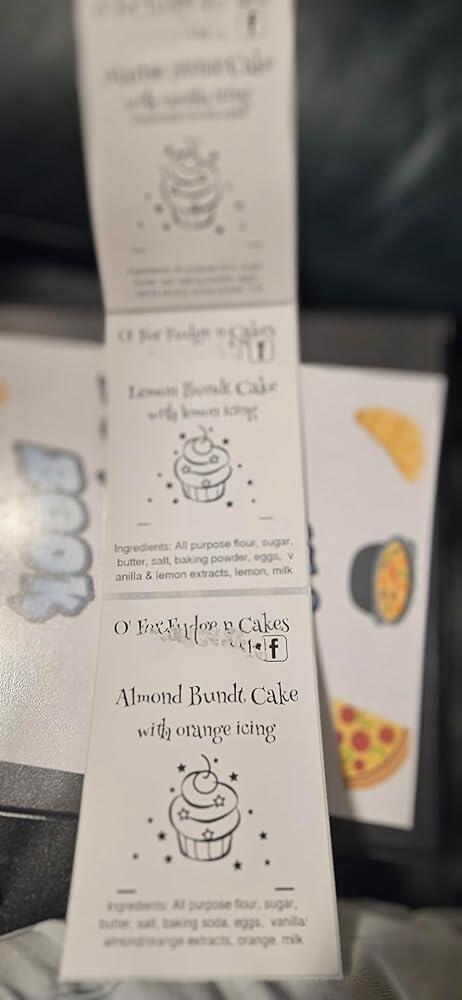
This is a game changer for my small home bakery! The labels are easy to make and the app is user friendly. You can make labels on Canva too and print on this. It's also easy to print prepaid labels from PirateShip for sending packages. You can also freeze these and they are still beautiful when taken out of the freezer.
I am very in love with this thermal machine- I love the size of the machine- Works with Bluetooth- Easy to create and work in the App- the most I love is I can print from my phone 😍- Make me easy to print my labels for my business
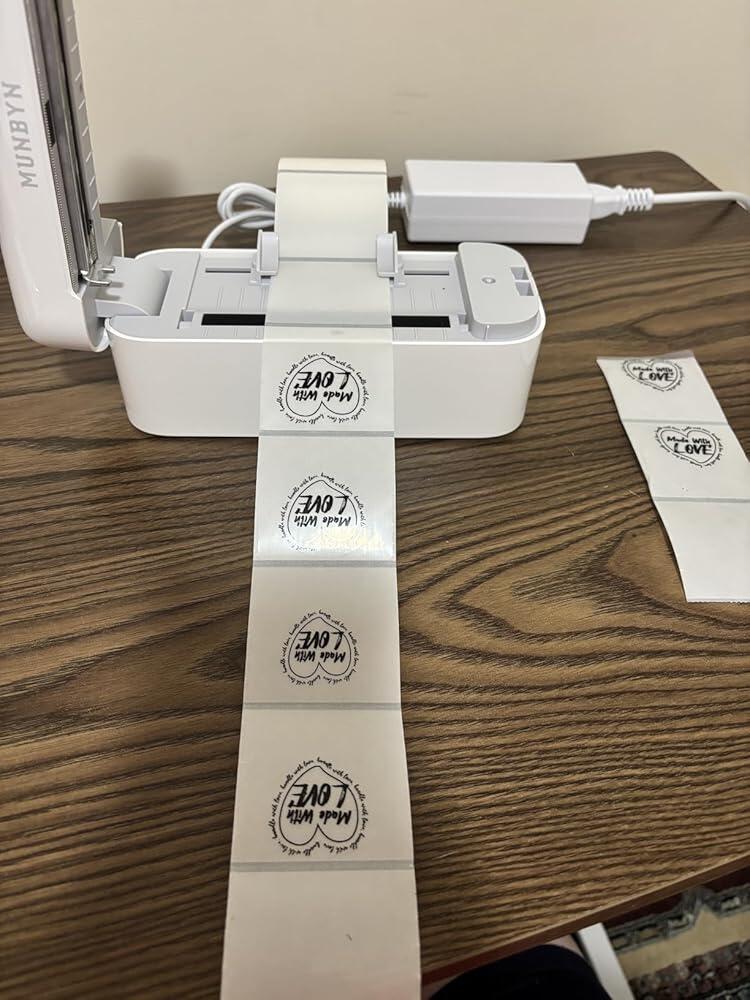
I stinking love this machine. I got it and within 10 minutes printed my first test print. When I say it's fast...it's so fast...lol, like a champion racehorse. I squeezed the little label clips to hold my labels, snapped it shut... it said "swish swish swish" and sized them up and the printed 50 labels off in a matter of seconds. It's made labeling my cakes and single cookies so much easier. When you have 100 cookies you dont want to be trying to find the edge of a label to pull off. You just bend the and go. One day I hope to see a cheaper color version come out, but you know what? I'll just use every color label possible for now. The Munbyn app, is easy enough. I'm still playing around on it... but you can also design on other apps... like canva. So that's a plus. All in all, I was impressed, and felt silly for waiting so long to pick which one I wanted. I now am street legal, and look professional at the markets and events I do.
Works great, easy to connect.
Great quality the color was awesome function good it’s worth the money prints great
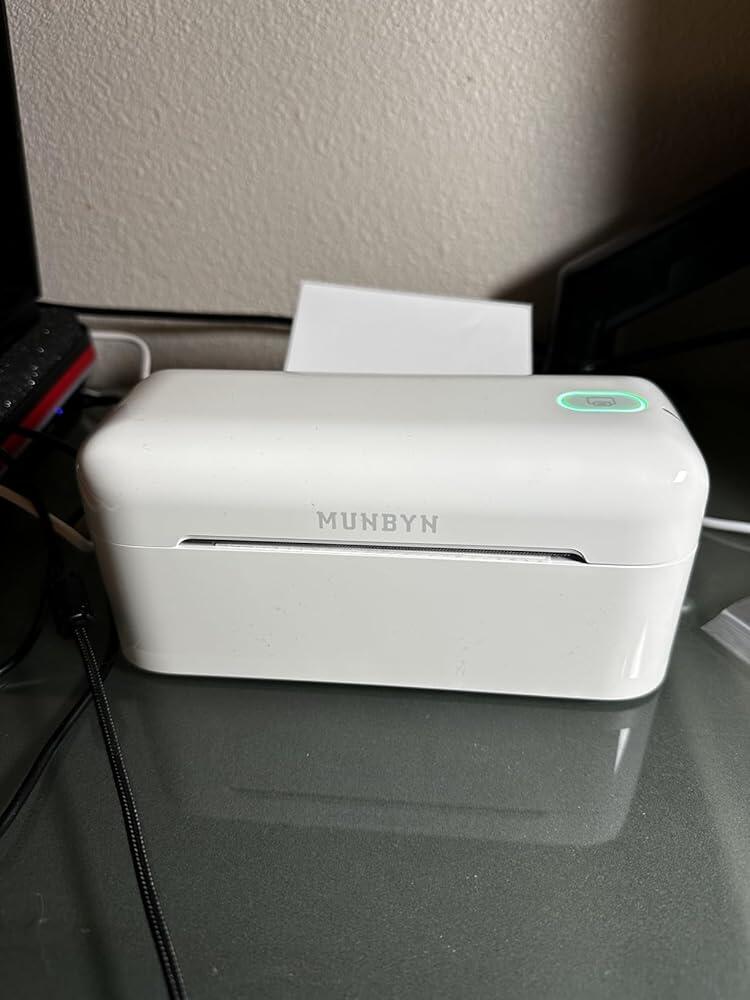
The MUNBYN thermal printer is a fantastic choice for anyone looking for a reliable and efficient label printer. It’s easy to set up, works seamlessly with various shipping platforms, and produces high-quality prints without the need for ink or toner. The compact design saves space, and the fast printing speed makes it perfect for small businesses or home offices. Overall, it’s a great investment for anyone needing a hassle-free thermal printer!
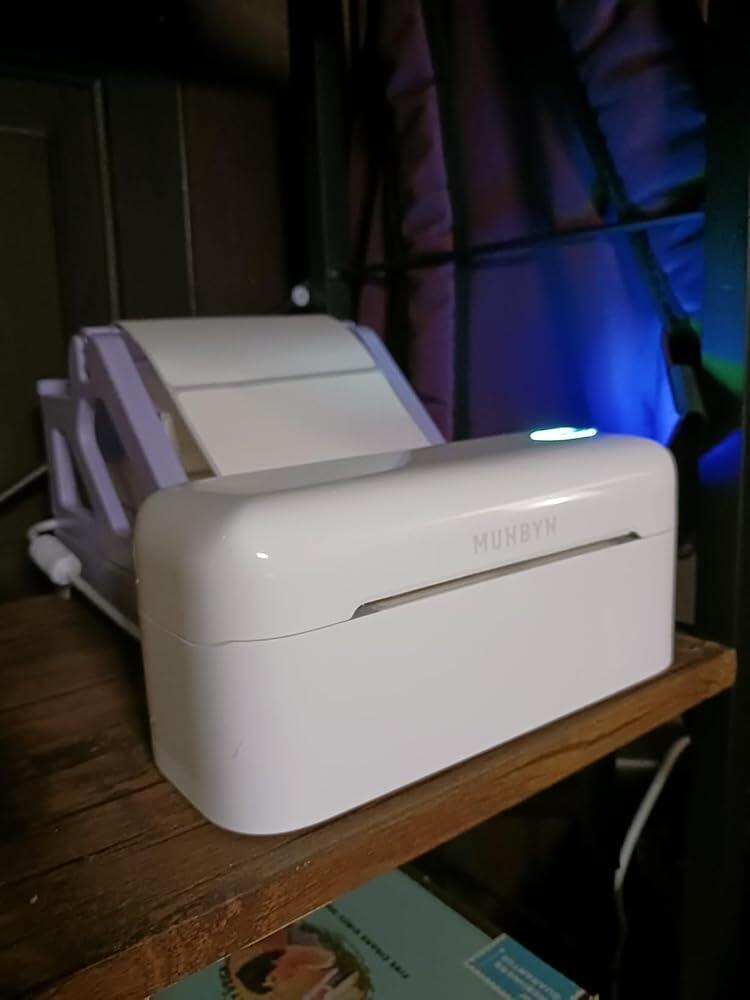
Amazing! Perfect for small business owners or people who ship packages regularly! Bluetooth and no ink required, you couldn’t ask for more than that. I like how it doesn’t take up too much space on my desk.
This thing is KILLER! ...I've been a Munbyn user for my small biz...but I recently realized I needed the Bluetooth feature and upgraded from the basic model (which still works great) to this new one. Plugged in, downloaded app...made something up quick to test and it printed perfect so fast. Love love! Thanks for staying golden Munbyn 🤟
Love this for my small business!!! Custom label machine! Download the app and start creating! No ink needed!
Please read our FAQs page to find out more.
Free shipping and returns