Scroll to top

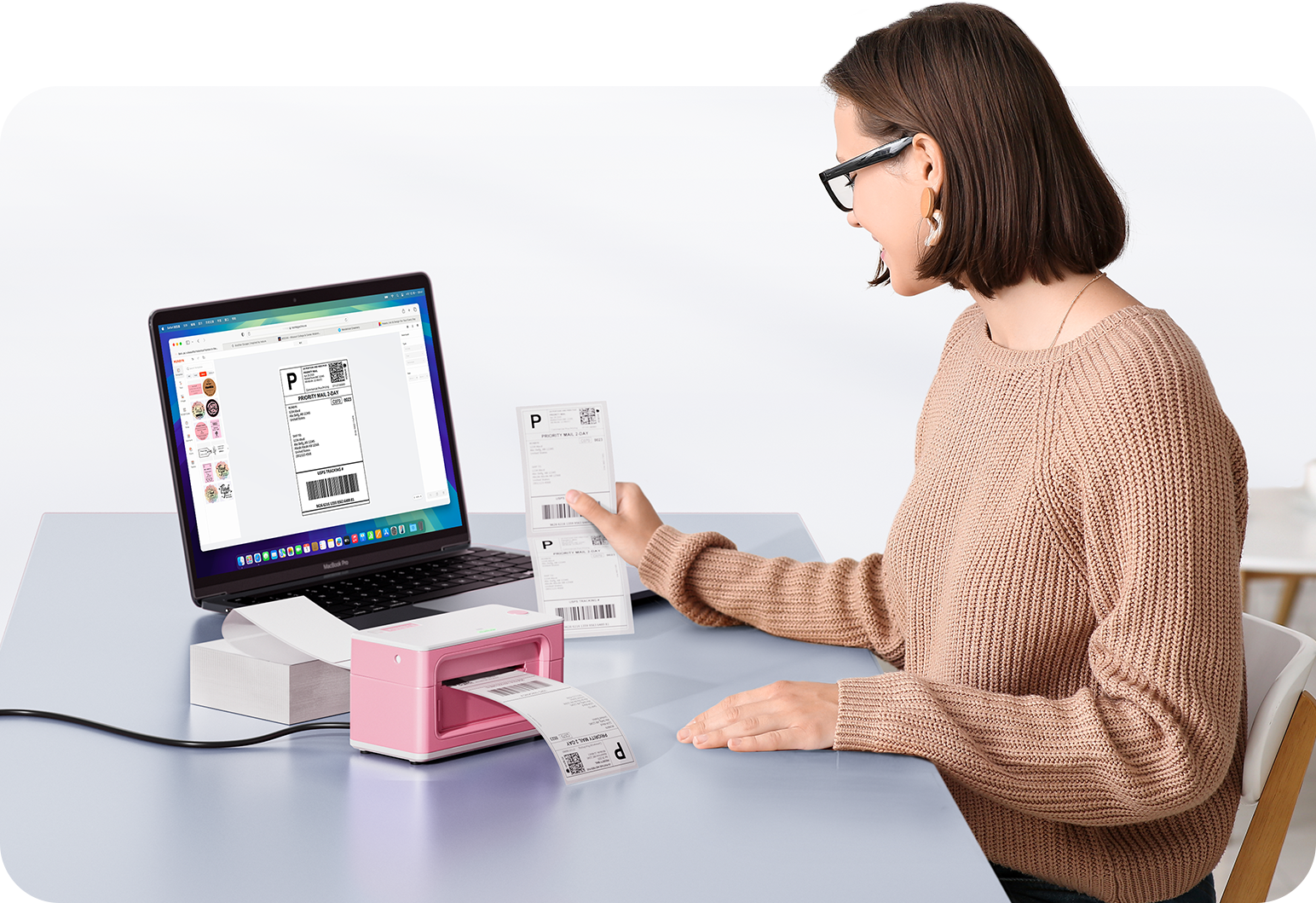
Print Anything, Anywhere

Your ideas, your space — print wherever inspiration strikes.

Ink-Free, Worry-Free

Zero ink. Time, money, and planet-saving.

Fast to Print, Easy to Keep Going

High speed:150 mm/s = one 4×6 label per second.

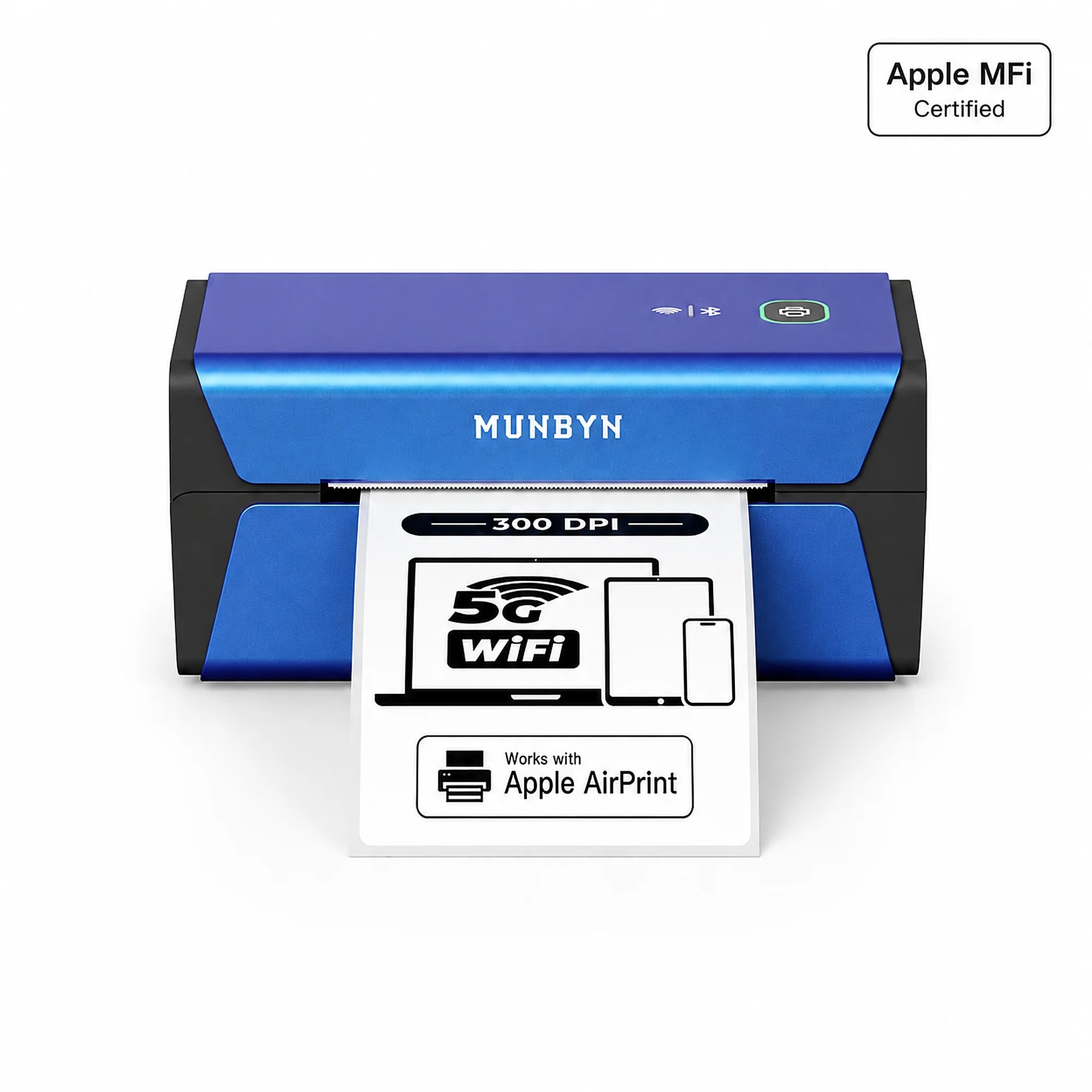
MUNBYN RW401AP 300DPI AirPrint Thermal Label Printer Blue
MUNBYN RW401AP 300DPI AirPrint Thermal Label Printer
$315.99 AUD

Product details

Basic Introduction

Moel Type

- 401AP

Resolution

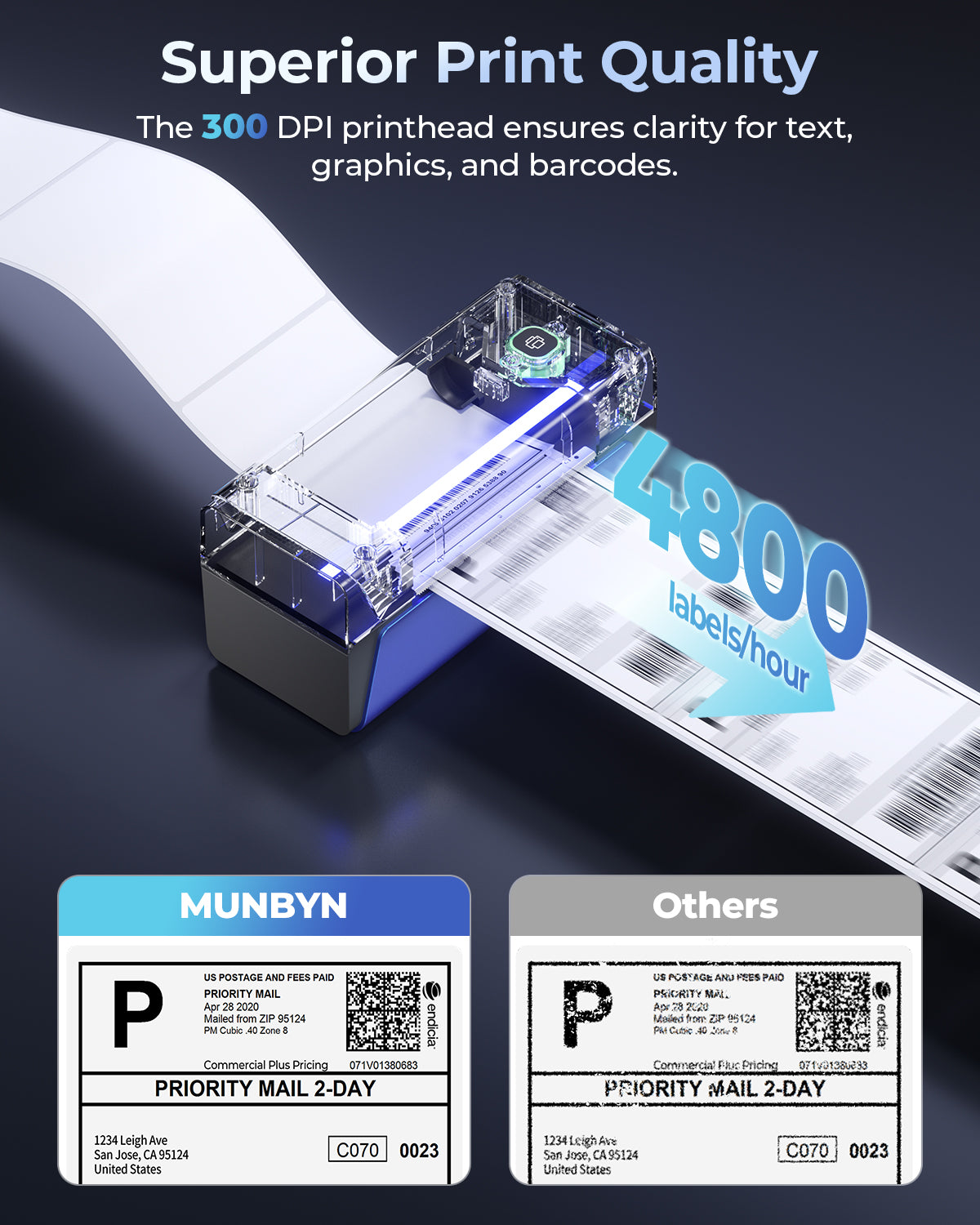
- 300 DPI

Printing Speed

- 100 mm/s

Weight

- 0.815 Kg

Product Dimensions

- 198x96x109mm(L*W*H)

Compatibility
Connectivity

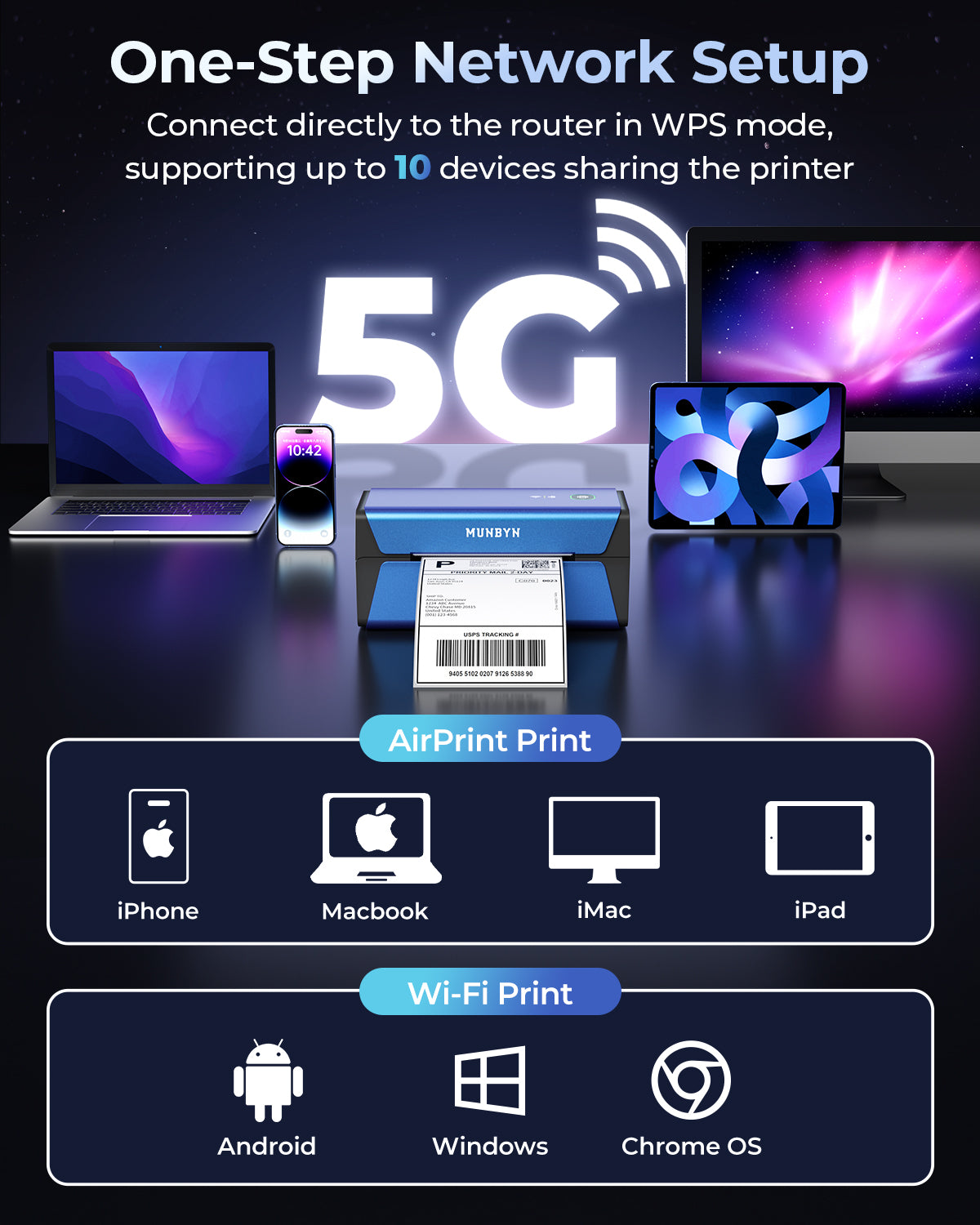
WIFI:Windows/Mac/iOS/Android
USB:windows、Mac OS

Compatible Label Sizes

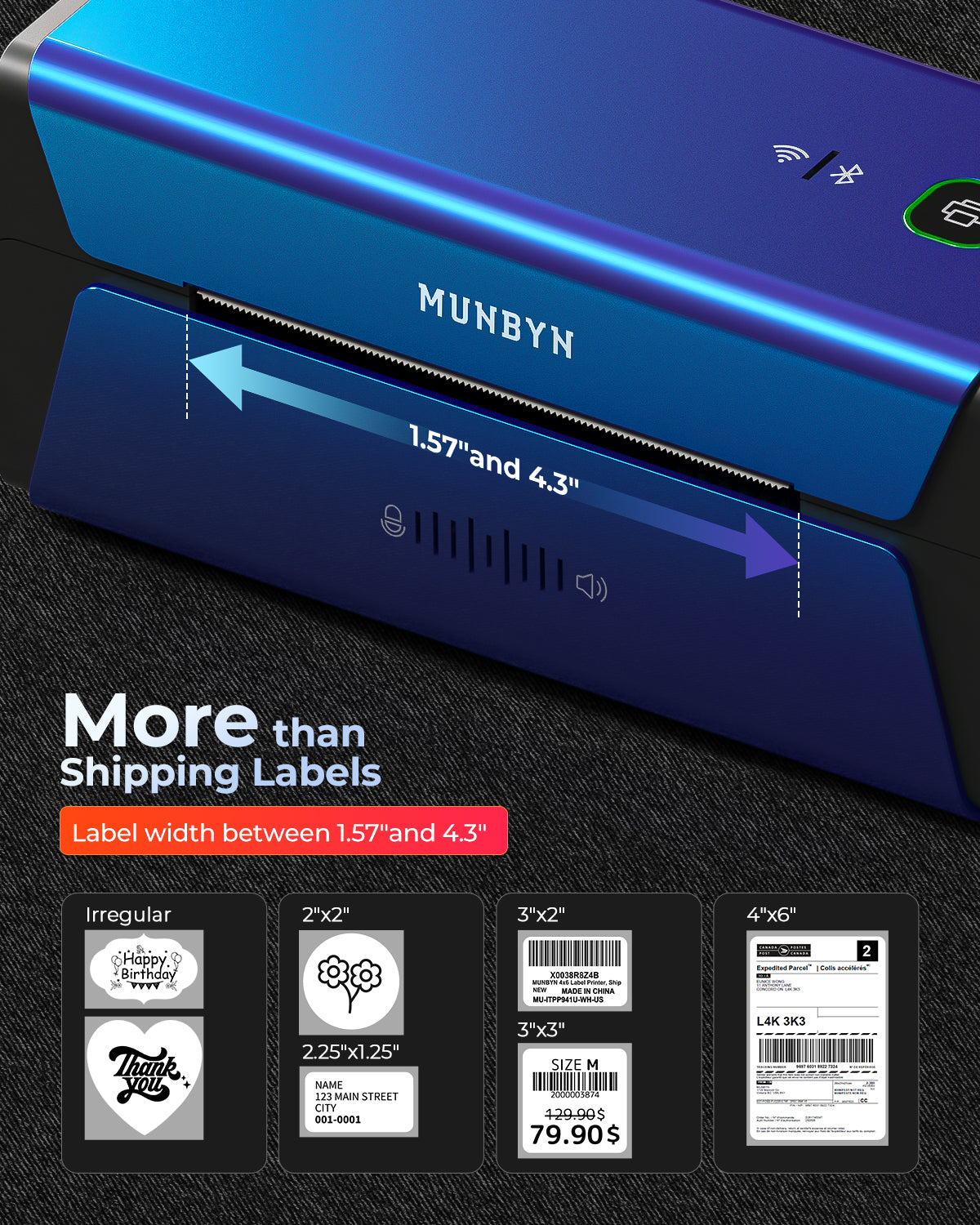
- 40-110 mm

Special Feature

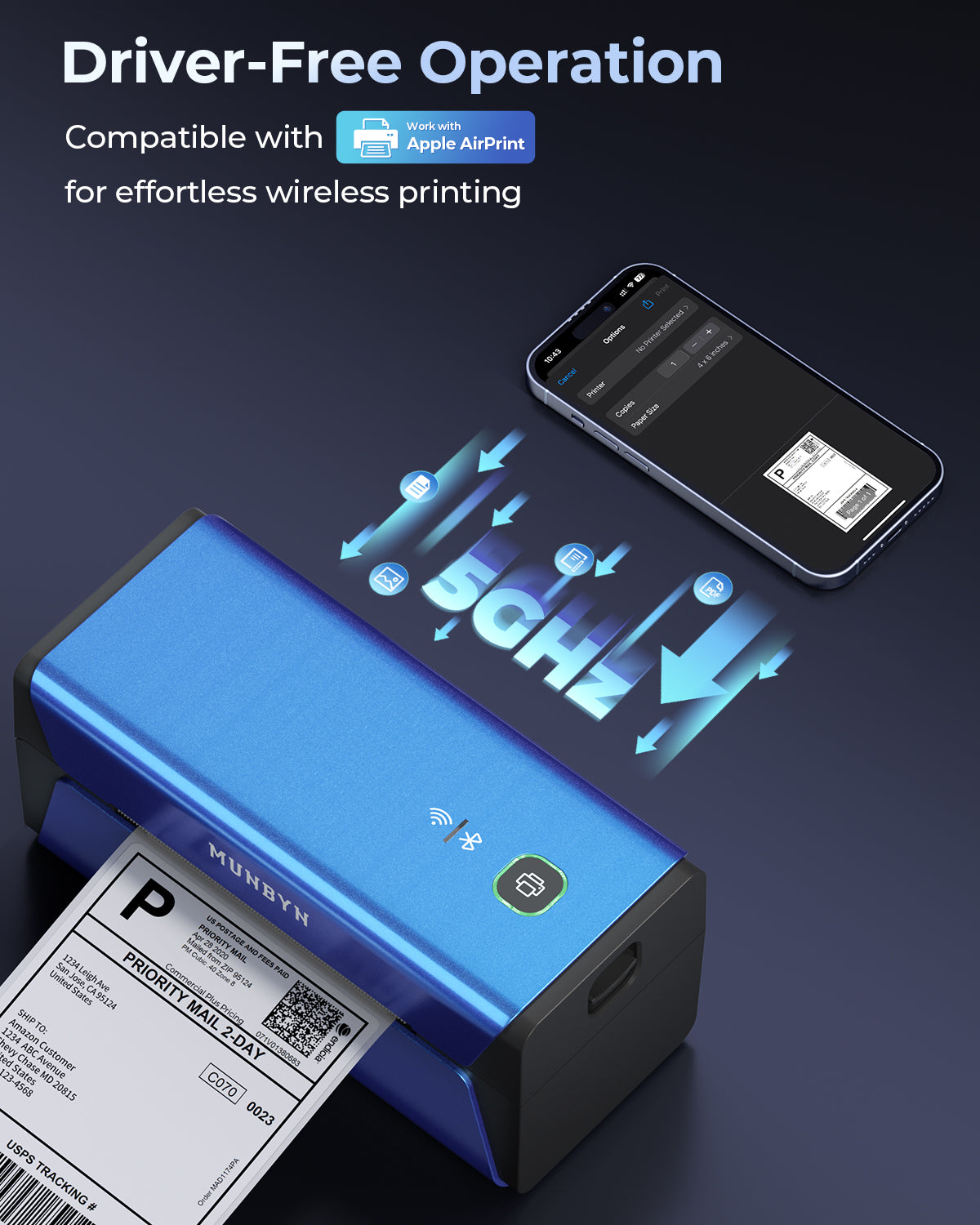
- 5GHz Wi-Fi Technology
- Supports Apple Airprint

- 300DPI

Compatible Devices

- Laptops, PC, Smartphones, Tablets

Power Adapter

- 24V/2A

Others
Usage Scenarios

- Warehouses
- Retail
- Offices
- Business
- Home

Service Warranty

- 2-Year Warranty
- Technical Support

Included in the Box

  • Printer

  • USB Cable

  • Adapter

  • Standard Plug

  • User Manual

  • Quick Tips

  • Labels

Download our app

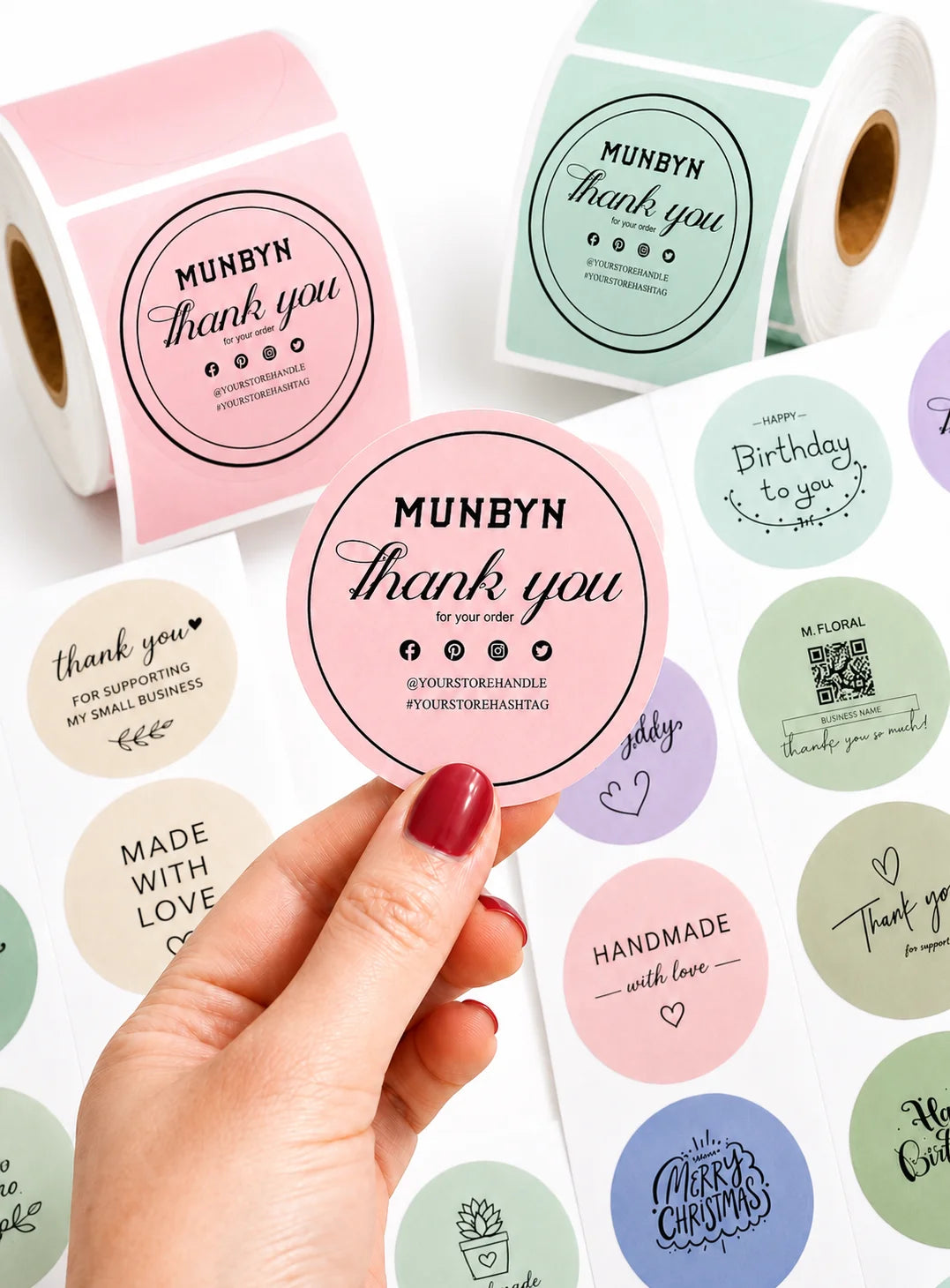
High-End Labels in Minutes
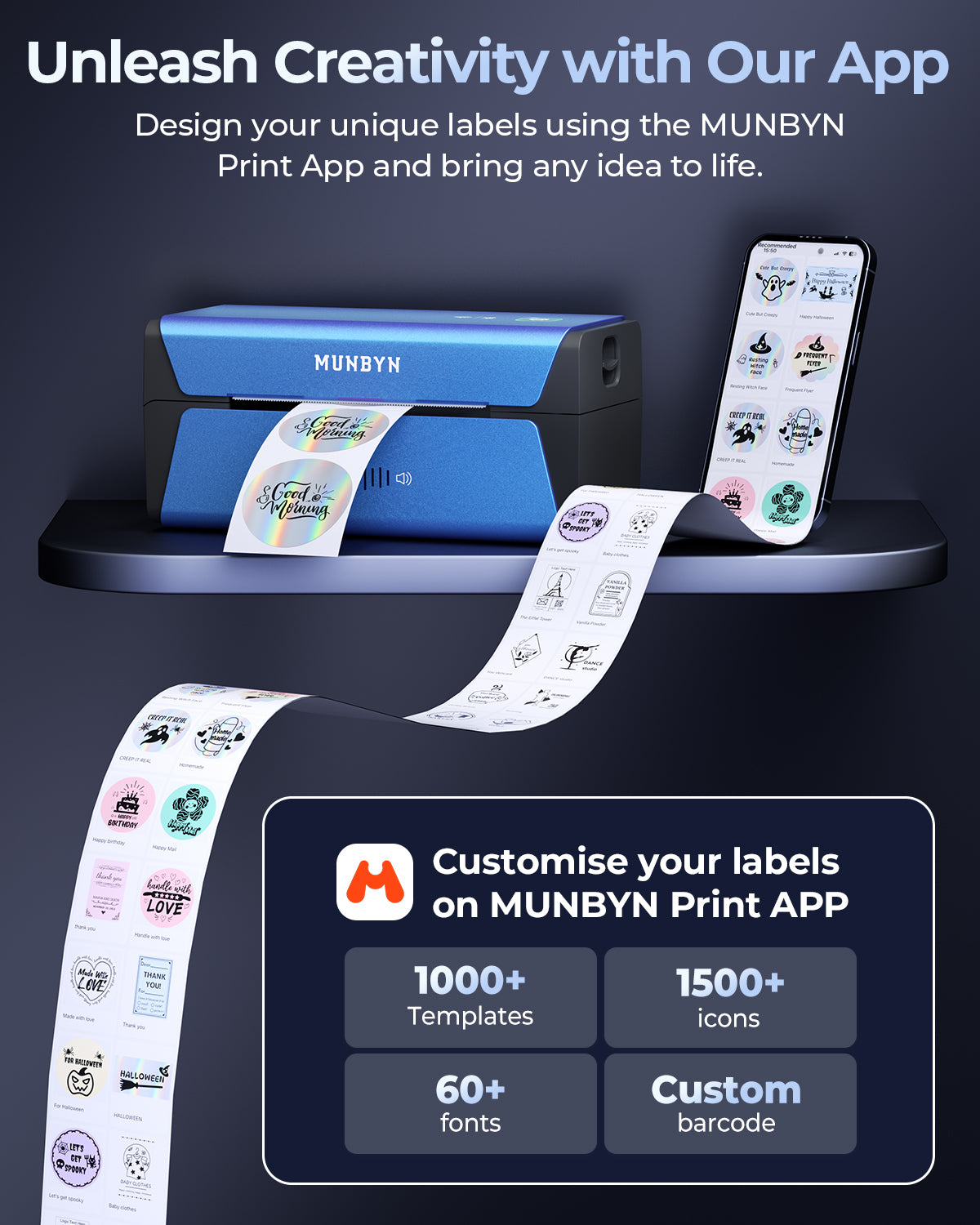
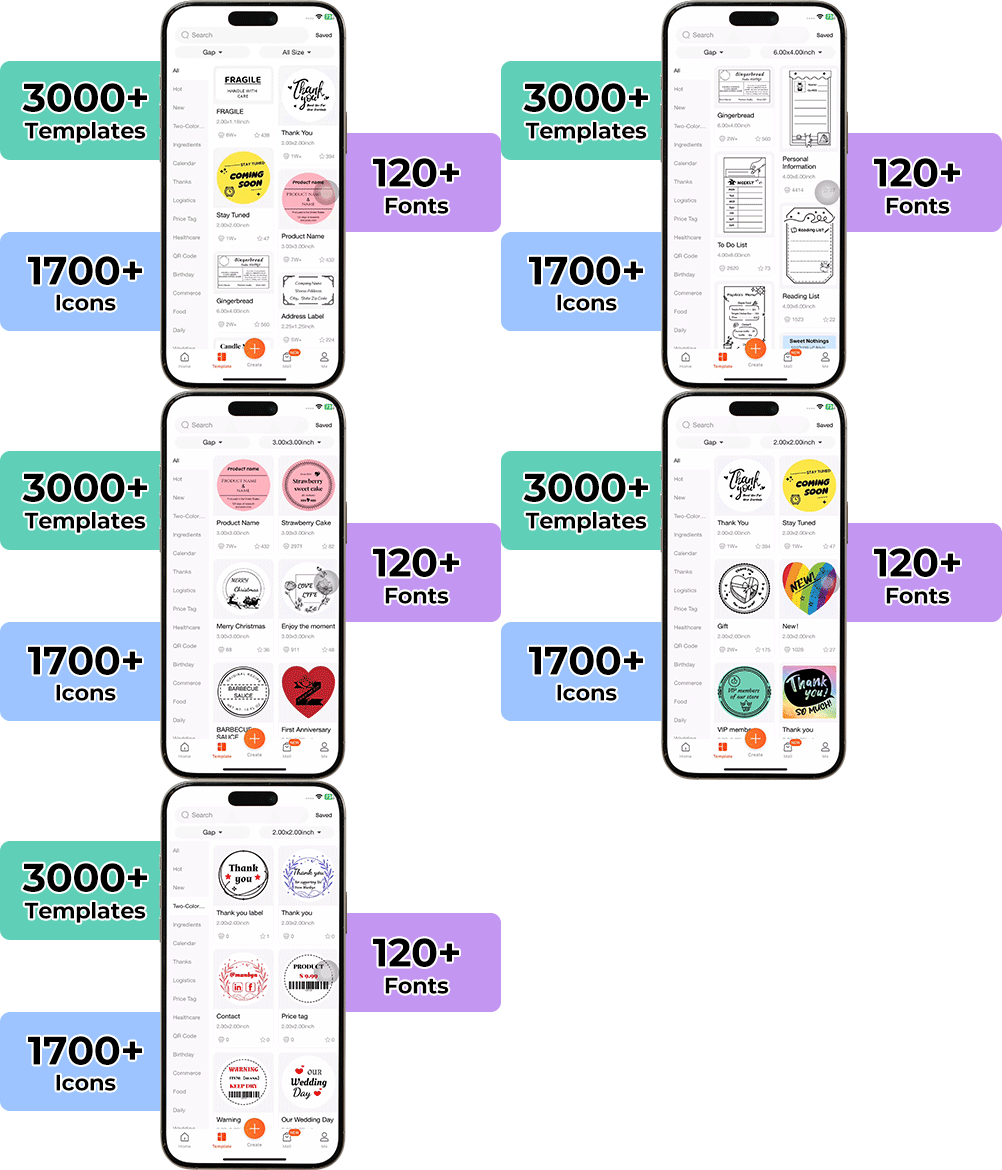
Designing custom packaging has never been this simple. Using the MUNBYN app and our versatile DIY Labels, you have a library of 3,000+ design assets and templates at your command.

Craft bespoke logos and promotional stickers that perfectly capture your brand’s personality—all while keeping your budget in check.


Google Play

Google Play

Download Now

 
Online Editor

Online Editor

Create Now

 
User Manual

User Manual

Download Now

Proudly Women-Operated

80% of our leadership team are women, bringing empathy and innovation into every design and decision. Because when women lead, technology becomes more human — and creation becomes more meaningful.

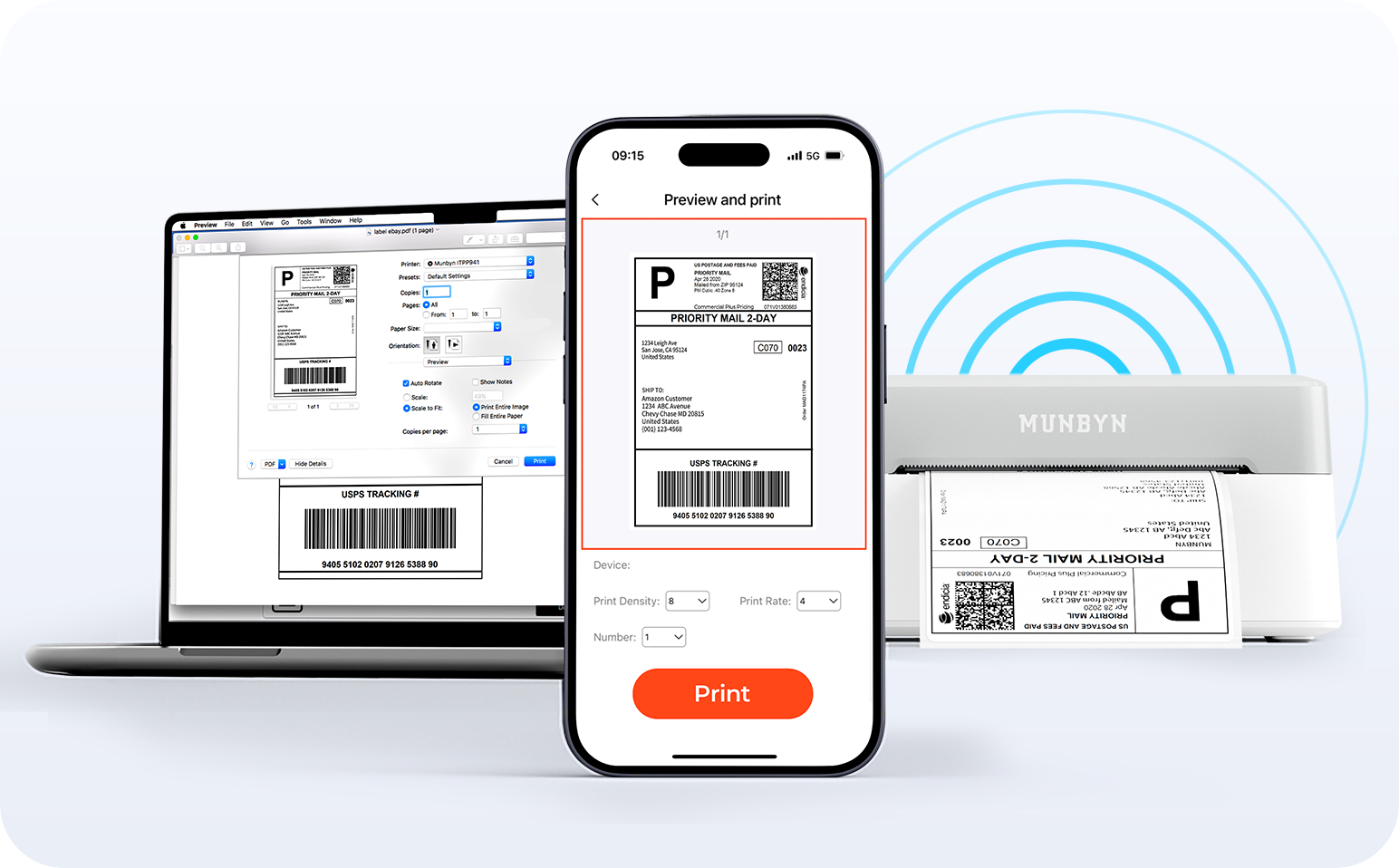
Wireless Freedom

Say goodbye to tangled cables and hello to effortless printing. Enjoy instant Bluetooth connectivity wherever you work, or plug in via USB when you need it.Seamlessly compatible with Windows, Mac, iPhone, iPad, and Android—your whole workspace connected, your printing made simple.

Load video:

Smart label detection

Label Freedom. Effortless printing starts here.

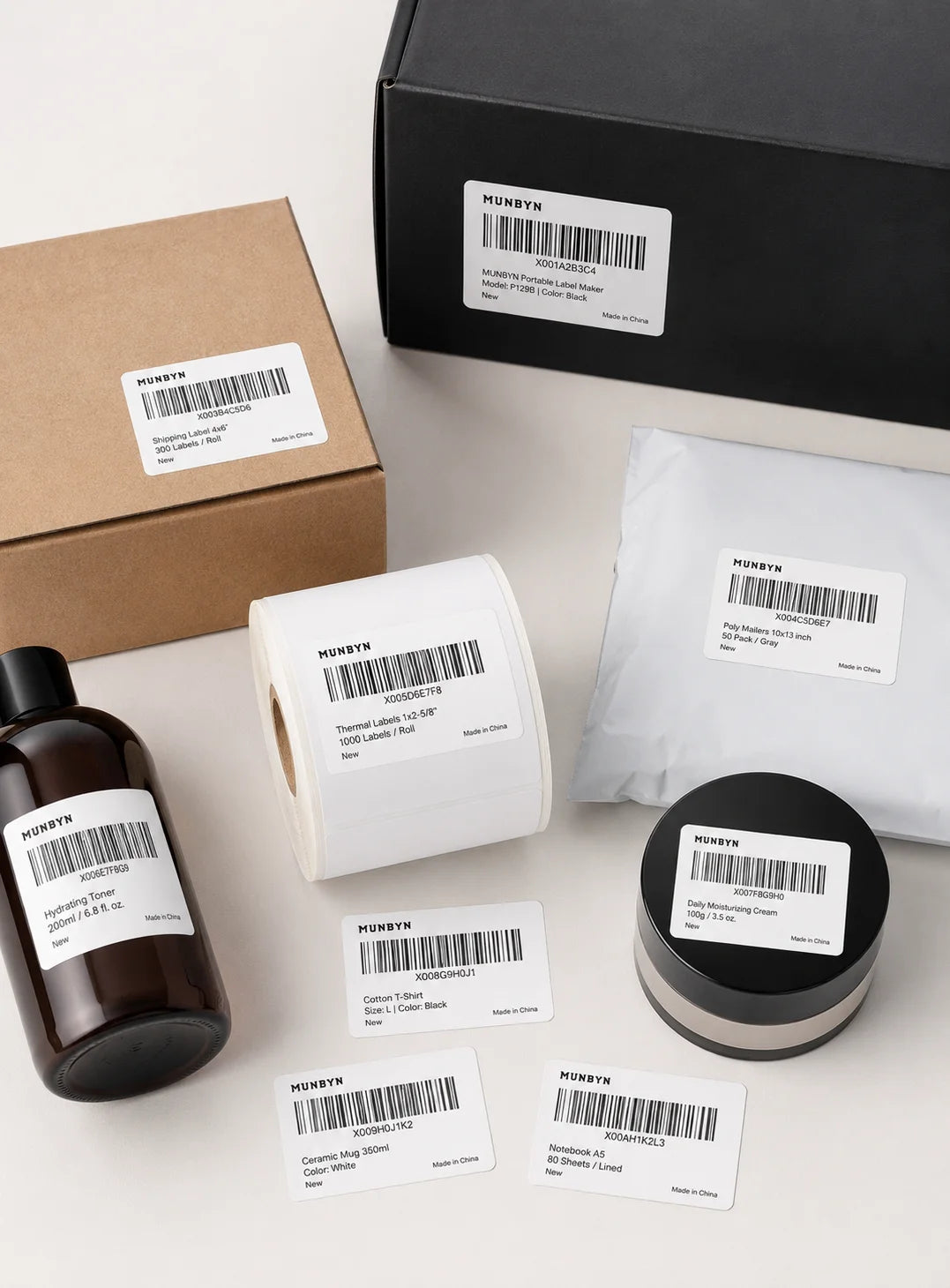
Supports ANY direct thermal label

4x6" 3x2" 3x1" 2x1" 4" 2"

Your MUNBYN printer automatically recognizes and adjusts to different label sizes—no manual setup needed.
From 4×6 shipping labels to 2×2 logo stickers and a wide range from 40mm to 110mm wide, switching between tasks takes only seconds.

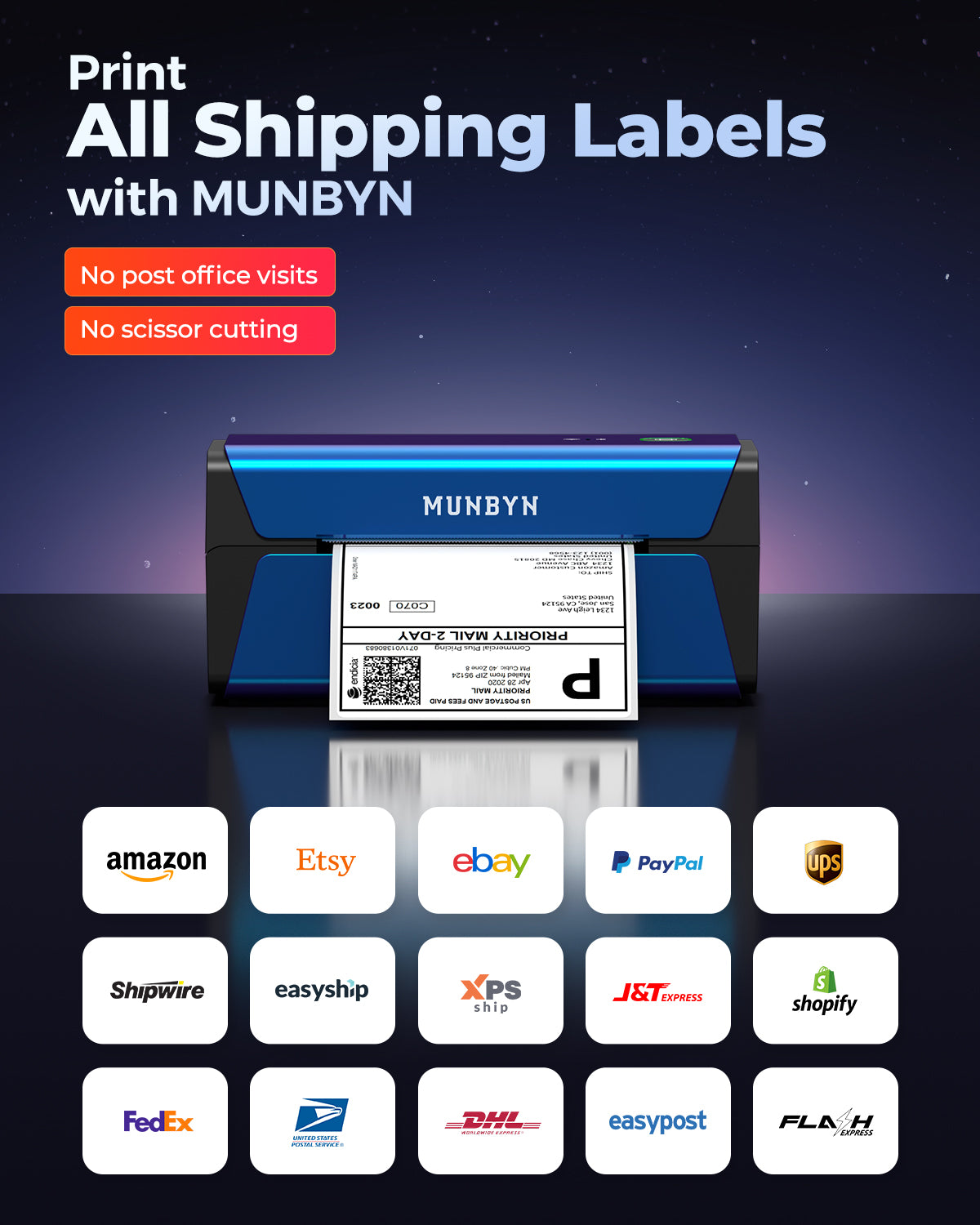
Your all-in-one tool for major marketplaces and carriers, including but not limited to

Designed to print more than 980,000* labels in shipping labels

How People Use MUNBYN

Print life and label quantity estimates are based on laboratory calculations (150 KM printhead life × 4×6" label length). Actual performance may vary due to print frequency, label material, operating environment, and maintenance conditions.

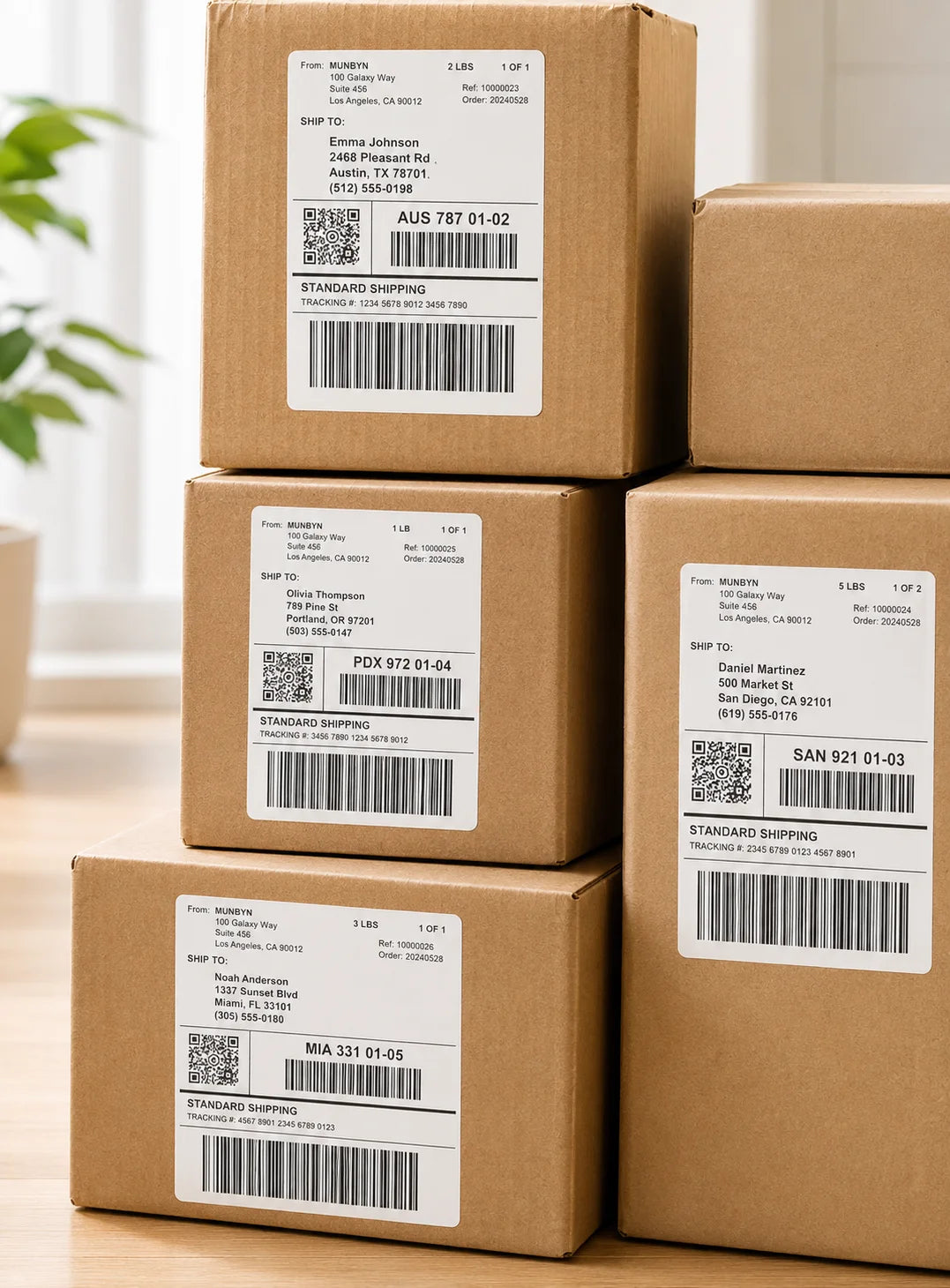
Shipping Labels

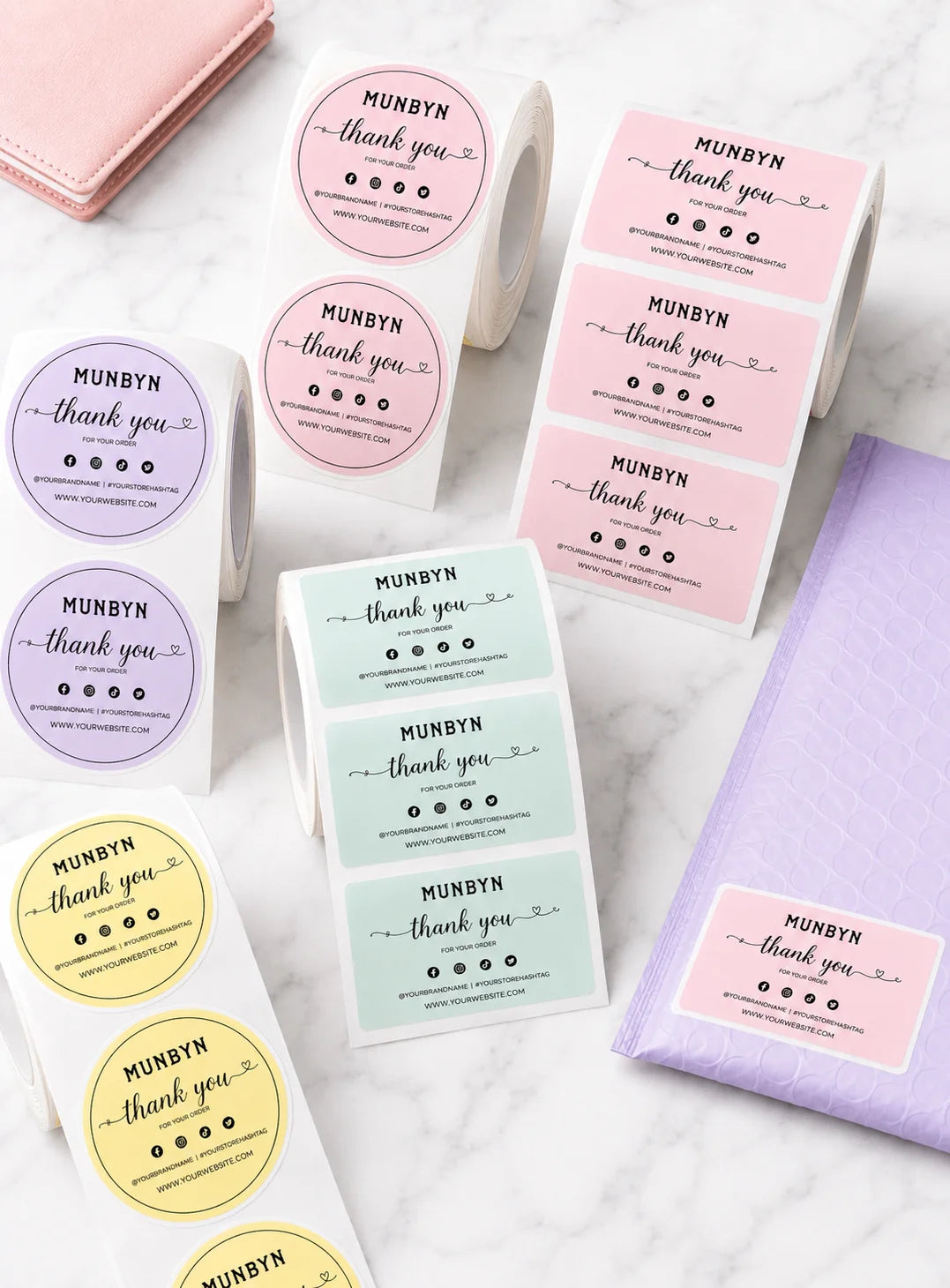
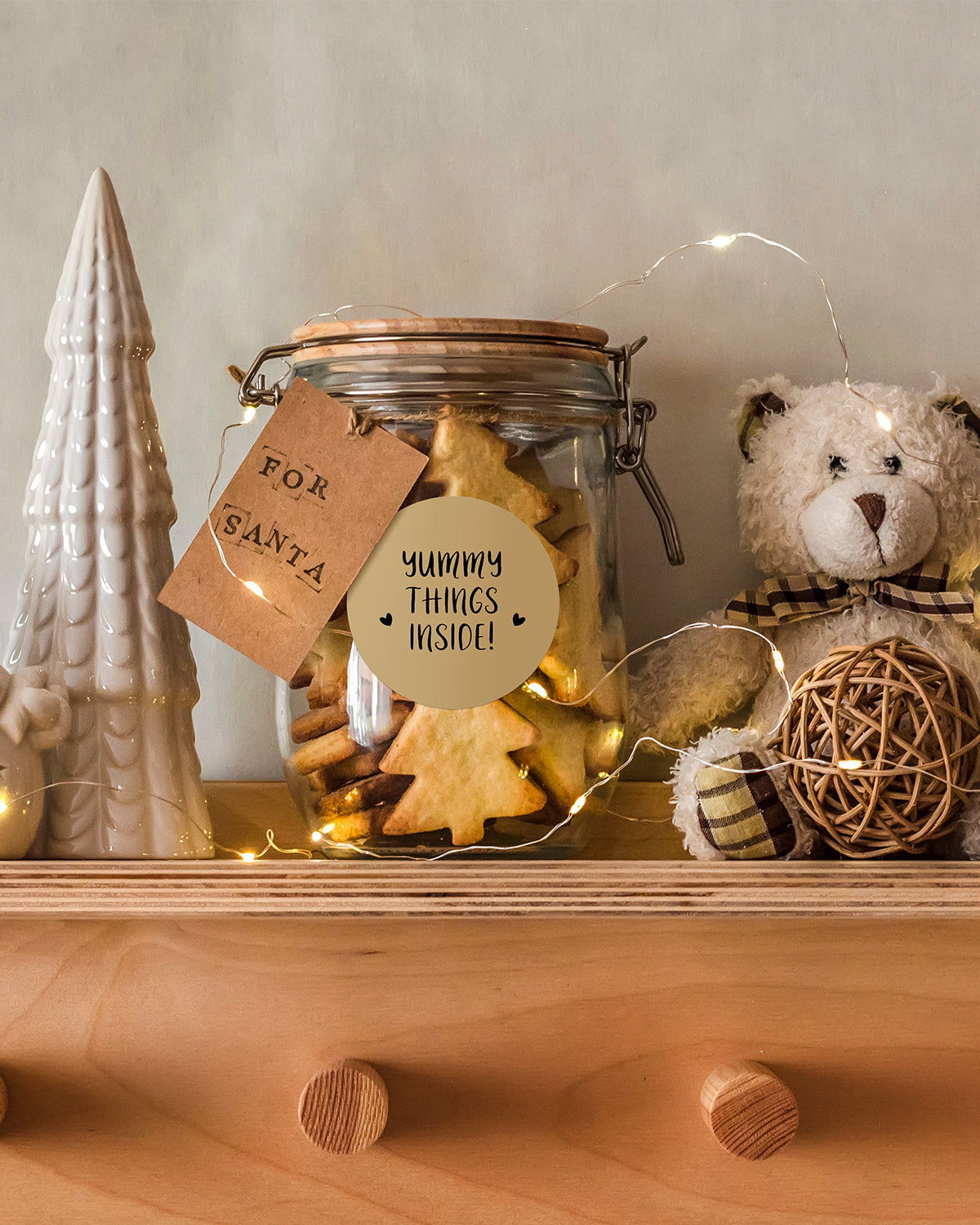
Custom Labels

Barcode Labels

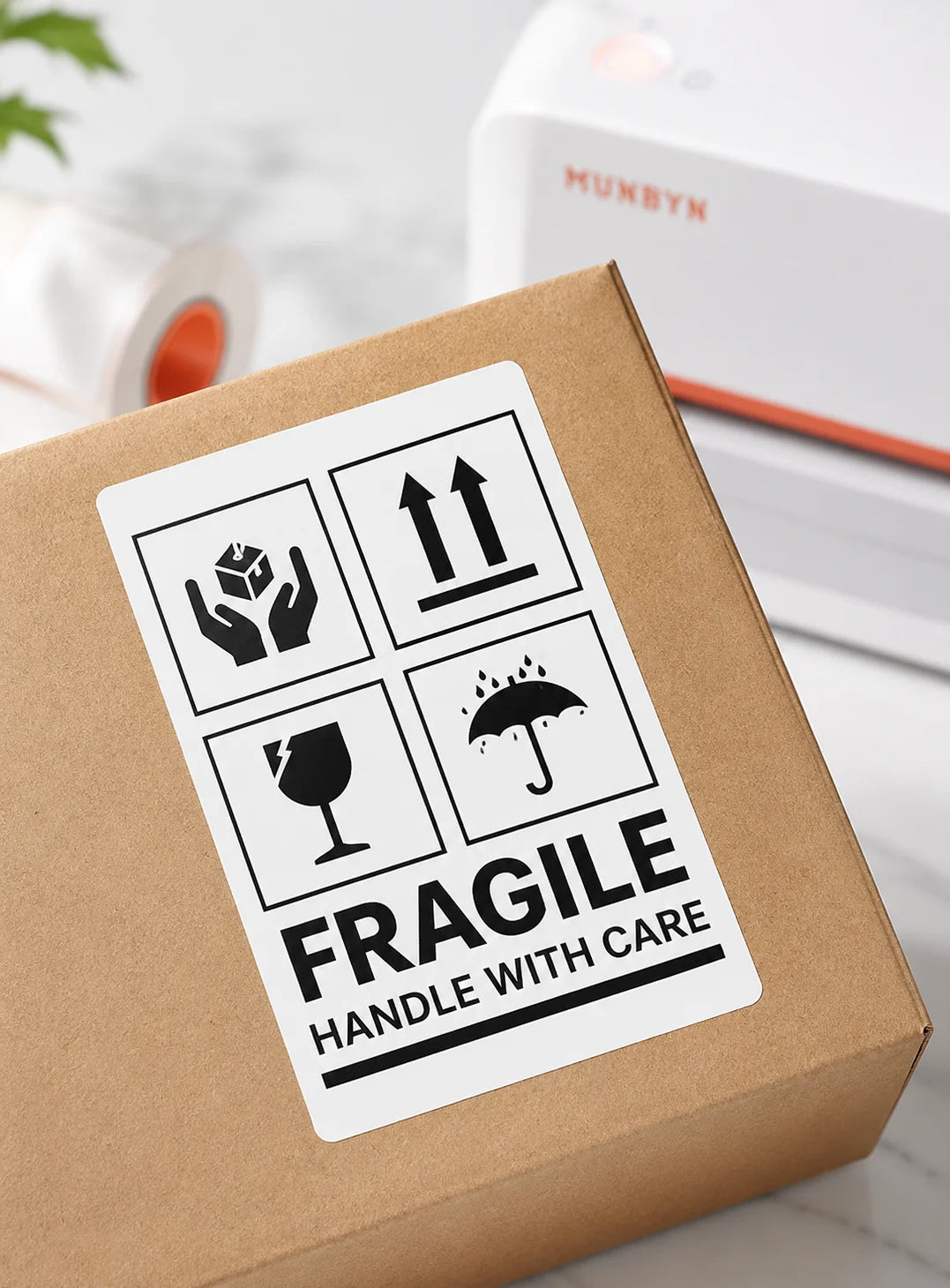
Fragile Labels

Branded Labels

Stickers for Daycare/School

Customers praised this 300DPI thermal label printer as "essential" with "outstanding quality." Shoppers highlight easy AirPrint setup, fast/quiet printing, sharp resolution, and seamless WiFi connectivity with iPhone/iPad. Works perfectly for shipping labels and stickers. "Best thermal printer for AirPrint HANDS DOWN!" Great value vs competitors.

  • SO easy to use with AirPrint! I can print right from my iPhone and iPad.
  • Best Printer Ever! Outstanding, fast, reliable, and perfect for all my printing needs.
  • Print quality is super sharp thanks to 300 DPI resolution, labels look clean and professional.
Service (positive)Airprint (positive)Size (positive)Printer (positive)Setup (positive)
  • 5 stars: 7 (100%)
  • 4 stars: 0 (0%)
  • 3 stars: 0 (0%)
  • 2 stars: 0 (0%)
  • 1 star: 0 (0%)
S
Sabrina
Best Thermal Printer for AirPrint HANDS DOWN!

SO easy to use with AirPrint option! I can print right from my iPhone and iPad from apps like Poshmark, Mercari and EBay. You can also print stickers and things from the Munbyn app since it connects with Bluetooth! It’s a great size, which makes it functional in a small apartment/office. And the customer service is TOP notch! I had a question about set up and they were there to help. Don’t hesitate to buy this printer. You will not be disappointed!

A
ARGHERI PIZZA OVENS Chris Mayo
connects easy

connects easy, prints easy, says nice things to us lol. Only used for a week now but so far so good

F
Fiona Gazepis
Essential..love it

love it..dont know how i went so long without it

l
leslie m.
Best Printer Ever!

Best Printer Ever!I couldn’t be happier with my Munbyn printer. The quality is outstanding, fast, reliable, and perfect for all my printing needs. What truly sets Munbyn apart is their customer service. Every interaction has been smooth, friendly, and incredibly helpful. They go above and beyond to make sure you’re satisfied, which is rare these days. It is great for the money paid for. Great Quality and compact size. Perfect for any business or crafters.If you’re looking for a printer that delivers excellence and a company that genuinely cares about its customers, Munbyn is the one. Highly recommend!

D
David O.
EXCELLENT Printer compared to the Rollo Wireless

Hi! I received my new “BLUE” thermal printer from Munbyn, and I must say I am impressed! Upon arrival, it was in pristine new shape, ready for usage. Initially, when I conducted several test prints, it was quieter and faster than my prior model from Rollo. It is noteworthy that the Munbyn model possesses a funny & distinctive function known as voice speech, which initially astonished me, as my prior printer lacked this. I selected this primarily due to its color; but furthermore upon my testing, the printing quality during my tests was excellent, and the app setup was straightforward. After a few days, the labels were still in a deep black print and functioned as intended just as day one. Ultimately, this is vastly superior to the last one I had from Rollo, the sole reason, again, I chose this one is its unique dark blue finish that most don’t have. I have owned the Rollo wireless printer for several years, but I have hardly use it. Recently, the Rollo began to malfunction; labels were not printing as dark enough, and label paper was getting stuck from the inside on the left adjustment slide. I am grateful I discovered this and decided to try it. Thanks again Munbyn!

H
Heather C.
Voice control unnecessary... but convenient with wifi print/airprint

I previously had another 300 DPI MUNBYN thermal printer, but this is the one to get! Installation is simple, it comes with a USB and USB-C converter. Since I had already installed the driver from my last printer, I didn’t need to reinstall anything. Connecting to Wi-Fi through the app was quick; if it doesn’t connect right away, just try turning the printer off and on.I frequently switch between different label sizes, and this printer does not waste a label after detecting the size. Prints are clear, fast, and efficient.Was confused when I received the package because it said "voice intelligence." The listing does not specify this. Had to look through the manual (page 23) for what the commands are for. The commands are: print test page, learn label, take one label (pulls out a label), printer reset and to turn off voice.

T
Top Reviewer
Effortless Setup & High-Quality Printing – A Must-Have Label Printer!

Setting up the MUNBYN RealWriter 401AP was an absolute breeze! I was honestly expecting a complicated process, but connecting via Wi-Fi took just a few minutes, and AirPrint worked flawlessly with my iPhone and Mac—no drivers, no headaches.The print quality is super sharp thanks to the 300 DPI resolution, making labels look clean and professional. The 5GHz Wi-Fi is a game changer, allowing for fast, reliable printing even from multiple devices. I use it for shipping labels on Amazon, eBay, and Etsy, and it’s been smooth sailing.I also appreciate the energy-saving features, which help cut down on power use while keeping performance top-notch. If you need a hassle-free, high-quality label printer, this one’s definitely worth it! (Although it's little pricey, you are paying for the convenience, and it's cheaper than Rollo brand)When it comes to thermal printers, the Zebra ZD-421 with 300 DPI costs over $400, while this one delivers the same quality at a fraction of the price—it's a no-brainer!

FAQs

Please read our FAQs page to find out more.

Can the MUNBYN RW401AP print directly from an iPhone, iPad or Mac?

Yes. The RW401AP supports Apple AirPrint, allowing an iPhone, iPad or Mac to print without installing a separate printer driver when the device and printer are connected to the same compatible Wi-Fi network.

Can the RW401AP print Australia Post, Sendle and StarTrack labels?

Yes. The RW401AP can print shipping labels created by Australia Post, Sendle, StarTrack and platforms such as Shopify, eBay, Amazon and Etsy. Set the downloaded label to the correct 102 x 152 mm (4 x 6 inch) size and print at 100% scale.

What network does the MUNBYN RW401AP AirPrint printer require?

The RW401AP uses 5GHz Wi-Fi for wireless printing. Connect the printer and device to the same supported network, check that client isolation is disabled if devices cannot find each other and use USB for Windows or Mac when Wi-Fi is unavailable.

What label sizes are compatible with the RW401AP?

The RW401AP supports direct thermal labels from 40 to 110 mm wide. This range covers common parcel labels, address labels, return labels, barcode labels and standard 102 x 152 mm ecommerce shipping labels.

What print quality and speed does the RW401AP provide?

The RW401AP prints at 300 DPI and up to 100 mm/s. The higher resolution is suited to small text, detailed product labels and compact barcodes, while actual speed depends on label size, print density and network conditions.

Does the RW401AP need ink or toner?

No. It is a direct thermal label printer and uses heat-sensitive direct thermal labels instead of ink, toner or ribbons. Keep label stock dry and away from prolonged heat or sunlight to preserve print quality.

Why is my iPhone or Mac unable to find the RW401AP in AirPrint?

Confirm that the printer and Apple device are on the same 5GHz Wi-Fi network, then check the printer network indicator and restart the printer and router if needed. Guest networks and client isolation can prevent AirPrint devices from discovering each other.

What should I do if RW401AP shipping labels print at the wrong size?

Select the exact physical label dimensions in the source file and print settings, keep scaling at 100% and confirm the correct orientation. Recalibrate after changing label stock and print a single test label before processing a larger Australia Post or Sendle batch.

Didn’t find your answer?

Don't hestitate to contact us

Free shipping and returns